14 Mothership
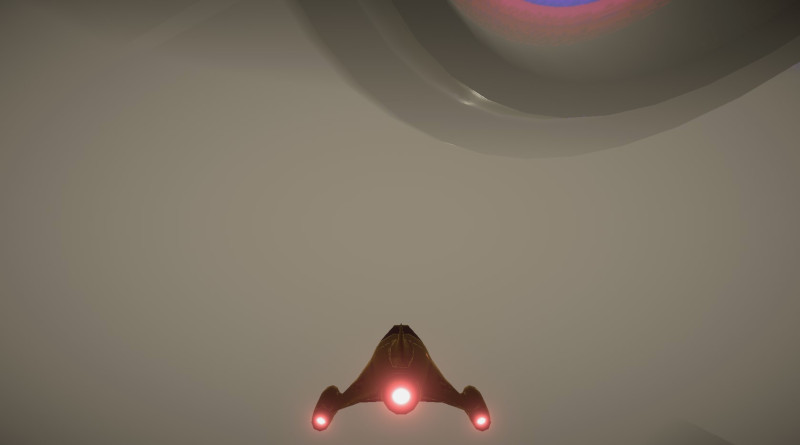
Once the humans have been abducted, the UFOs will return them to the mothership. This should be a giant ship ominously hovering above the game area. It'll be a Variant of the UFO, but with some differences.
-
In Assets/Prefabs rigth-click the UFO and choose Create - Prefab Variant and name this Mothership
-
Open the prefab editor for the Mothership prefab
-
Set the Scale - X and Z to 100 and Scale - Y to 70 to squish it a bit
-
Select the Low_poly_UFO model inside it and change the Hover Height to 0. This ship should be very stable.
-
Change the Spin Speed to 3. Moving slower helps with the effect that it's HUGE.
-
To prevent the shadow of the mothership completely blacking out the playfield, expand the UFO_Body mesh and in the Mesh Renderer settings change Cast Shadows to Off. Do the same for the UFO_cockpit mesh.
-
Exit the prefab editor and back in the Scene view, drag a Mothership prefab onto your scene.
-
Set it's position to be at the center of the playfield, and 300m high. So Postion is X=500, Y=300, Z=500
This huge ship in the sky will give us another point of reference to help us navigate. We'll assume it has a shield so that we can't damage it with our little laser.