11 UFO Collision
While we're on the topic of colliders, let's do the same thing for the UFO prefab. Note these changes should be done on the outermost UFO prefab game object, not the model.
-
Select the UFO prefab in prefab mode.
-
Add a Rigidbody component.
-
Un-check Use Gravity to prevent the UFOs just dropping onto the ground.
-
In Constraints check Freeze Rotation for X and Z. This will keep our UFO level with the ground even after an impact.
-
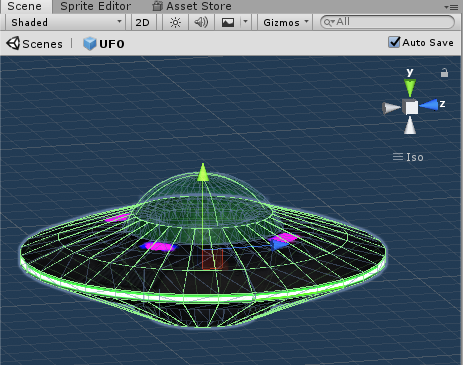
Add a Sphere Collider and position this to line up with the dome/cockpit.
-
Add a Mesh Collider. This is going the be the collider for the main body of the UFO.
-
On the Mesh Collider check Convex and for the Mesh value select UFO_body.
If you play the game now, the player ship should bounce off of the UFOs rather than just pass through them. We'll worry about dealing with the collisions in a later step.