Modifying Persistence Mappings
AMPA supports an iterative development process where you extend and refine the model and persistence layer in multiple steps. You have two options if you want to modify the model and persistence layer after initial creation:
- You can re-run the [Business Objects from REST Service Wizard|[Running the Business Objects from REST Service Wizard]]. This wizard is re-entrant, you can discover new data objects in step 4 of the wizard. In step 5, Selecting Data Objects, you will also see the existing data objects that you created in a previous run of the wizard. If there is nothing you want to modify for existing data objects, you can simply uncheck the Select checkbox, which means those data objects do not show up in the subsequent wizard pages and no Java classes will be regenerated for these data objects, regardless of the settings on the last generator settings wizard page.
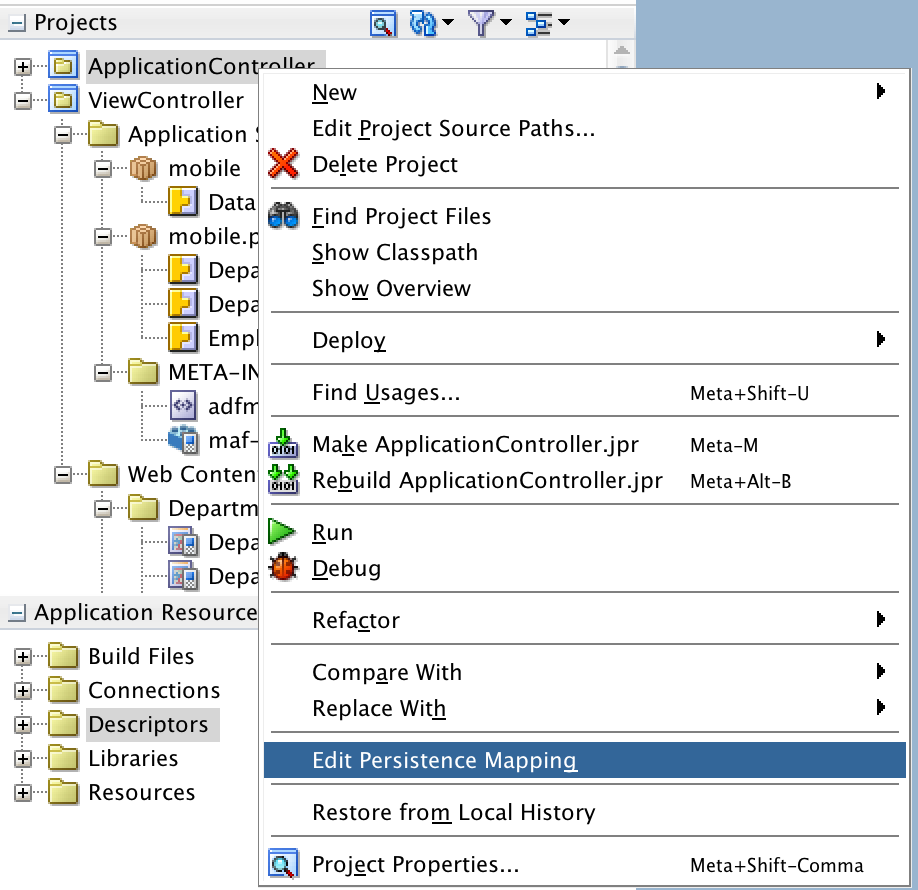
- You can also run the Edit Persistence Mappings wizard. This wizard can be invoked by a right-mouse-click on the ApplicationController or ViewController project. This will launch a popup menu where you can choose Edit Persistence Mappings:
This wizard is basically a short version of the Business Objects from REST Service Wizard. As you can see below, it includes the same pages, except for the first pages where you define a REST connection and discover new data objects.
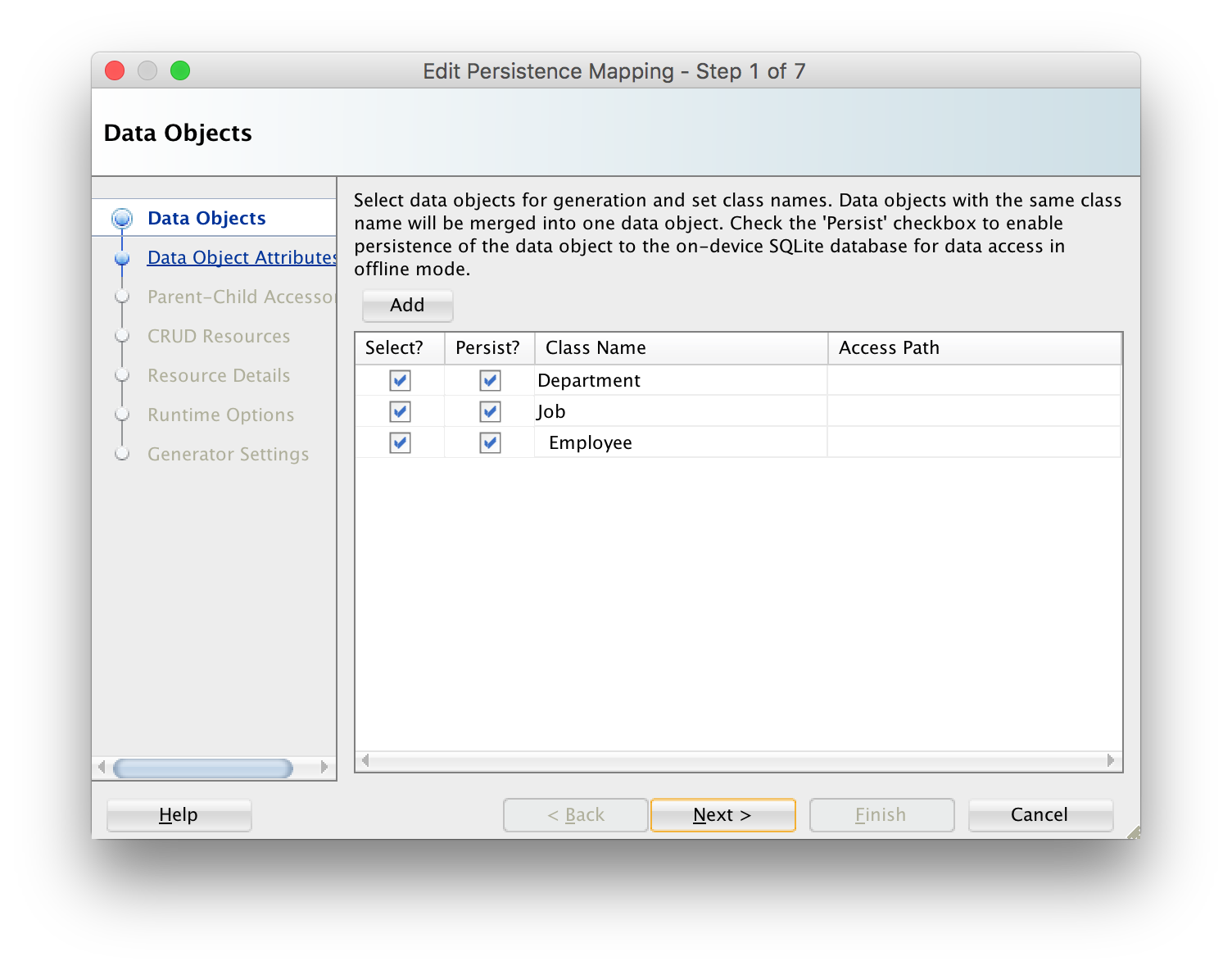
So, you will typically use this wizard if you want to modify the definitions of existing data objects. Note that you can also create new data objects by clicking the Add button. This is useful to create data objects that only require local persistence, and do not require REST calls to read or write data from/to a remote server.