Config Files for CS2 - Includes custom execs for custom gamemodes.
- Download the latest release from Github
- Extract the zip file to find 2 folders inside.
- Open Steam
- Right click Counter Strike 2 and click
Properties - In the
Launch Optionsbox at the bottom of this window, insert the following:
+exec autoexec -novid -nojoy -allow_third_party_software
- Navigate to the
Installed Filestab along the left side. - Click the
Browsebutton - In the window that pops up navigate to the folder named
game - Then navigate to the folder called
csgo - Then place the folder named
cfgfrom the download into this folder. - Launch Counter Strike 2 and enjoy!
- Viewmodel
- Crosshair
- Grenade Crosshair
- Network Optimisations
- Performance Optimisations
- Sound Config
- Basic Keybinds
- Grenade Keybinds
- Buy Menu Binds
- Shortened Command Aliases
- Language File Simplifications
- Gamemode Execs (bhop/kz/1v1) for local hosting
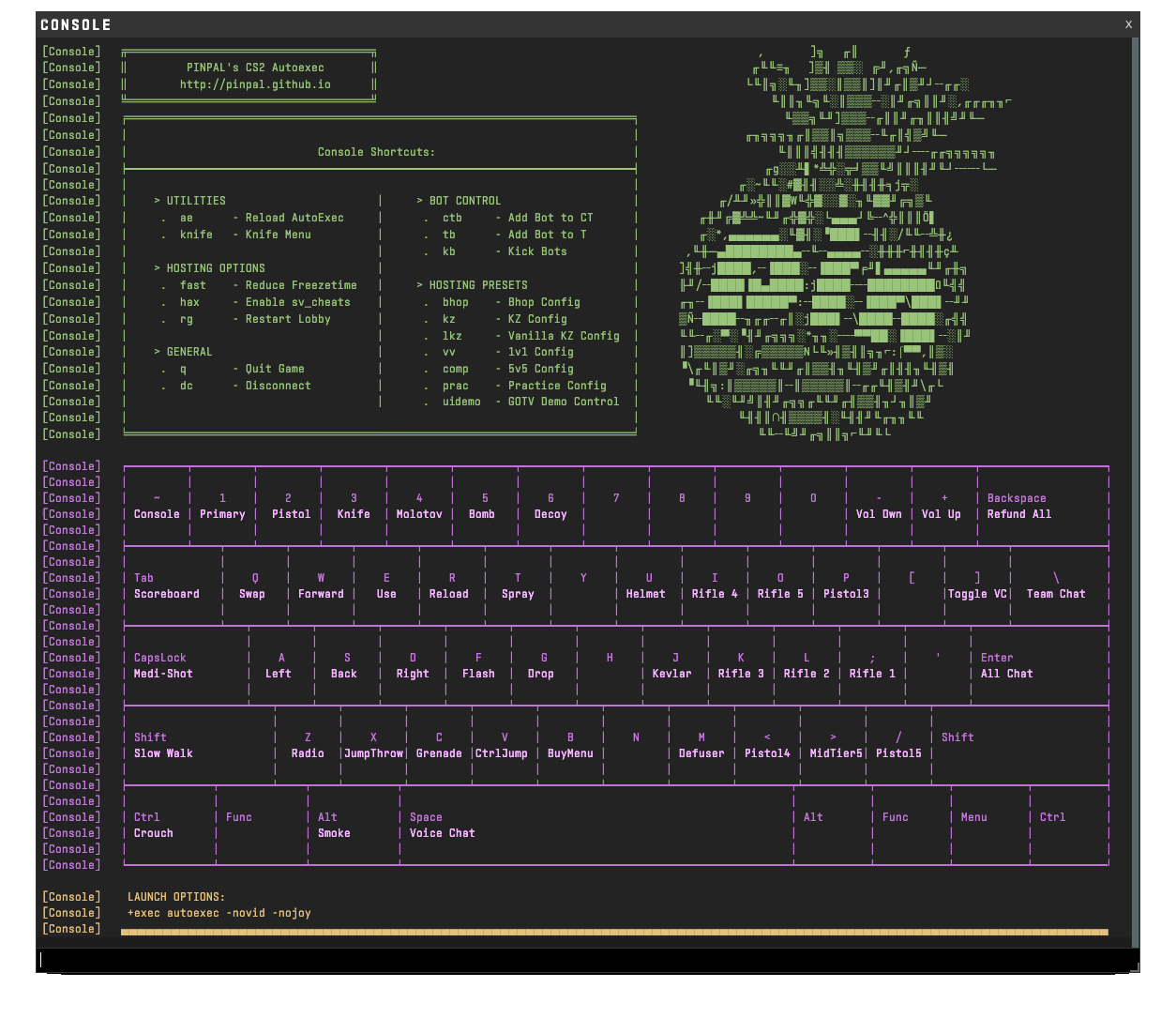
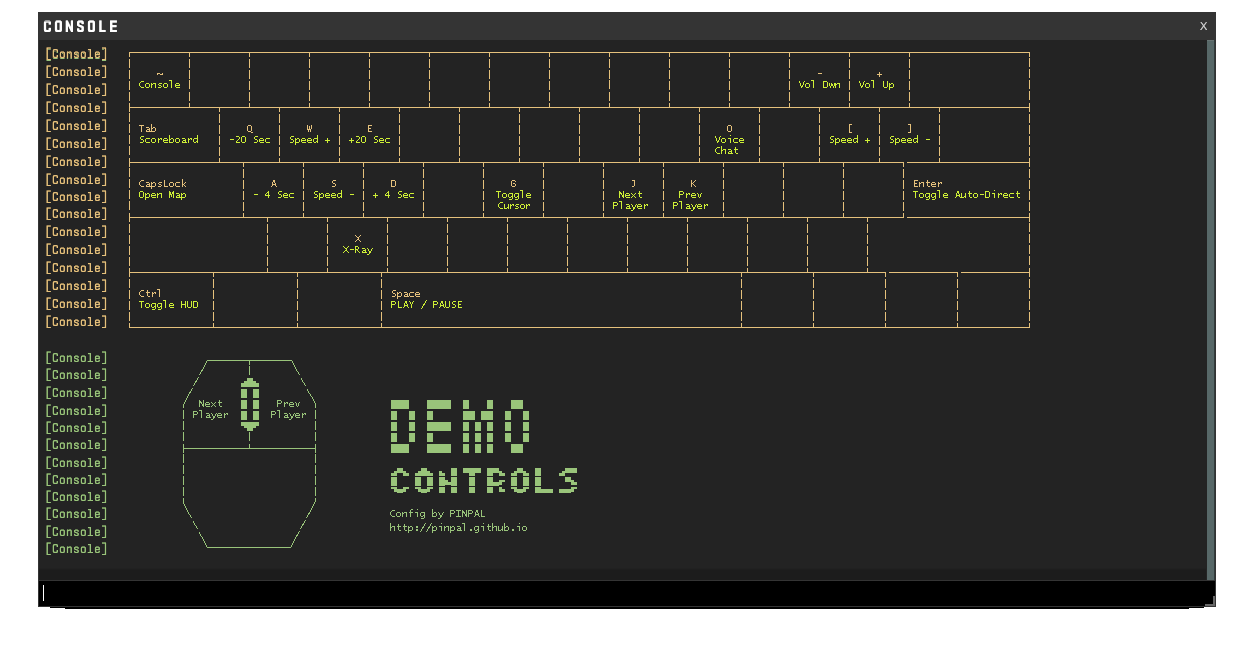
All keyboard languages supported. This config uses the new CS2 Scancodes instead of "static" bindings.
For Example: W → scancode26
Keyboard layouts of all sizes are supported but only keys present on 60% are used.

