📢 Use this project, contribute to it or open issues to help evolve it using Store Discussion.

The Store Image app exports the list-context.image-list block, which is responsible for the image content in the store theme.
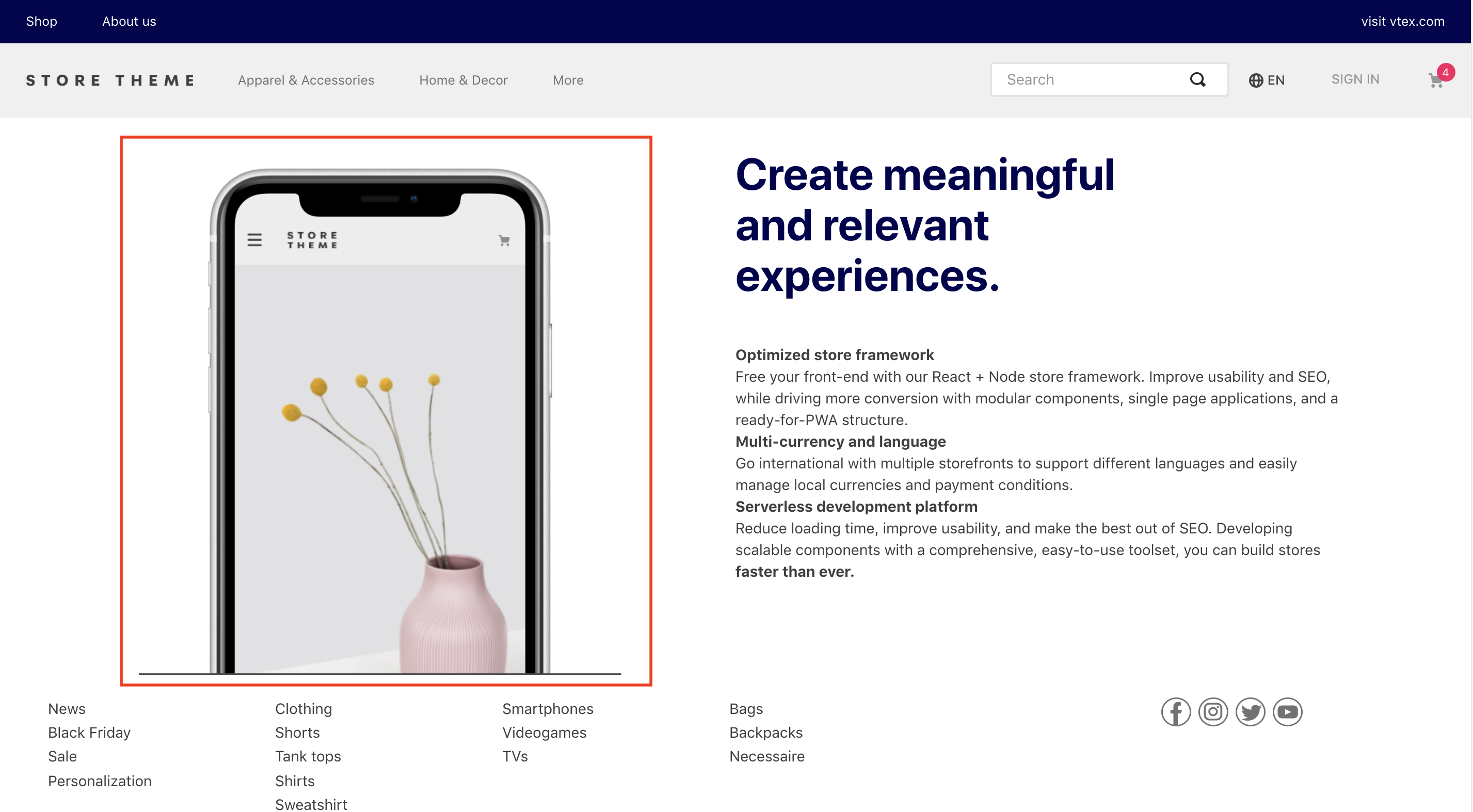
- Add the
store-imageapp to your theme dependencies in themanifest.json. For example:
 "dependencies ": {
+  "vtex.store-image": "0.x"
 }
You can now use the list-context.image-list block exported by the Store Image app. This block allows you to display images in your store with more composability since you can use it along with other list-context blocks to create a more flexible and customizable image slider.
- In any desired theme template, add the
list-context.image-listblock, declaring theslider-layoutas a child block. For example:
  "list-context.image-list#demo": {
    "children": ["slider-layout#demo-images"],
    "props": {
      "preload": true,
      "height": 650,
      "images": [
        {
          "loading": "eager",
          "image": "https://storecomponents.vteximg.com.br/arquivos/banner-infocard2.png",
          "description": "something something"
        },
        {
          "loading": "lazy",
          "image": "https://storecomponents.vteximg.com.br/assets/vtex.file-manager-graphql/images/Group%207%20(1)%20(1)%20(1)%20(1)%20(1)___c6b3ed853fb16a08b265753b50e0c57a.png",
          "description": "something something"
        }
      ]
    }
  },

  "slider-layout#demo-images": {
    "props": {
      "itemsPerPage": {
        "desktop": 1,
        "tablet": 1,
        "phone": 1
      },
      "infinite": true
    }
  },
Note that the slider-layout block exported from the Slider Layout app is a child block of list-context.image-list. It defines which images will be displayed and their behavior when rendered.
| Prop name | Type | Description | Default value |
|---|---|---|---|
images |
array |
Array of objects that declares all the images to be rendered. | undefined |
height |
number |
Image height for all images declared in the image object (in px). |
undefined |
preload |
boolean |
Preloads the first image in a list, prioritizing the image display over other assets. | false |
experimentalSetExplicitDimensions |
boolean |
Sets explicit width and/or height attributes for an image, if width and/or height props are provided in px. |
| Prop name | Type | Description | Default value |
|---|---|---|---|
images |
array |
Array of objects that declares all the images to be rendered. | undefined |
height |
number |
Image height for all images declared in the image object (in px). |
undefined |
experimentalPreventLayoutShift |
boolean |
Wraps the image in a <span> tag with a preset width and/or height to minimize layout shift during page loading. |
imagesarray:
| Prop name | Type | Description | Default value |
|---|---|---|---|
image |
string |
Image URL. | undefined |
mobileImage |
string |
Mobile image URL. | undefined |
description |
string |
Image description. | undefined |
link |
object |
Links a URL to the image being rendered. | undefined |
width |
string / number |
Image width (in % or px). |
100% |
loading |
string |
Loading strategy, either when the page loads ('eager') or when closer to the viewport ('lazy'). |
'eager' |
fetchpriority |
string |
The fetch priority hint ('high', 'low', or 'auto'). |
'auto' |
analyticsProperties |
string |
Whether analytics props should be set ('provided') or not ('none'). |
'none' |
promotionId |
string |
The ID of the promotion associated with the event. | undefined |
promotionName |
string |
The name of the promotion associated with the event. | undefined |
promotionPosition |
string |
The name of the promotional creative slot associated with the event. | undefined |
promotionProductId |
string |
The ID of the product associated with the event. | undefined |
promotionProductName |
string |
The name of the product associated with the event. | undefined |
linkobject:
| Prop name | Type | Description | Default value |
|---|---|---|---|
url |
string |
URL users will be redirected to when they click the image. | undefined |
noFollow |
boolean |
Whether the page owner endorses the linked URL the user was navigating on, i.e., if there is a business relationship between both pages (true) or (false). |
false |
openNewTab |
string |
Whether a new tab will be opened on the browser (true) or (false). |
undefined |
title |
string |
Text label used to identify the image in the Admin Site Editor. | undefined |
ℹ️ Use the Admin Site Editor to manage all images declared in the
list-context.image-listblock.
The block does not have CSS handles for specific customization.
All CSS handles available for the Image block are available for the slider-layout block. Take a look at the Customization section in the Slider Layout documentation. Note that the image-slider uses our vtex.slider-layout app, so all the CSS namespaces defined by it are also available for image-slider. Learn more in Slider Layout.
Thanks goes to these wonderful people (emoji key):
This project follows the all-contributors specification. Contributions of any kind are welcome!