📢 Use this project, contribute to it, or open issues to help evolve it using Store Discussion.
⚠️ This app is currently under development and research by the VTEX Search and Personalization team. During this phase, it should only be installed on selected accounts participating in the closed beta phase of the Product Recommendations feature. For other accounts, installing this app will not have any effect. If you want to adopt this feature for your business, please contact our Support.
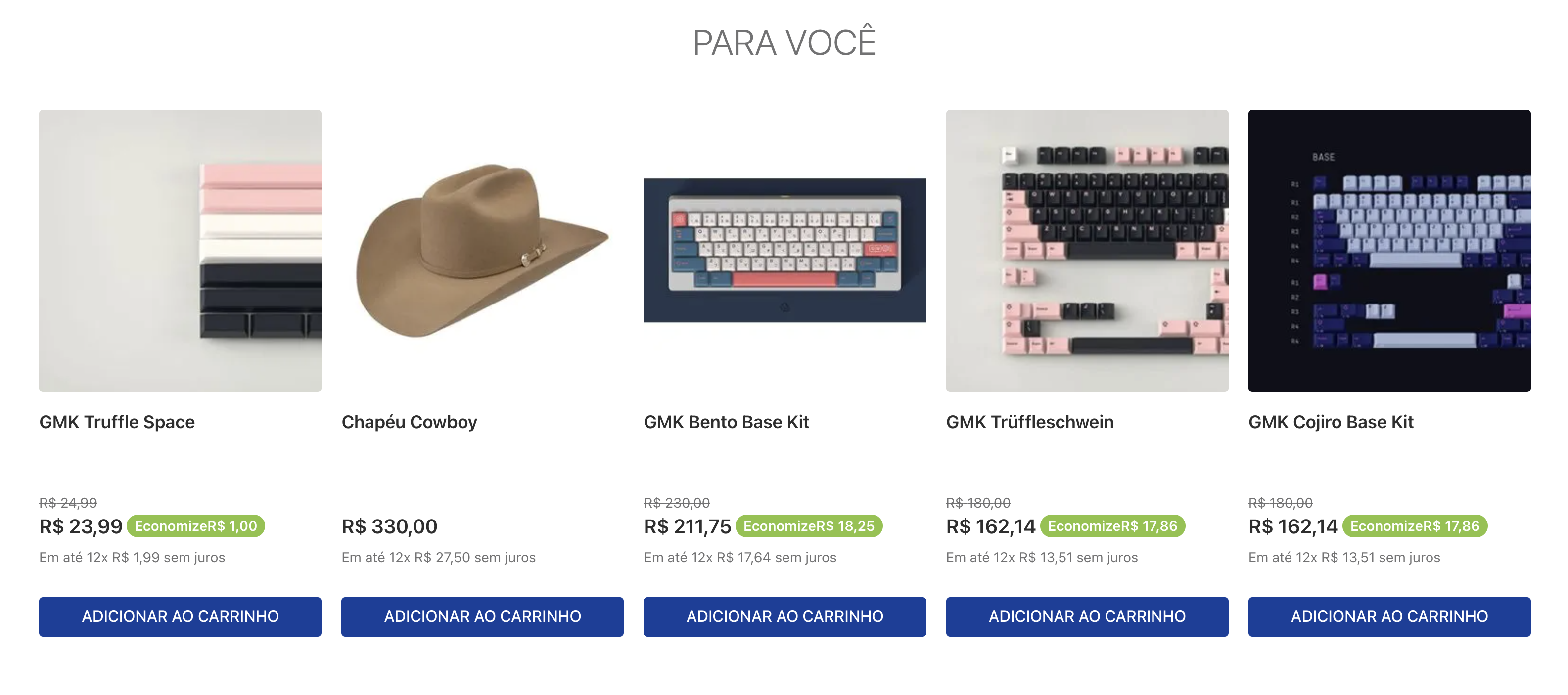
The Recommendation Shelf app is a store component that displays a collection of products using recommendation strategies.
ℹ️ Learn more about Product Recommendations.
Most recommendation strategies rely on user navigation data as input. Therefore, your store must be configured with our pixel for the recommendation-shelf to work properly. This configuration is managed by the VTEX team, so please wait for our confirmation before proceeding with the integration.
This app uses our store builder with the blocks architecture. To learn more about Store Builder, click here.
Follow these steps to use the Recommendation Shelf app in your store:
-
Add the app as a dependency in your store theme. In your
manifest.jsonfile, add the following to thedependenciessection:"dependencies": { "vtex.recommendation-shelf": "2.x" }
-
Add the
recommendation-shelfblock into your app theme where you want the shelf to appear. -
Customize the behavior of the shelf block.
The example below shows the following configuration of the
recommendation-shelfblock and its supporting blocks:- It creates a
recommendation-shelf#similar-itemsblock that uses a list whose VRN containsrec-similar-v2(similar items) and sets the shelf title to "Similar items". - It defines a
list-context.product-list-staticblock, which includes theproduct-summary.shelfblock and a child slider layout. - It configures the
slider-layout#recommendation-sliderblock to control how many items are shown per page on desktop, tablet, and phone, and enables infinite scrolling.
Example:
"recommendation-shelf#similar-items": {
  "blocks": ["list-context.product-list-static"],
  "props": {
    "campaignVrn": "vrn:recommendations:biggy:rec-similar-v2:00318b68-cb1b-4d5a-8b0f-cc7fbcdd014b",
    "title": "Similar items"
  }
},
"list-context.product-list-static": {
  "blocks": [
    "product-summary.shelf"
  ],
  "children": [
    "slider-layout#recommendation-slider"
  ]
},
"slider-layout#recommendation-slider": {
  "props": {
    "itemsPerPage": {
      "desktop": 5,
      "tablet": 3,
      "phone": 2
    },
    "infinite": true
  }
}
- It creates a
-
Customize the product summary (optional).
The Recommendation Shelf relies on the
slider-layoutandproduct-summary.shelfcomponents. You can further customize the shelf by creating a custom product summary, for example:"product-summary.shelf#custom": { "children": [ "product-summary-name", "product-summary-description", "product-summary-image", "product-summary-price", "product-summary-sku-selector", "product-summary-buy-button" ] }
For more information, see the Product Summary API configuration.
Configure the recommendation-shelf block in your theme app using the following props:
Configure the recommendation-shelf block using the following properties:
| Prop name | Type | Description | Default value |
|---|---|---|---|
title |
string |
Shelf title displayed to users. | - |
campaignVrn |
string |
VRN for the recommendation campaign (the recommendation list ID from Admin. See Obtaining the VRN). | - |
displayTitle |
boolean |
Whether to show the shelf title (true) or hide it (false). |
true |
itemsContext |
array |
Context source for items in the recommendation request (PDP or CART). Useful for enabling shelves on the cart page with CROSS_SELL. |
['PDP'] |
The campaignVrn prop takes the recommendation list ID from VTEX Admin. This is the identifier string shown after you create a recommendation list, also referred to as the shelf's VRN.
Once you create a list using the steps described in Creating recommendation lists, you can obtain the ID in the confirmation screen by clicking Copy ID.
If you need to copy the list ID of a list that already exists, follow these steps:
- Go to Storefront > Recommendations.
- Find the desired list in the shelf table.
- Click the ⋮ menu on the shelf row.
- Select Copy ID.
The campaignVrn string must match vrn:recommendations:<account>:<campaign-type>:<campaign-id>. The campaign-type segment maps to an internal RecommendationType used when calling recommendations:
VRN campaign-type |
Resolved RecommendationType |
Description |
|---|---|---|
rec-cross-v1, rec-cross-v2 |
CROSS_SELL |
Complementary products (often bought together). Use itemsContext CART on the cart page when needed. |
rec-similar-v1, rec-similar-v2 |
SIMILAR_ITEMS |
Similar-item recommendations for the current product context. |
rec-persona-v1, rec-persona-v2 |
PERSONALIZED |
Personalized recommendations from shopper behavior. |
rec-last-v1, rec-last-v2 |
LAST_SEEN |
Recently viewed products for the shopper. |
rec-top-items-v1, rec-top-items-v2 |
TOP_ITEMS |
Popular / top-performing products in the store. |
rec-search-v2 |
SEARCH_BASED |
Search-driven recommendations. |
v1 and v2 denote different generations of the same strategy kind. Use the campaignVrn copied from Admin for your list.
Check if others have encountered similar issues here. Feel free to open issues or contribute with pull requests.

Thanks goes to these wonderful people:
This project follows the all-contributors specification. Contributions of any kind are welcome!