

Spawn a new process and detach it from the current interactive session.
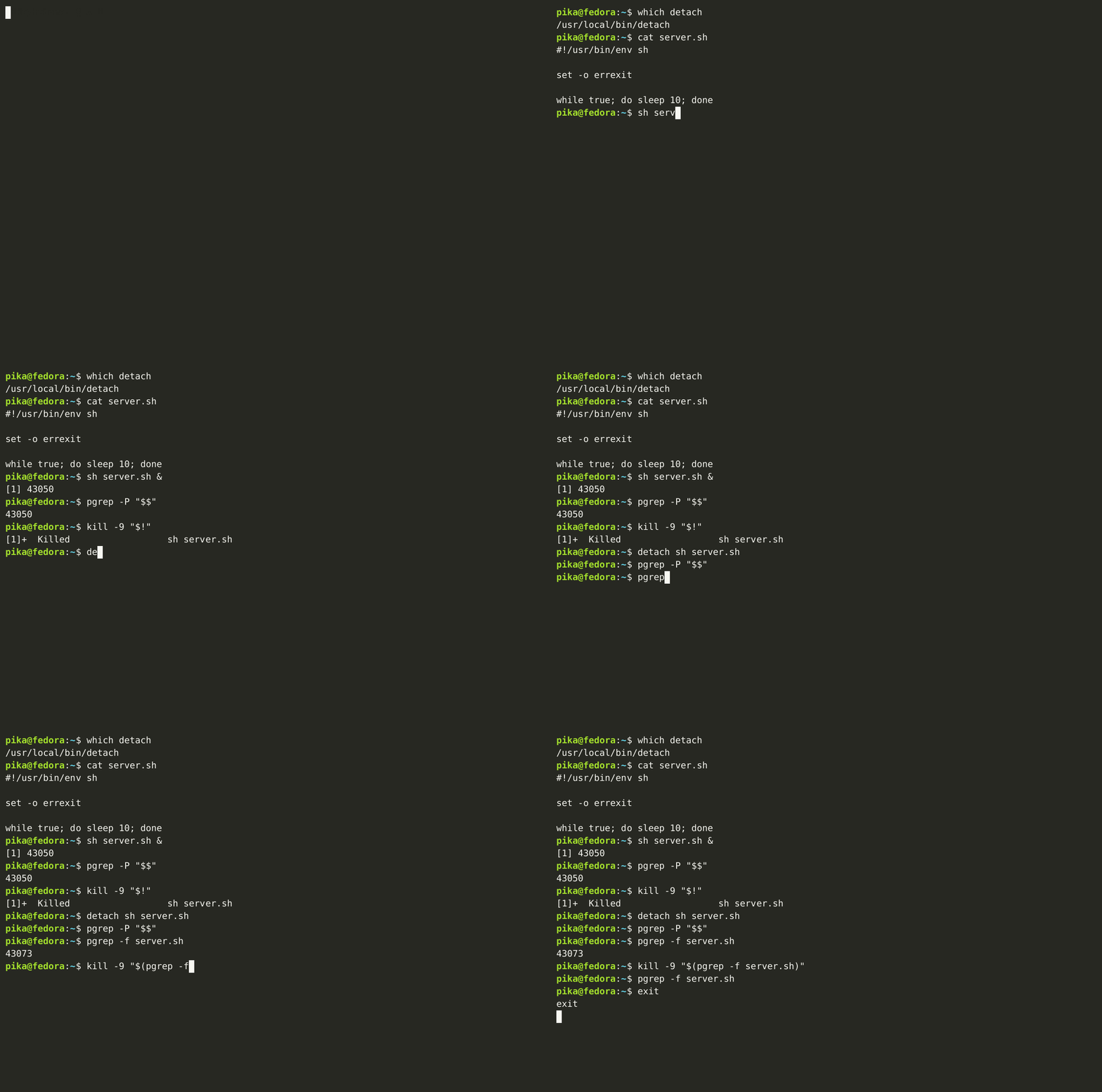
Detaching a long-running command usually means juggling nohup, backgrounding, disown, and redirections. This tool simplifies that workflow into one predictable command and reports the PID and output paths for easy scripting.
Requirements: a Unix-like OS with git, a C compiler such as gcc, and install (from coreutils). For the one-line installer you also need curl and sudo.
To install this package as a standalone application with the command-line interface you are to run the following command:
sudo sh -c "$(curl https://raw.githubusercontent.com/vladpunko/detach-process/master/install.sh)"The install script defaults to /usr/local/bin for the binary and /usr/local/share/man for the man page.
You can also install this system package on your working machine (works for unix-like operating systems) from source code to a system location:
# Step -- 1.
git clone --depth=1 --branch=master https://github.com/vladpunko/detach-process.git

# Step -- 2.
cd ./detach-process/

# Step -- 3.
gcc -Wall -Wextra -Werror -Wno-unused-parameter detach.c -o detach

# Step -- 4.
sudo install -m 755 detach /usr/local/bin/detach
sudo install -m 644 detach.1 /usr/local/share/man/man1/detach.1If you installed to the default paths, remove the binary and the man page:
sudo rm -f /usr/local/bin/detach /usr/local/share/man/man1/detach.1If you installed to a different location, remove those files instead.
Using this program allows you to create a new detached process avoiding complex shell pipelines in the current interactive session. It protects you from the trouble of closing an application which is the parent process of a different program.
detach ping -c 10 google.com # pgrep ping | xargs ps -pUse -- to separate detach's options from the command you want to run. This is
required when options are used.
You can write the PID and the standard output and error to specific files:
detach --pid ping.pid --stdout ping.out --stderr ping.err -- ping -c 10 google.comUse the standard input from a file:
detach --stdin README.md --stdout cat.out -- catShow usage:
detach --helpPull requests are welcome. Please open an issue first to discuss what should be changed.
Please make sure this system package works without errors.
# Step -- 1.
python3 -m venv .venv && source ./.venv/bin/activate && pip install cpplint pre-commit

# Step -- 2.
pre-commit install --config .githooks.yml

# Step -- 3.
cpplint detach.c