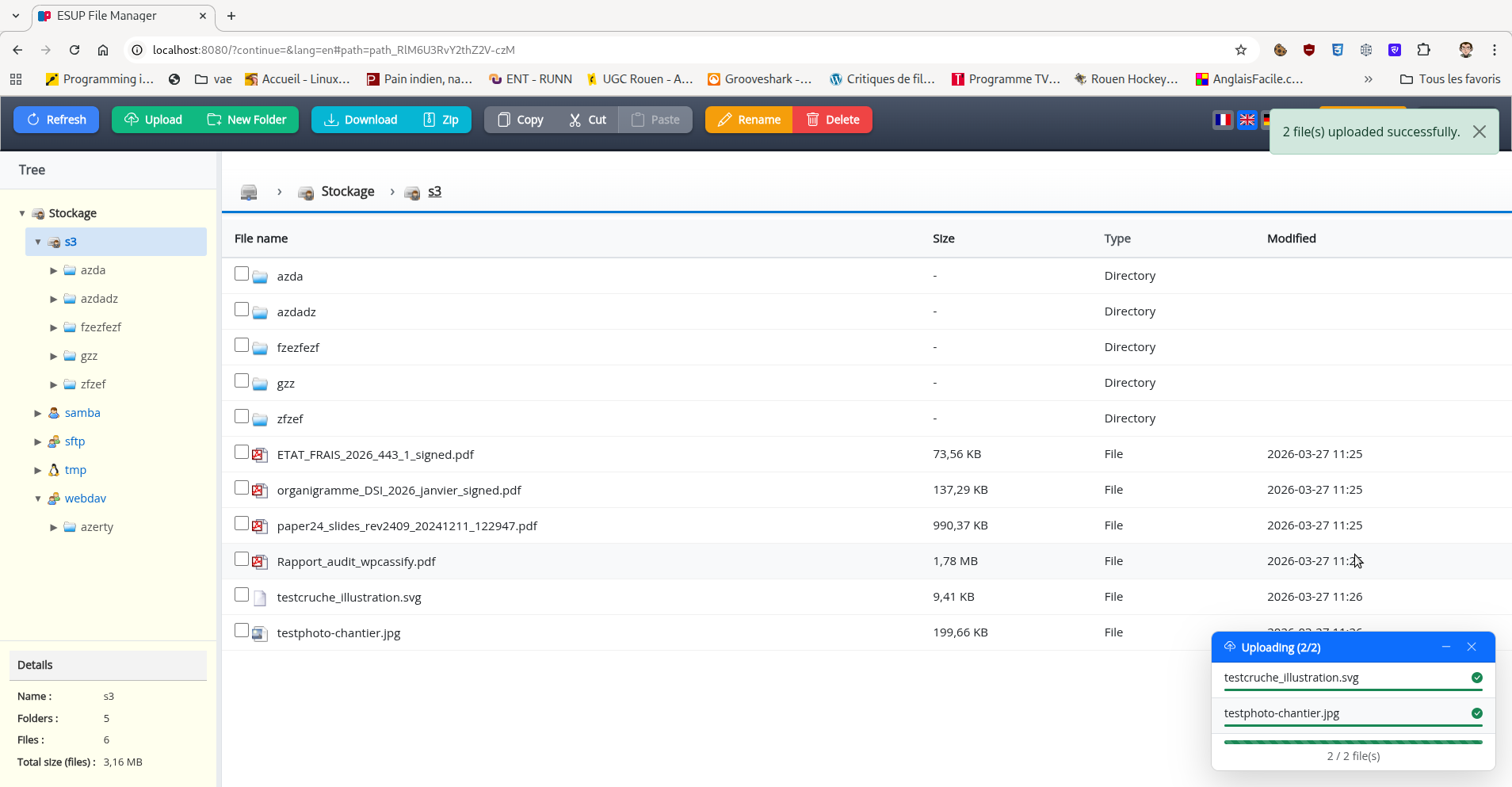
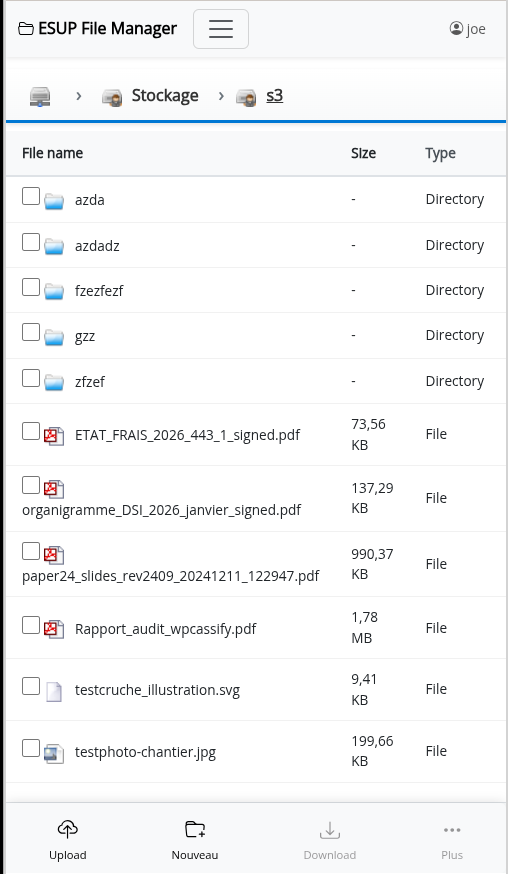
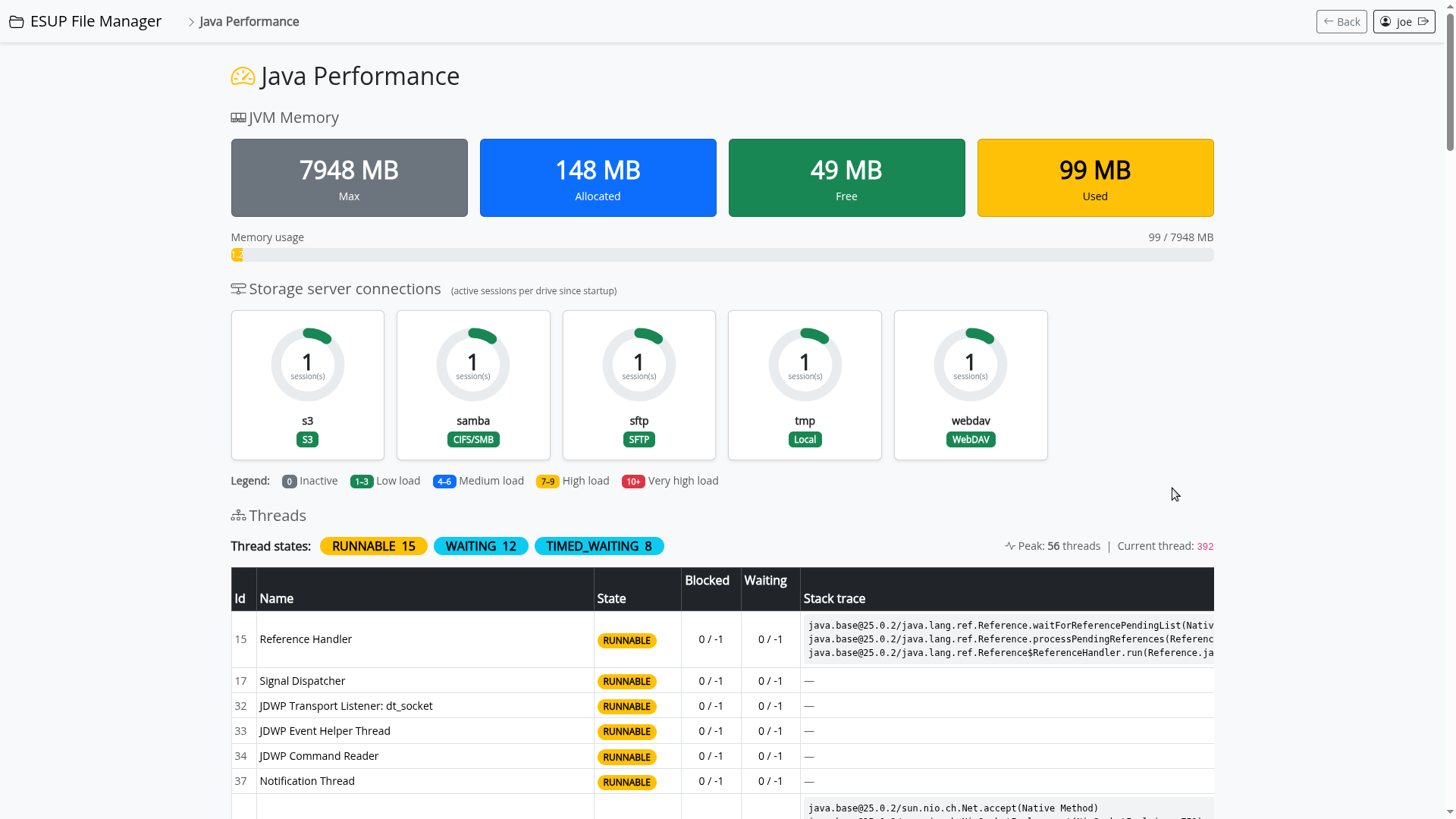
Esup File Manager allows users to perform file management on their home directories.
- CAS authentication
- Modern interface built with Vanilla JavaScript (ES6 modules)
- Responsive interface optimized for both mobile and desktop devices
- Native touch support and mobile gestures
- Copy/cut/paste, rename, create folder, upload/download files
- Copy/cut/paste inter-servers
- Multiple file systems support via Apache Commons VFS: http://commons.apache.org/vfs/filesystems.html - URIs like file:///home/bob, FTP and SFTP supported
- SMB support (with smbj), support kerberos authentication
- S3 storage support (with s3fs)
- Webdav support (with Sardine)
- Built on Spring Boot 3.5.x and Bootstrap 5
- Server access configuration via configuration file
This version is a fork of the original esup-filemanager project.
It is now a standalone servlet application powered by Spring Boot 3.5.x and no longer a portlet application.
- Spring Boot 3.5.x
- Spring Security with CAS support
- Apache Commons VFS for file system access
- Thymeleaf for templating
- Vanilla JavaScript (ES6 modules) - jQuery and jQuery Mobile have been completely removed
- Bootstrap 5 for CSS framework and UI components
- Bootstrap Icons for iconography
- Responsive interface adapted for mobile and desktop
- Native touch gestures and mobile interactions support
You have to configure your application with CAS parameters in application.properties file.
drives.xml let you configure the drives you want to access.
This project requires Java 21 and Maven to build.
To have the war file, you have to run the maven command :
mvn clean package
If you want to launch directly the application, you can run the command :
mvn spring-boot:run
Next go to http://localhost:8080
Default configuration is set to use CAS server and filesystems servers running in Docker containers. You can start them with the command :
docker compose -f src/etc/docker-compose.yml up
This will start a CAS server with test users and filesystems servers (s3, webdav, samba, sftp).
Users are :
- joe / pass
- jack / pass