Run your native apps seamlessly on your browser without any hiccups.
- Move into the root directory and run
npm install,npm run prepare,npm run dev
- Here is the live demo of the project hosted on Vercel. https://awasm-native.vercel.app/


- React, Next.js
- Typescript
- TailwindCSS
- React Query
- Mantine UI
- React icons
- Tremor UI
- Next.js
- Firebase
- Next Auth
- @ffmpeg/ffmpeg
- Monaco editor
- Pyodide
- hash-wasm
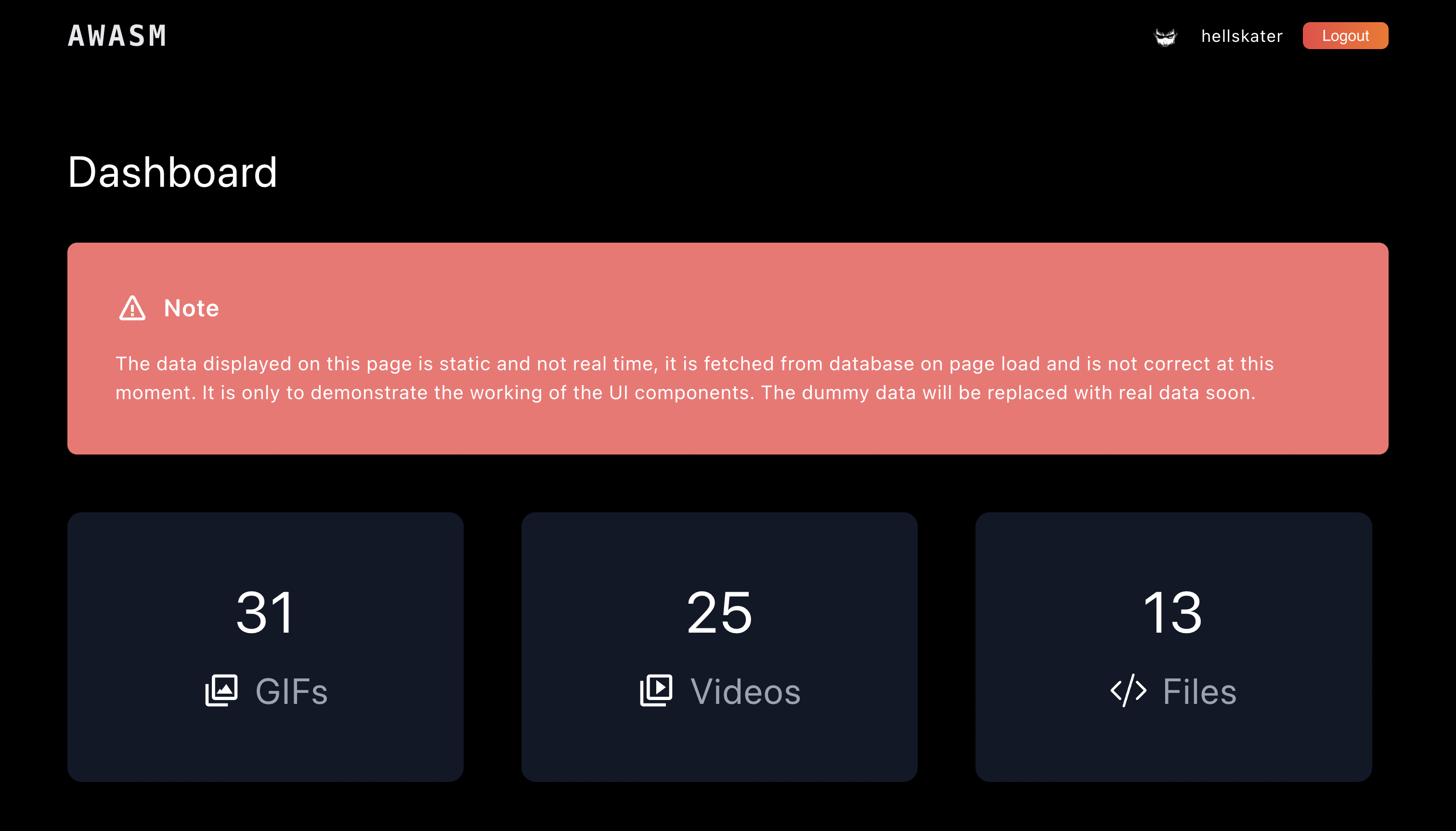
This page is server side rendered since we are not showing any real data at the moment and just using some static data fetched from firebase database just to test the UI components. This page contains various charts to display user interaction with the platform.
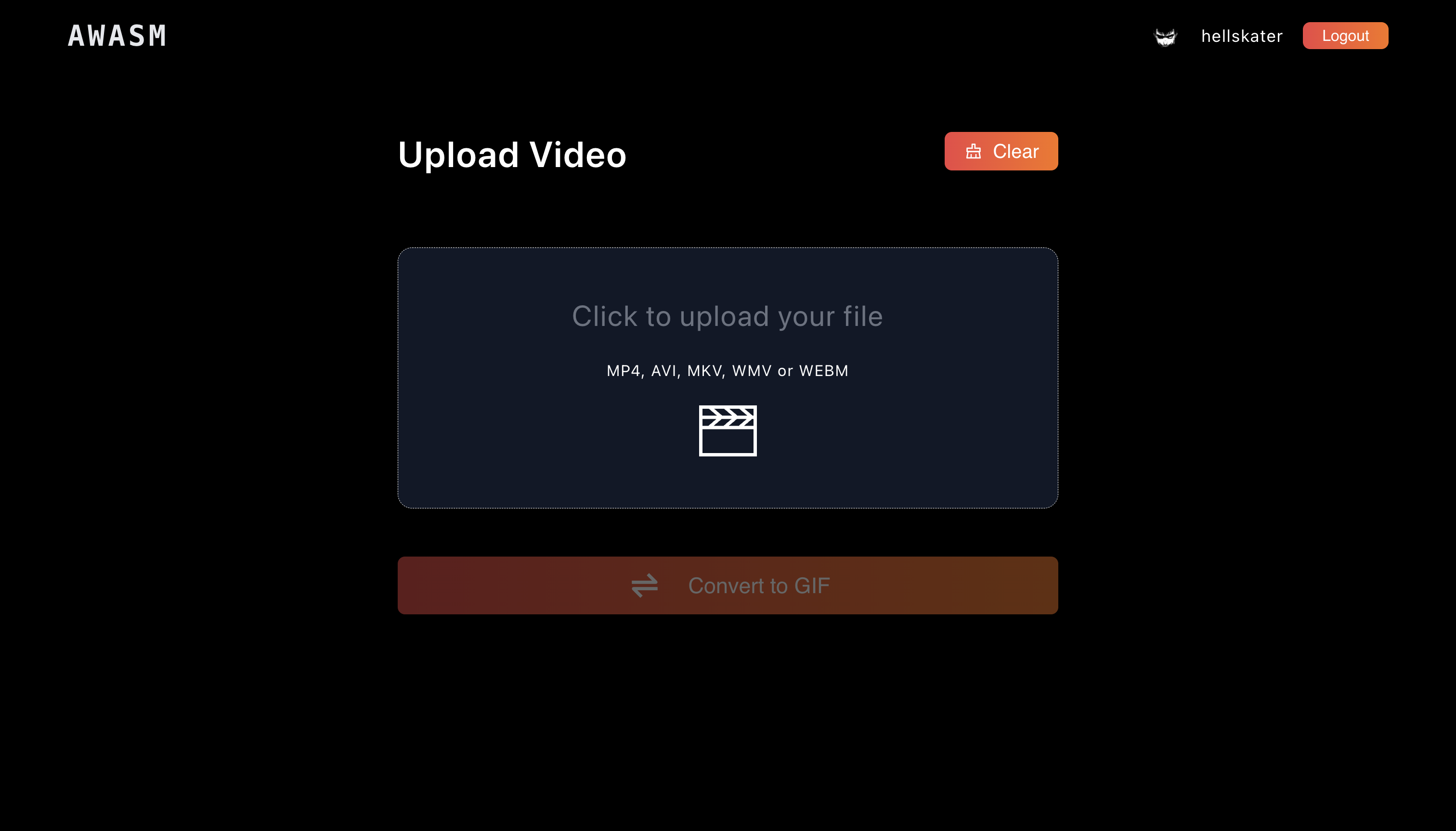
This page has 4 types of video editing tools
- Video to GIF
- Video format converter
- Video to MP3
- Video trimmer
We are using FFMPEG wasm to execute these functions. https://ffmpeg.org/
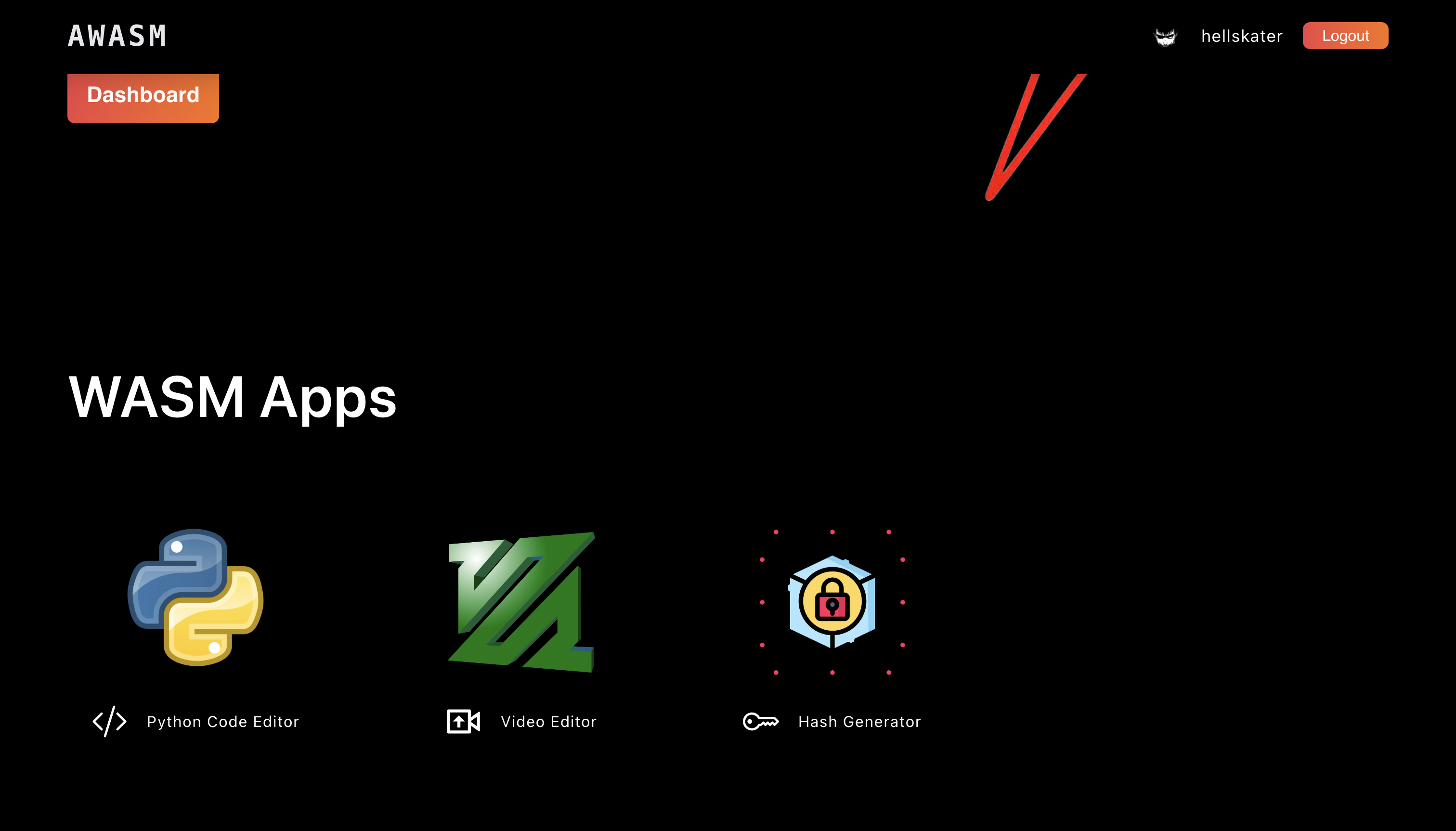
This is an online python compiler which uses Pyodide to run python code on the browser. https://pyodide.org/en/stable/
We use Monaco Editor for the code editor.
This is a tool which generates hash of a given text in real time using different types of hashing algorithms. We use hash-wasm for this. https://www.npmjs.com/package/hash-wasm
npm run dev: To start the development server on localhostnpm run build: To create a production build