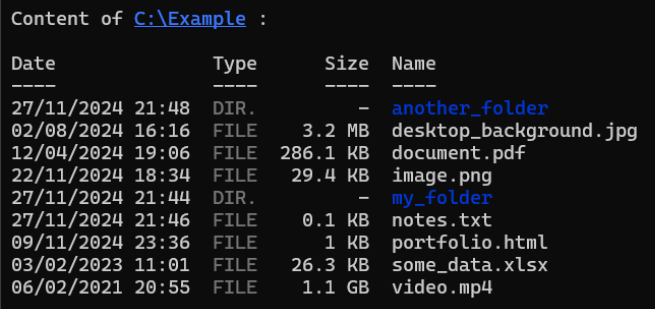
listdir is a simple and intuitive CLI command that lists the content of a directory, including information like file type, size and last modified time.
Make sure you have Node.js installed and run the following command :
npm install -g @soniix/listdirOn some systems, you may see a permission error due to the global installation of the package. To fix it, run:
sudo npm install -g @soniix/listdirOnce installed, use the listdir command followed by the directory path :
listdir /directory/pathIf no directory path is provided, the current directory will be listed :
listdirYou can choose to show all files including hidden files using the -a option :
listdir -a /directory/pathThis will also work :
listdir /directory/path -aHere is an example of the listdir command output :