
Receive Matomo analytics reports as SMS via the seven gateway. A drop-in SMS provider for the Matomo Personal Email Reports feature.


- SMS Reports - Deliver scheduled Matomo reports as SMS instead of email
- Phone Number Validation - Built-in confirmation flow for new recipient numbers
- Standard Matomo Plugin - Installs from the Matomo Marketplace
- A self-hosted Matomo installation
- A seven account with API key (How to get your API key)
Install via plugins.matomo.org directly from the Matomo admin under Marketplace.
- Download the latest release.
- Extract the contents into
/pluginsof your Matomo installation. - Open Settings > System > Plugins and activate Seven.
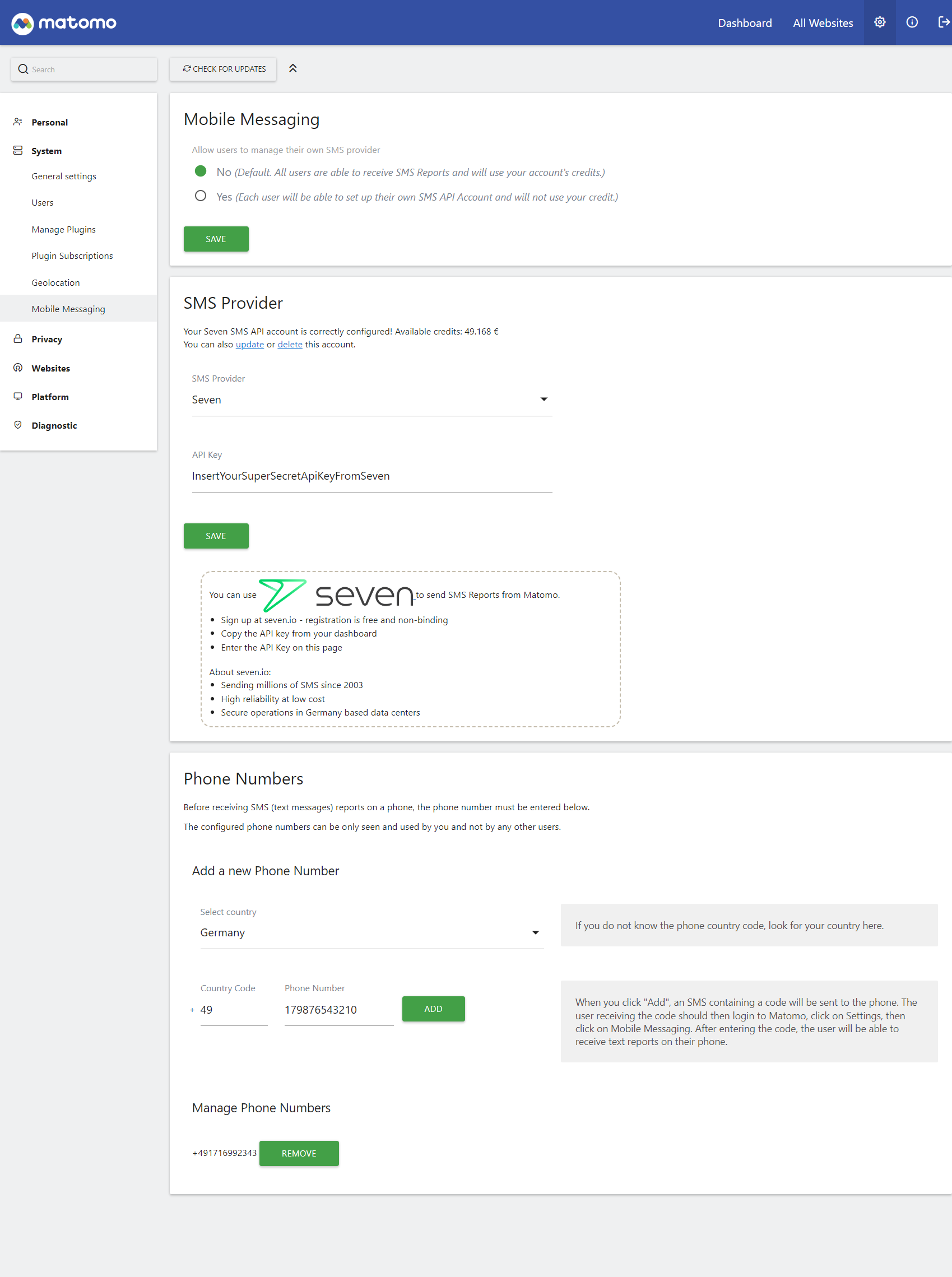
- Add a new SMS provider using your seven API key.
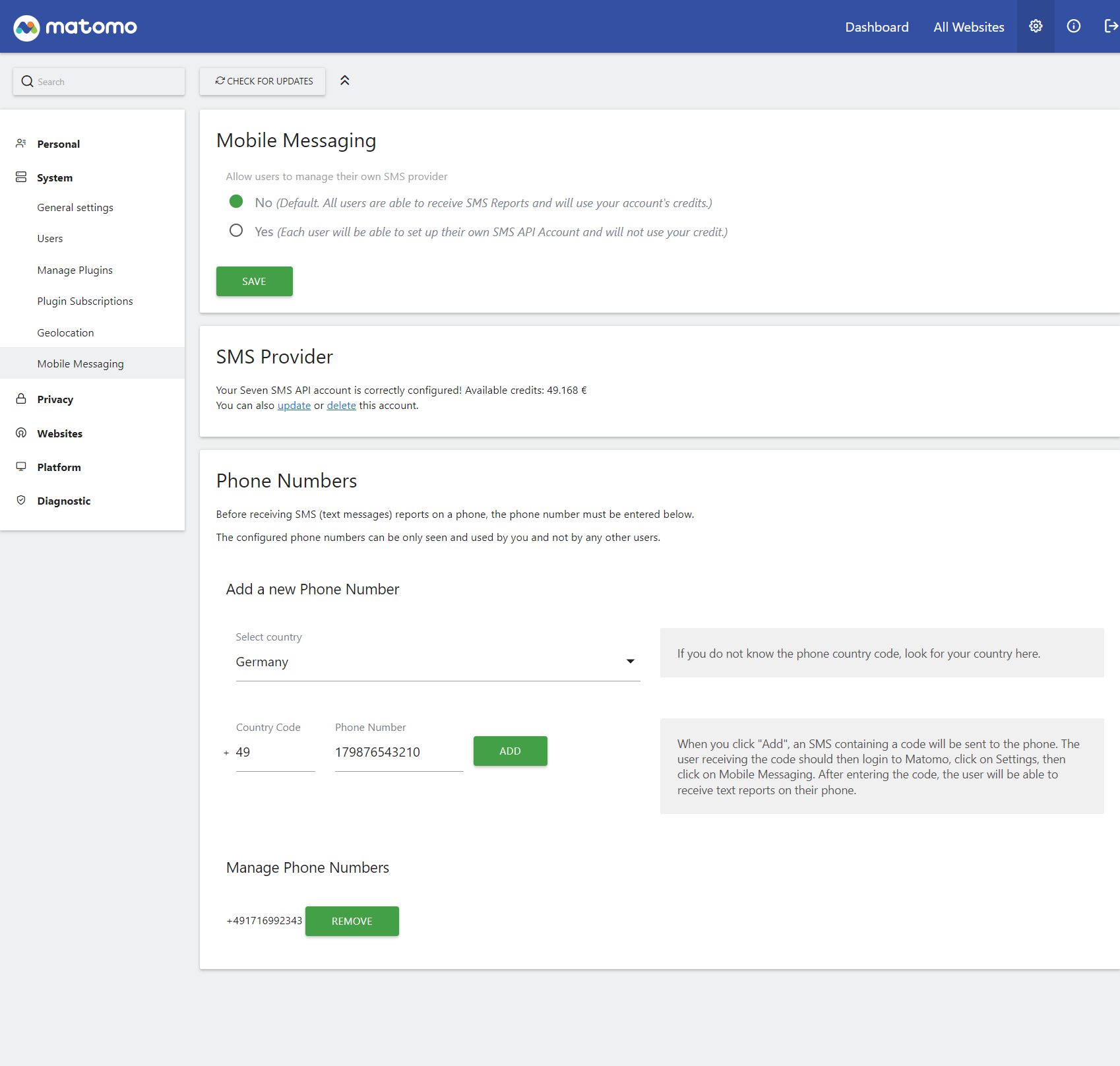
- Add a new phone number.
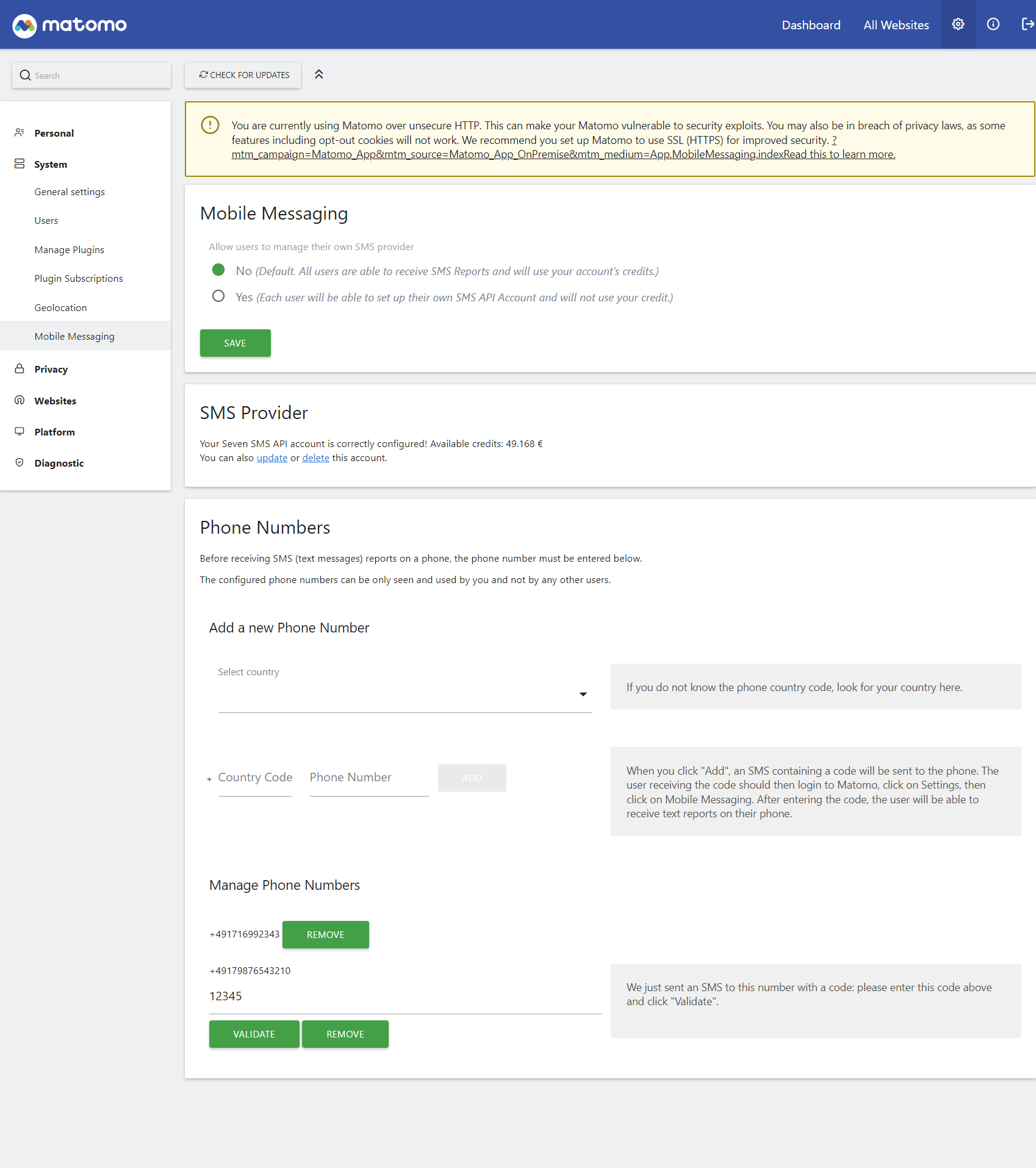
- Validate the phone number via the confirmation SMS.
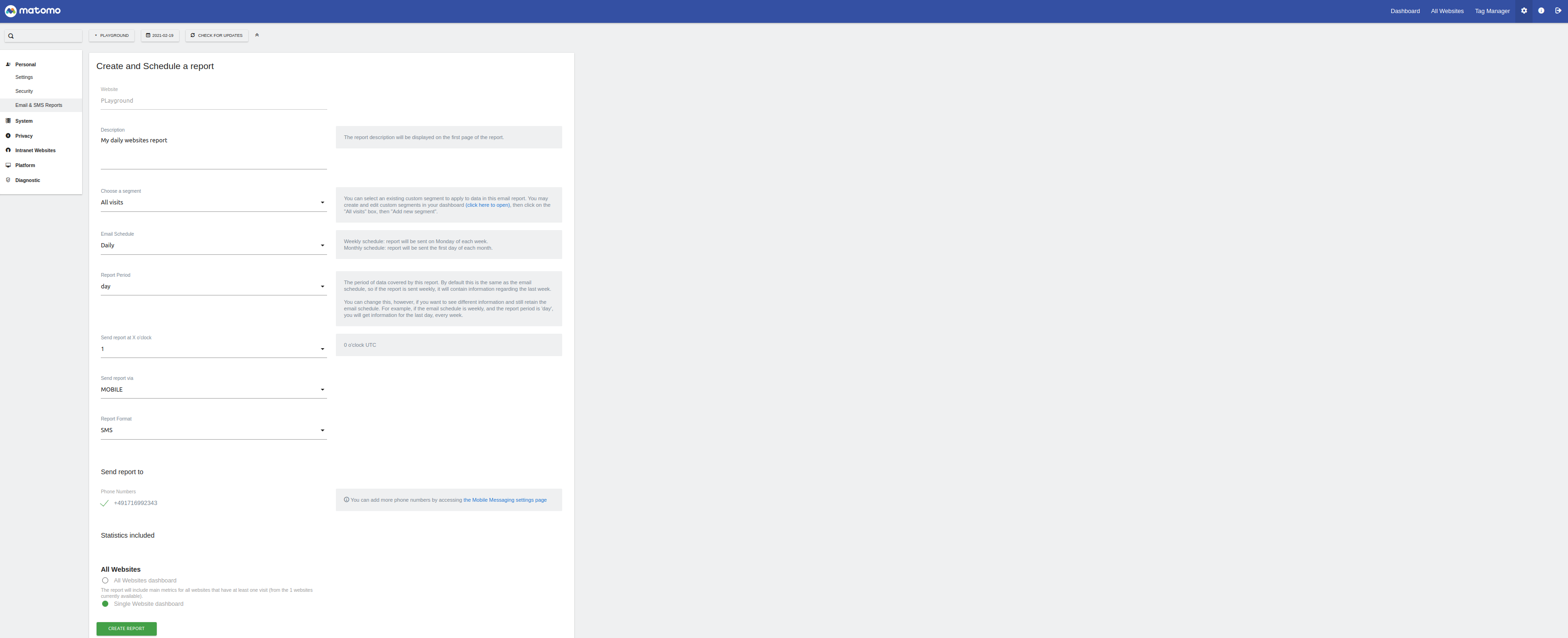
- Create a report with Type = SMS.
- Click Send Report now in the Personal Email Reports overview to verify delivery.

Need help? Feel free to contact us or open an issue.