Xero API integration plugin for Rukovoditel
RukoXero is a plugin for Rukovoditel to access the Xero API from within PHP scripts.
It handles the OAuth2 authentication process, and presents a simple interface to make API calls to Xero.
Clone the respository to your rukovoditel\plugins\rukoxero directory. IMPORTANT: This is case sensitive.
In rukovoditel\config\server.php, add 'rukoxero' (also case sensitive) to the available plugins definition, so it looks like this:
define('AVAILABLE_PLUGINS','ext,rukoxero');
XeroAPI Menu option should now be available to administrators only.
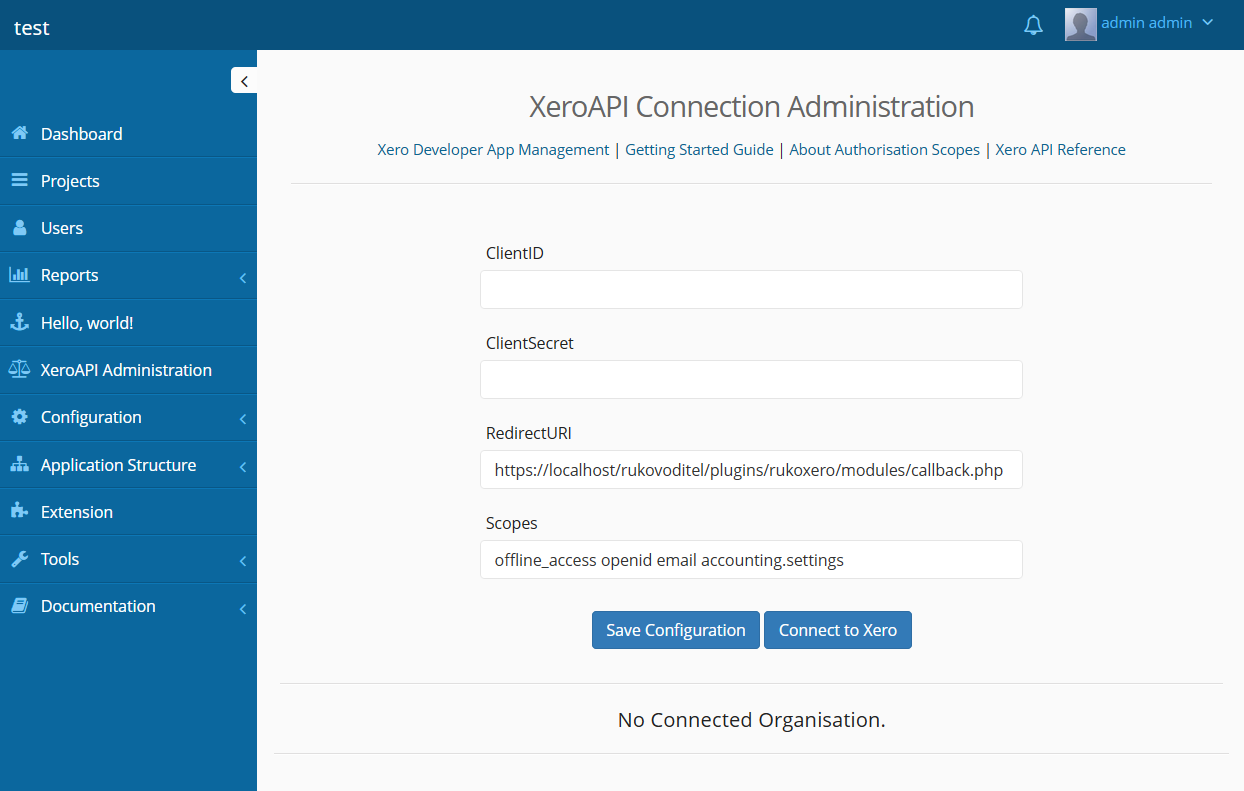
Follow the Xero Developer App Management link,
and create a new application as per the Getting Started Guide.
Select Web App, and for the URI, you will need to copy the RedirectURI that has been automatically generated by RukoXero.
Once you have created your app, go to the app configuration page:
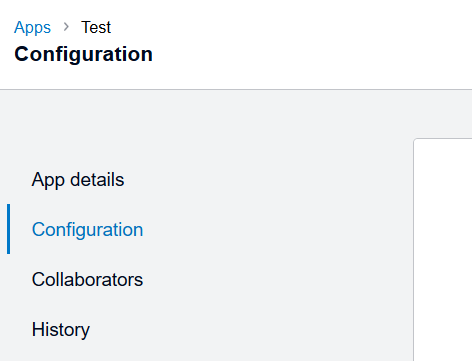
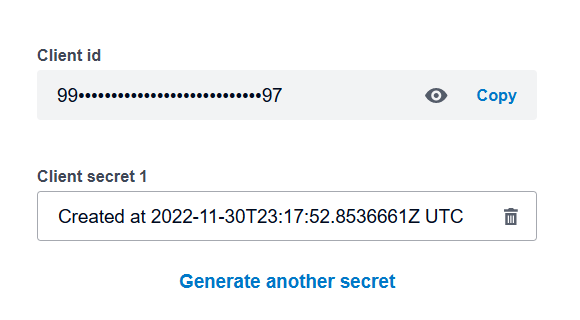
From here you can copy your ClientID and generate a ClientSecret to enter into the RukoXero configuration page, along with the same RedirectURI.
You will need to review the scopes you will require access to, see here for information on scopes.
You must include the offline_access scope to be able to obtain a refresh token to maintain an offline connection, and the accounting.settings scope for RukoXero to be able to report the connected organisation.
Now you can save your configuration and attempt connection to Xero.
A window will popup with the Xero OAuth2 Authentication Portal, requesting permission and selection of the organisation you wish to connect to. Please note that at this time, RukoXero only allows for connection to one organisation at a time.
Once you have approved the permissions, the popup will close and you will be directed back to the RukoXero configuration page,
hopefully displaying a successful connection to your organisation.
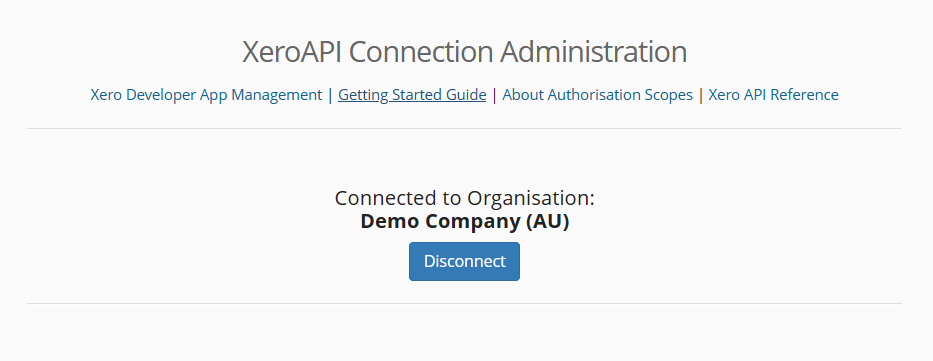
The XeroAPI should now be accessible through any PHP scripting sections within Rukovoditel.
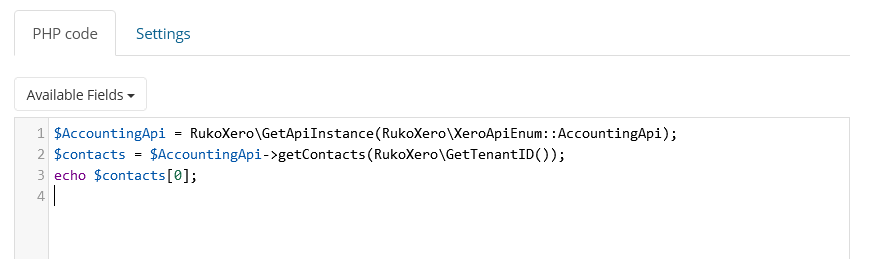
The basic syntax for accessing API calls is as such:
$AccountingApi = RukoXero\GetApiInstance(RukoXero\XeroApiEnum::AccountingApi);
$contacts = $AccountingApi->getContacts(RukoXero\GetTenantID());
echo $contacts[0];
RukoXero\GetApiInstance($api) retrieves an authorized instance to the Xero API, selected with $api.
Options for $api are:
- 'AccountingApi' (default if unspecified)
- 'AssetApi'
- 'ProjectApi'
- 'FilesApi'
- 'PayrollAuApi'
- 'PayrollNzApi'
- 'PayrollUkApi'
- 'AppStoreApi'
Once you have received your API instance, you can make calls by providing the required TenantID with RukoXero\GetTenantID().
See here for Xero's API Reference.
Finally a function is provided for accessing deep links within your Xero Organisation. See here for more info on deep links.
RukoXero\GetDeepLink() will provide the prefix with your Organisation's shortcode to construct a deep link to pages within Xero.
Just append the redirect required, eg. $connectedAppsLink = RukoXero\GetDeepLink() . "&redirecturl=/Settings/ConnectedApps/";
All configuration data, including the sensitive ClientSecret and Token, are stored within the Api_Xero table within your Rukovoditel database. Please ensure adequate security measures for this information. Note that IANAWD (I Am Not A Web Developer), and I have written RukoXero for the needs of my business to the best of my knowledge and abilities. If you are aware of any glaring security flaws or other monstrosities, bug reports or contributions are greatly appreciated.