Home
This is an Android library you can use in your apps to provide the users with a color choice. Hope you will have fun using it.
- Portrait:
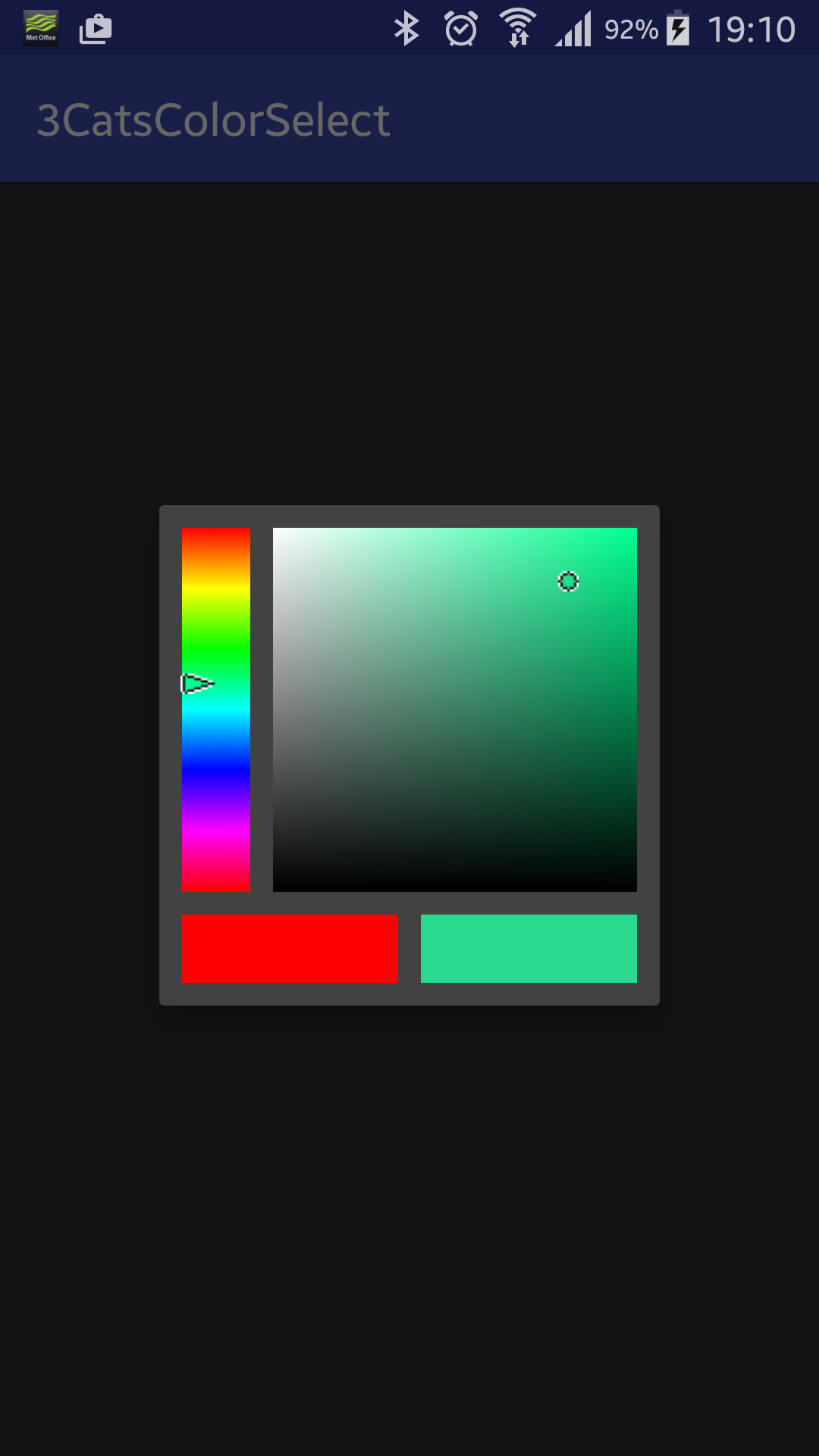
- Ladscape:
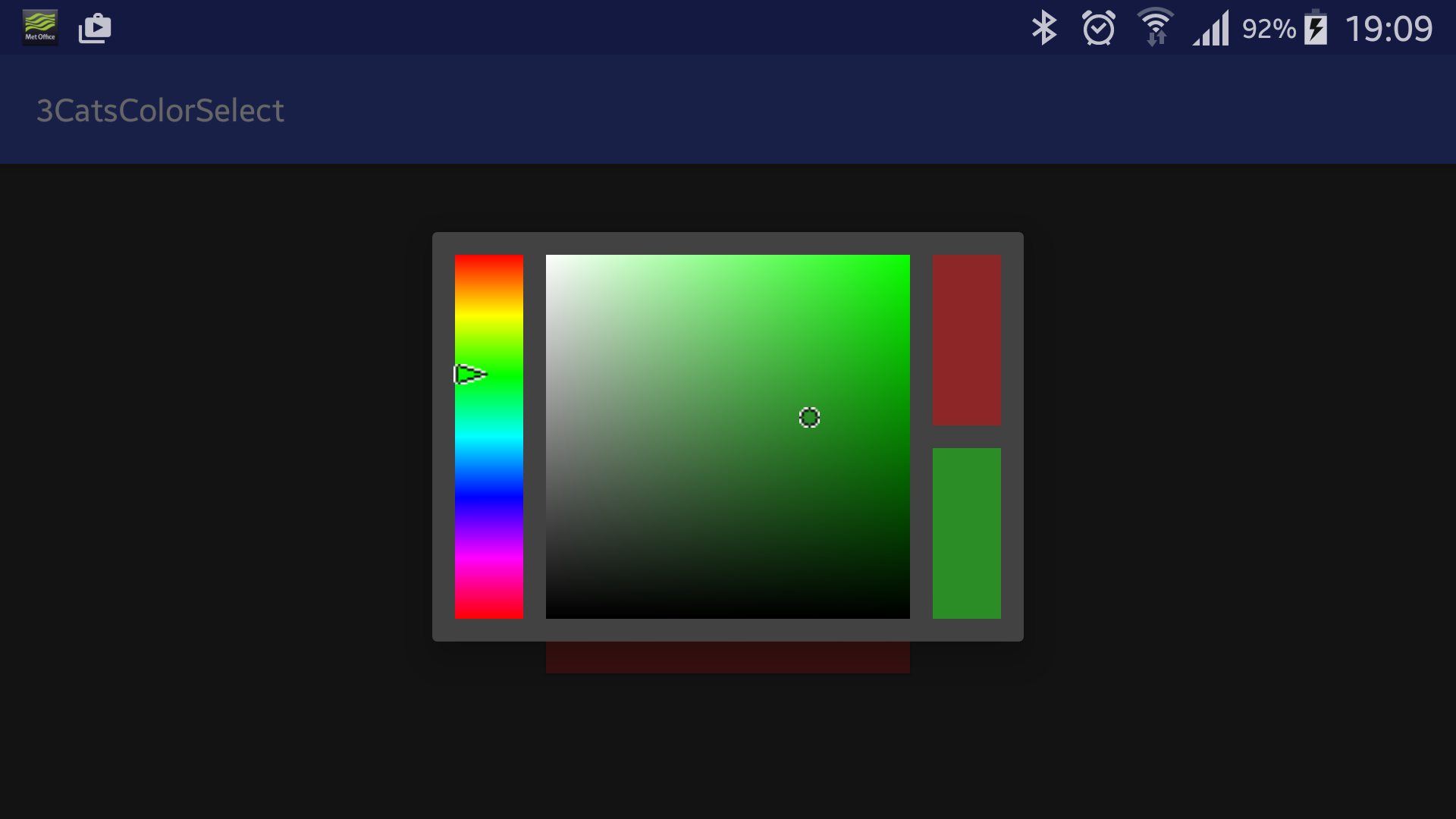
- HSV palette
- orientations
- portrait
- landscape
- screen sizes
- small, medium (1x)
- large (2x)
- xlarge/tablets (3x)
- strings (localization) free
- In your Android Studio project root, add the library from git as a submodule. The address is https://github.com/rumburake/colorselect and it should result in a module called colorselect.
- Implement the callback for when user chose a color:
    public class ThreeCatsColorLantern extends AppCompatActivity implements ColorSelector.ColorSelectedListener {
	@Override
	public void onNewColor(int color) {
             // do something with the new color
        }
}- Create and show the color selection dialog:
    ColorSelector colorSelector = ColorSelector.newInstance(color);
colorSelector.show(getSupportFragmentManager(), "colorSelect");- Checkout this project and build it. It does use the library as a submodule.
- You can find another demo on the market: "3Cats Color Lantern" [https://market.android.com/details?id=com.ThreeCats.ColorLantern] or on GitHub: [https://github.com/rumburake/ColorLantern/]
Goes to Yuku for his "Ambil Warna" (android-color-picker) dialog library. I used it in my apps and as a learning example. Good stuff!