redNatty theme for Home Assistant


Details
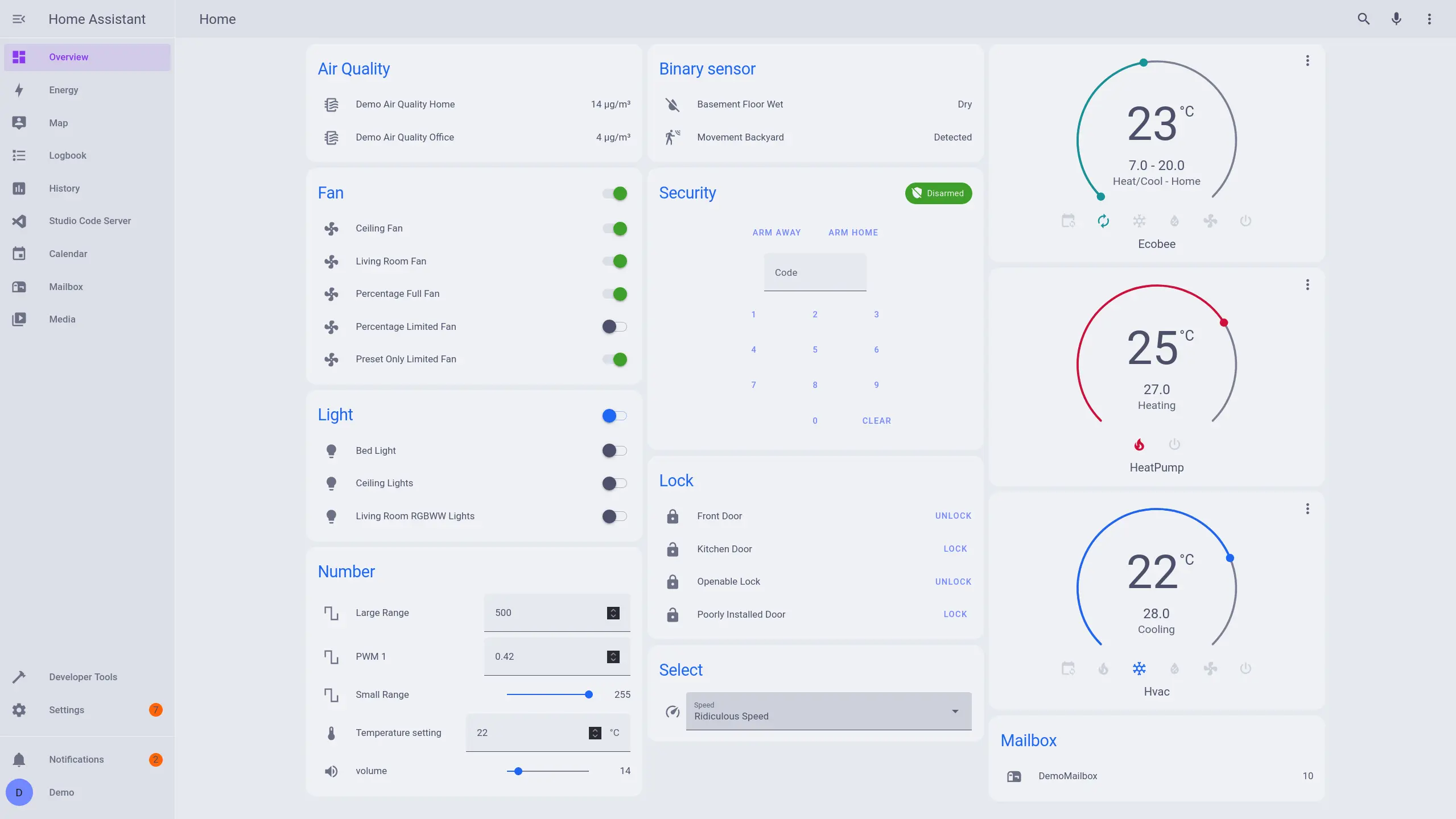
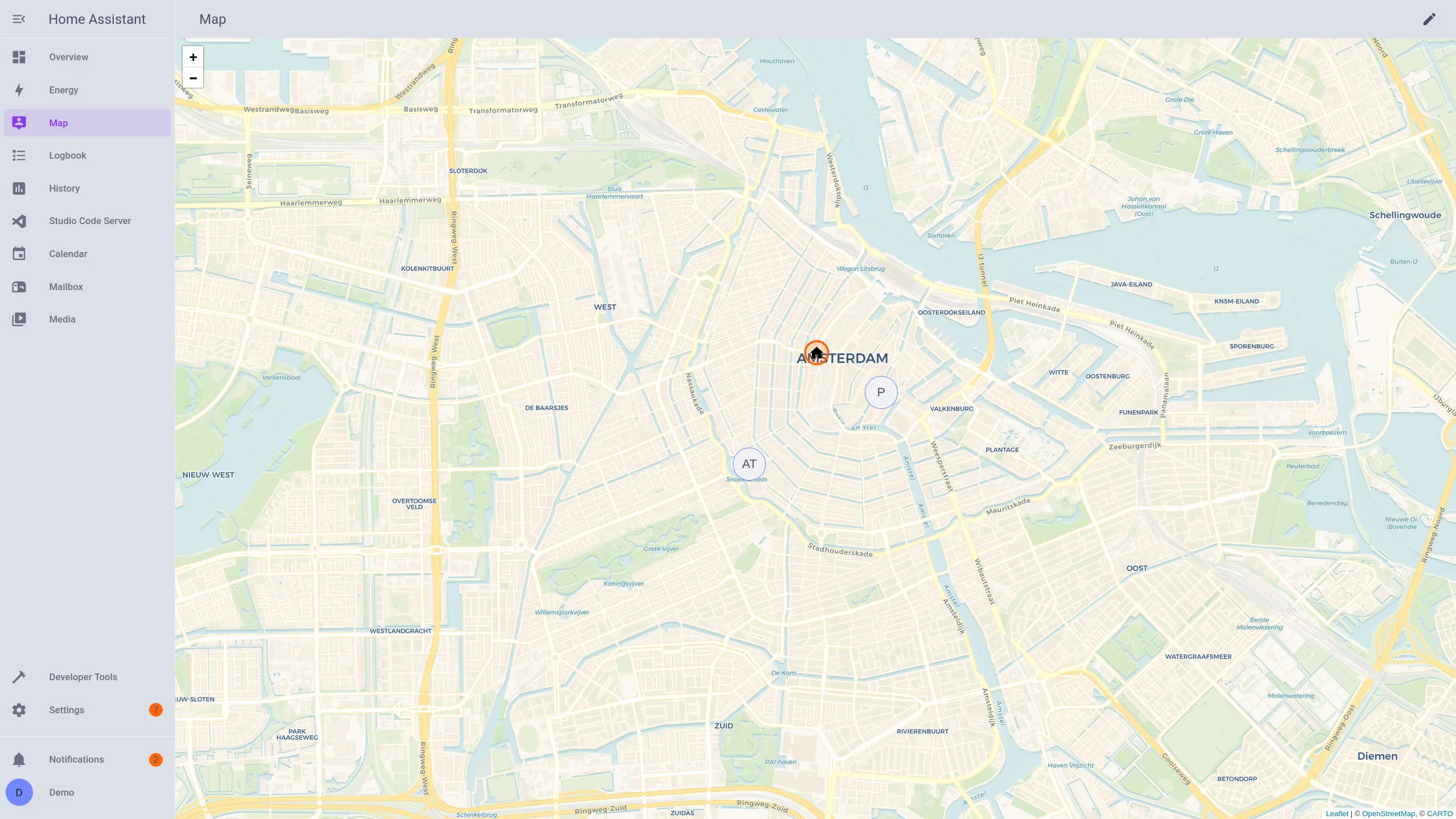
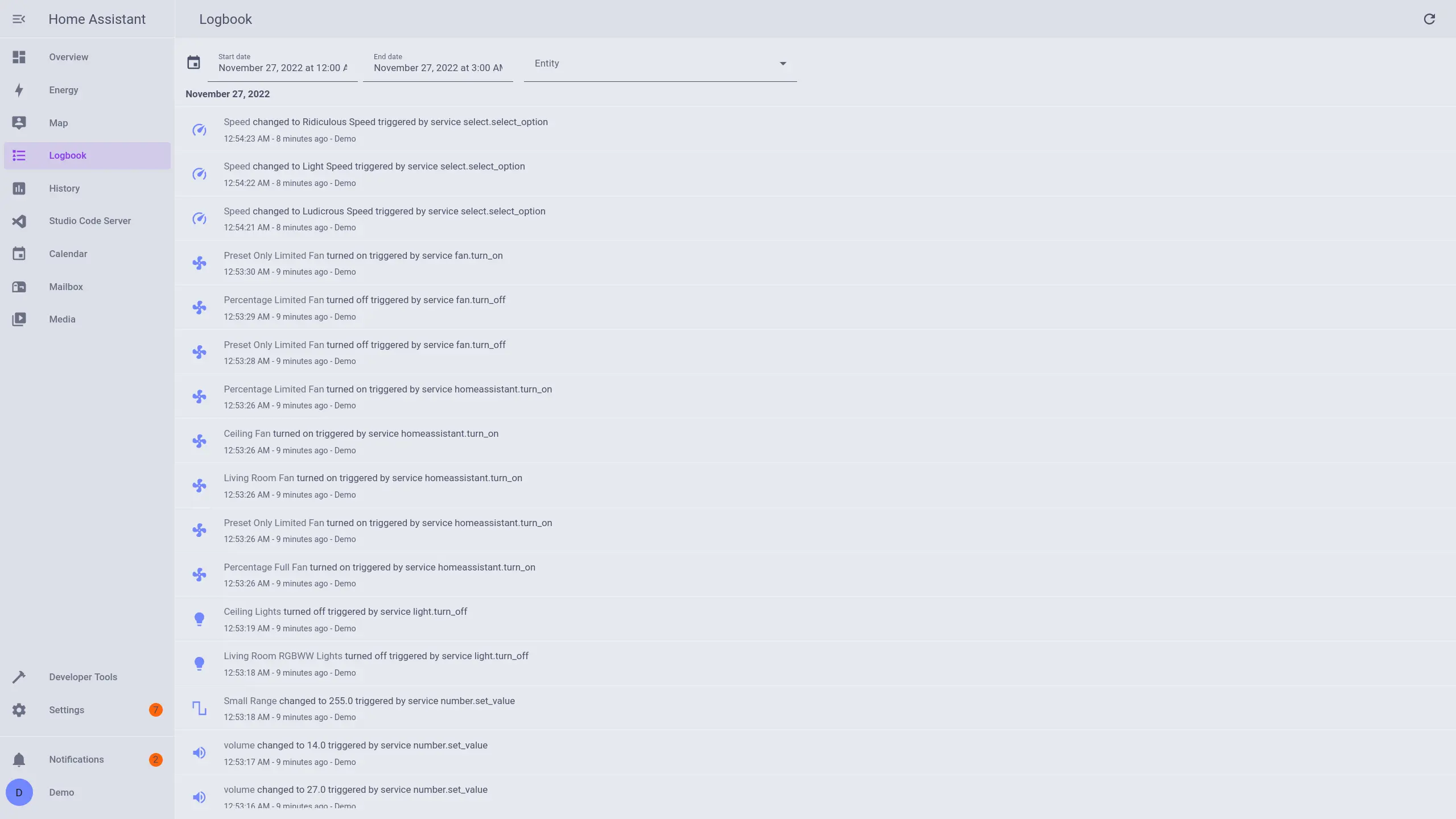
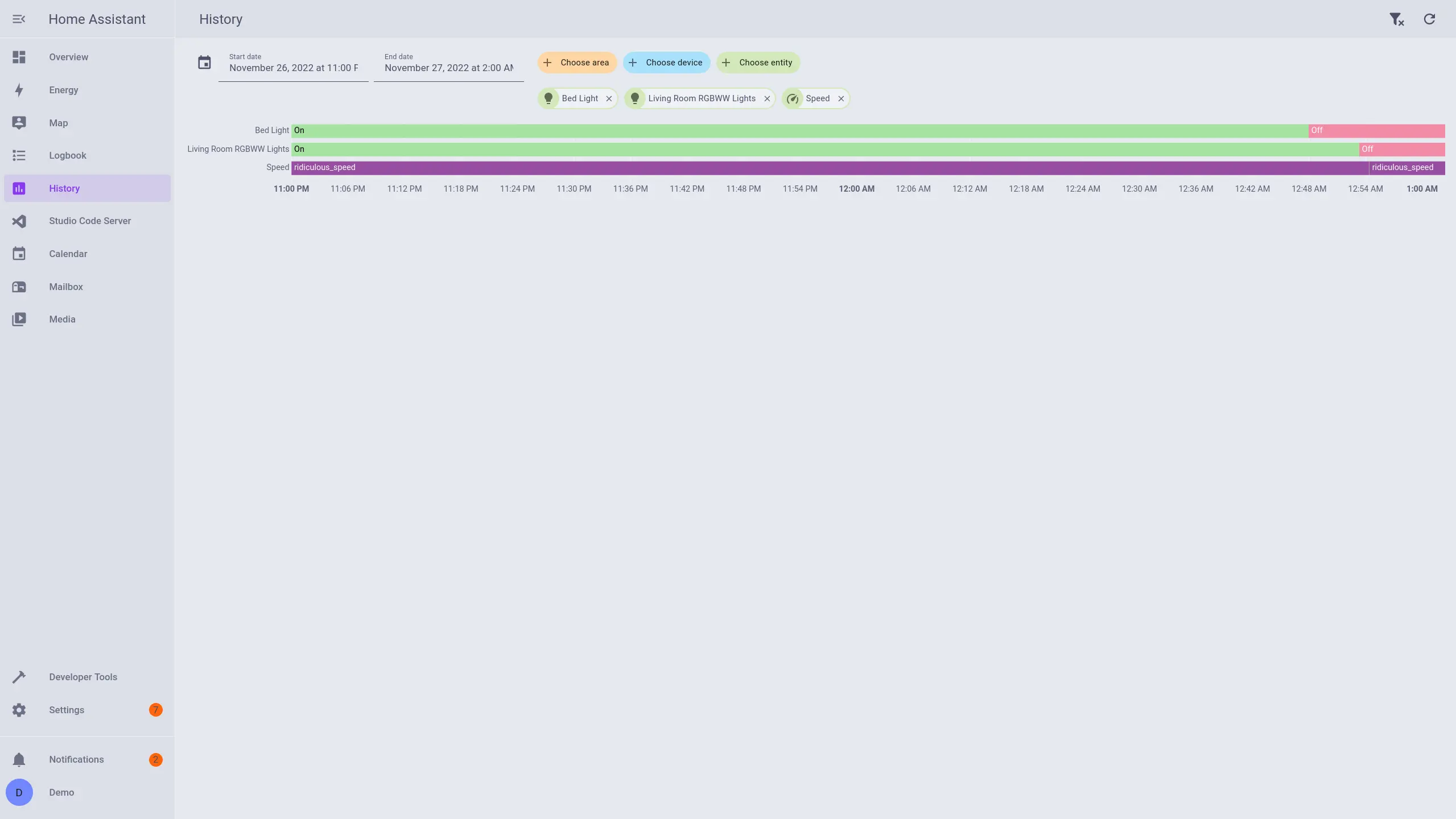
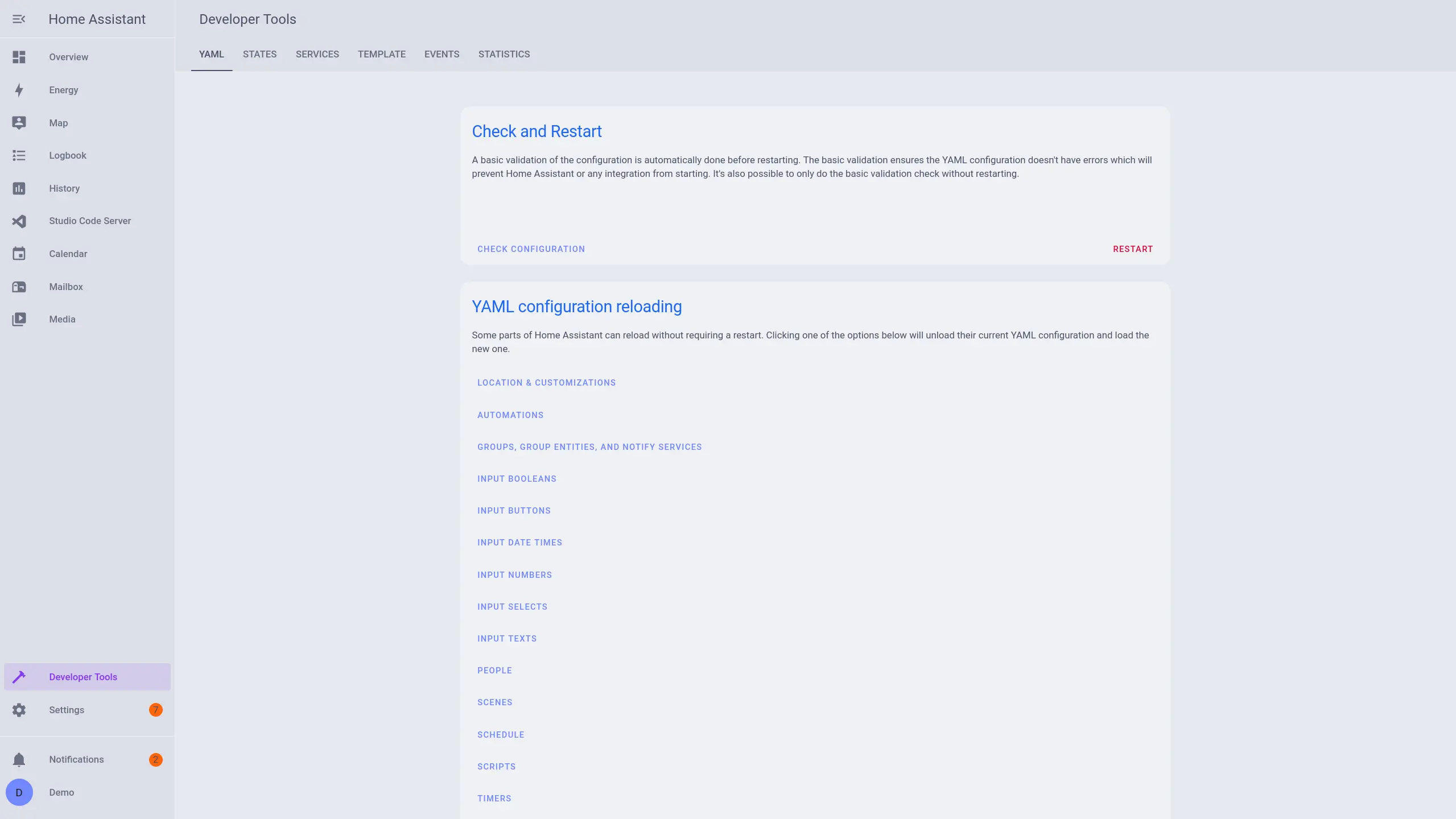
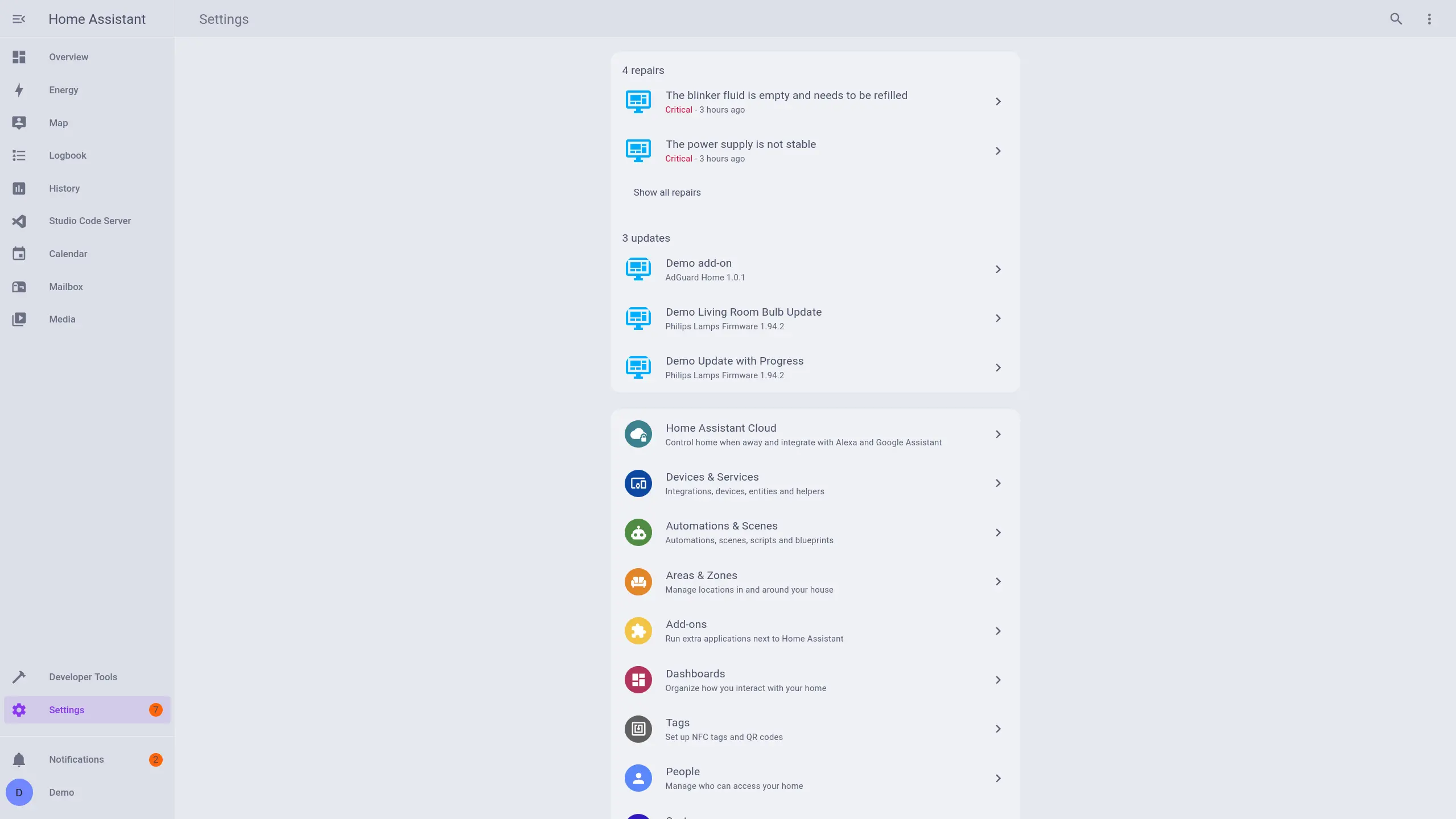
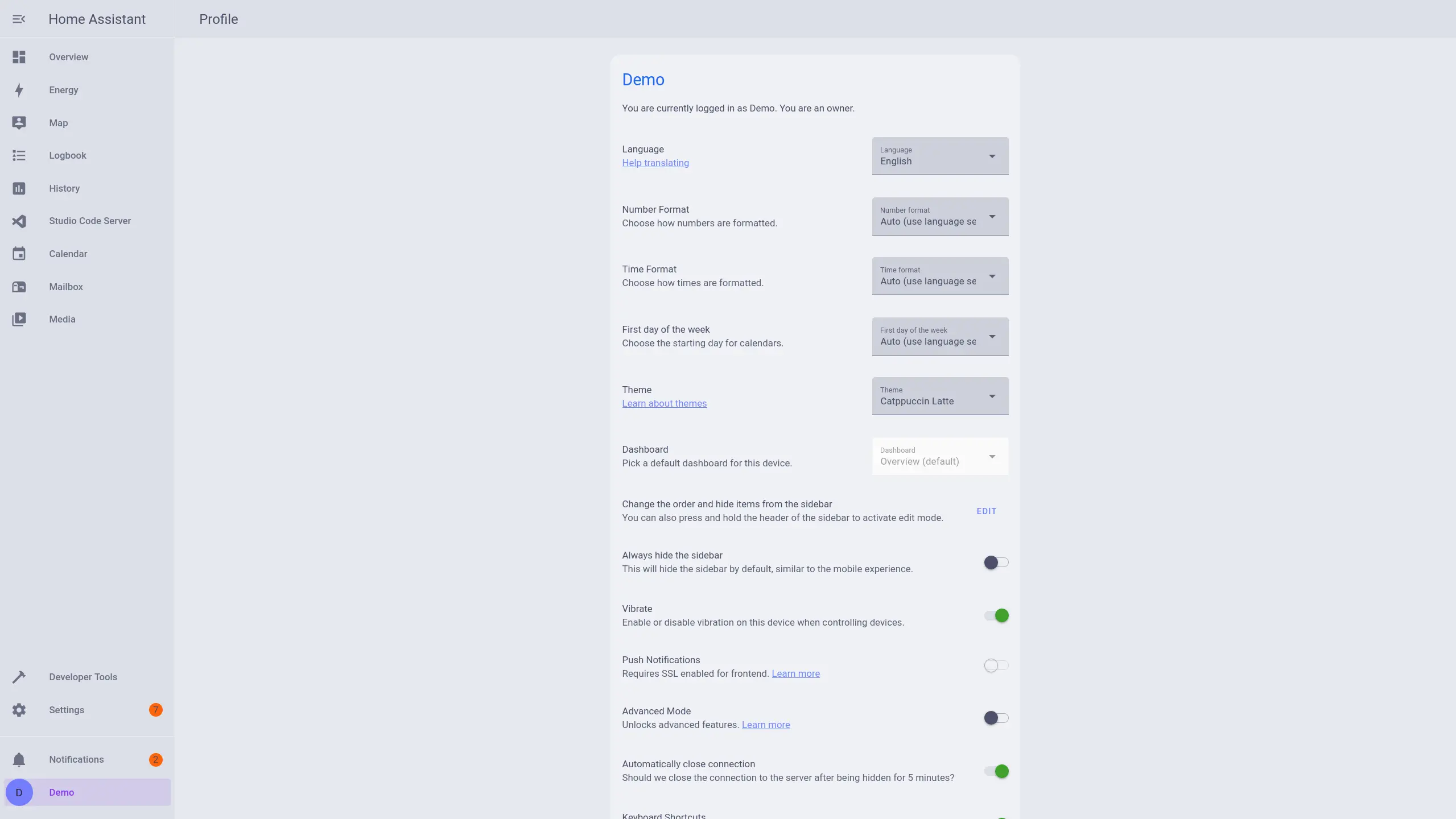
With HACS
- Add the following code to your
configuration.yamlfile (reboot required).
frontend:
  ... # your configuration.
  themes: !include_dir_merge_named themes
... # your configuration.- Go to the Community Store.
- Search for
redNatty. - Navigate to
redNattytheme. - Press
Install. - Go to services and trigger the
frontend.reload_themesservice.
- Add the following code to your
configuration.yamlfile (reboot required).
frontend:
  ... # your configuration.
  themes: !include_dir_merge_named themes
... # your configuration.- Clone the repository
git clone https://github.com/rednatty/rednatty-theme.git- Copy
themes/rednatty.yamlin your existing (or create it)themes/folder.
mv home-assistant/themes/rednatty.yaml ~/config/themes/.