A (unofficial) collection of MangaDex themes that you can filter through.
To add a theme you can open an issue and specify the theme name, the author's MangaDex username and the theme URL or follow this.
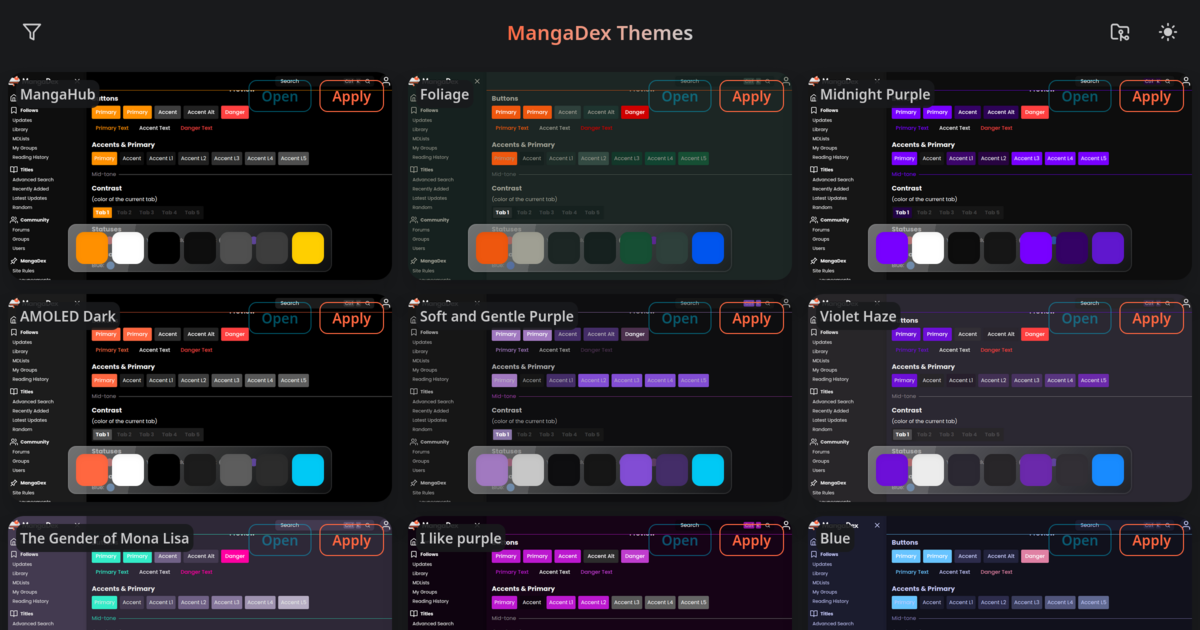
To add a theme just add and fill the theme information below to the end of the array at src/data/themes.json:
{
  "name": "your theme name here",
  "author": {
    "name": "your MangaDex username (leave empty if none)"
  },
  "data": "the 'theme' param value from the theme URL (text after 'https://mangadex.org/?theme=')"
}
you can use the commands below to generate ids and screenshots or test.
Important
Make sure you have Node.js and pnpm installed before running the commands.
All commands are run from the root of the project, from a terminal:
| Command | Action |
|---|---|
pnpm install |
Installs dependencies |
pnpm run generate:ids |
Generate theme UUIDs |
pnpm run generate:screenshots |
Generate theme preview screenshots |
pnpm run dev |
Starts local dev server at localhost:4321 |
pnpm run lint |
Run linter |
pnpm run lint:fix |
Fix lint issues |
pnpm run format |
Run code formatter |
pnpm run format:write |
Format code |
pnpm run flint |
Format code and fix lint issues |
pnpm run build |
Build your production site to ./dist/ |
pnpm run preview |
Preview your build locally, before deploying |
pnpm run astro ... |
Run CLI commands like astro add |