Introduction to python and it's coding.
Python is a widely-used, interpreted, object-oriented, and high-level programming language with dynamic semantics, used for general-purpose programming. Python programming language comes from an old BBC television comedy sketch series called Monty Python's Flying Circus.
- Easy and intuitive language.
- Open source.
- Understandable code as easy as plain english.
- Suitable for everyday tasks.
There are several ways to get your own copy of Python 3, depending on the operating system you use.
Linux users most probably have Python already installed - this is the most likely scenario, as Python's infrastructure is intensively used by many Linux OS components.
For example, some distributors may couple their specific tools together with the system and many of these tools, like package managers, are often written in Python. Some parts of graphical environments available in the Linux world may use Python, too.
If you're a Linux user, open the terminal/console, and type: python3
at the shell prompt, press Enter and wait.
If you see something like this: Python 3.4.5 (default, Jan 12 2017, 02:28:40) [GCC 4.2.1 Compatible Clang 3.7.1 (tags/RELEASE_371/final)] on linux Type "help", "copyright", "credits" or "license" for more information.
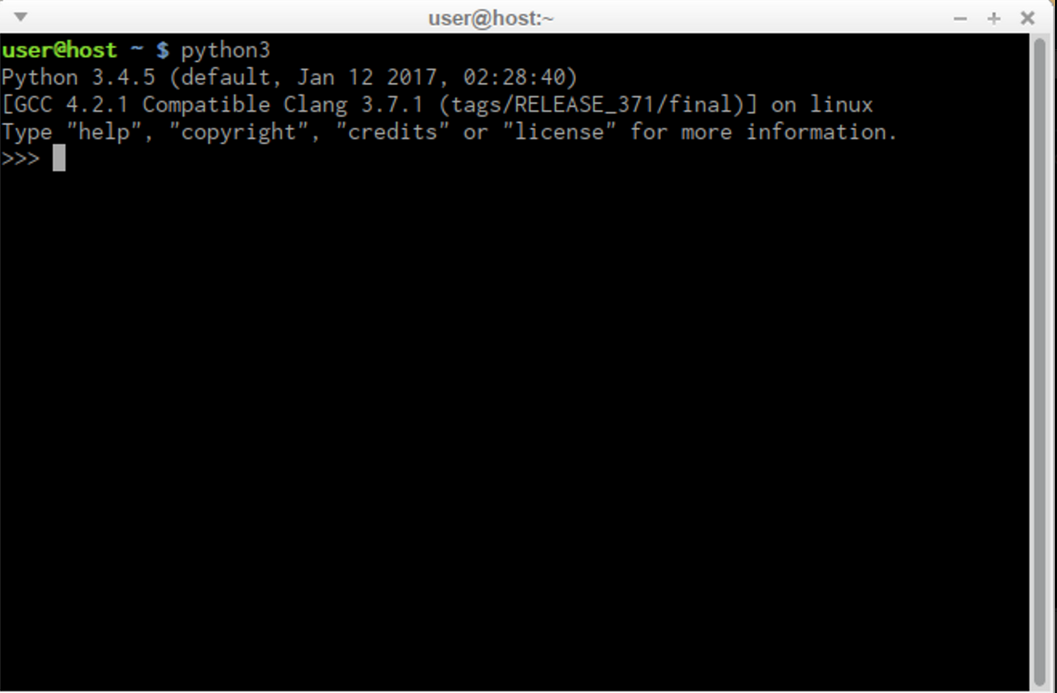
then you don't have to do anything else.
If Python 3 is absent, then refer to your Linux documentation in order to find how to use your package manager to download and install a new package - the one you need is named python3 or its name begins with that.
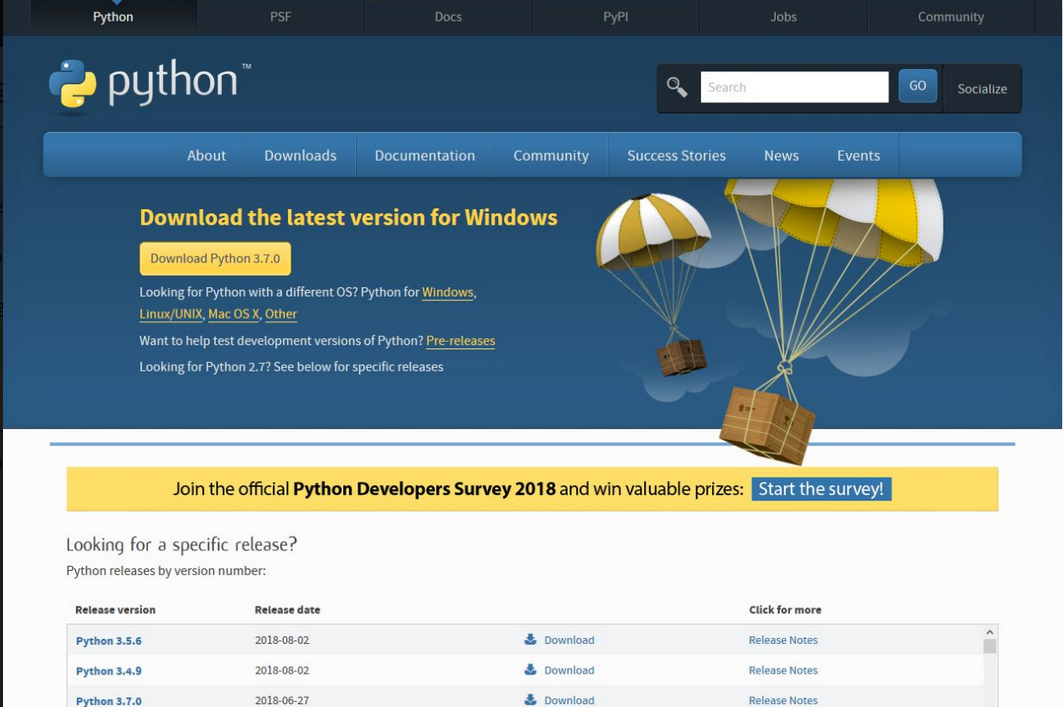
All non-Linux users can download Python from the given link https://www.python.org/downloads/.
As you enter the site the browser will let you know what OS you are using , then the only step you have to take is to click the appropriate Python version you want.
In this case, select Python 3. The site always offers you the latest version of it.
If you're a Windows user, start the downloaded .exe file and follow all the steps.
Leave the default settings the installer suggests for now, with one exception - look at the checkbox named Add Python 3.x to PATH and check it.
This will make things easier.
If you're a macOS user, a version of Python 2 may already have been preinstalled on your computer, but since we will be working with Python 3, you will still need to download and install the relevant .pkg file from the Python site.
Now that you have Python 3 installed, it's time to check if it works and make the very first use of it.
This will be a very simple procedure, but it should be enough to convince you that the Python environment is complete and functional.
There are many ways of utilizing Python, especially if you're going to be a Python developer.
To start your work, you need the following tools:
- an editor which will support you in writing the code (it should have some special features, not available in simple tools); this dedicated editor will give you more than the standard OS equipment;
- a console in which you can launch your newly written code and stop it forcibly when it gets out of control;
- a tool named a debugger, able to launch your code step by step and allowing you to inspect it at each moment of execution.
Besides its many useful components, the Python 3 standard installation contains a very simple but extremely useful application named IDLE.
IDLE is an acronym: Integrated Development and Learning Environment.
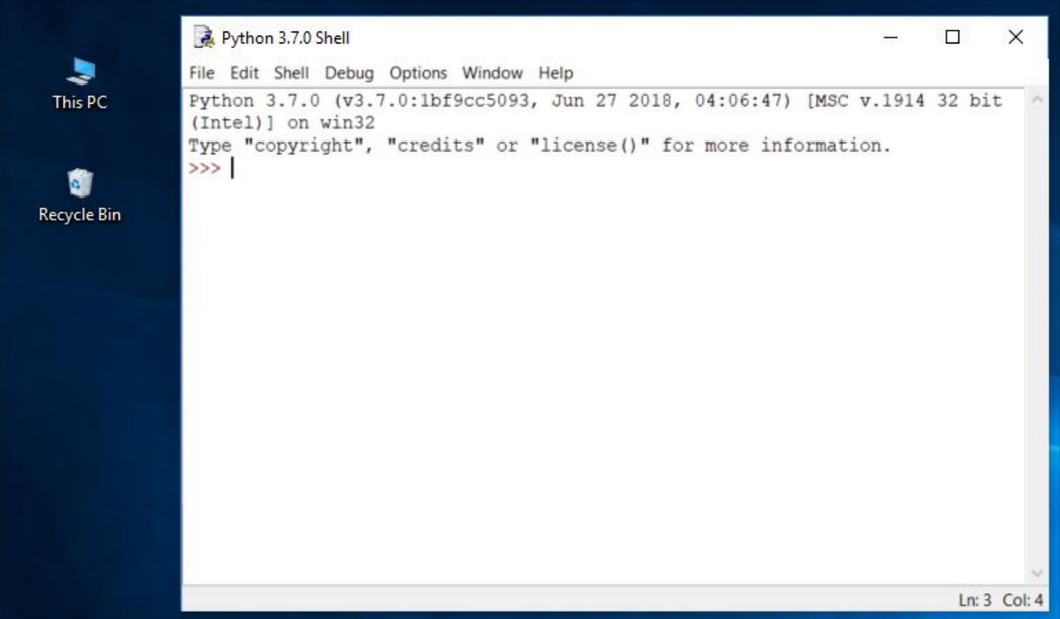
Navigate through your OS menus, find IDLE somewhere under Python 3.x and launch it. This is what you should see: