Node administration
For users who deployed full node on network is possible to check status of node or change some settings through web interface.
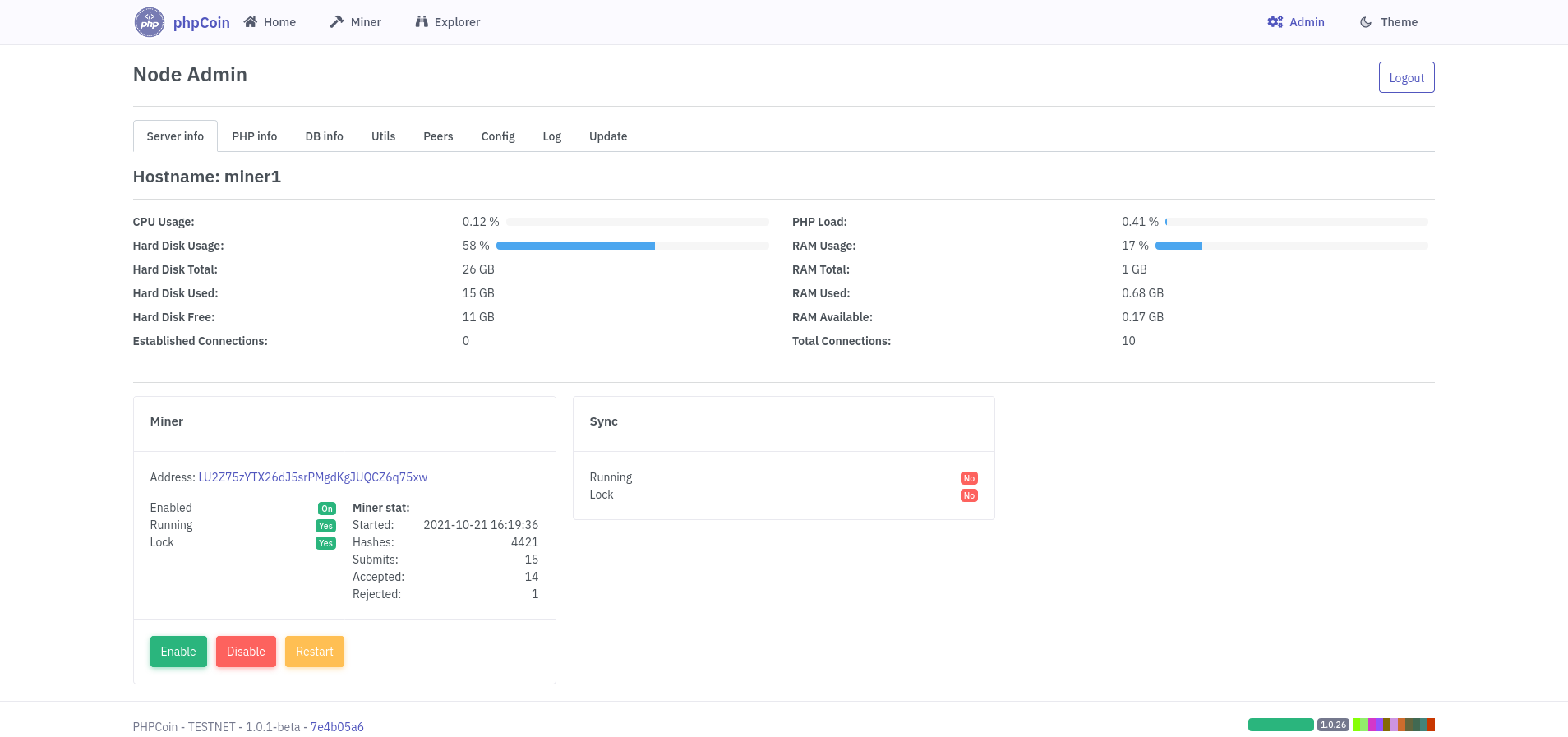
In order to allow administraton of node user must first enable that option in configuration file: config/config.inc.php
/**
 * Allow web admin of node
 */
$_config['admin']=false;
$_config['admin_password']='';
Set config admin to true, save file and reload Node Explorer app. In the right side menu will be displayed link to Admin interface.
Go to Admin interface and enter new password for your admin account.
For increased security password should be at least 8 characters in length and should include at least one upper case letter, one number, and one special character.
Click on Generate and you will see Argon hash for your password which will you enter in config $_config['admin_password']
Config should look now like:
/**
 * Allow web admin of node
 */
$_config['admin']=true;
$_config['admin_password']='$argon2i$v=19$m=2048 .... ';
Reload page and login with you admin password.
If you ever forgot your admin password you can easy recover it by repeating this procedure.
In Admin app following functions are available:
- Check status of server: cpu, memory, disk usage.
- Start/stop/restart node miner
- Check sync status
- Check PHP information
- Check DB information
- Execute some actions on blockchain
- Manage peers
- Check server config and view log
- Manually update decentralized apps
With improving apps and adding new features Admin panel will be constantly changed and automatically updated through network