My preferred zsh config. Uses a local LLM.
Allows for command completion, if an LLM is turned on.
Warning
This config naively looks for a llamafile server at http://127.0.0.1:8080. If nothing is running, the LLM features will be ignored. If something else is running at that port, the llm functions will be instantiated, but there will be no LLM results.
-
Save your current config if needed.
-
Move
.zshrc,.functions, and.llm-functionsto the appropriate directory. Typically, this is the root directory. -
Start a new terminal, or run
source <path>/.zshrc(typicallysource ~/.zshrc) on a running terminal. -
To enable LLM features, run a llamafile server. See llamafile for more information.
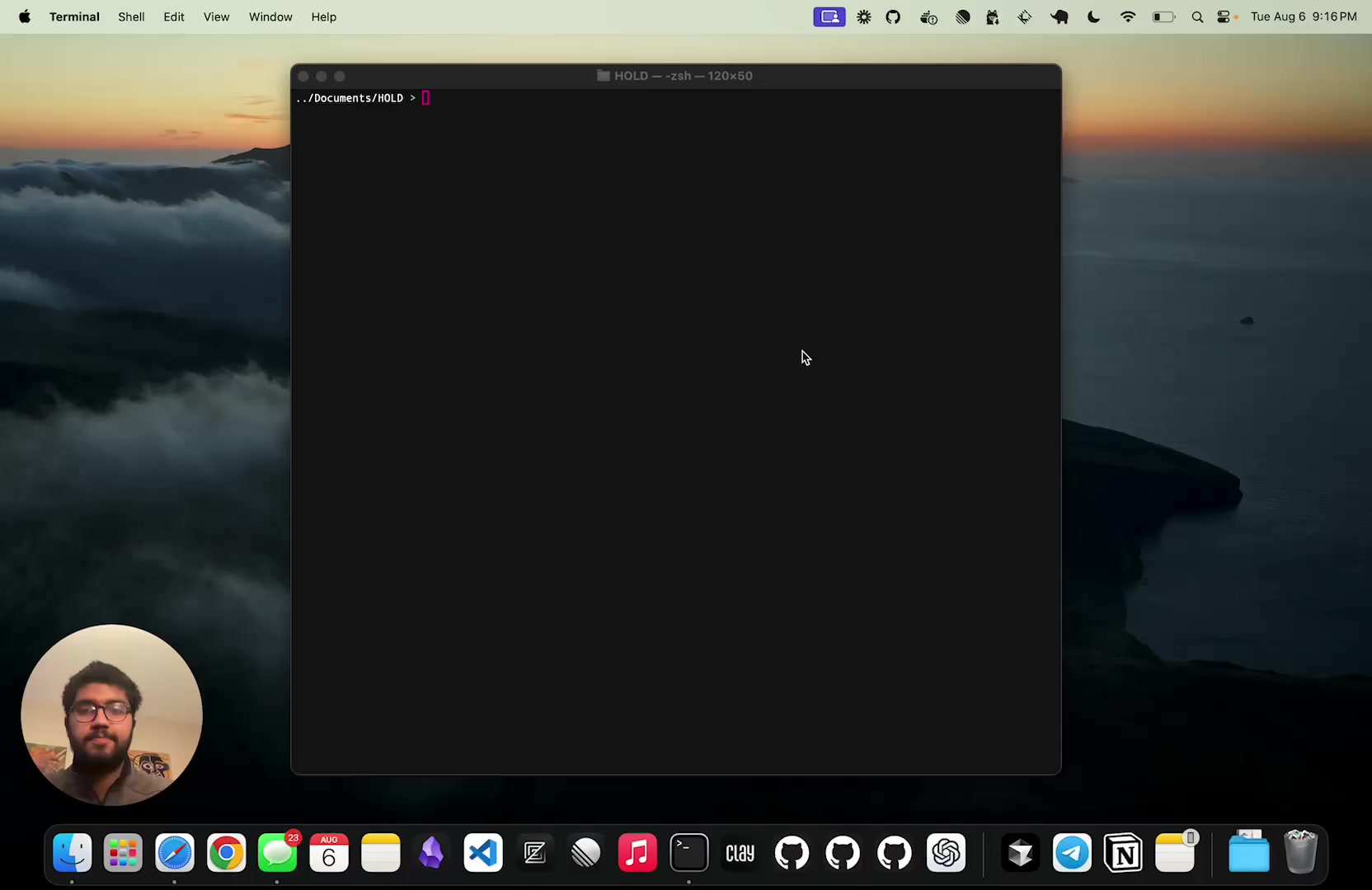
Click below to see the features video.
Caution
Clicking the thumbnail will download the video.
Here's a list of some other functions included in .function.
| Function Name | Description |
|---|---|
| checksite | check if a website is up |
| portpid | find process name and PID by port |
| genpass | generate a random password |
| dockerclean | remove all stopped containers |
| dockerimageclean | remove all dangling images |
| dockerkillall | stop and remove all containers |
| lsf | list all functions and descriptions defined in ~/.functions |
| up | go up multiple directories |
| gogit | go to the GitHub dir |
| gs | git status shortcut |
| gp | git pull shortcut |
| gacp | git add, commit, and push |
| mkvenv | create venv with python 3.11 |
| mkcd | make directory and switch in |
| alpined | start fsh in an alpine container |