
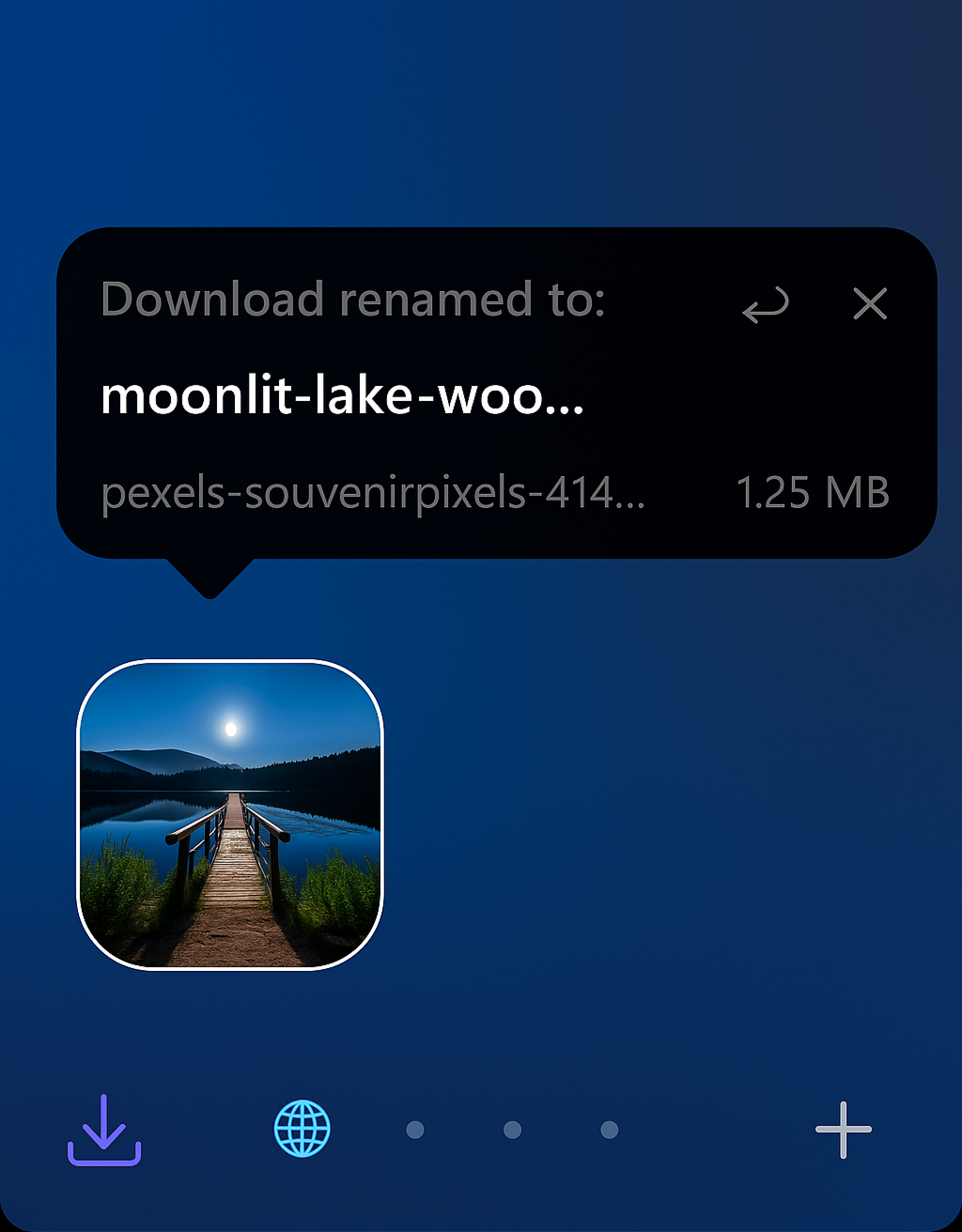
Rename your downloads with ease, and do it in style!
- AI renaming
- Undo button if when you don't like the name
- Open Sine settings.
- Enable "Enable installing JS from unofficial sources." in Sine settings.
- Add a mod by repository and enter the GitHub repo URL or path:
- Click Install. Configure mod settings for API keys and other preferences.
Note: When the official repository is updated, you may need to manually reinstall the mod using the official repository's install method to receive updates. Note: After installing, you may need to clear Firefox's startup cache (visit about:support and click "Clear startup cache"), then restart the browser.
That's all, your just downloading a file. What did you expect?