Releases: nerveband/beeper-api-cli
Releases · nerveband/beeper-api-cli
v0.5.0

v0.4.0 - LLM-Friendly CLI Features
What's New
New Commands
beeper info- Display CLI and environment information for diagnosticsbeeper info --test-permissions- Test API token permissions
New Flags
--quiet/-q- Suppress non-essential output (hints, update notifications)--json-errors- Output errors as JSON to stderr for programmatic parsing
Improvements
- Structured error messages with actionable hints
- Auto-update notifications with 24-hour cache
- Help footer with documentation links on all commands
- Enhanced config help with detailed field descriptions
- Standardized exit codes: 0=success, 1=user error, 2=system error
For LLMs and Automated Agents
- JSON error output format with category, code, operation, and hint fields
- Comprehensive troubleshooting section in README
- Permission testing via
beeper info --test-permissions - Quiet mode for cleaner automation
Full Changelog
v0.3.0: Self-upgrade, ASCII banner & demo video
What's New
Features
- Self-upgrade command - Run
beeper upgradeto update to the latest version - Version command - Run
beeper versionto see build info - ASCII art banner - Beautiful startup banner when running without arguments
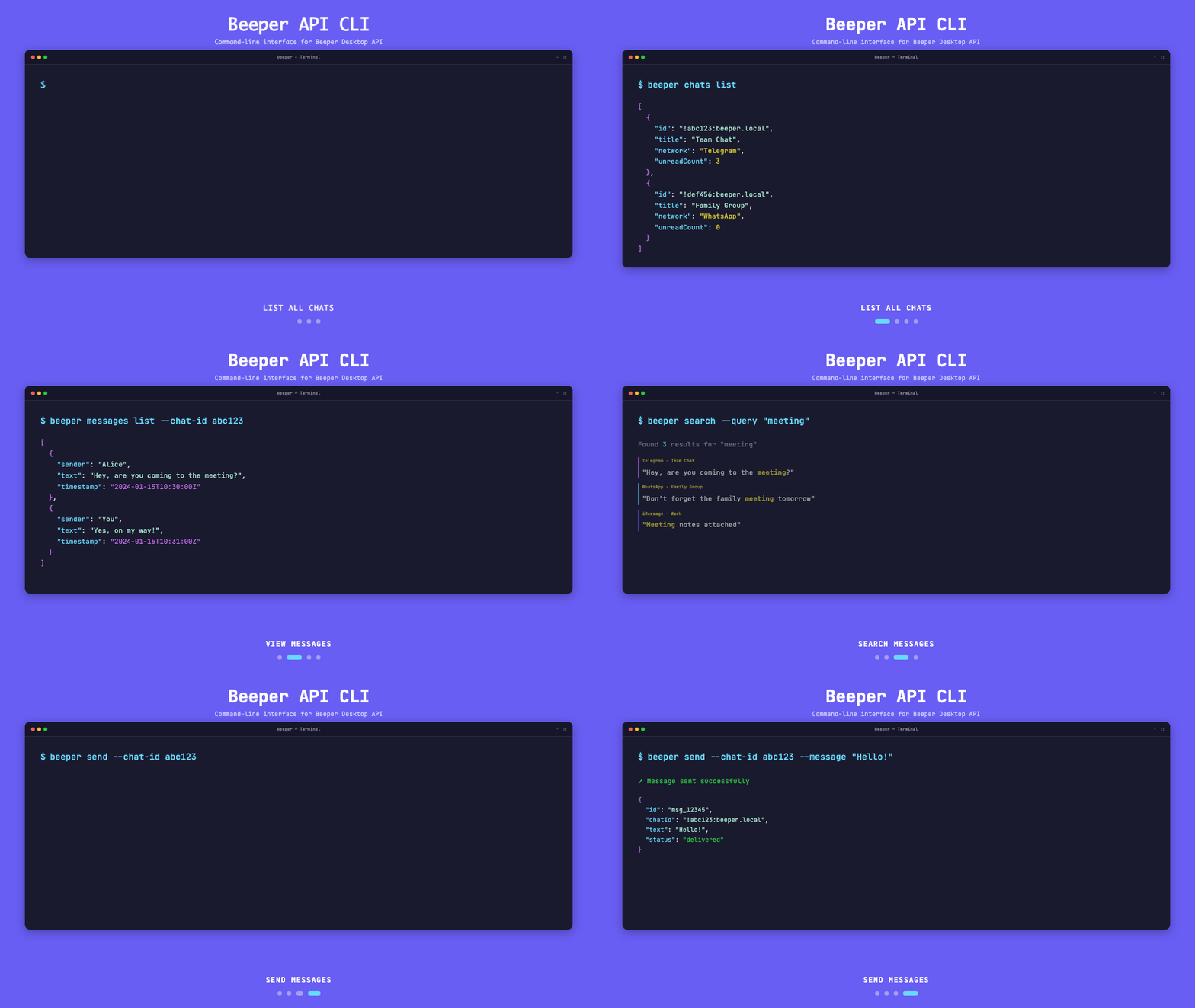
- Demo video - Animated GIF showcasing CLI features with Beeper branding
Fixes
- Fixed search response parsing for wrapped
{items: [...]}format - Fixed search default limit (100 → 20 to match API maximum)
Demo
v0.2.0

Full Changelog: v0.1.0...v0.2.0
Beeper CLI v0.1.0
Initial release of Beeper CLI
Features:
- Full read/write API support
- Auto-discover Beeper Desktop API
- LLM-friendly output formats (JSON, text, markdown)
- Cross-platform binaries (macOS, Linux, Windows)
- Chat management (list, get)
- Message operations (list, send, search)
- Configuration management
Install:
Download the appropriate binary for your platform and add to PATH.
Example usage:
beeper discover
beeper chats list
beeper send --chat-id CHAT_ID --message "Hello!"