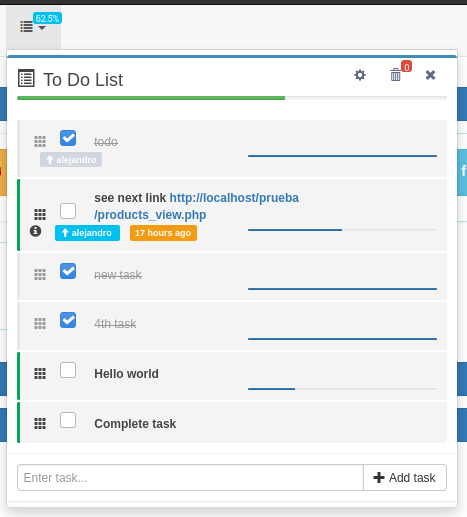
A simple list for managing tasks, you can add as many as you need, fulfill them, delete them and edit them. You can view the total of tasks and those that still need to be completed. A progress bar and the amount of tasks in the trash can are displayed.
- Each task can now have its own progress
- Instead of just a text, now you can paste a url and it becomes a link. both in the task and in the description and history of changes.
- The name of the user is added in the history, it is observed that as the task can travel with its history in this way it can be recognized who has made each update.
- The icon for editing the detailing is changed.
- The total tasks are observed in percentage completed.
- Correction of various minor details.
-
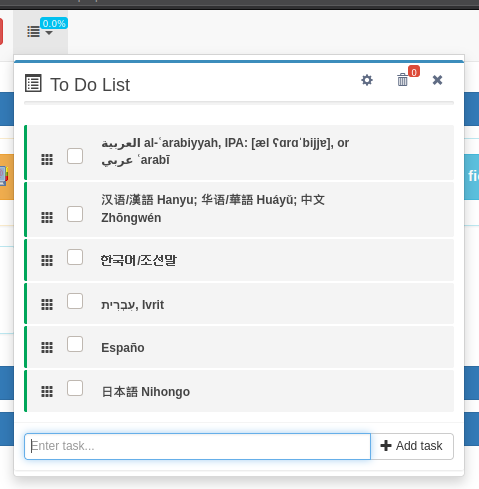
04/06/21 - An existing problem with non-Latin languages, such as Arabic, is fixed
-
The recycle bin will be accessible.
- Remove task by task
- Empty trash
- Recover any task and your history
-
It will be possible to view the mutations of each of the tasks (modification history).
- View all mutations of your task life.
- When is created.
- When is transferred.
- When is received.
- When is changed.
- When is deleted.
- When is recovered.
- When is completed.
- All this history move with the task, ever.
- View all mutations of your task life.
-
Tasks can be transferred to other users.
- Send and receive task between users.
-
Expiration date added.
- Add and set due date for your task.
-
Add more information to your task.
got to plugin folder. dowload todos ZIP pack into plugins folder in your project, and unzip it into todos folder.
or use git into your plugin folder:
if you already use git in ypur project add like submodule
$ git submodule add https://github.com/myappgini/sbm_todos.git todosAfter downloading the ZIP file. Open it and unzip it in the plugin folder inside the all folder.
Inside the plugins/todos/app-resources folder there are two more folders, the miams must be copied into the hooks folder.
once the copy is finished, the resulting structure should be:
hooks/
    box/
    todos/
Edit the footer-extras.php file with your favorite editor. add the following lines to the top of the file:
<?php
include ('hooks/box/scripts.php');
include ('hooks/todos/scripts.php');
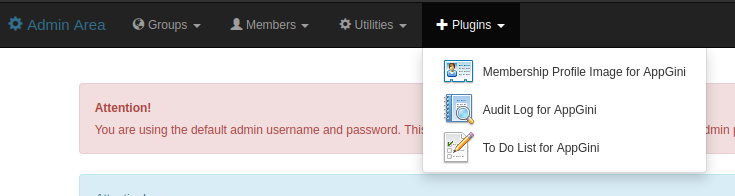
?>Select To Do from plugin menu in admin area.
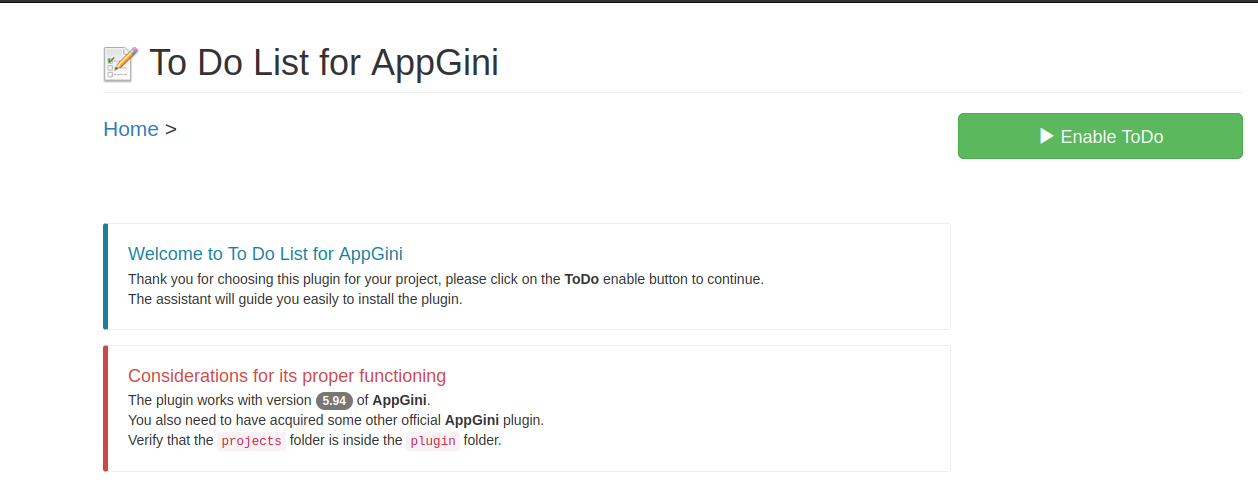
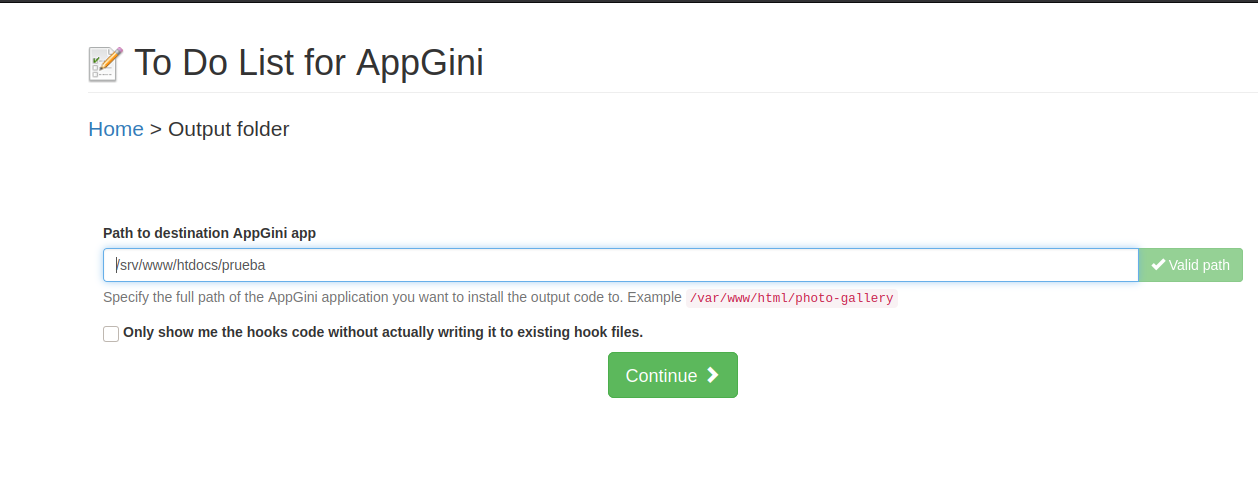
Follow the steps.
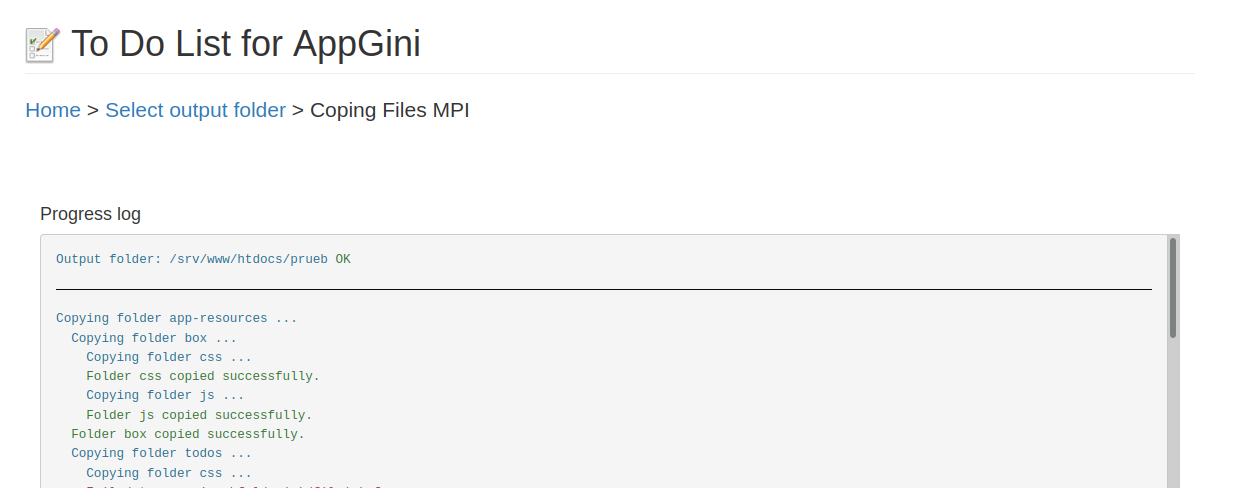
Then next to install needed files and enjoy.