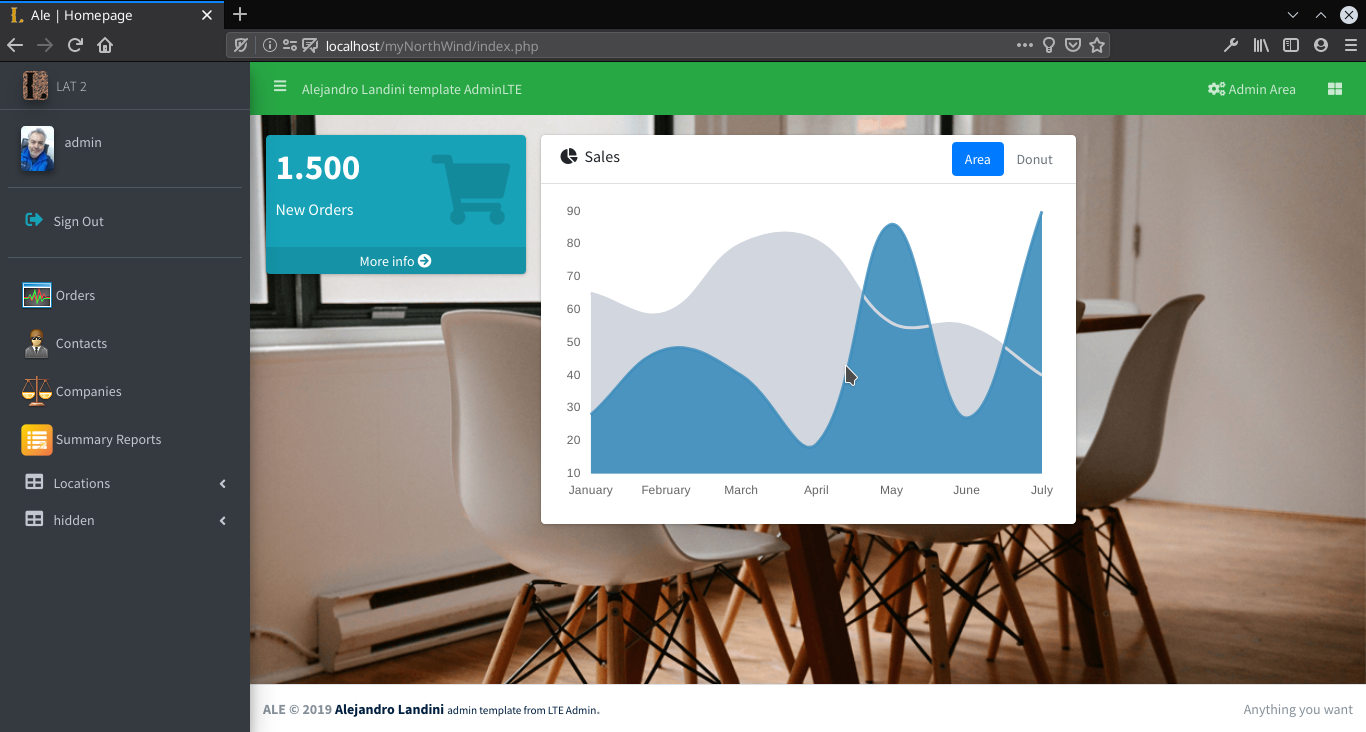
Remember that: for the plugin to work, you must have previously purchased an original AppGini plugin.
1 Download it from link upper
2 Unzip it into your root project.
3 Enable it from admin area plugins.
4 Enjoy it!
Go to root project folder
$ git submodule add https://github.com/myappgini/sbm_LAT_template.git LAT
$ git submodule update --init --recursive
$ git submodule update --recursive --remote
Go to appgini plugins folder (remeber you need an official plugin)
$ git submodule add https://github.com/myappgini/sbm_lat_plugin_install.git lat
After completing the compilation of your project, log in as administrator and go to the administrator area. The "Plugins" menu should appear with the "Landini Admin Template" option.
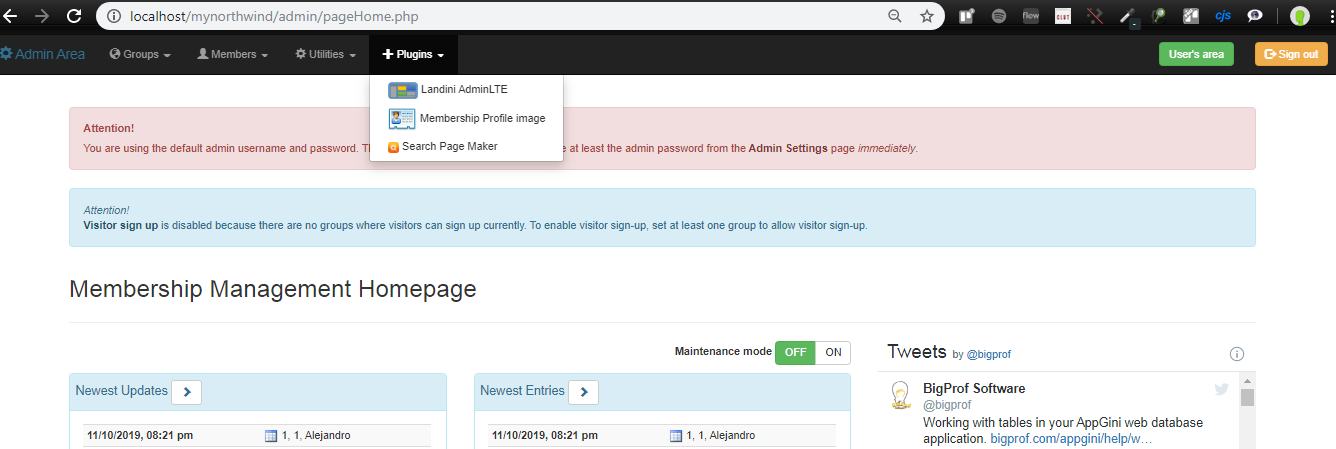
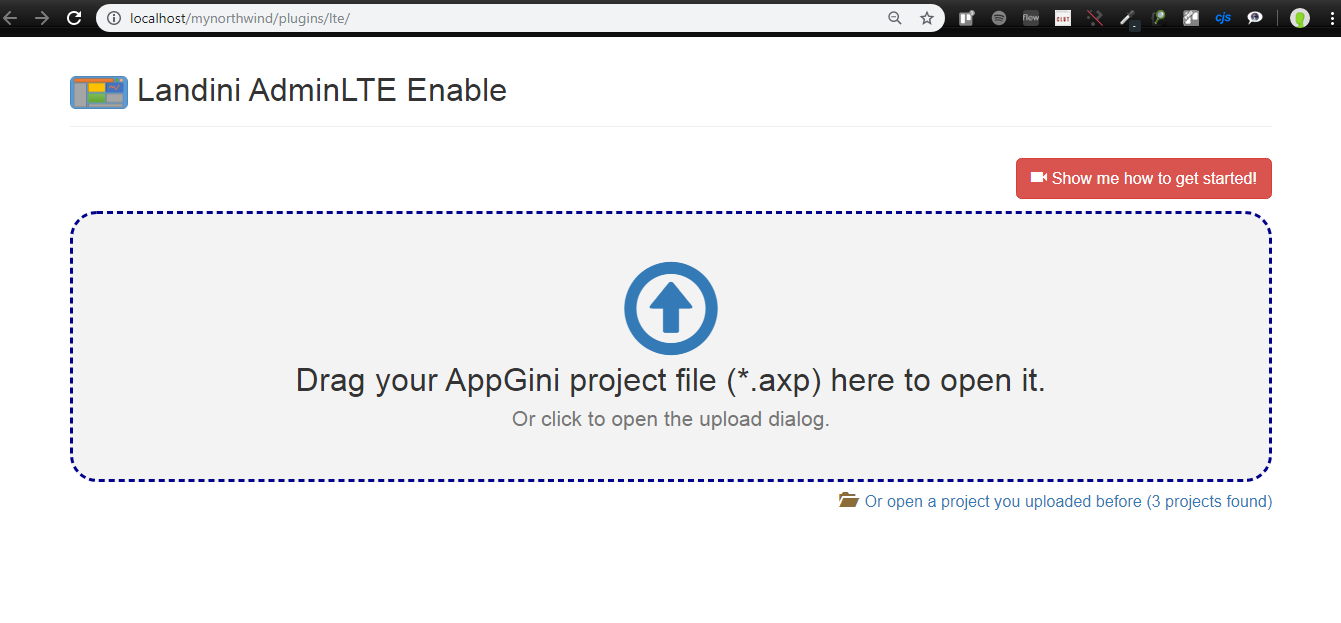
Like the rest of the plugins select the project and then move on.
 You will be shown a list of the groups that you have configured in your system.
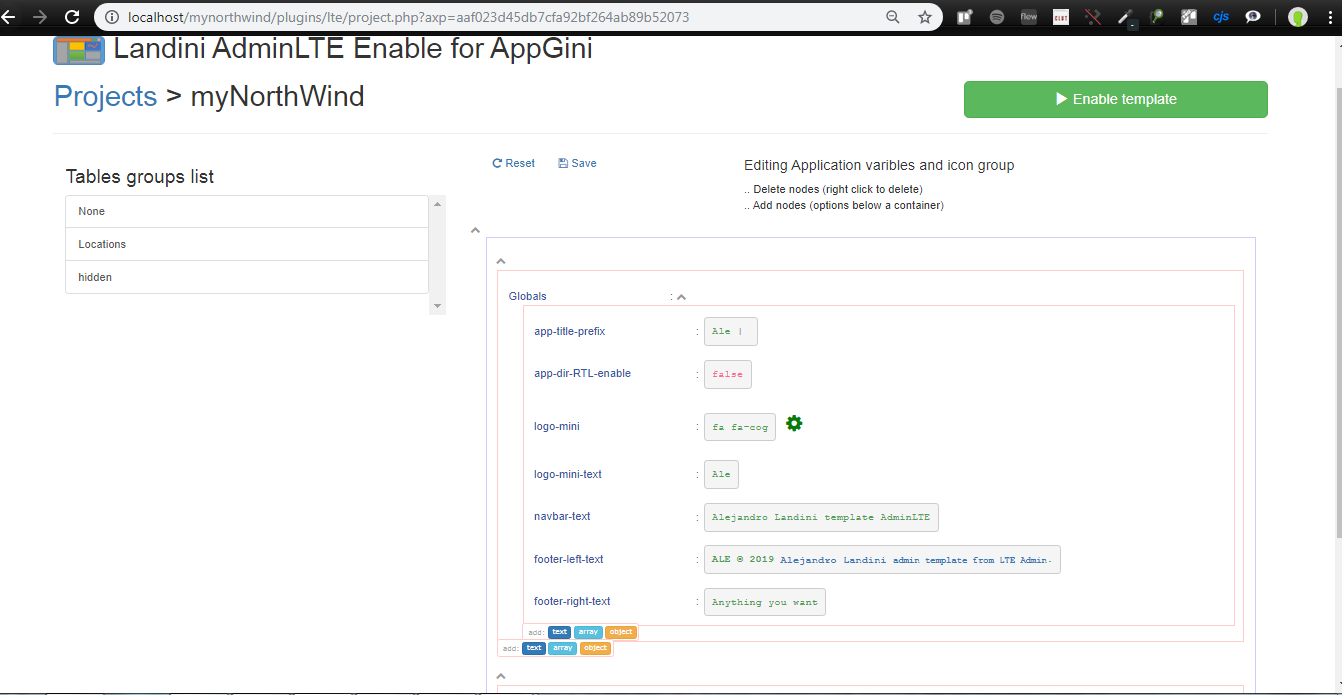
In this same screen you can edit all the environment variables and you can choose the icons you want to display in the left menu.
Save and continue.
Select the folder where your project is located and continue.
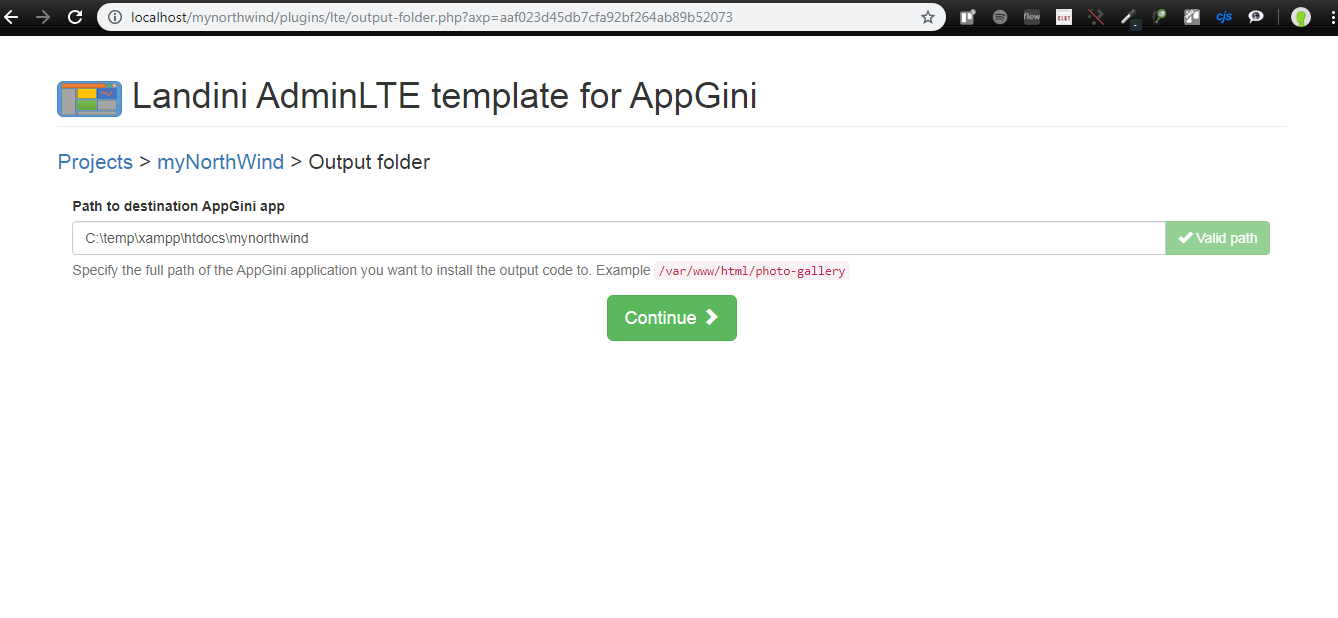 The system will make the necessary changes for its operation.
The change log will show you which files were copied and which files were updated.
The system will make the necessary changes for its operation.
The change log will show you which files were copied and which files were updated.
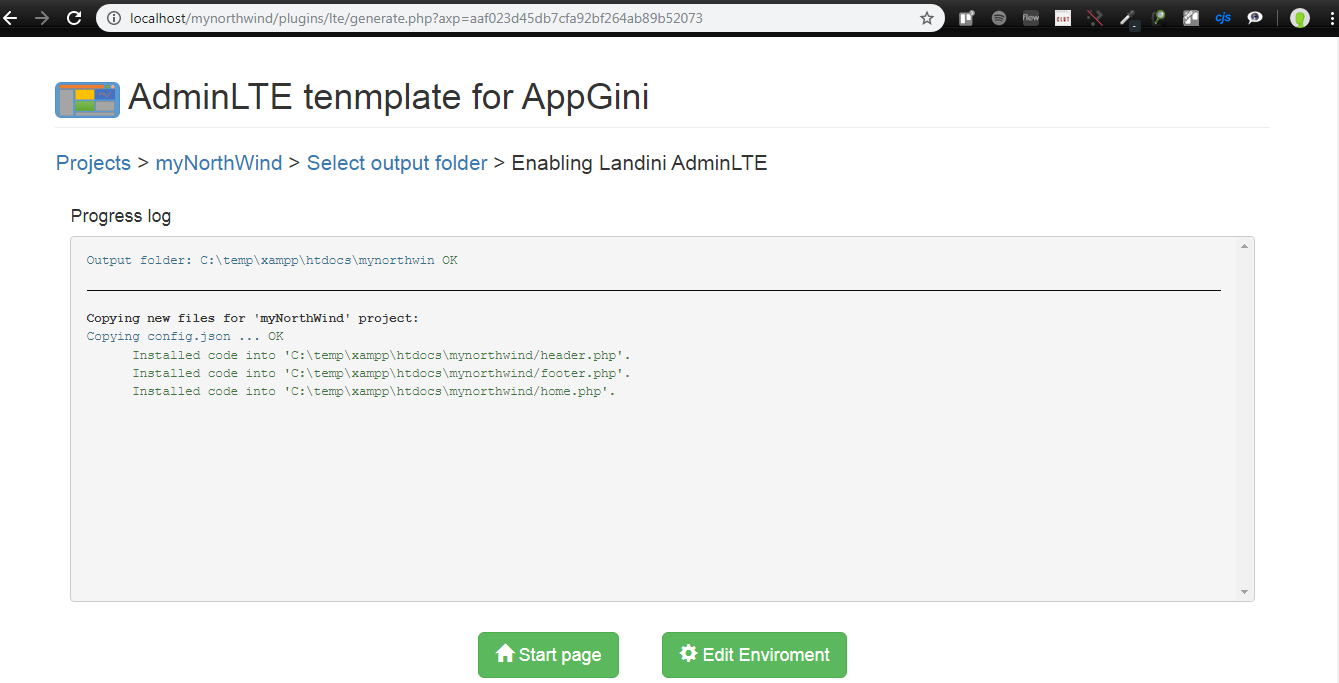
Once finished, you can return to the home page and the temple should already work. It is not necessary to return to the plugin to update the variables, since each time you return the variables it will be rewritten with the default values. Yes it is necessary to reinstall the plugin if a new compilation of your project was necessary. The variables can be updated, by the admin user, from the right control panel. Look for the App Enviroment button.
Enjoy the template and stay tuned for your comments.
You can conmute to default appgini only changue true to false in config_lat.php the varible $LTE_enable
function  getLteStatus($LTE_enable = true){

    if(!function_exists('getMemberInfo')){

        $LTE_enable = false;

    }

    return  $LTE_enable;

}18/05/21
- add dark mode lteadmin default and fox some issues for new appgini Version
01/05/21
- BUG FIX - load customs options from links-home
28/08/20 (see more details in New Feature below)
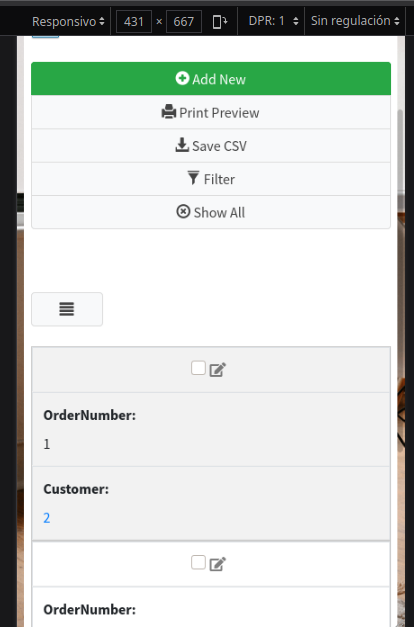
- In small screens, the table view is adapted to be seen vertically, for this, css and jquery were used.
- New function to show fields in a line in the detail view.
- New function to add information to the field
- New function to remove text from buttons both in table views and in detail.
- Fixes
- improved portability from bs3 to bs4, fixed various issues about this.
- some inconsistencies in the template are corrected.
- the control panel is corrected.
- the plugin installer is improved
10/08/20
- Update to AdminLTE 3.0.5
- Once the plugin is installed, it is re-activated after a new compilation.
- Modifications are made in folders for a better update of Admin LTE.
- Different home pages can be programmed according to user groups.
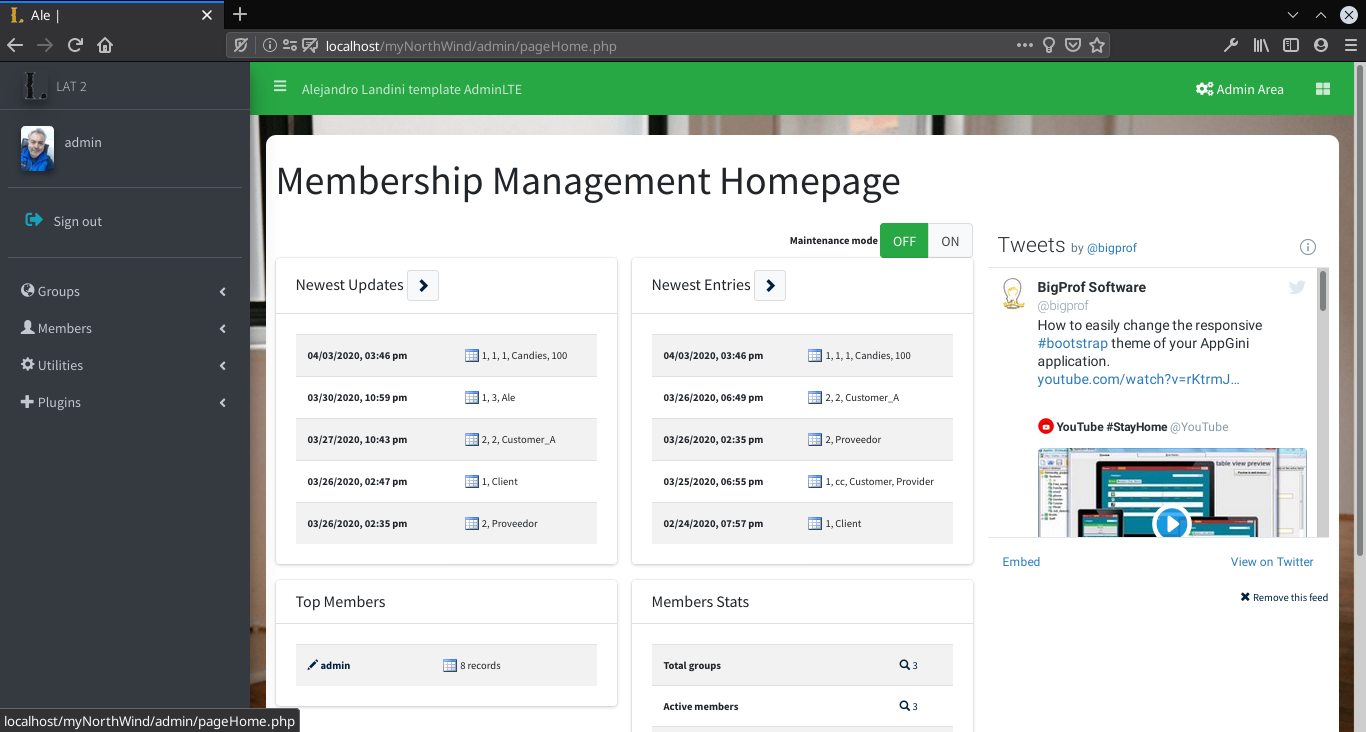
- the admin area now has the same environment as all the rest of the template.
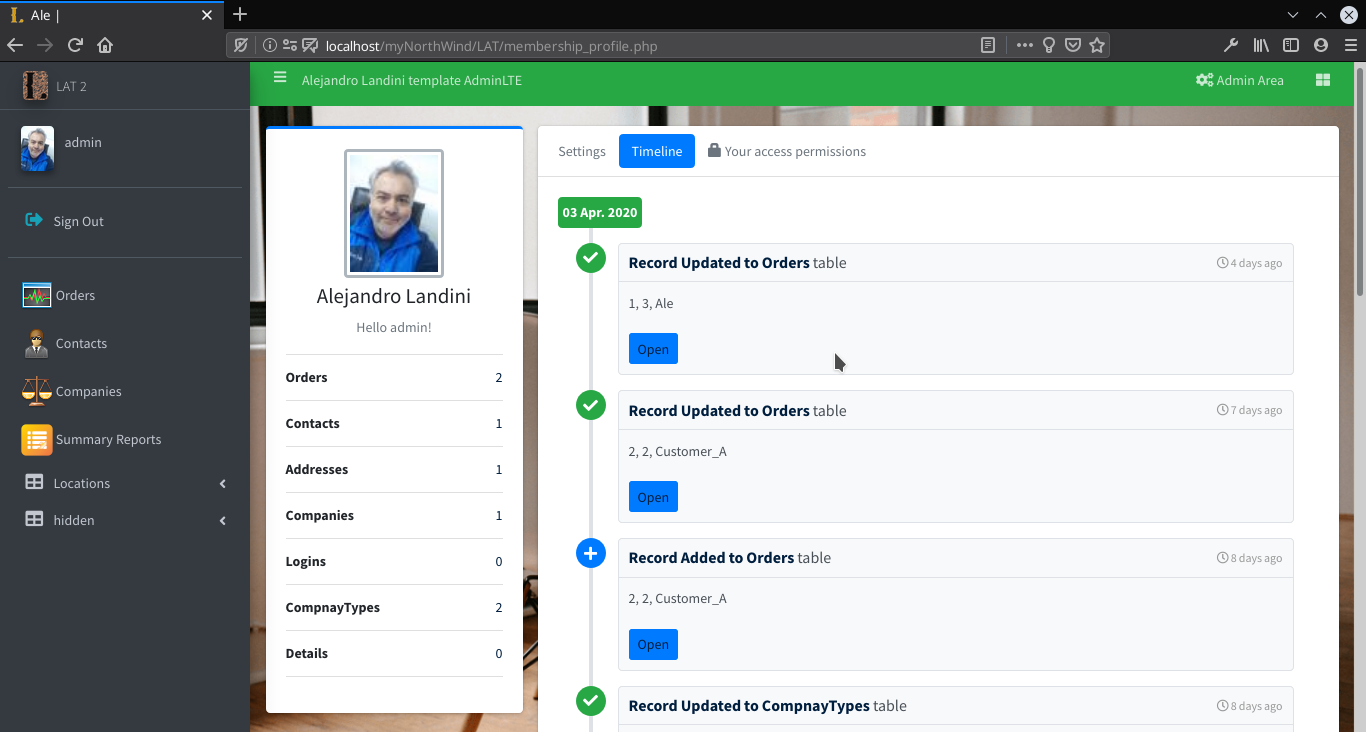
- The profile page now has a time-line where the movement of the last user record is shown.
- the quick search is placed in the upper navigation bar.
- fixes some spots for better viewing on small screens.
- others fix.
Last Changues
-
Update to AdminLTE 3.0.4
-
Edit enviroment variables from right side control
-
myCustom.css
-
modification of the background image and add exmples images
.content-wrapper {

    min-height: 100%;

    background-color: #ecf0f5;

    background: url(background/slide_2.jpg);

    background-repeat: no-repeat;

    background-attachment: fixed;

    background-size: cover;

    z-index: 800;

}- hide fields directly id
label[for='id']{

    display: none;

}


label[for='id'] + div {

    display: none;

}-
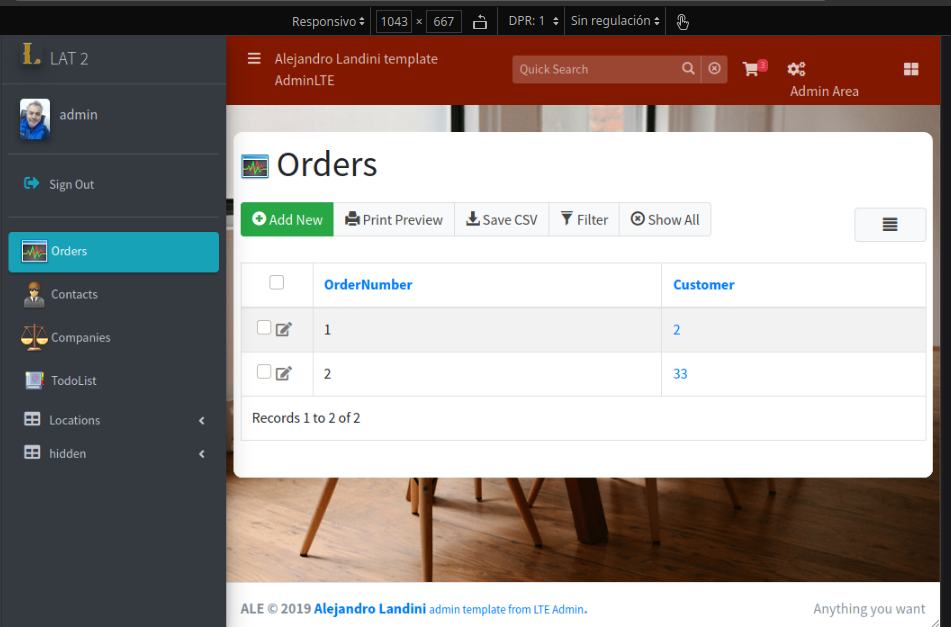
table view is adapted to be seen vertically.
-
Show fields in a line in the detail view and prepend information to the field

simple use:
inline_fields(['weightReal', 'wgh_unity'], false, [6, 3])
inline_fields(['dimensions', 'weightVolume', 'dim_unity'], false, [3, 3, 3])
inline_fields([arra with the fields name], 'custon label or get the first if false', [custon array withs of fields or empty for automatic])

prepend_btn('dimensions', "Unit Setting...", "...", "");
prepend_btn('field_name', "title info", "text", "icon-class");
- Buttons without labels function.
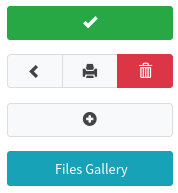
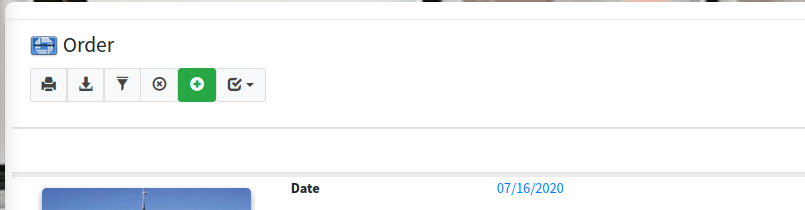
many option to use
removeText('#top_buttons .btn-group .btn'); removeText('.pagination-section .btn'); removeText('.btn'); removeText('#addNew');
- New Mebership Profile
Add time line feature
- Extend template to Admin Area
-
Bootstrap 4 support
-
hidden group
If the hidden group is created, the tables that are within this group will only be visible to the admin user group.