
In this repository, applied force and gravitational force on various objects are simulated in python. For the physics, we'll use Pymunk library and for the GUI, we'll use Pygame.
To continue with this project, it is recommended to create a new virtual environment in python.
$ cd path/to/directory
$ python -m venv pyphysics
Now to activate the environment: Windows:
$ .\venv\Scripts\activate.batMac OS / Linux
$ source venv/bin/activateFor this particular project, we'll use two external libraries pygame and pymunk. And for building the app to release version, we'll use pyinstaller.
$ pip install pygame pymunk pyinstallerTo be noted that the project uses some of the modern features of Python. So it is recommended to use Python version 3.10.* or updated ones.
To run this app, simply write run the main file
$ python main.py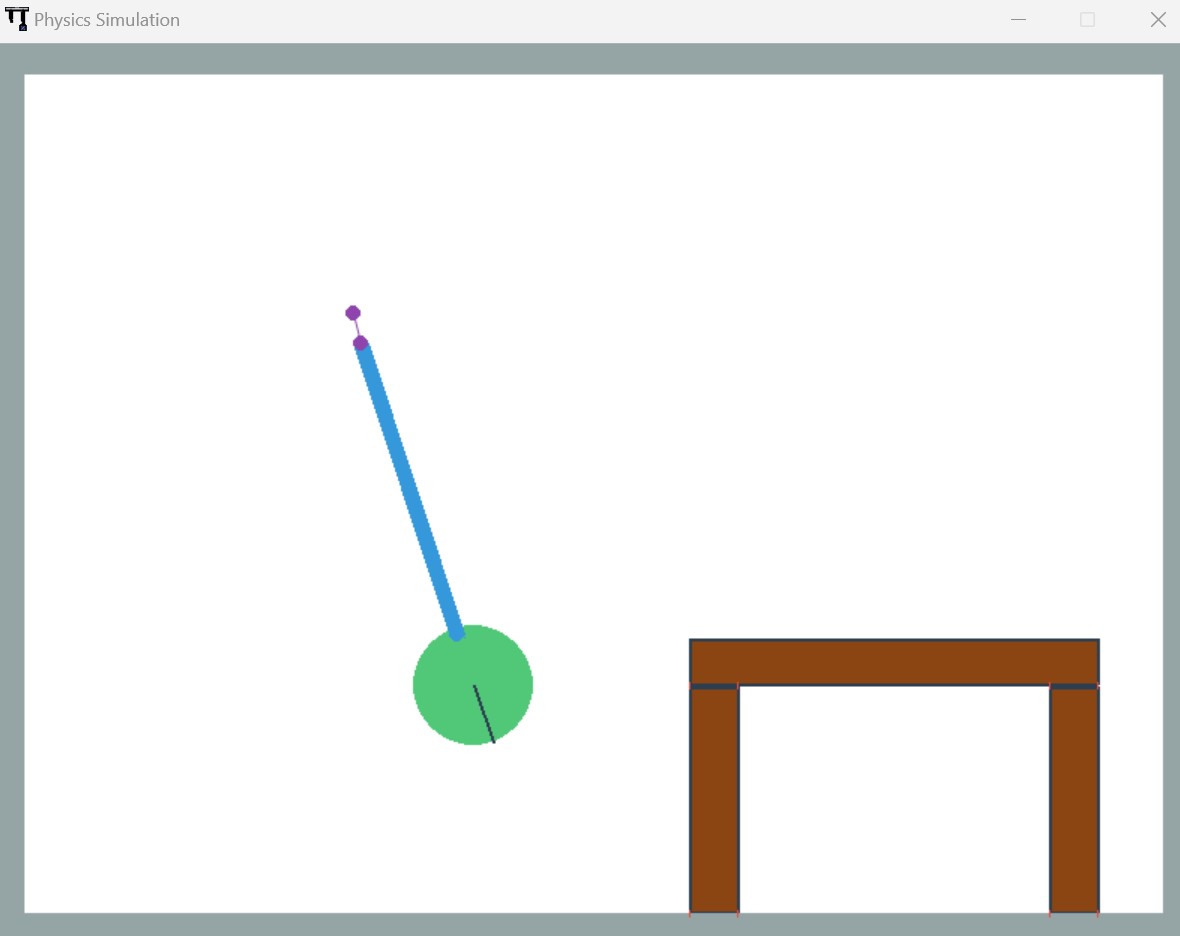
To export it as an executable app, we'll use pyinstaller
$ pyinstaller --name PhysicsSimulator --onefile --windowed --icon=icon.ico main.pyIt will make a PhysicsSimulator.exe at the dist/ folder. Now you can use it and make a Setup file.