Import UDIM displacement (the equivalent of Mudbox's Sculpt using maps), color, and mask textures back onto a mesh in ZBrush.
NOTE: Windows only
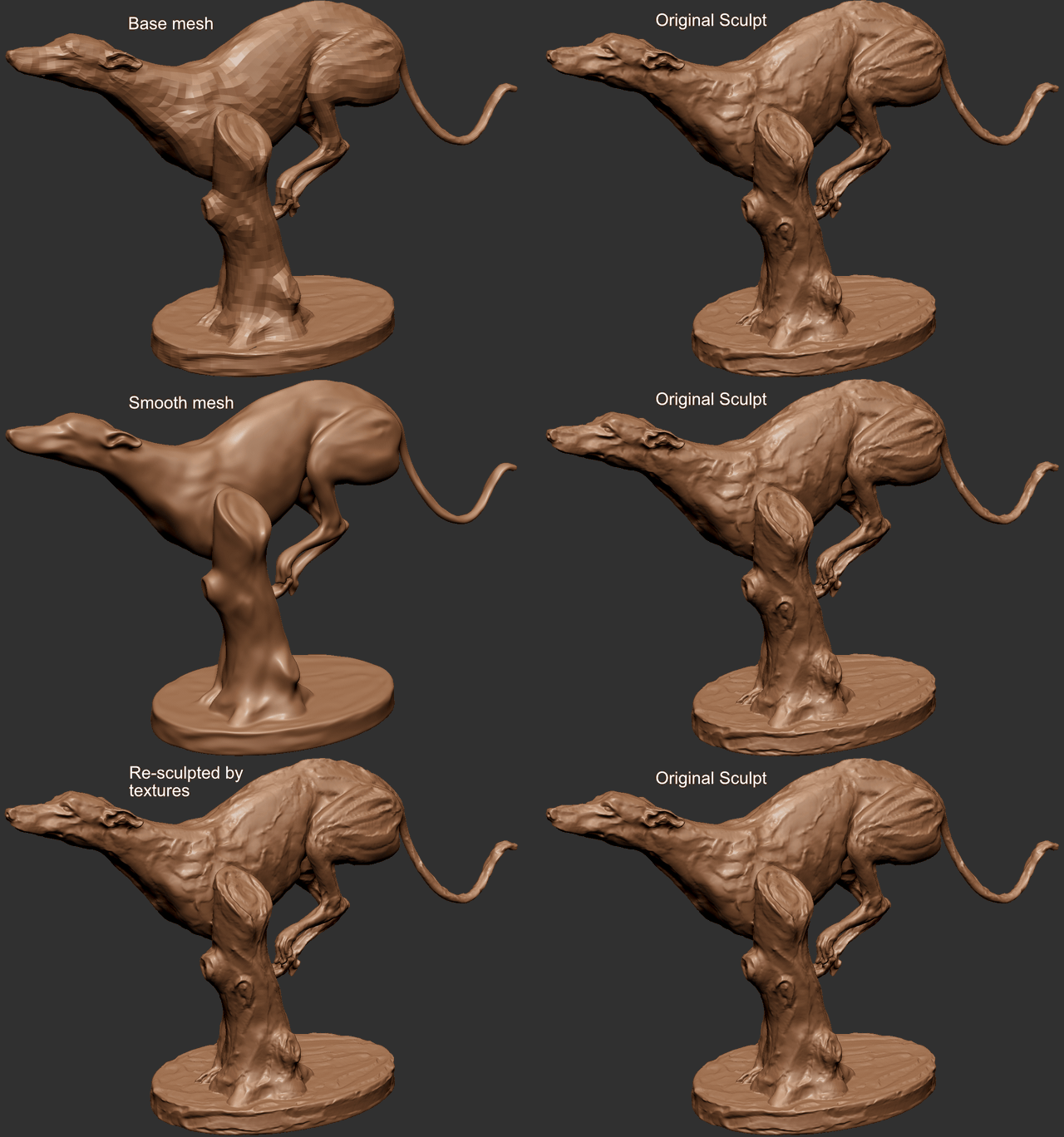
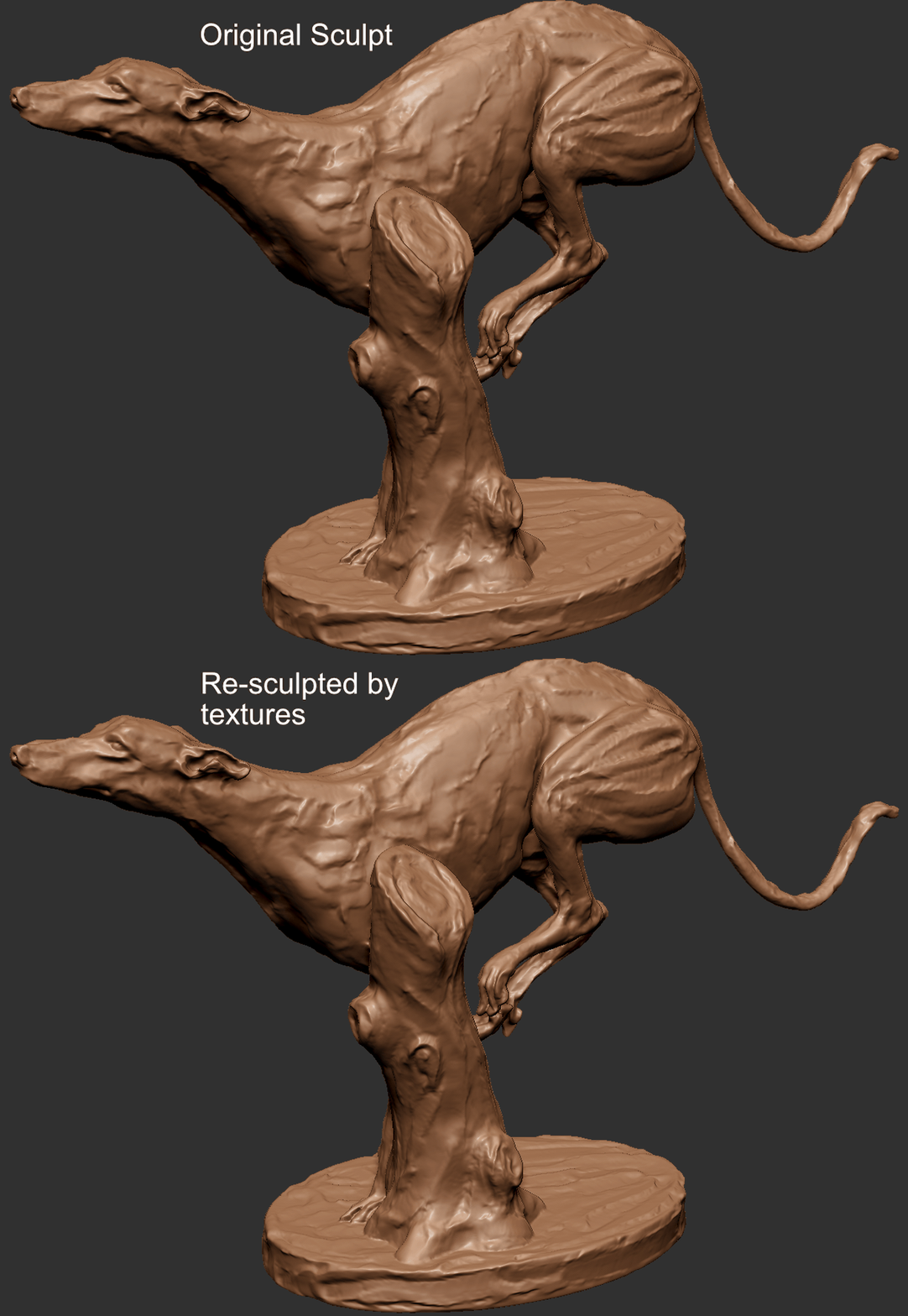
Resculpted mesh vs the original:
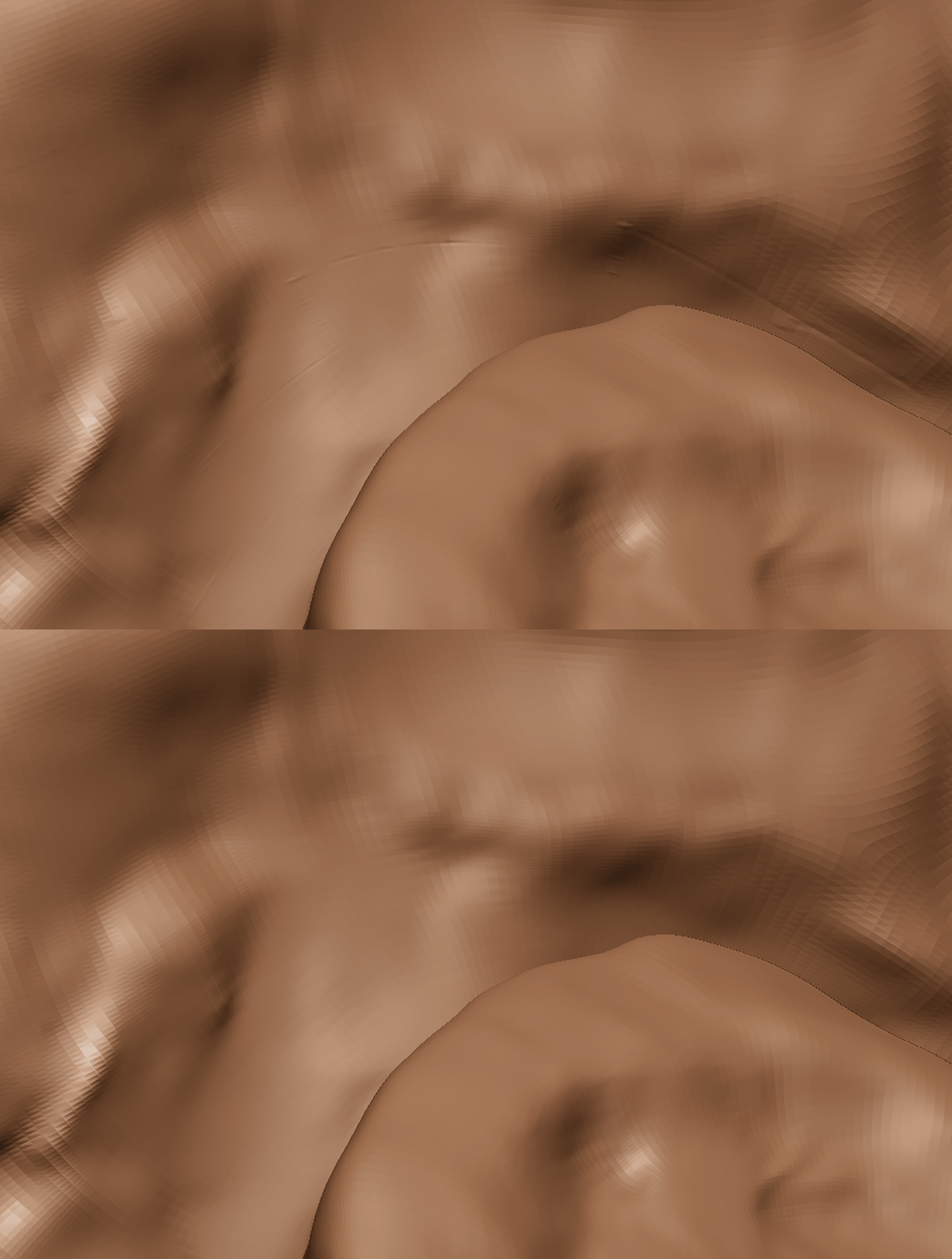
If everything (mesh, UVs, smooth options, map settings, etc.) is correct and consistent, the result should be very close to the original. You may still see slight seams along the UV borders, because adjacent UV islands sample from different tiles and the values at the shared edge do not always match exactly.
Tested on Windows 11 (both local and remote machines) with ZBrush 2022, 2023, and 2025. Results are based solely on my personal environment and may not be representative of all setups. If it works on your version too, that's a bonus rather than a guarantee.
- Go to the release page, download the latest archive, and extract it.
- Move
UDIMTextureImporter3.zscto theZPlugs64folder. - Move the
UDIMTextureImporter3Datafolder to theZPlugs64folder.
The .zsc is the ZScript that registers the plugin in ZBrush, and the Data folder holds the actual DLLs it calls into, so both have to sit side by side. After copying, restart ZBrush so it picks up the new plugin.
The files should end up arranged like this:
└── ZBrush 202X/
    ├── ZBrush.exe
    └── ZStartup/
        └── ZPlugs64/
            ├── UDIMTextureImporter3.zsc
            └── UDIMTextureImporter3Data/
                ├── UDIMTextureImporter3.dll
                ├── tiff.dll
                ├── zlib.dll
                ├── deflate.dll
                └── ZFileUtils/
                    └── ZFileUtils64.dll
Go to ZPlugin -> UDIMTextureImporter3.
Make sure the textures follow the UDIM naming convention (e.g. filename.1001.tif, filename.1002.exr, etc.). The plugin uses the 4-digit tile number in the file name to decide which UV region each image belongs to, so the number must be correct and the files for one set should share the same base name.
Images need to be exported from ZBrush or Mudbox so that the values match ZBrush's coordinate conventions.
- 32-bit tif/tiff (compression: None, Deflate, or LZW — handled through the bundled zlib and deflate libraries)
- 16-bit FP exr
- For tangent-space vector displacement, the textures must be exported with the following settings:
- Mid value 0.0
- ZBrush: FlipAndSwitch and TangentFlipAndSwitch: 25
- Mudbox: Absolute tangent
If these export settings don't match, the displacement will still be applied but the surface will come out distorted, so it's worth double-checking them first.
Color import does not work while layer recording is turned on, so make sure it is off before importing.
- 8/16-bit tiff/exr
- 8/16-bit tiff/exr
Grayscale (single-channel) images are supported for masks and displacement; for RGB images only the relevant channel(s) are used.
You don't need to build it yourself as long as the released binary works for you. If you want to modify the plugin or build for an unsupported setup, see the build instructions.