
Note: NoPad is in pre-alpha stage. It is not stable or fully featured yet. However, it is developed enough that it technically can be used as a text editor.
NoPad is a near clone of the good old fashioned Microsoft notepad. Zero AI. Zero bloat. 100% free and open source. NoPad deviates from Notepad's design where I felt that Notepad's design is buns, but a Windows 10 user should feel right at home using NoPad.
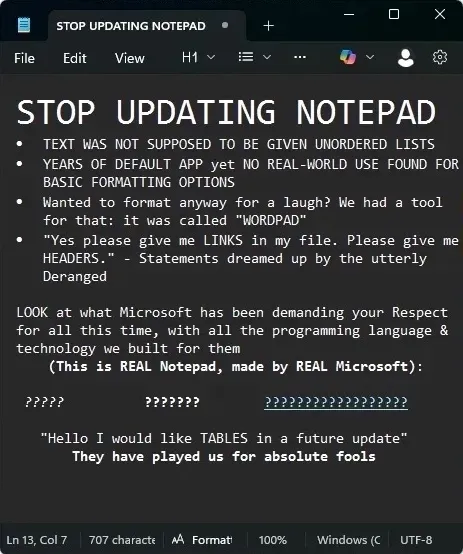
Microsoft Notepad was meant to be a plain and slim text editor. Recently Microsoft shoved AI into it. A simple text editor should not have bloat or be making network requests. In addition, Microsoft added rich text support to Notepad. The result of this broadening of scope for the application was an arbitrary code execution vulnerability in Notepad (https://www.youtube.com/watch?v=sZ8aAkeZ6dw).
This project is a clean implementation of Microsoft Notepad. No code from Microsoft Notepad was used in the creation of NoPad. Although NoPad was designed to have a similiar design and layout to Microsoft Notepad, none of NoPad's assets are taken from Microsoft Notepad. NoPad is not affiliated with Microsoft.
"Writing a Text Editor" by Computerphile (https://www.youtube.com/watch?v=g2hiVp6oPZc)
TLDR: Vi uses LinkedList<Array<char>>. Emacs uses a GapBuffer<char>. NoPad will use a LinkedList<GapBuffer<char>>
- Dart - the programming language
- jvbuild - custom dependency manager, build system, and packaging tool
Quick run:
jvbuild run dev
Build:
jvbuild build
Package:
jvbuild package
| Platform | Support |
|---|---|
| Debian-based Linux (Debian, Ubuntu, Mint, etc.) | Supported |
| Fedora-based Linux | Support Planned |
| Arch-based Linux | Support Planned |
| Other Linux | No Official Support, but the Flatpak will probably work |
| Windows | Support Planned |
| macOS | No Support Planned |
| iOS | No Support Planned |
- vExcess - Primary Developer
- Implement all menu features
- Add custom theming
- Add Windows style title bar
- Cross platform support
- use hardware acceleration
- make vertical arrow key navigation have memory
- implement find and replace
- tabs?
- only rerender sections of the app that have changed
- optimizations, optimizations, optimizations
- error log
- improve ctrl + arrow navigation?
- add keyboard shortcuts
- implement undo + redo history
- implement horizontal scrolling
- Why does SDL not report the mouse down event for the 3rd click in a triple click???
- Support Windows CRLF in addition to Unix LF (unless someone else wants to do the entirety of the work I guess)
- Support non-english alphabets (unless someone else wants to do the entirety of the work)
- Prevent scrolling when content is less than the height of the window (ngl I kinda like it)