


aiusage.jtanx.com · English | 中文
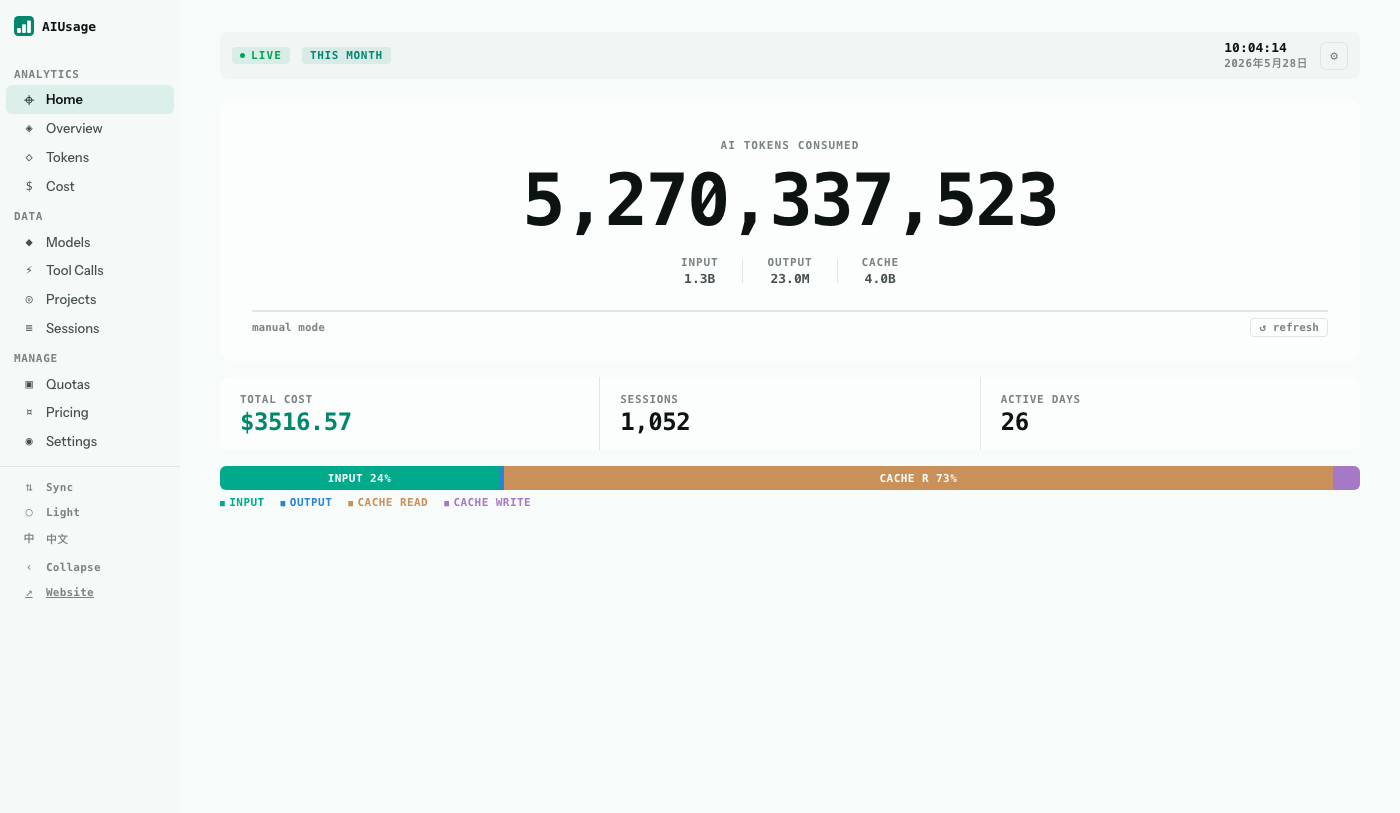
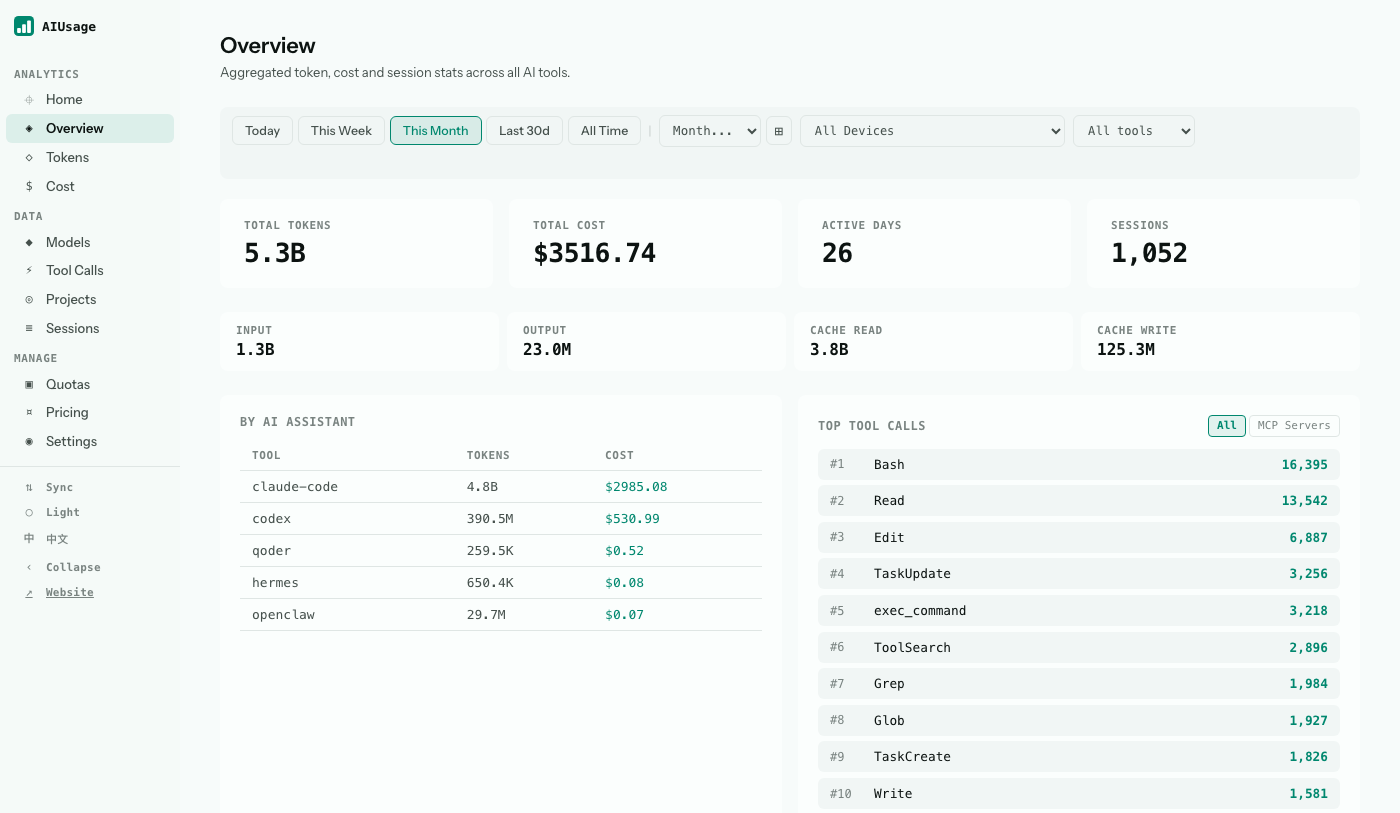
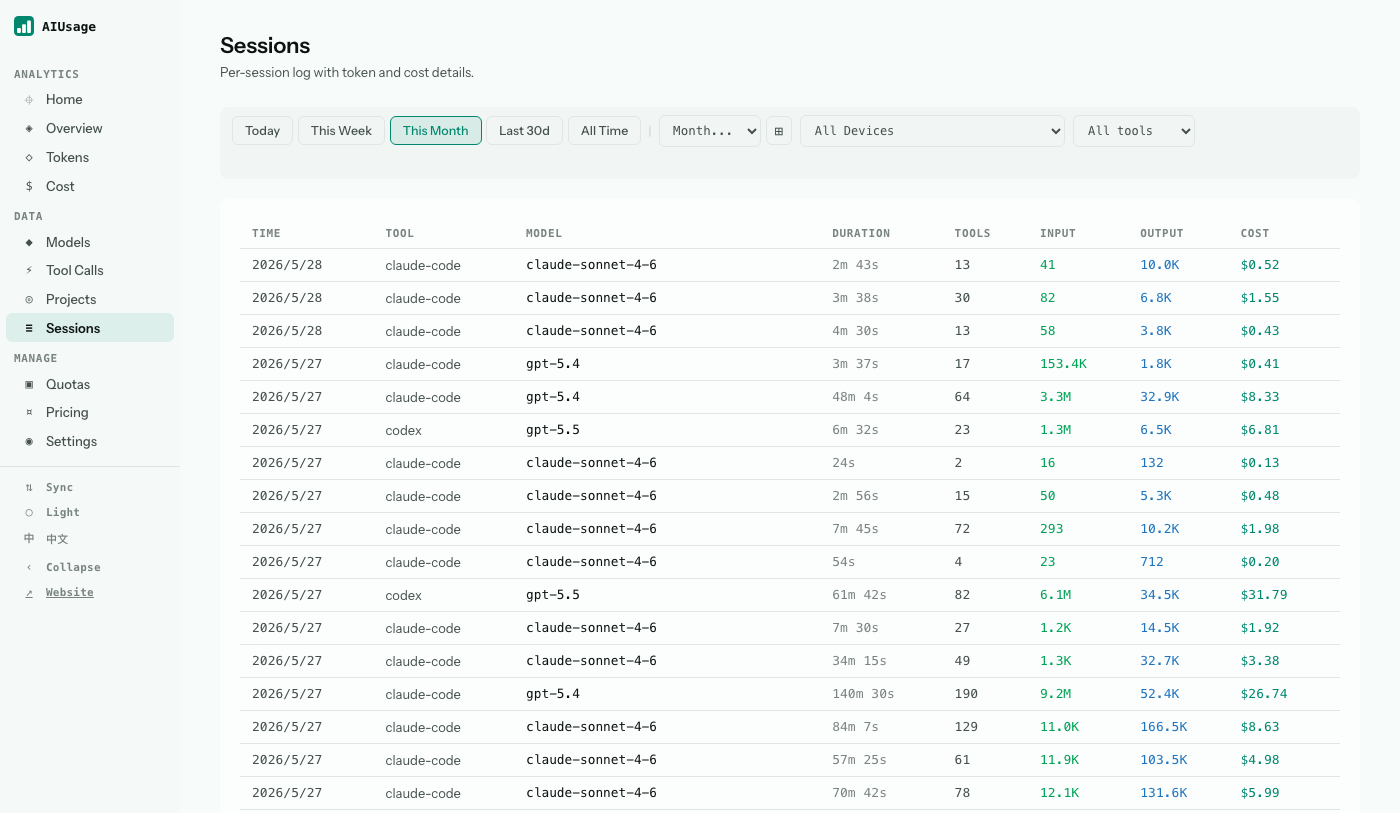
Track token usage, cost, and sessions across 22 AI coding tools in one local dashboard. No account is required for local use. No telemetry. No cloud required.
Prerequisites: Node.js 20+
npm install -g @juliantanx/aiusage
aiusage serve
Open http://localhost:3847 to explore the dashboard.
Claude Code |
Codex |
OpenCode |
Cursor |
Hermes |
Qoder |
OpenClaw |
KiloCode |
Copilot |
Gemini CLI |
Kimi Code |
CodeBuddy |
Kiro |
Grok Build |
Antigravity |
Roo Code |
Zed |
Goose |
oh-my-pi |
pi |
Craft |
Droid |
Your AI coding tools each log usage separately — different formats, different machines, no shared view. aiusage pulls it all into one local dashboard:
- One dashboard for tokens, cost, model mix, and tool-call activity
- Multi-machine sync via official cloud sync, GitHub, S3, or R2 — entirely optional
- Your data stays local by default
AIUsage includes a public leaderboard for users who choose to share aggregate totals. Ranking supports both token totals and cost, with filtering by tool and model.
- View the leaderboard at aiusage.jtanx.com/leaderboard or from the CLI with
aiusage leaderboard. - Upload requires an account and an authorized CLI device:
aiusage login, thenaiusage upload. - Leaderboard uploads contain aggregate token totals for ranking periods. They do not include prompts, completions, source code, file paths, or local cost estimates.
- Anonymous mode is available in /settings to hide your identity on the leaderboard.
The official site at aiusage.jtanx.com provides an account system for leaderboard participation:
- Login: Password, GitHub OAuth, or LINUX DO OAuth
- Profile (/settings): Username (30-day cooldown), display name, avatar, password, leaderboard visibility, anonymous mode
- Upload Status (/uploads): View upload history, manage authorized devices
- Admin Dashboard (/admin): Upload moderation, user management, pricing tables, audit logs (admin role required)
Responsibility split:
@juliantanx/aiusagehandles local parsing, local dashboards, sync, terminal summaries, CLI authorization, and signed leaderboard uploads.- The official site handles public leaderboard browsing, accounts, profile settings, authorized devices, upload review status, and admin moderation.
Full documentation — CLI reference, Docker deployment, sync setup, desktop widget, and more — is available on the Docs page.
linux.do — Thanks to the linux.do community for their support and inspiration during the development of this project.
Contributions are welcome! See CONTRIBUTING.md for how to get started.