A C++ management software for teachers that records information about students and keeps track of their payments. This program uses QT for all GUI components.
-
Personalized and unique user accounts
-
Local SQLITE database
-
User-friendly GUI
-
TableView for clear data visualization
-
Calendar widget to keep track of schedules
- Register an account.
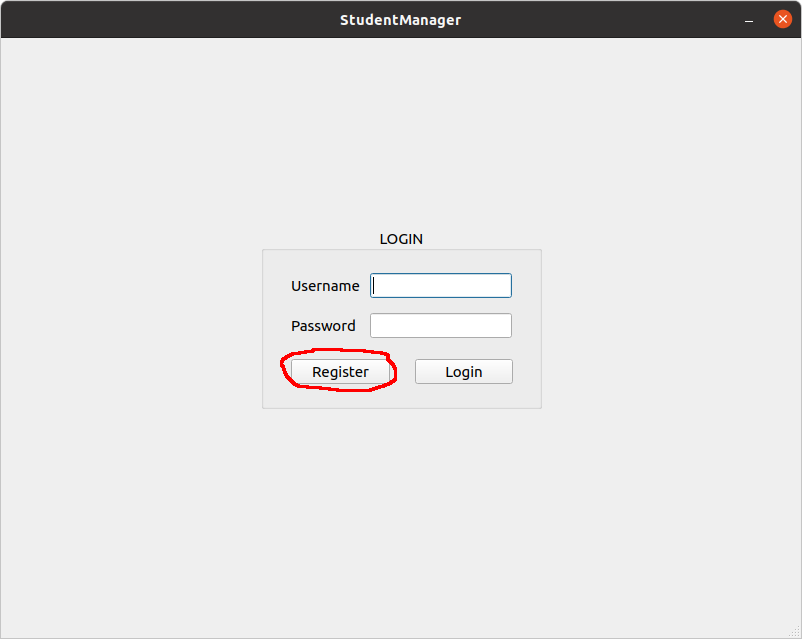
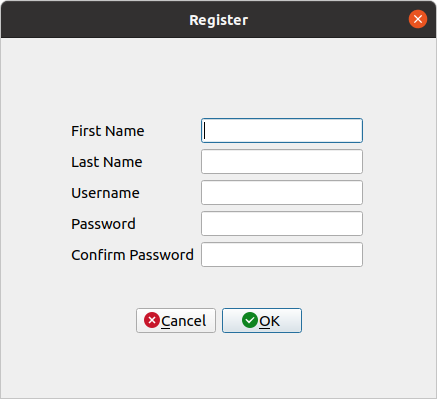
- Enter requested information and make sure all constraints are met.
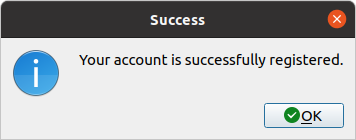
- Once all constraints are satisfied, and the account is made, a success message will display.
- You can now login with your newly created account and access all the features.
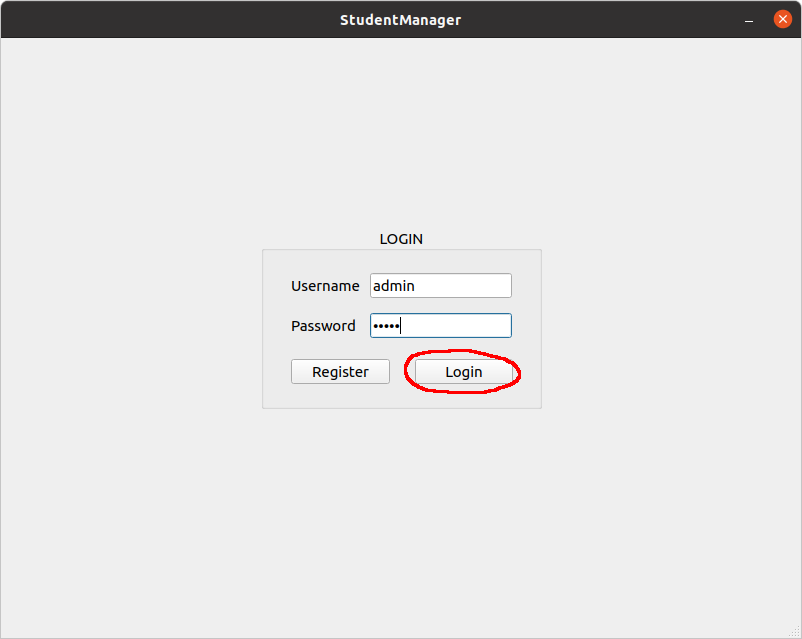
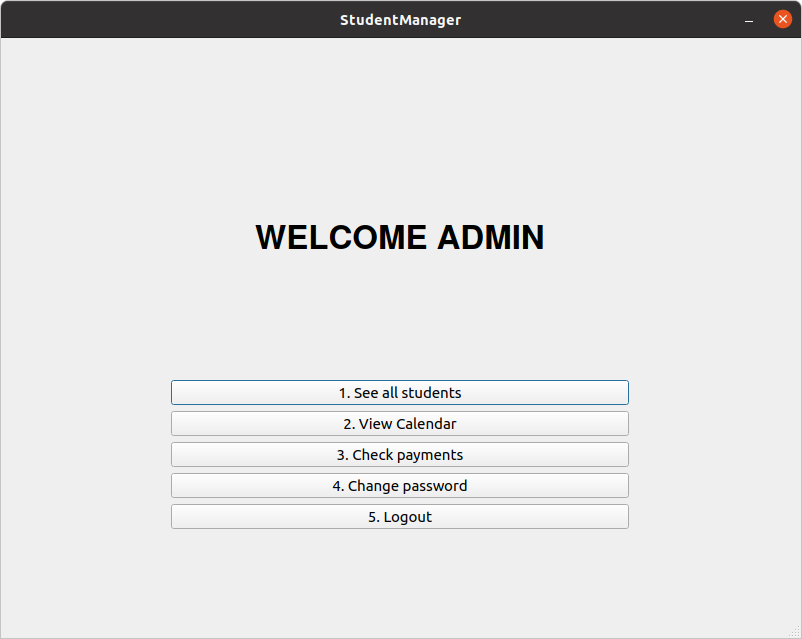
- Users have access to 5 options.
-
Download the repository.
-
Open the repository in QtCreator.
-
Change the directory to where you want to create the executable.
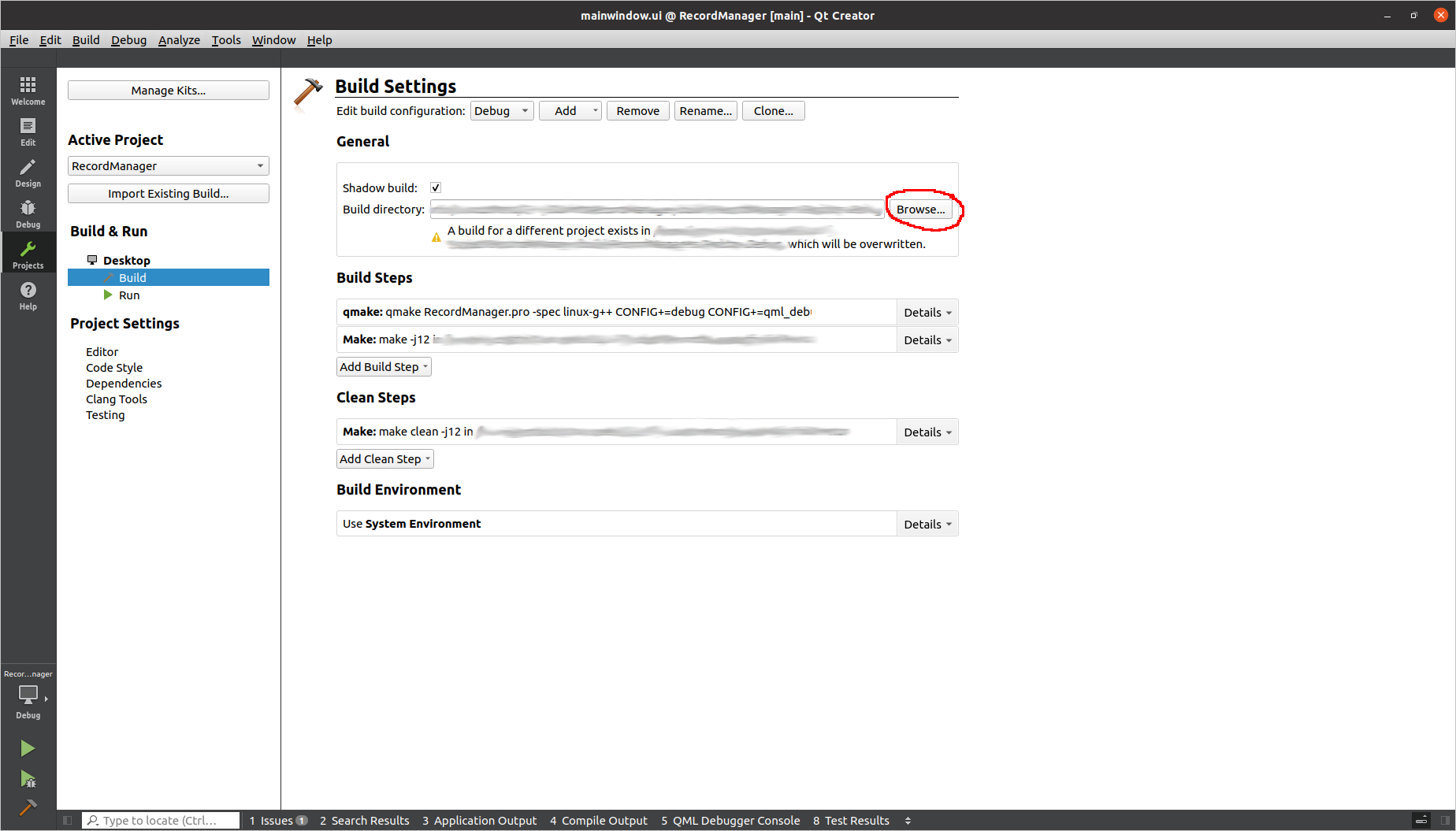
The following steps differ between windows and linux.
-
Open terminal and cd to the directory.
-
./RecordManager.pro
-
Go to the folder where the project was built.
-
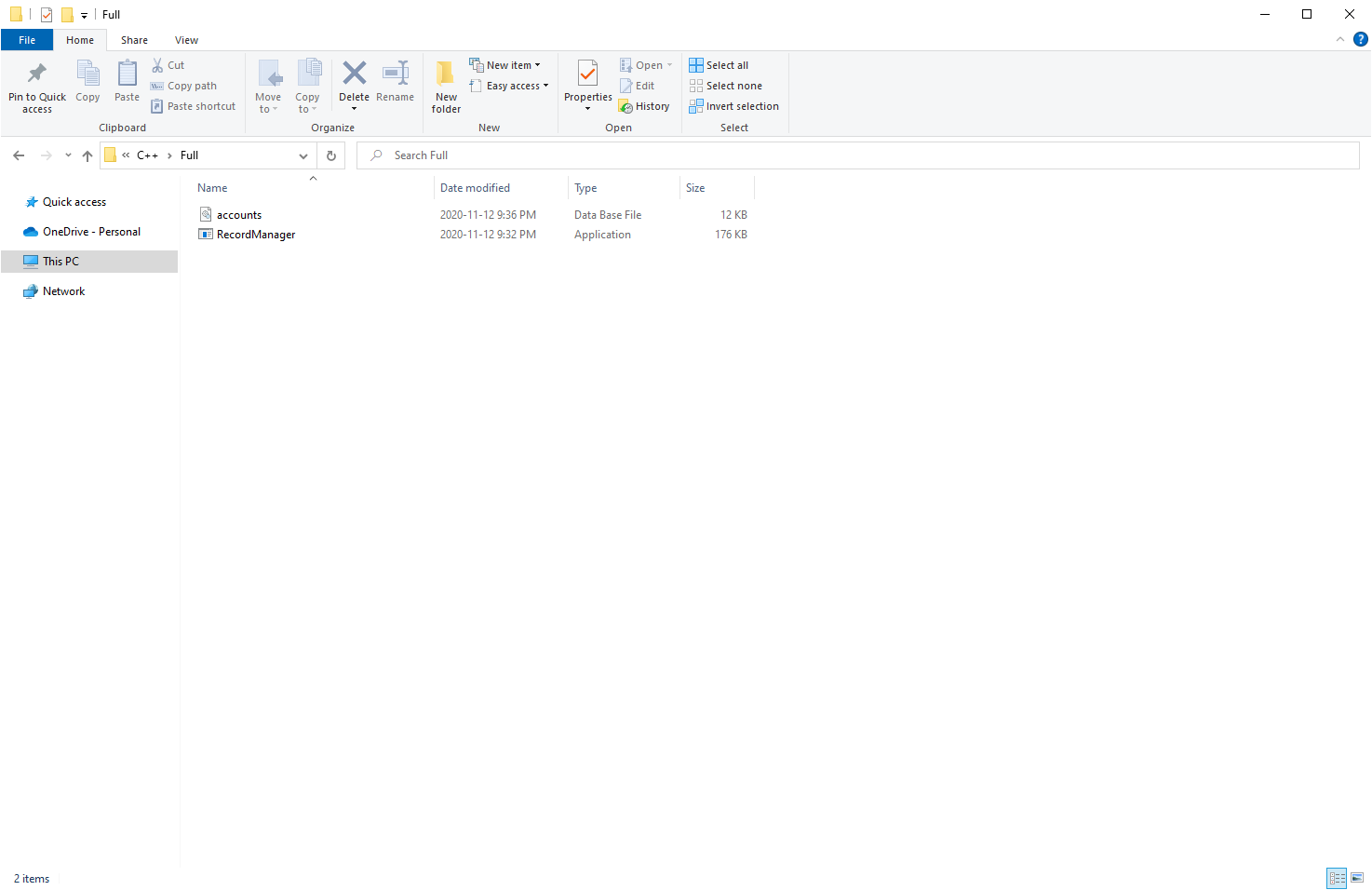
Copy the RecordManager application and the accounts.db file into a new folder.
- Open MinGW.

- cd to the folder where the project was built and windeployqt RecordManager.exe.
cd "C:\Users\admin\builtDirectory"
windeployqt RecordManager.exe
- Run RecordManager.exe.
For more information about QT checkout their program and plans here
More information on the QT documentation.