March 11 2018 Update: There will be no further development of ColorStyler. Qlik has released support for custom themes with the Qlik Sense February 2018 release: https://community.qlik.com/blogs/qlikviewdesignblog/2018/02/06/whats-new-in-qlik-sense-february-2018
I have converted all the gradients and palettes in ColorStyler into a ColorStyler theme that can be downloaded here: https://github.com/johsund/ColorStyler/blob/master/colorStylerTheme.zip?raw=true
Add it to Qlik like any extension and then pick the theme in the App Overview by pressing the small gear and picking the theme name. Now you'll have access to all the styles under each object's color properties in Edit mode. Enjoy!
////////////////////////////////////////
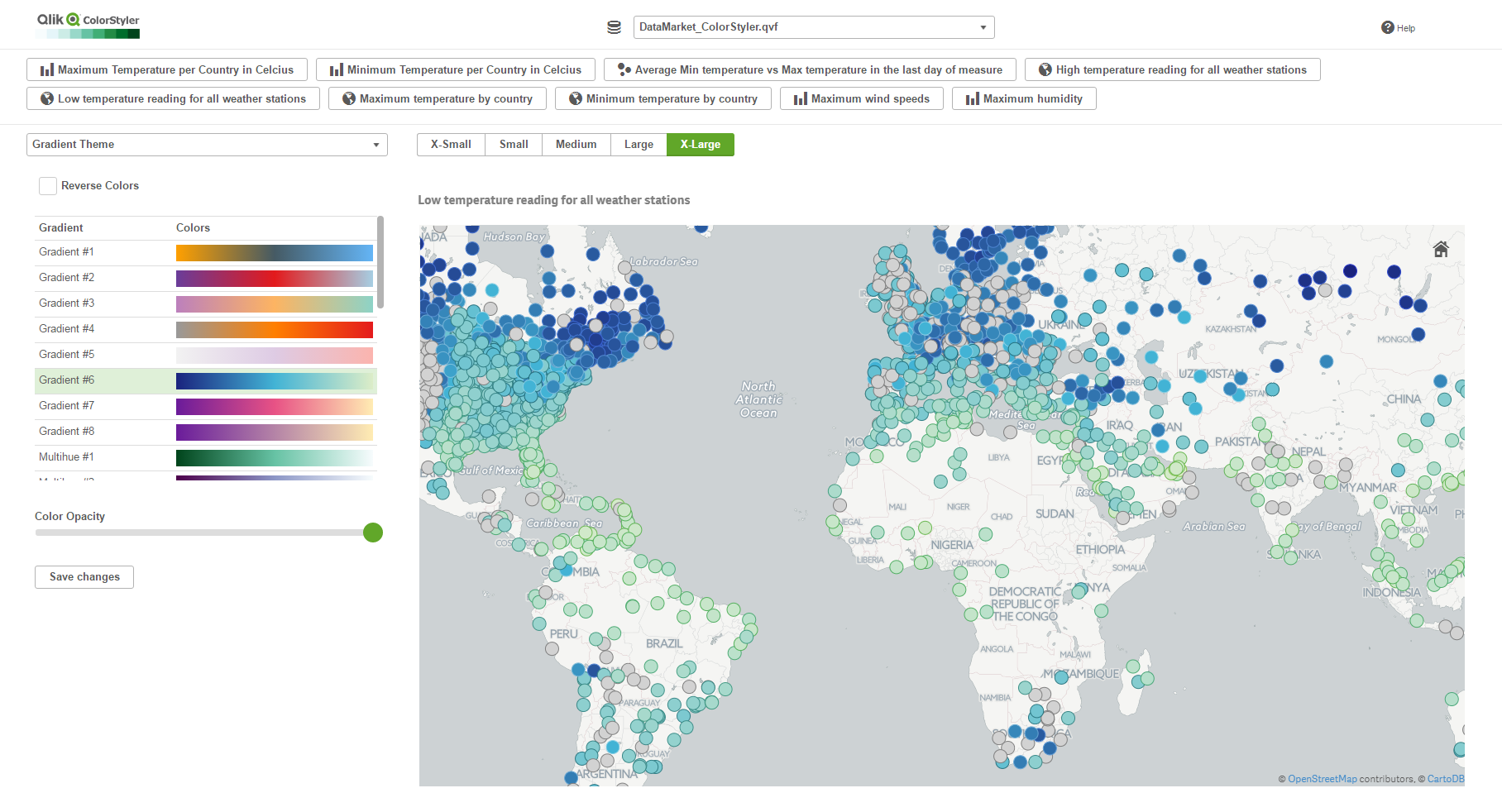
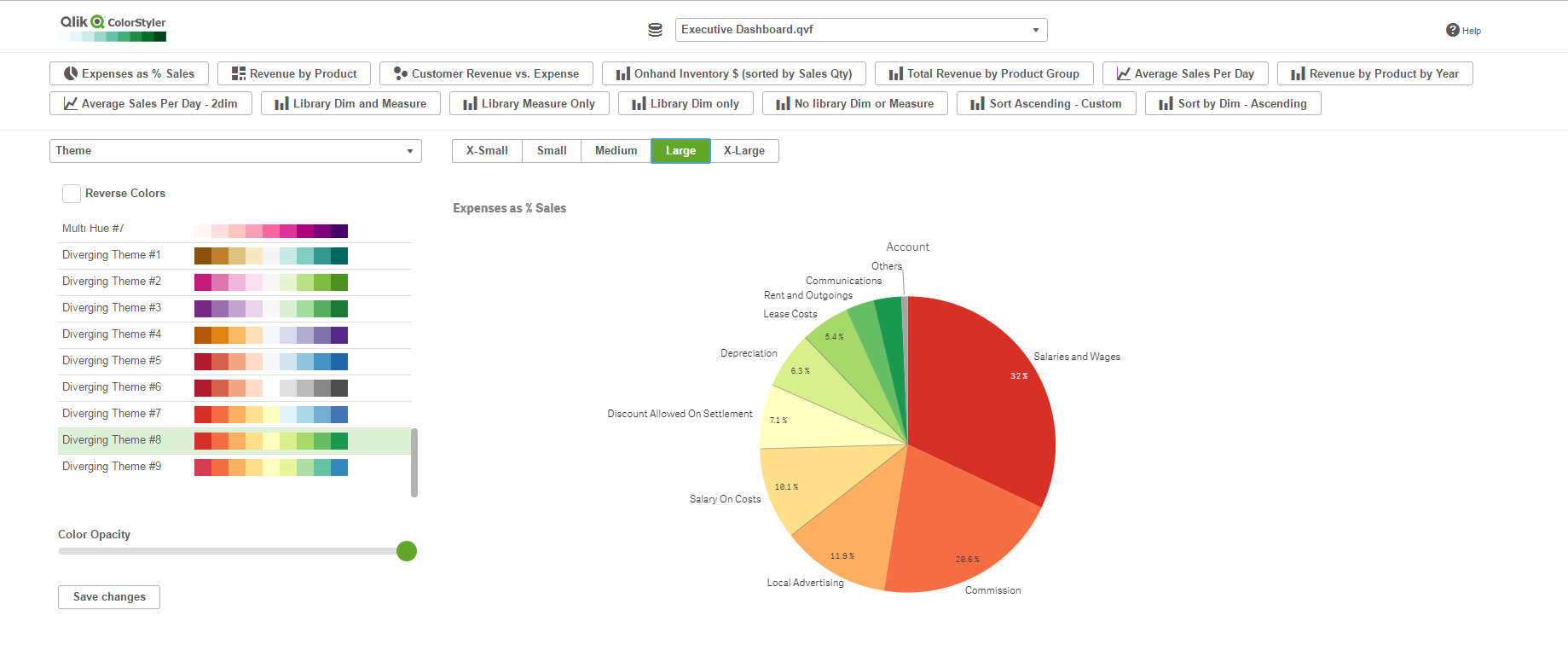
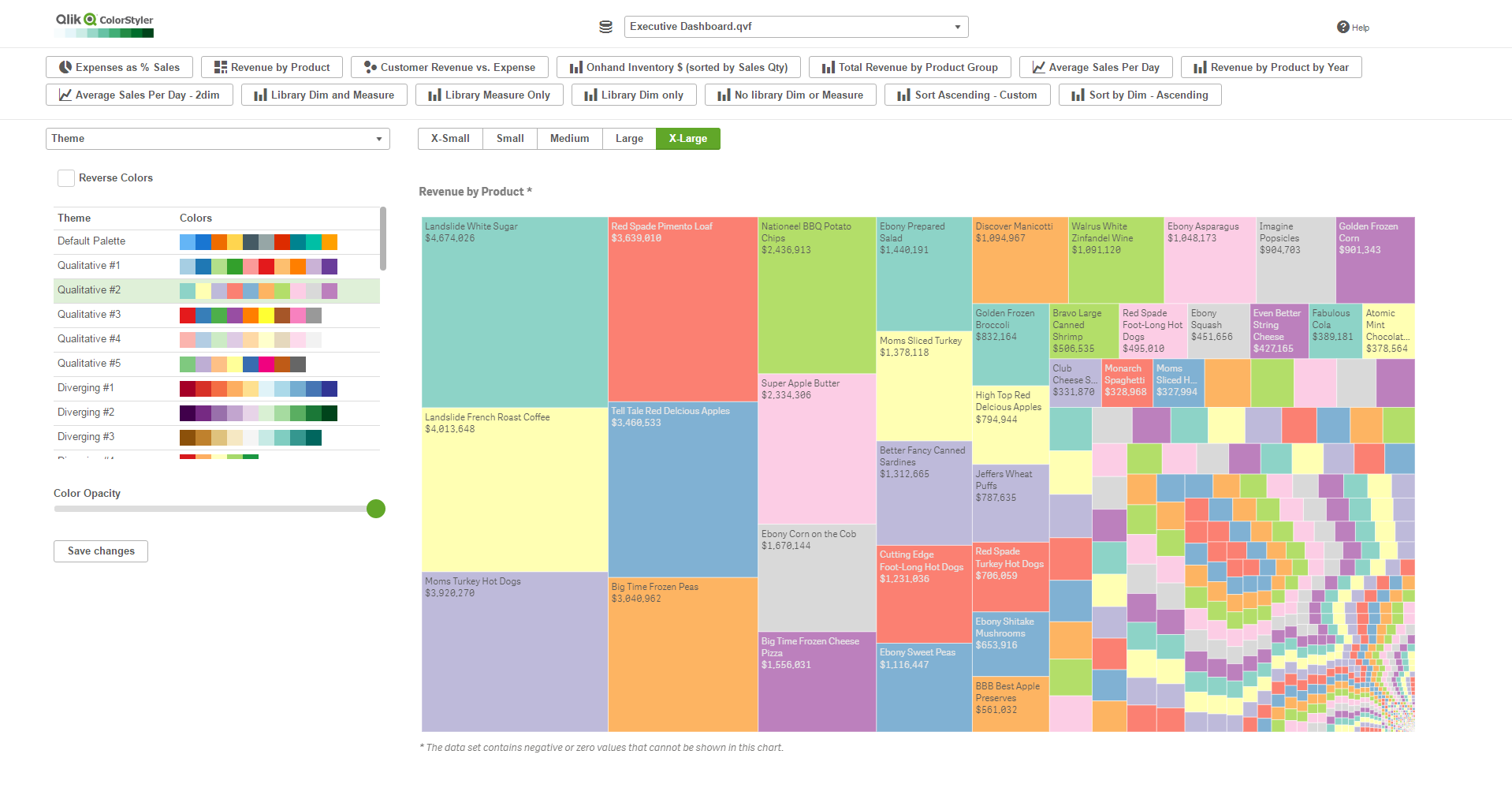
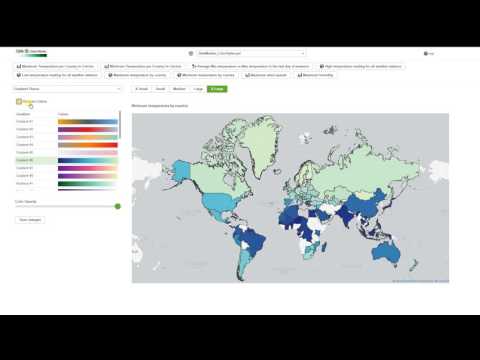
Qlik ColorStyler lets you set color themes and gradients for Qlik Sense master objects without having to know how to write color expressions.
It can be tricky to figure out how to write color expressions for complex gradients using ColorMix1() and ColorMix2() functions so ColorStyler does that for you.
Here's a youtube video that walks through the application and demonstrates how it can be used: https://www.youtube.com/watch?v=p7z-ih3pOIU
- Download zipped extension
- Unzip to C:\Users<USER>\Documents\Qlik\Sense\Extensions for Qlik Sense desktop use
- Import the zip through the Qlik Sense Management Console for Qlik Sense server use
-
Desktop: http://localhost:4848/extensions/colorstyler/colorstyler.html
-
Server: http(s)://servername/virtualproxy/extensions/colorstyler/colorstyler.html
-
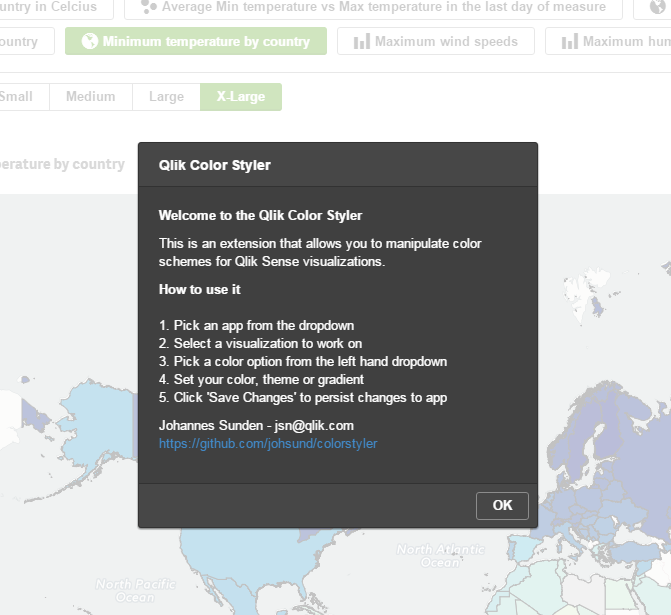
Click on HELP in top right corner for assistance
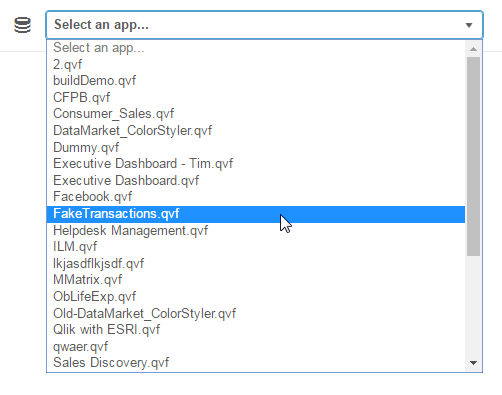
- Select an app from the dropdown
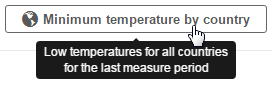
- Pick a master item from the list (Note that only Master Items are shown)
-
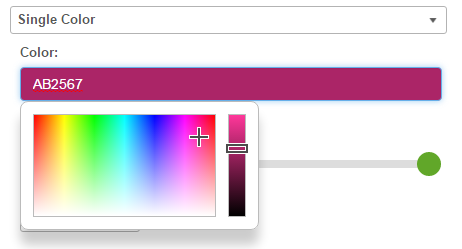
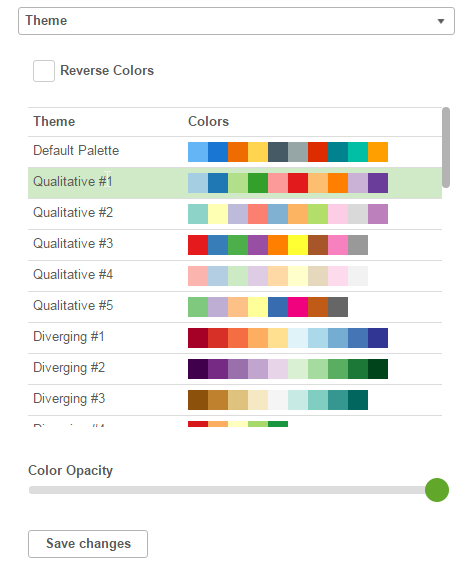
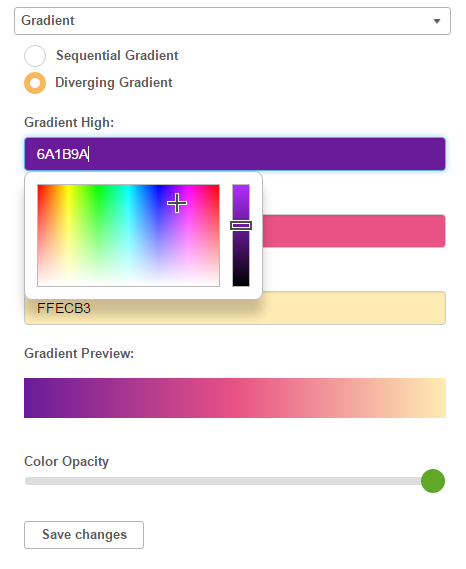
There are 4 different color modes
- Single color picker
- Theme picker
- Gradient designer
- Gradient Theme picker
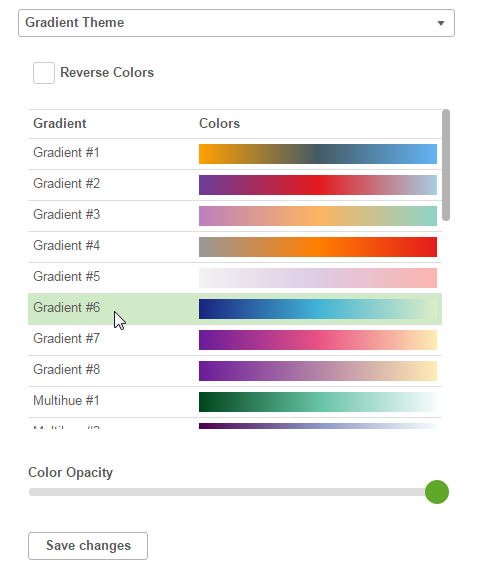
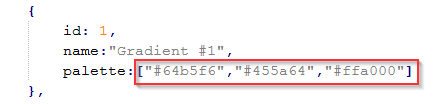
You are able to define your own themes as well as gradient themes. These can be added in the themes.js and gradientThemes.js files.
-
Themes - add a new item to the array. Give it a new ID, Name and Palette

-
Gradient Themes - add a new item to the array. Give it a new ID, Name and Palette (2 or 3 colors)