Skip to content

Latest commit


History

History
25 lines (12 loc) · 1.48 KB

File metadata and controls

25 lines (12 loc) · 1.48 KB

Installing Python 3.11.X – Windows PC

Before installing uPyCraft IDE, make sure you have the latest version of Python 3.11.X installed in your computer. If you don’t, follow the next instructions to install Python 3.11.X.

1. Go to the Python Downloads page: www.python.org/downloads and download the installation file.
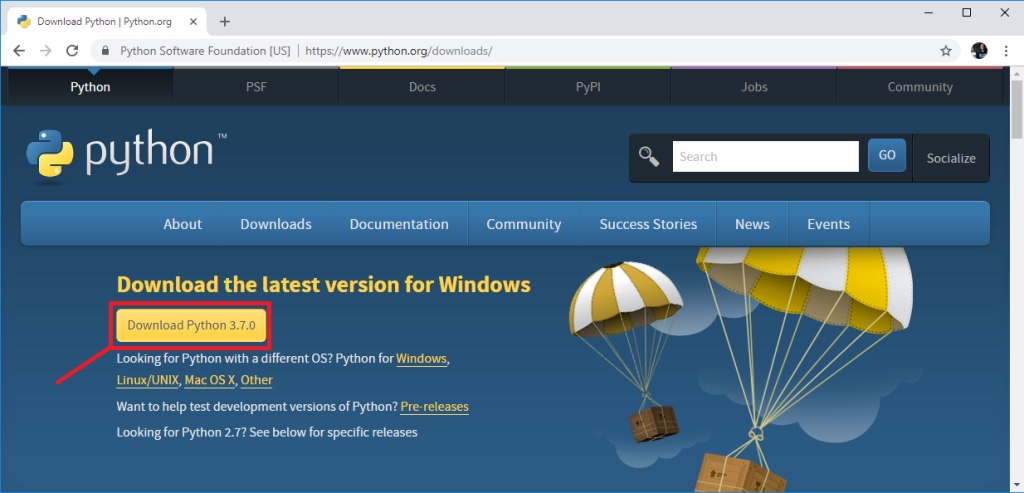
0-Download-Python-for-Windows-PC-uPyCraft-IDE

2. After a few seconds, you should have a file called python-3.11.X.exe file in your computer. Double-click the file to open it.
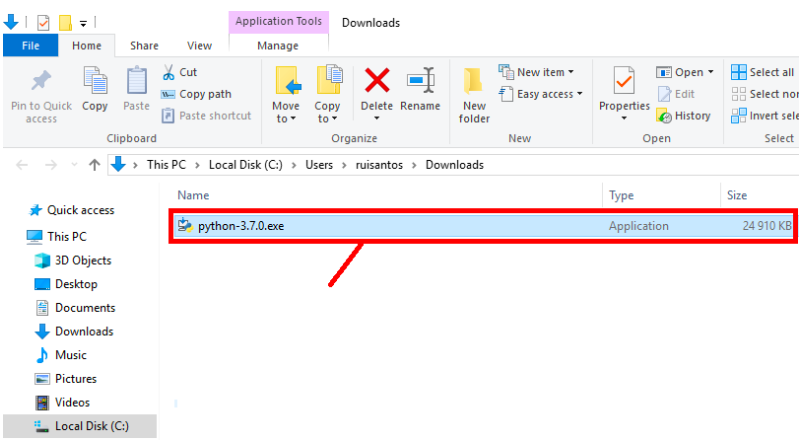
Screenshot 2022-12-19 at 9 00 00 PM

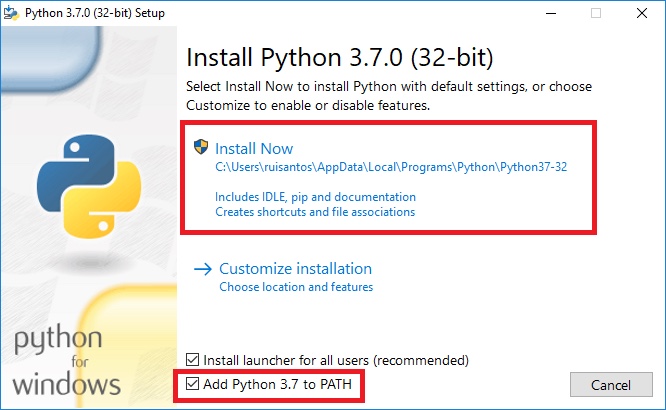
3. Enable the option at the bottom “Add Python 3.11 to PATH“. Then, press the “Install Now” button:

2-Installing-Python-adding-to-path

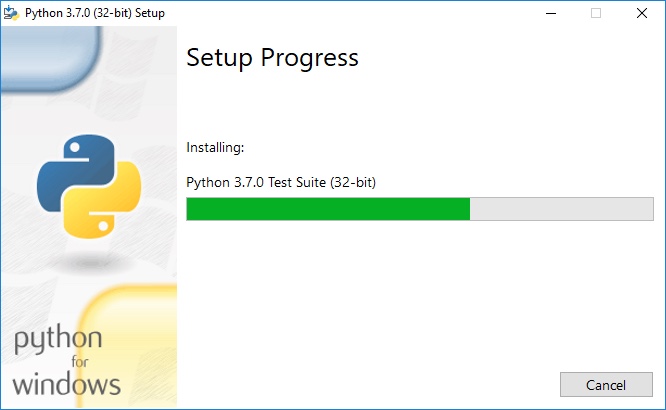
4. Wait a few seconds while the software completes the installation process.

3-waiting-for-Python-Windows-Installation

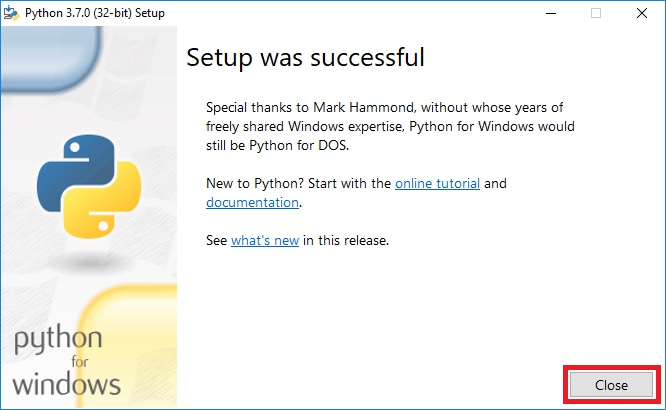
5. When it’s done, you should see the message “Setup was successful” and you can close that window.

4-close-Python-Installer-Windows-Installation