To download the latest version of MicroPython firmware for the ESP32, Click Here
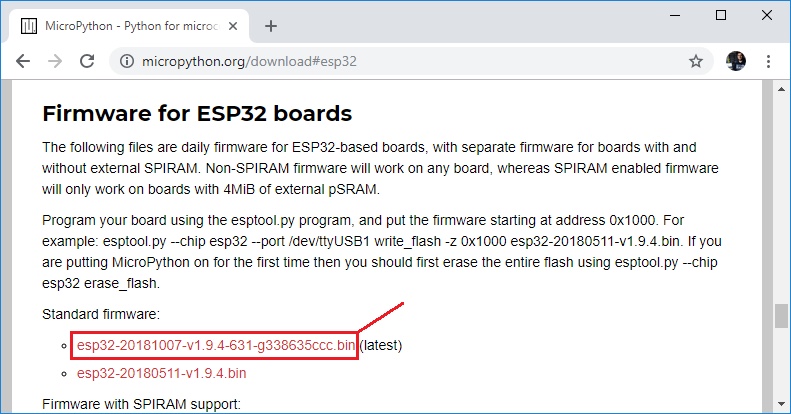
You should see a similar web page (see figure below) with the latest link to download the ESP32 .bin file – for example: esp32-20181007-v1.9.4-631-g338635ccc.bin.
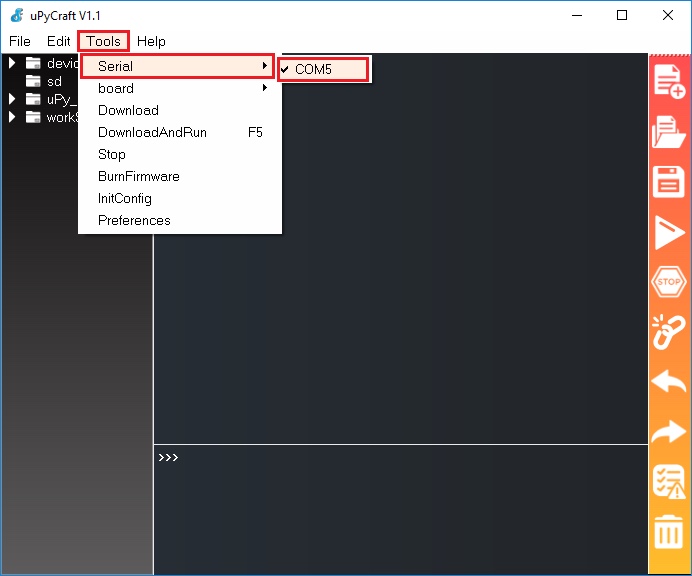
Go to Tools > Serial and select your ESP32 COM port (in our case it’s COM5).