This project uses AWS S3 for deployment. You need to configure AWS CLI with the lanzaroteparagliding profile:
-
Install AWS CLI if you haven't already:
# On macOS
brew install awscli

# On Linux/Windows
# Follow instructions at https://aws.amazon.com/cli/
-
Configure the AWS profile:
aws configure --profile lanzaroteparagliding
You'll be prompted to enter:
- AWS Access Key ID
- AWS Secret Access Key
- Default region (e.g.,
eu-west-1) - Default output format (e.g.,
json)
-
Verify the profile is set up correctly:
aws s3 ls --profile lanzaroteparagliding
# Install dependencies
yarn install

# Start development server
yarn devBy default, only public apps are visible in production. To access private/hidden apps and dev tools in production:
Enable dev mode:
- Open browser console on the production site
- Run:
enableDevMode() - Reload the page
Disable dev mode:
disableDevMode()Manual control:
// Enable
localStorage.setItem('lanzarote_dev_mode', 'true')

// Disable
localStorage.removeItem('lanzarote_dev_mode')
When dev mode is enabled in production, you'll see "🔓 Secret dev mode enabled" in the console and have access to all private apps (workshop-demo, location-editor, tile-debug, etc.).
The sidebar is hidden by default on the home app for a cleaner presentation. To force-show it:
Enable:
localStorage.setItem('lanzarote_show_menu', 'true')Disable:
localStorage.removeItem('lanzarote_show_menu')Reload the page after changing this setting.
The project can be deployed to different S3 buckets:
# Deploy to staging environment
yarn deploy-staging

# Deploy to flyzones environment
yarn deploy-flyzones

# Deploy to placeholder environment
yarn deploy-placeholder
All deployment scripts automatically use the lanzaroteparagliding AWS profile.
- wing selection
- fix application of wind arrow
- unit testing
- add birds
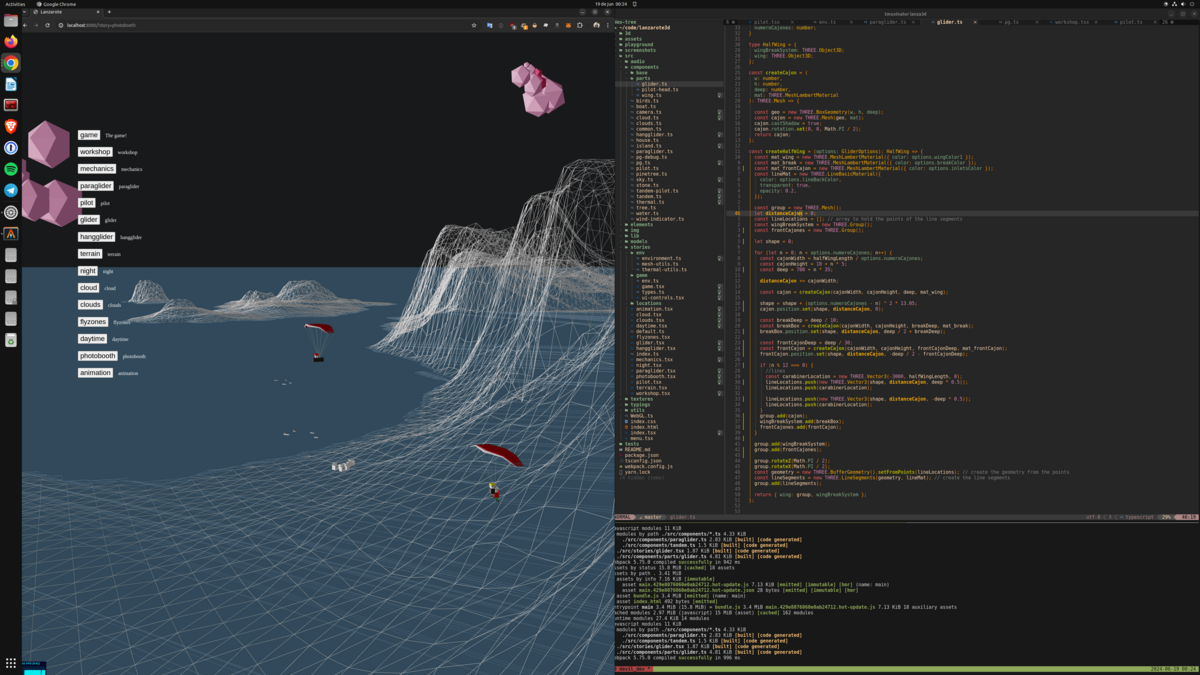
- https://github.com/dragonir/3d
- https://www.soundjay.com/wind-sound-effect.html
- https://www.audiocheck.net/audiofrequencysignalgenerator_sinetone.php
- "Birds" by Zacxophone
- Add sucking clouds
- Fix sea collisions
- Select weather conditions
- Add rain
- Select time of day
- XC competition mode (scoring)
- Pilot landing mode (doesn't crash at low speed) but loses performance
- Ears model modification
- Speed models modification
- Better spiral physics
- Skyboxes or better sky shader
- Thermals and clouds evolve through the day
- Time changes through the day
- Display time in the screen
- Airspace restrictions (Adri's idea)
- Enable/disable Thermals or only show in certain views
- Boat comes to rescue if you fall in the water.
- Web workers.
- Turn auto-fliers according to their direction (smooth turns ideally)
- Auto-fliers speed according to wrap speed
- Fix pause over starting menu
- Loading progress
- Pilot harness visibility
- Decouple vario, camera, ui from Flier