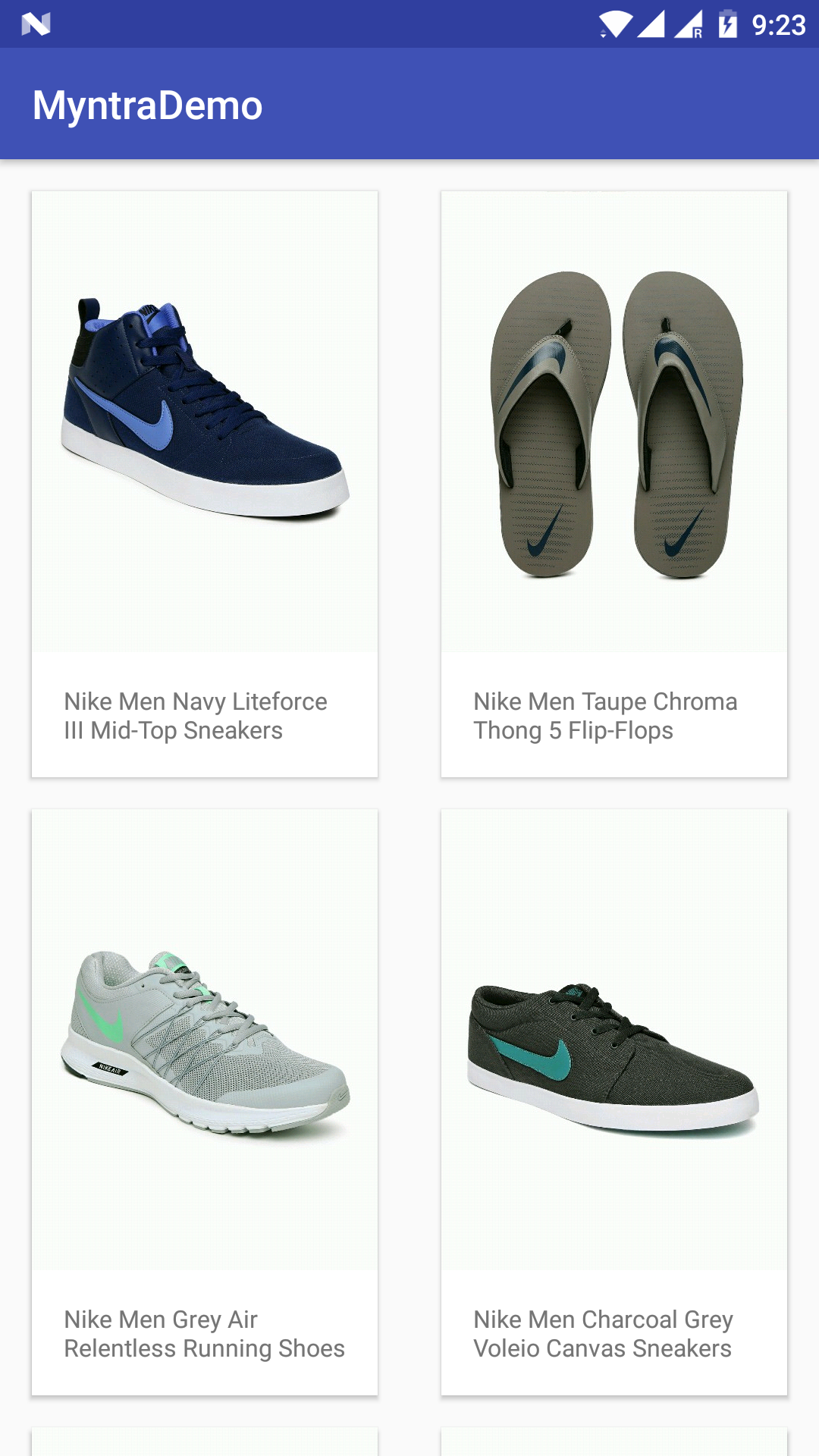
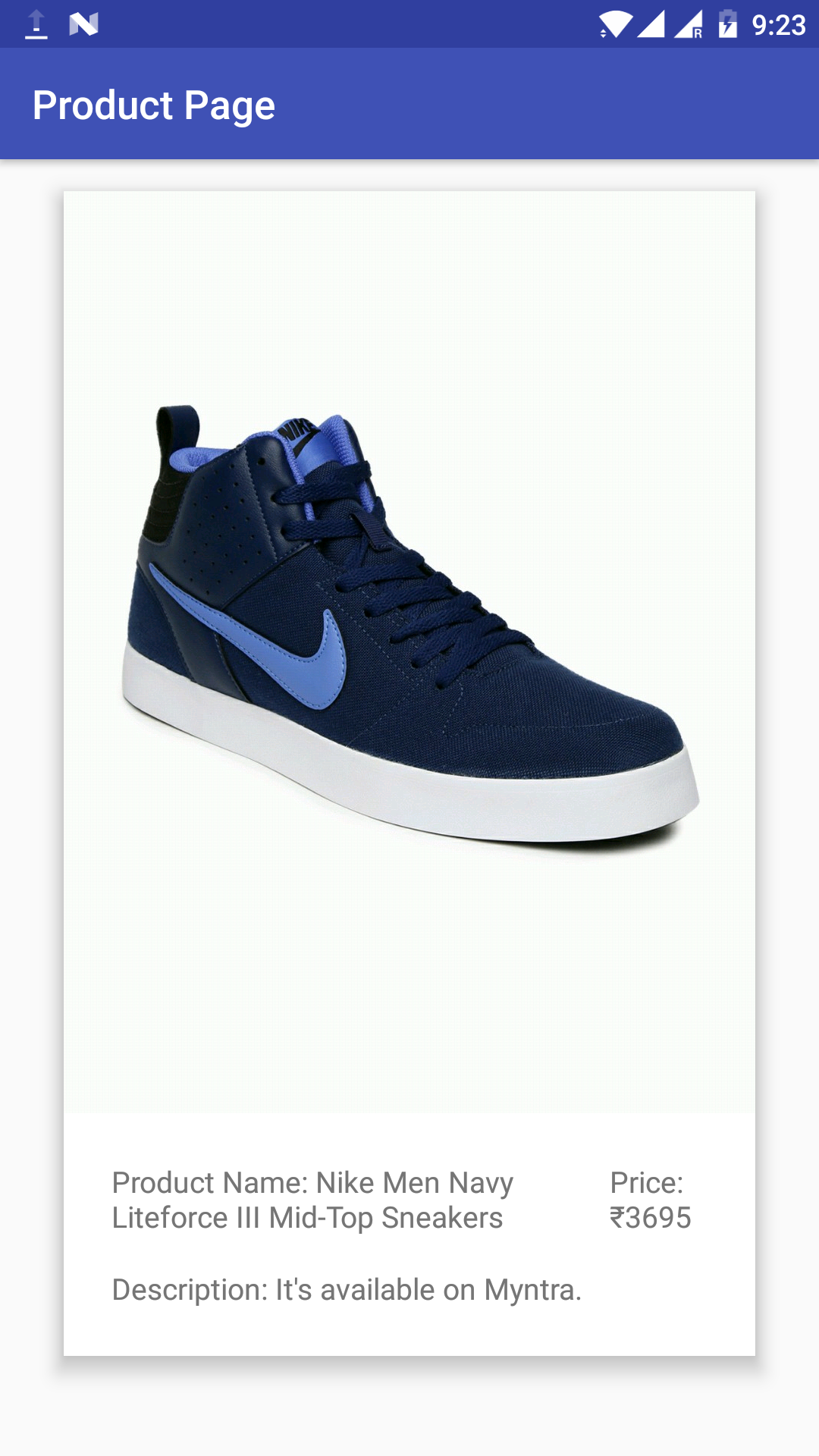
This is a simple application built during the new joinees' initiation bootcamp. This was built in an attempt to learn basic android concepts, and build an Android application, that can perform an Async Task, make network calls, handle JSON data, and build RecyclerView based layouts.
The following concepts and technologies were learnt about, and experimented with over the course of building this application -
- Types of Layouts used to build views. (LinearLayout, RelativeLayout, etc.)
- Intents, and using them to pass data between Activities.
- RecyclerView and Adapters, to build lists and grids.
- AsyncTasks and HttpUrlConnection to make network calls.
- Retrofit, Annotations, and their uses to simplify networking.
- GSON to convert JSON data to POJOs (Plain Old Java Objects)
- Glide image library for image handling, basic caching, etc.


- Retrofit 2.0 - A type-safe HTTP client for Android and Java.
- Gson - A Java serialization/deserialization library to convert Java Objects into JSON and back.
- Glide - An image loading and caching library for Android focused on smooth scrolling.
The following dependencies were added into the module's build.gradle file for the tools mentioned above -
compile 'com.android.support:recyclerview-v7:26.+'
compile 'com.squareup.retrofit2:retrofit:2.1.0'
compile 'com.squareup.retrofit2:converter-gson:2.1.0'
compile 'com.google.code.gson:gson:2.8.0'
compile 'com.github.bumptech.glide:glide:3.7.0'
- Clone the project :
git clone "https://github.com/hriddhidey/Myntra-Demo.git". - Open Android Studio, and import the root folder of the cloned repository as a project (File > Open).
- Gradle will perform a basic sync for project, and all dependencies. If gradle sync fails for lack of target SDK, kindly follow Android Studio's promopts to install the same.
- Run application in AVD (Android Virtual Device) Emulator, or connect to phone, and use USB Debugging to run application on your phone.
I would like to express sincere gratitude to @anshul1235, @amarjain07, @TasneemBohra, @pranshu1701, and @muditpant13 for their constant guidance and tutelage, without which embarking on a journey into Android Dev would have been a lot more haphazard, and tedious.