

ExtensionSpoofer is a tool for manipulating file extensions and icons in order to disguise executable files. It uses the Unicode Right-to-Left Override character (U+202E), which reverses the display order of all characters that follow it. This makes it possible to visually alter a file's extension without changing its actual file type.
As a result, the filename appears to have a harmless extension, while the underlying file remains executable. The program also replaces the file icon to match the spoofed extension, further increasing the illusion.
Example
Original filename:
test_application[RIGHT_TO_LEFT_OVERRIDE]gnp.exe
Displayed filename:
test_applicationexe.png
Although the file appears to be a PNG image, it is still an executable.
ExtensionSpoofer currently supports the following executable formats:
- .exe
- .scr
- .com
While .exe files are widely recognized as potentially dangerous, .scr and .com are less well known to many users, despite having similar execution behavior. This can make disguised files appear more legitimate, especially to less experienced users.
Although awareness of the right-to-left override technique has increased, many users remain unfamiliar with alternative executable extensions, which is why this approach can still be effective.
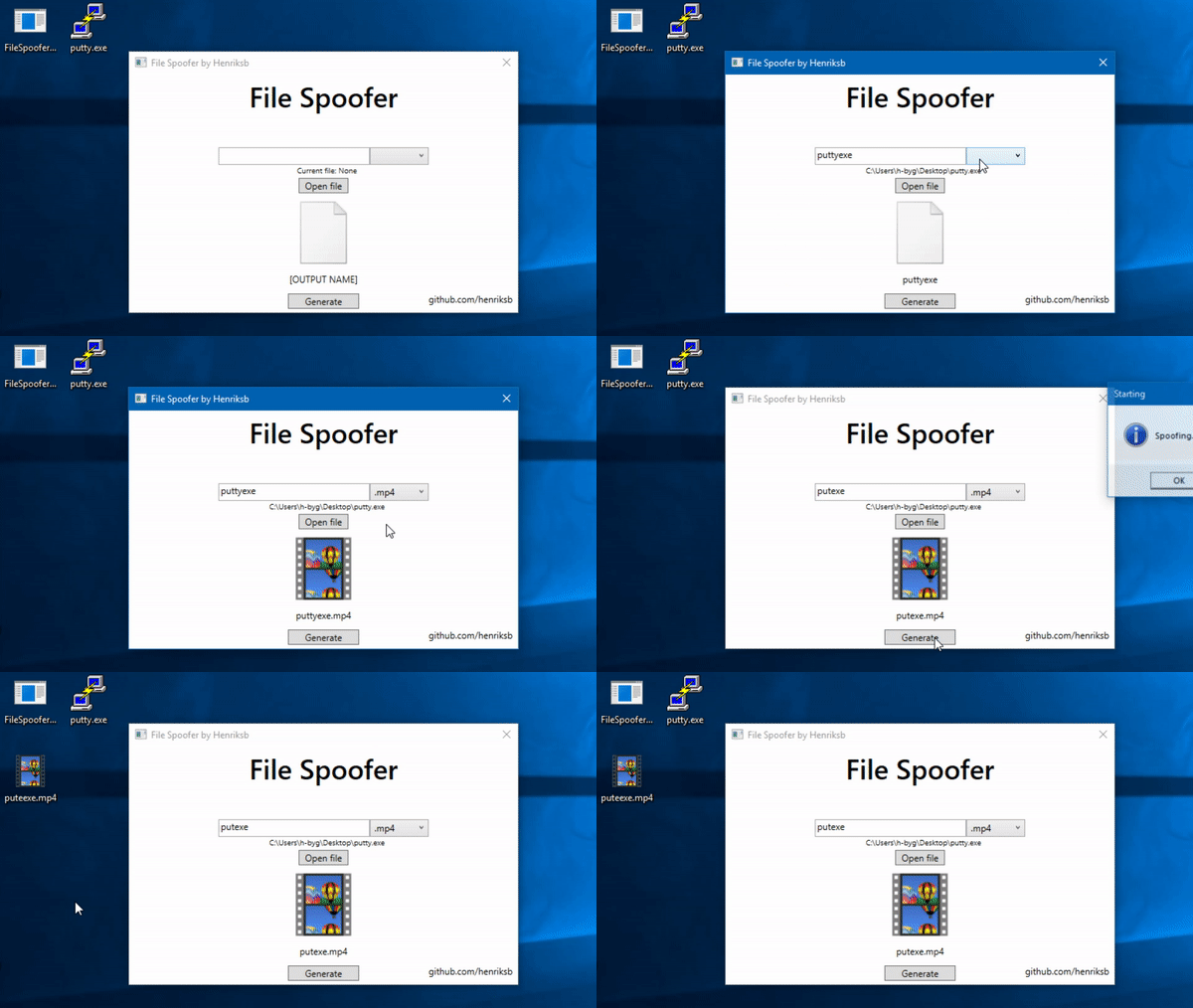
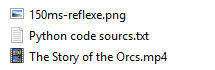
Note: The icon of .com files cannot be modified.
Click here to download a pre-compiled executable. You will also need the Win10Icons folder with the icons for the program to work correctly.
Important notes:
- The icon files must be in
.icoformat - Standard image formats (PNG, JPG, etc.) will not work, even if renamed
- The application will not function correctly without valid
.icofiles
After downloading and extracting the files, the program is ready to use.
Adding new icons is straightforward:
- Place your .ico file in the icons folder
- Name the file after the extension it represents
Example:
exe.ico
pdf.ico
txt.ico
Make sure the file is a valid ICO file. Simply renaming an image file to .ico is not sufficient.
An automatic image-to-ICO converter is planned for a future update.
Some antivirus solutions, including Windows Defender, may flag or interfere with this software. In certain cases, Defender may automatically rename the executable with a .tmp extension.
To prevent this behavior, you may need to:
- Add the program to the antivirus exclusion list, or
- Temporarily disable real-time protection
Use these options at your own discretion.
- Automatically convert images to .ico