Upgrading to Windows 11 Pro gives you access to additional features, such as:
- BitLocker Encryption: Secure your data with powerful encryption.
- Remote Desktop Hosting: Turn your device into a host for remote desktop access over the internet.
Yes! You can switch from almost any edition of Windows 11 to Windows 11 Pro for free, gaining access to advanced tools and features.
People which already have Pro, but not activated, can skip to this step.
What you first need to do is open CMD (Command Prompt) as Administrator using this keyboard key:
Windows-logo key+ R
And now type in "cmd.exe" in the box
It should now look as something like this:

Now press this keys on your keyboard:
ctrl+shift+enter
Now you have something like this:
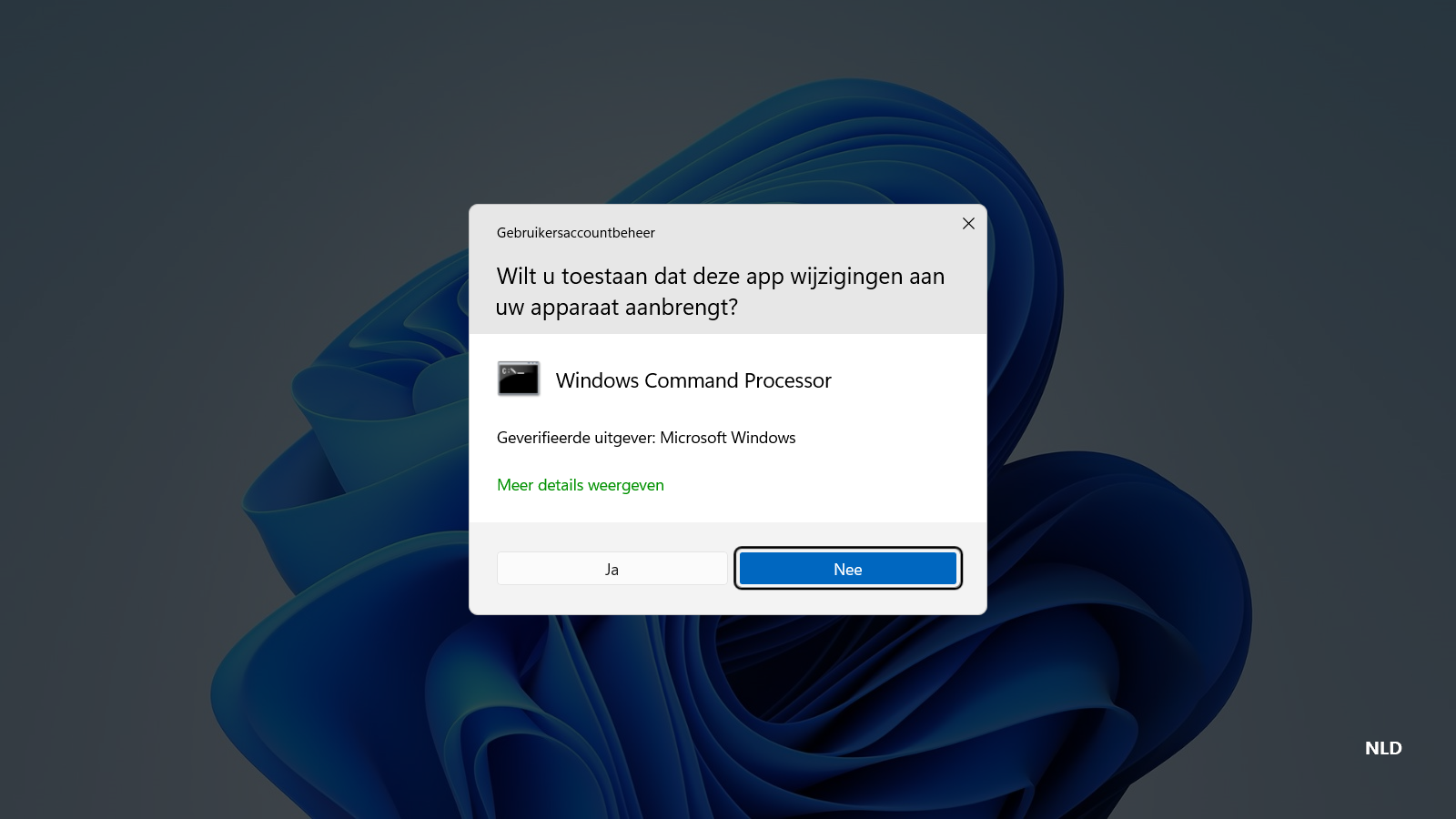
Now, click on "yes"
Now you have something like this:

Now, type the following command:
slmgr.vbs /upk
Now it will give a message, click on OK
And now this command:
slmgr.vbs /cpky
It will give a message once again, and click on OK again
And now type this command:
slmgr.vbs /ckms
Once again click on OK when you get a message
Now we are gonna check if your edition is supported to upgrade to Pro, run the following command to check this:
DISM /online /Get-TargetEditions
If you see "Professional" in the list, then you can upgrade your Windows edition to Pro for free!
Now, copy and paste this complete command:
sc config LicenseManager start= auto & net start LicenseManager
sc config wuauserv start= auto & net start wuauserv
changepk.exe /productkey VK7JG-NPHTM-C97JM-9MPGT-3V66T
exit
It will run an installer and you will see a message:"% complete"
Now wait until it's 100% and it's not weird that you will get an error
When you get the error, just click Exit and then reboot your pc.
You will now see an message that he is running updates and is installing features, just wait until its done and check "info" in settings, You will see that Windows 11 Pro is installed!
But we are not done, You will see that it isn't activated and that you can't change some settings, now we are gonna fix that!
Now we are gonna run some other commands to activate Windows 11 Pro
Press these keyboard keys once again:
Windows-logo key+R
It looks like this again:
Press ctrl+shift+enter
You will get a message, just click on Yes
Now you will get a Command Prompt.
Type the following commands one for one to activate:
slmgr /ipk W269N-WFGWX-YVC9B-4J6C9-T83GX
slmgr /skms kms8.msguides.com
slmgr /ato
Now you have Windows 11 Pro and it is activated! You can check the settings to see it.