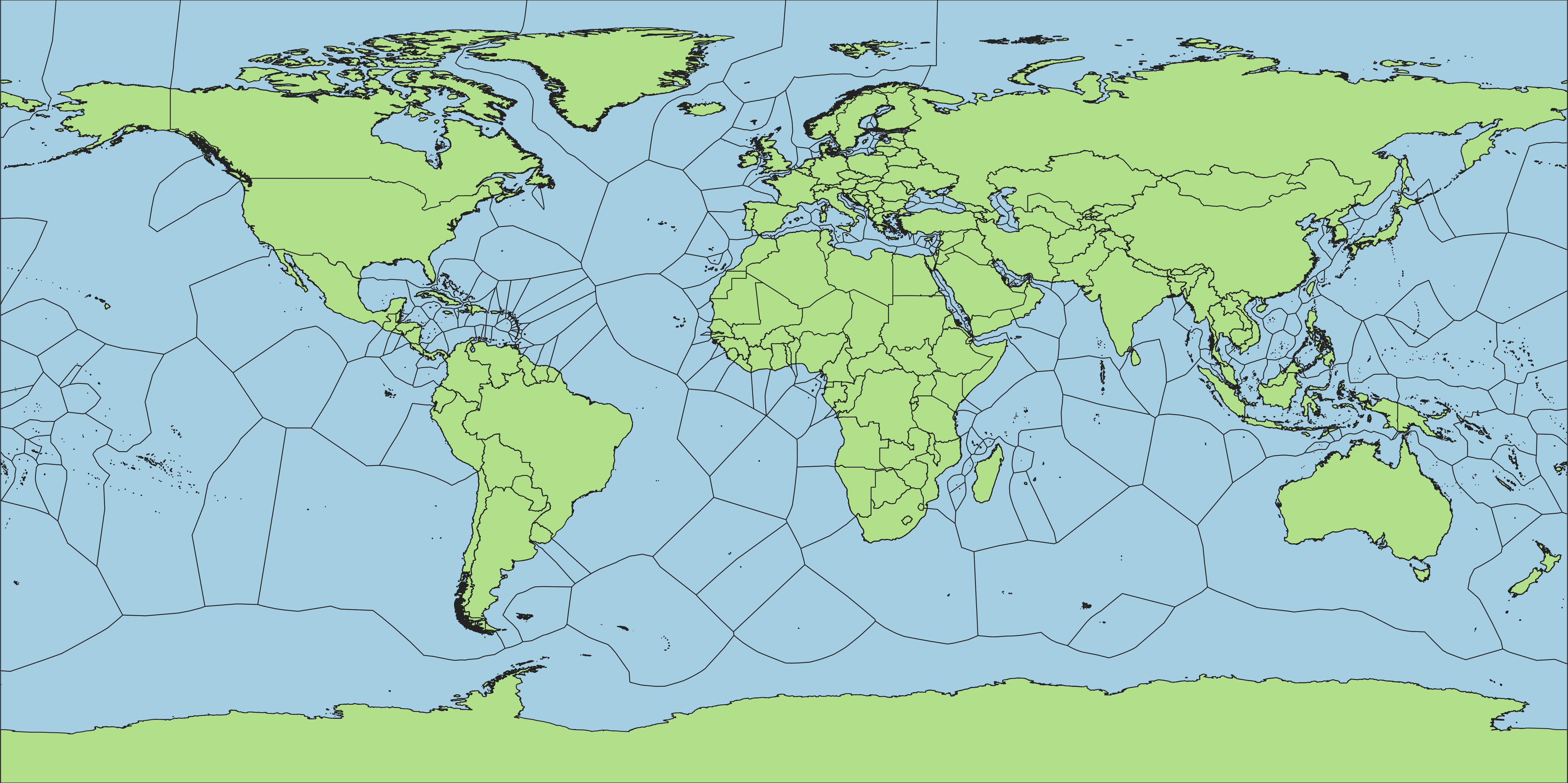
This tool takes polygons as an input and applies the voronoi algorithm along edges, giving results similar to a euclidean allocation raster. Unlike euclidean allocation, the source is never transformed from vector to raster. All internal polygon topology remains unchanged, with the exception of internal holes which are filled in the same way the exterior is filled out.
Currently, supported inputs are polygons in GeoParquet (.parquet). GeoPackage (.gpkg), Shapefile (.shp), GeoJSON (.geojson) formats. For GeoPackages, all polygon layers inside are processed. Outputs retain their original format, projected to EPSG:4326 (WGS84).
The only requirements are to install Docker Desktop. Pull in the image with the following:
docker pull ghcr.io/fieldmaps/edge-extenderTo run against a single file:
docker run -v .:/srv ghcr.io/fieldmaps/edge-extender --input-file=example.geojson --output-file=example.geojsonTo process an entire directory of files:
docker run -v .:/srv ghcr.io/fieldmaps/edge-extender --input-dir=inputs --output-dir=outputsThe following options are available:
| Name | Description |
|---|---|
--input-dir |
input directory (for multiple files) |
--input-file |
input file (for single files) |
--output-dir |
output directory (for multiple files) |
--output-file |
output file (for single files) |
--distance |
decimal degrees between points on a line (default: 0.0002) |
--num-threads |
number of layers to run at once. (default: 1 * number of CPUs detected) |
--overwrite |
whether to overwrite existing files (default: no) |
--quiet |
Supress info and error messages (default: no) |
Polygons the size of small countries typically take a few seconds, with larger ones at full detail finish in about 10 min. Processing time is proportional to total perimeter length rather than area. The default distance of 0.0002 is sufficient to process most country boundaires. Use a larger value for the entire world, or a smaller value for neighbourhood boundaries.
The overall processing can be broken down into 4 distinct types of geometry transformations:
- make lines from polygons
- make points from lines
- make voronoi from points
- merge polygons with voronoi
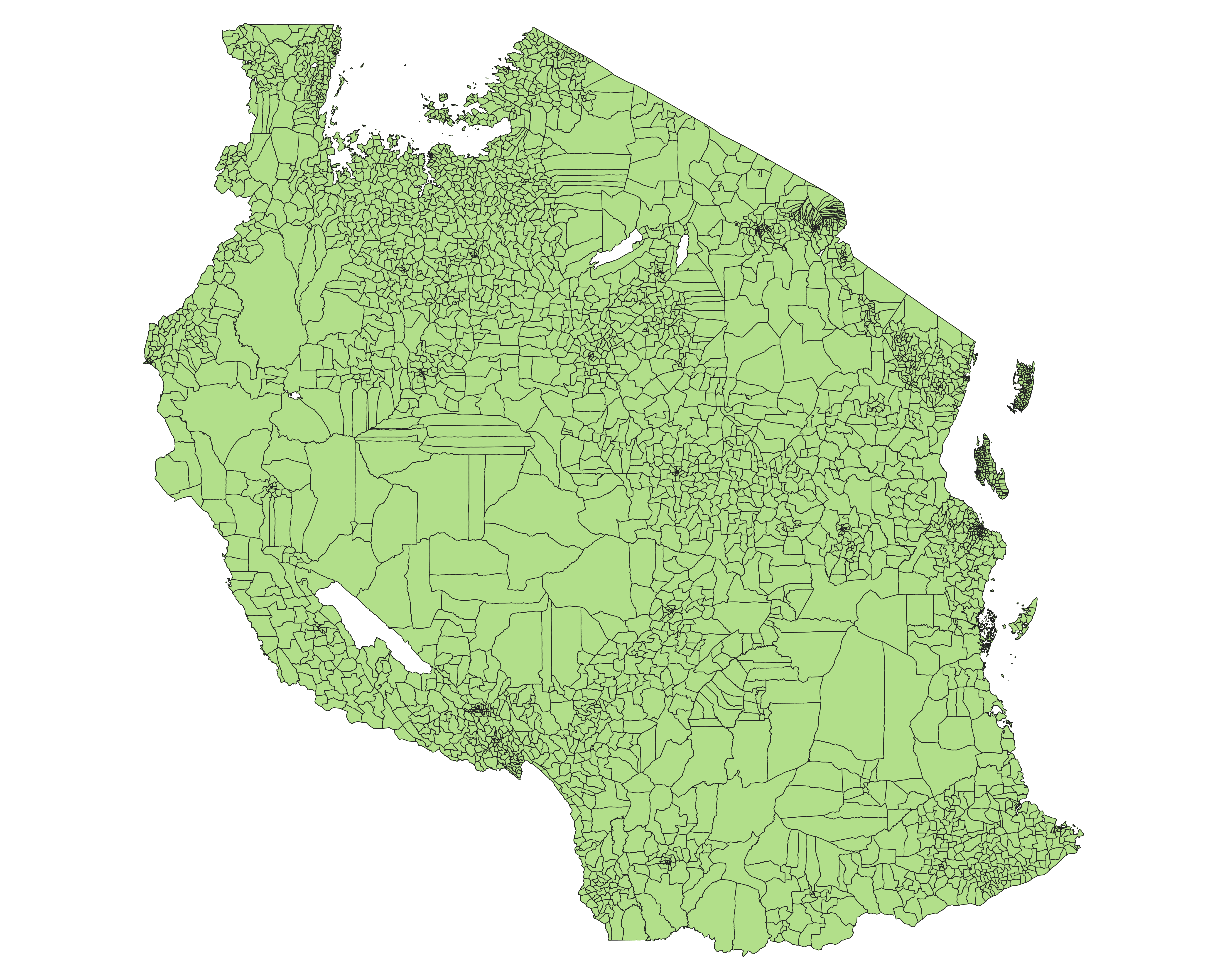
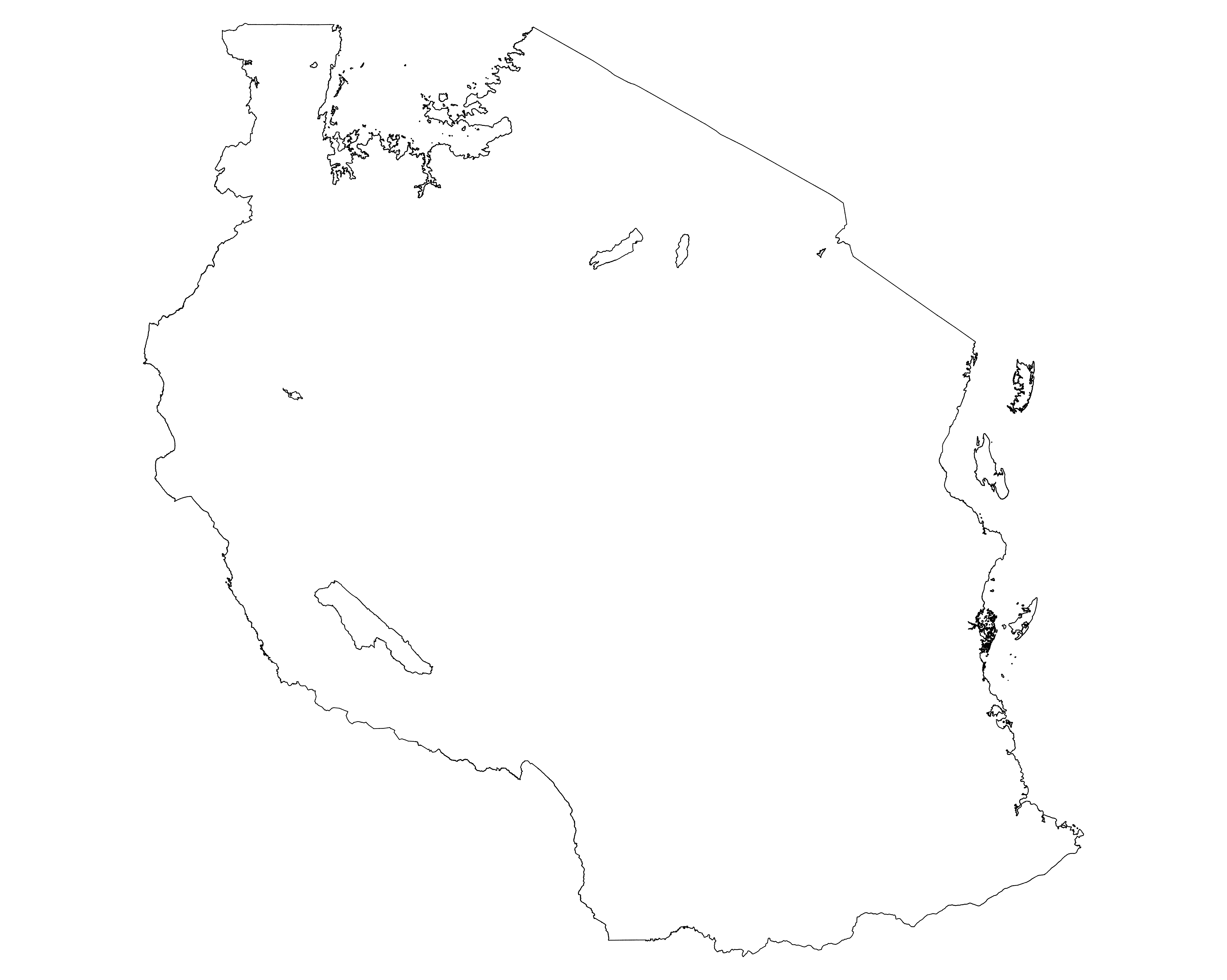
Polygon to Line: The first part extracts outlines from the polygon, first by dissolving all polygons together, then by taking the intersection between the outline of the dissolved and the original layer. By intersecting these two together, it retains attribute information of where segments originate from.
| Original Input | Outlines |
|---|---|
 |
 |
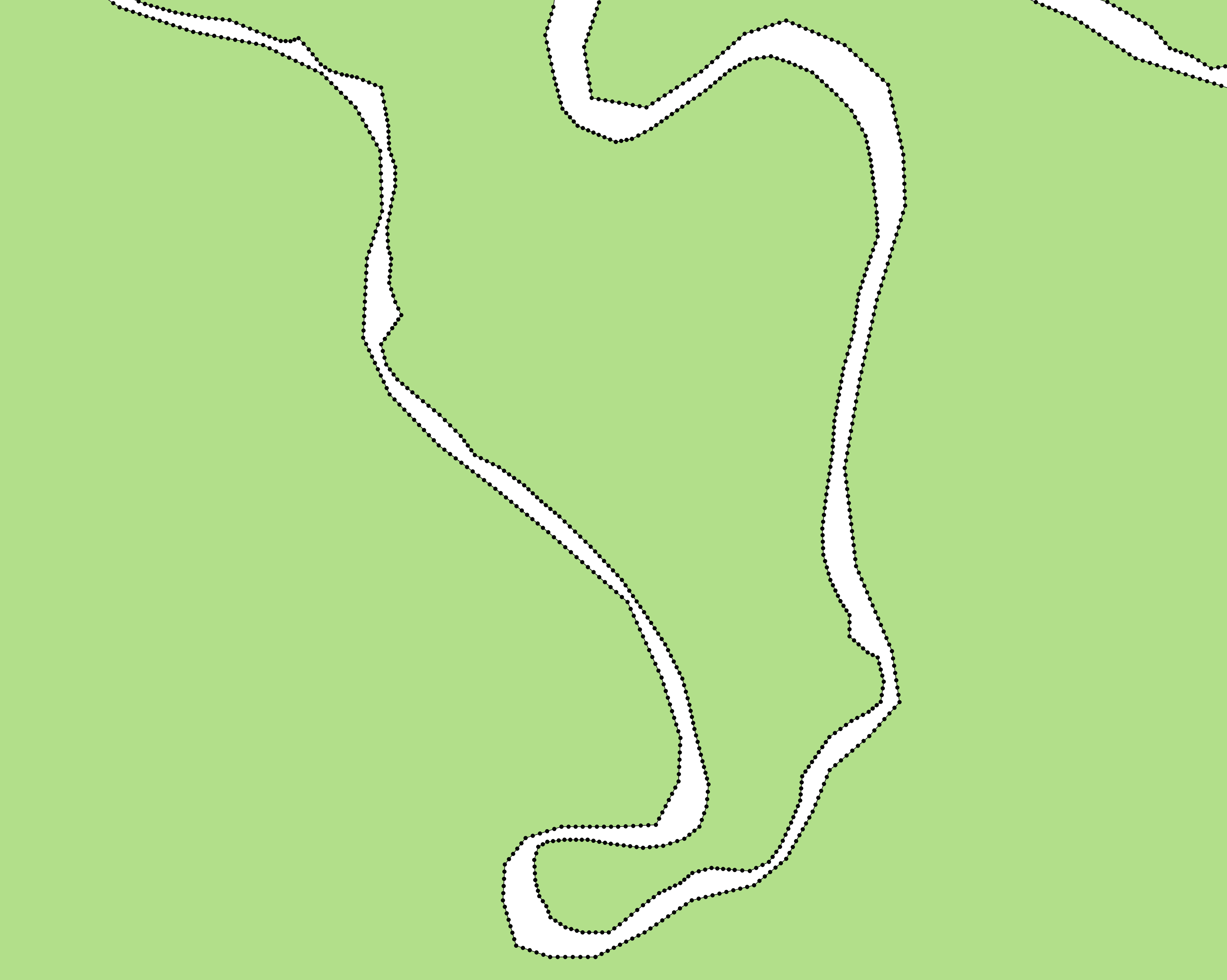
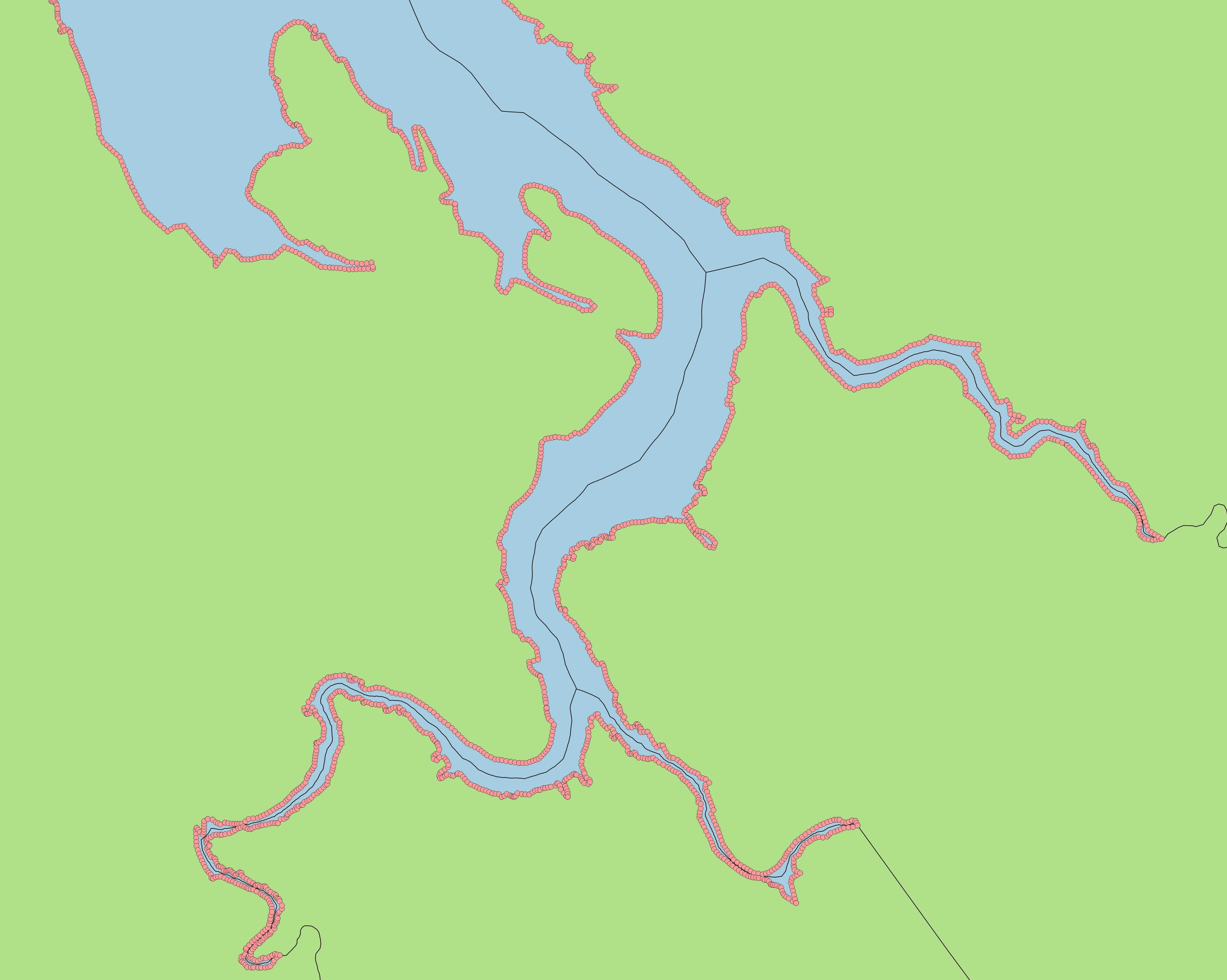
Line to Point: Lines are converted to points using two methods. The first set of points are taken from all vertices that make up a line. However, for certain areas like winding rivers and deltas, this in an insufficient level of detail to properly center the resulting voronoi. With just vertices, the center lines would zigzag through gaps instead of going straight through them. Lines are therefore split up into segments based on a configurable distance, with points taken at the breaks between segments.
| Points along River | Final Result along Delta |
|---|---|
 |
 |
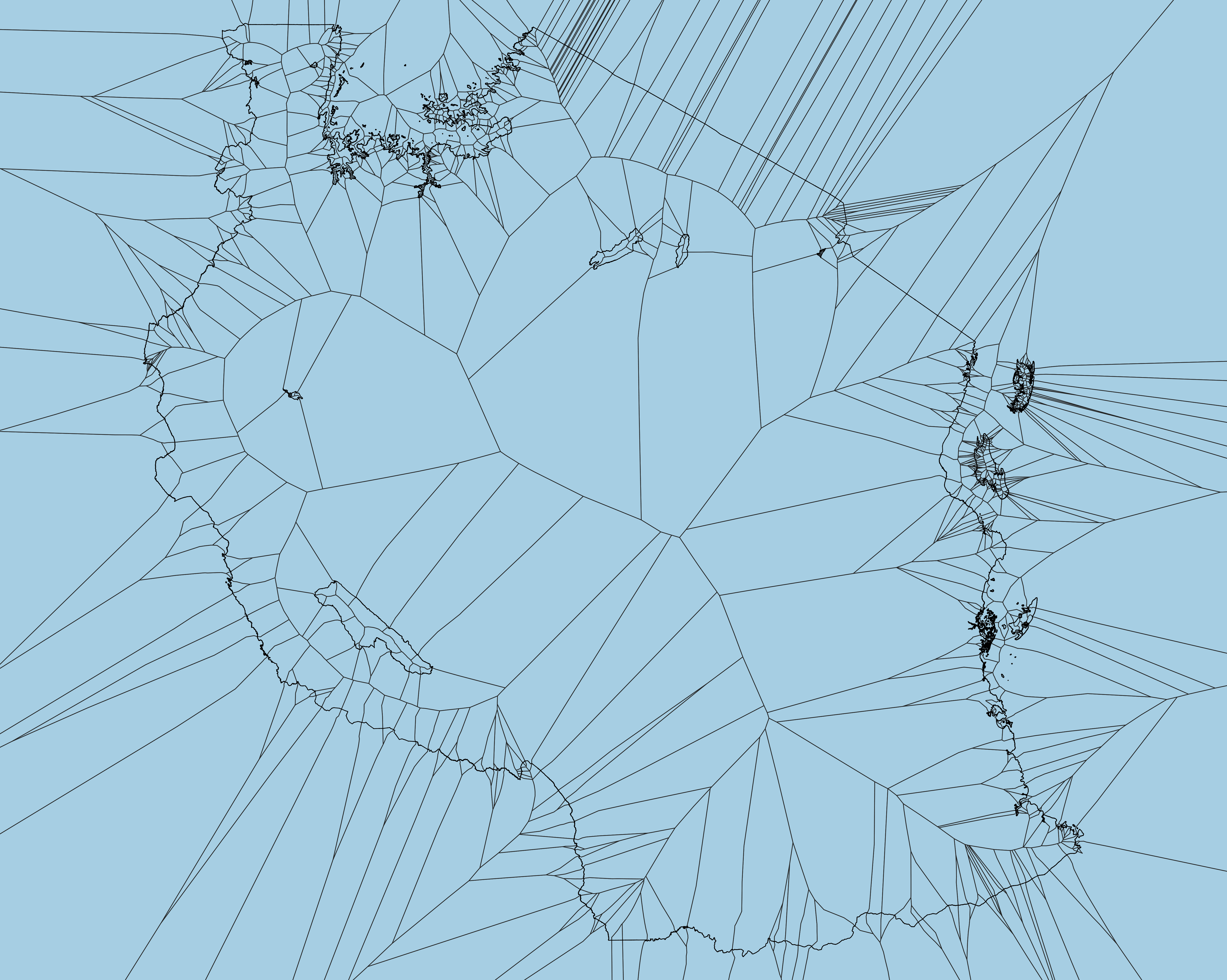
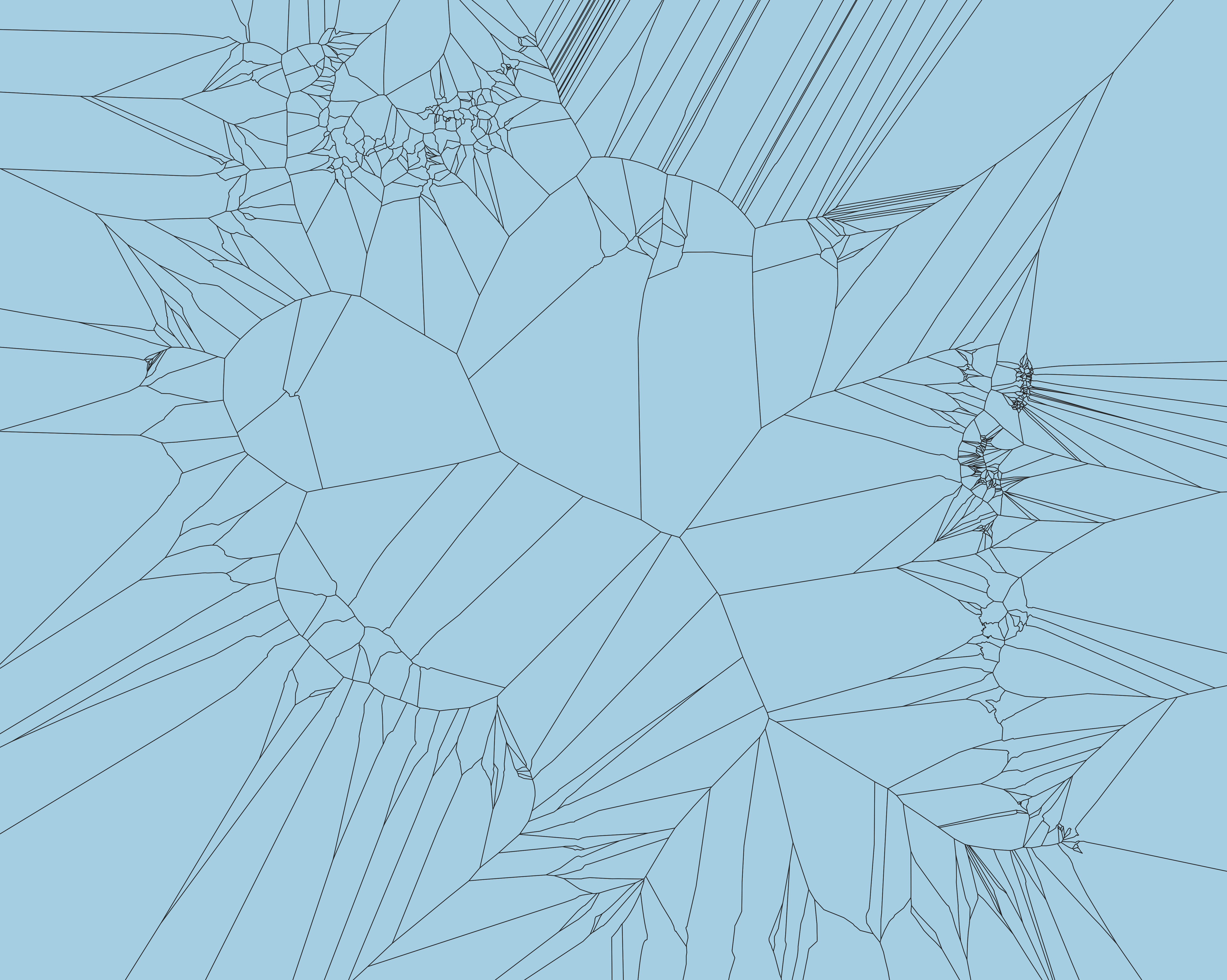
Point to Voronoi: For country sized inputs, there may be hundreds of thousands, if not millions of individual voronoi polygons created in this step. Because each individual section retains attribute information of what polygon it originated from, they can be dissolved together to a simplified output.
| Points with Voronoi | Voronoi Only |
|---|---|
 |
 |
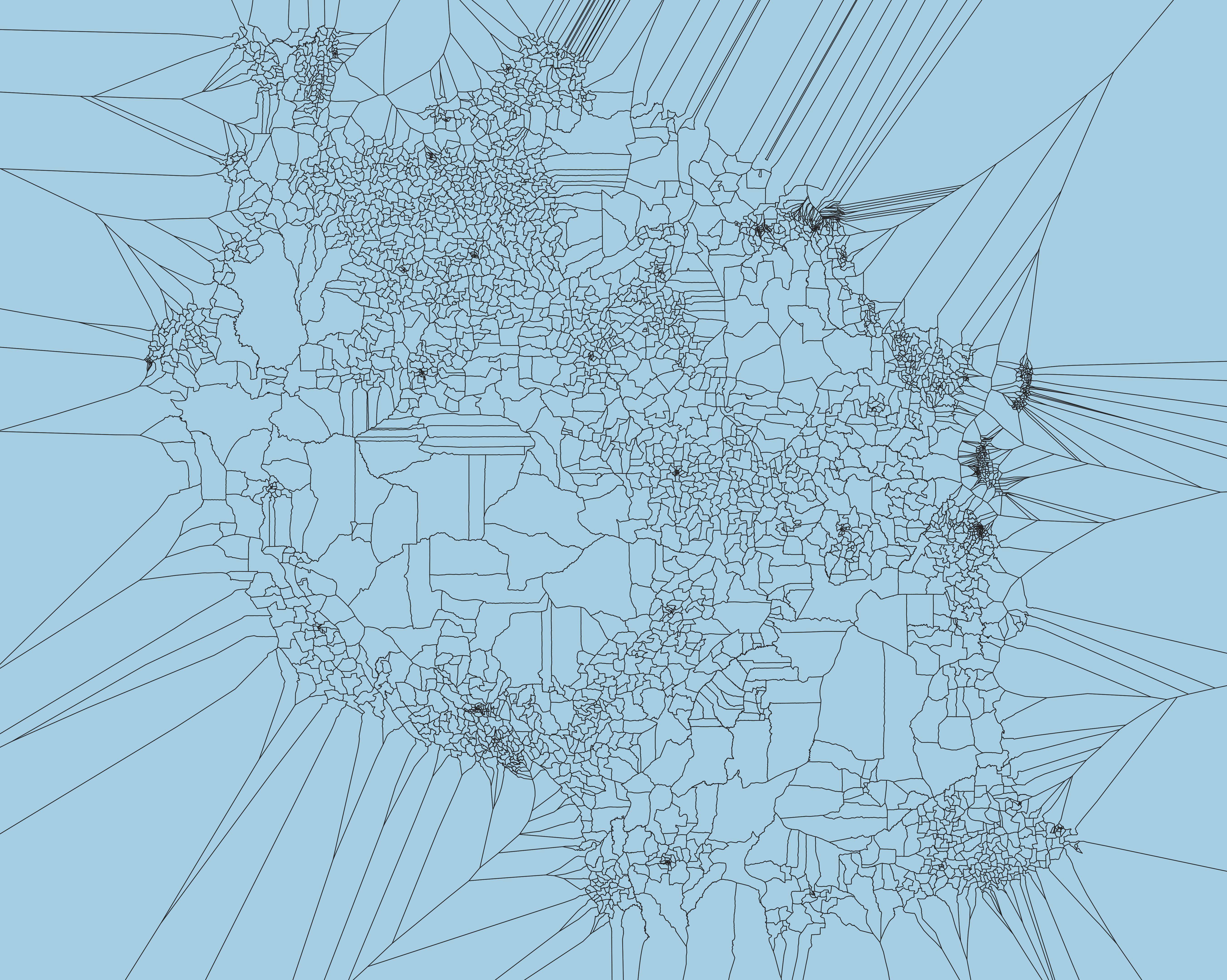
Polygon-Voronoi Merge: The original polygon is overlayed in a union with the voronoi. Boundaries from the inner area are kept from the original, dissolved with polygons containing matching attributes from the outside area. The dissolved layer is the final output of the tool.
| Original over Voronoi | Final Output |
|---|---|
 |
 |
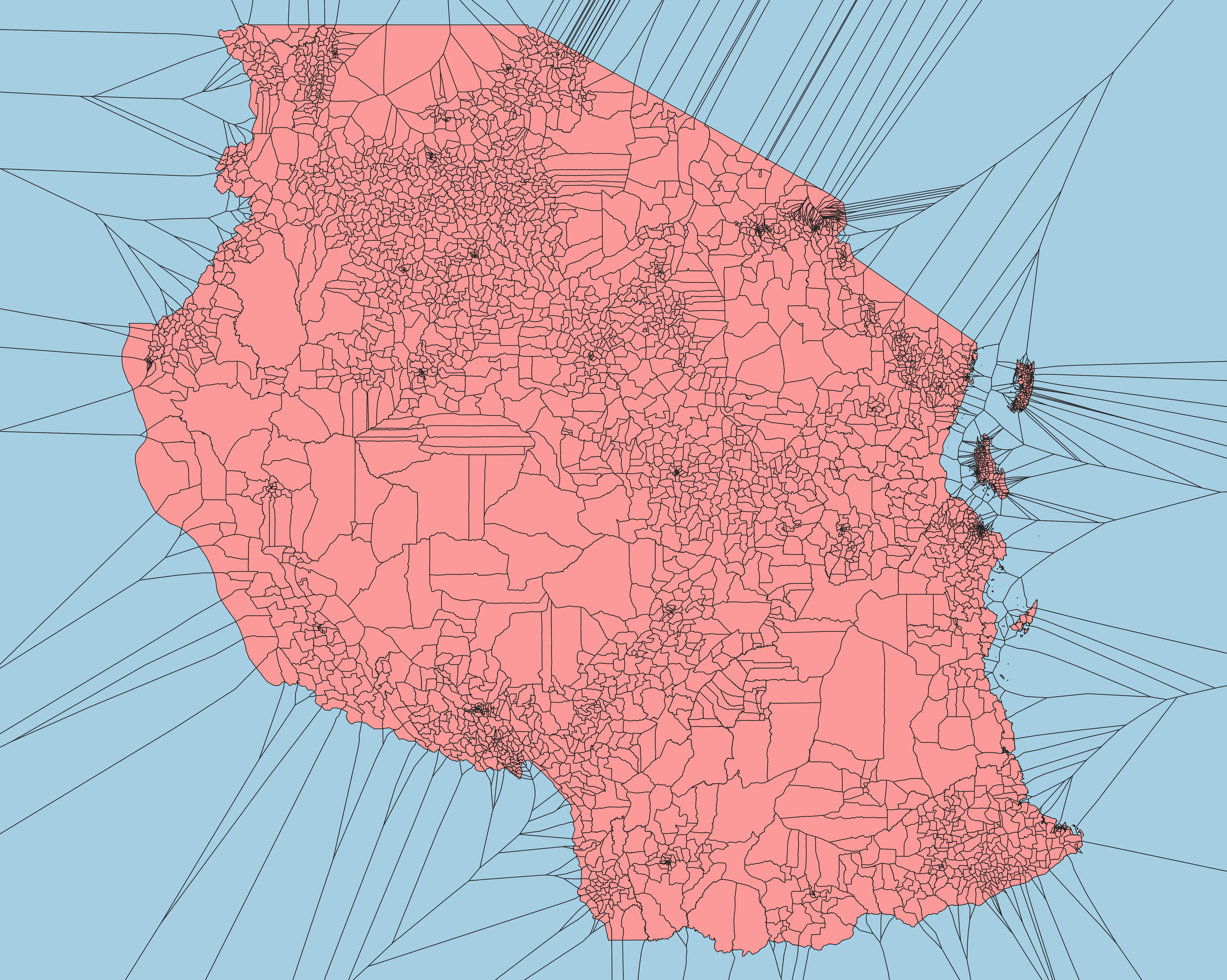
One original use case for this tool was resolving edge differences between different levels of administrative boundaries, where some layers included water bodies but others did not. The United Republic of Tanzania is used in this example as it contains many elements that have been difficult to resolve in the past: lakes along international boundaries, internal water bodies shared by multiple areas, groups of islands, etc. The diagram on the left shows how the ADM3 layer would appear in a global edge-matched geodatabase. The diagram on the right shows how water areas are allocated compared to the original.
| ADM0 over Voronoi | Original vs ADM0 edges |
|---|---|
 |
 |
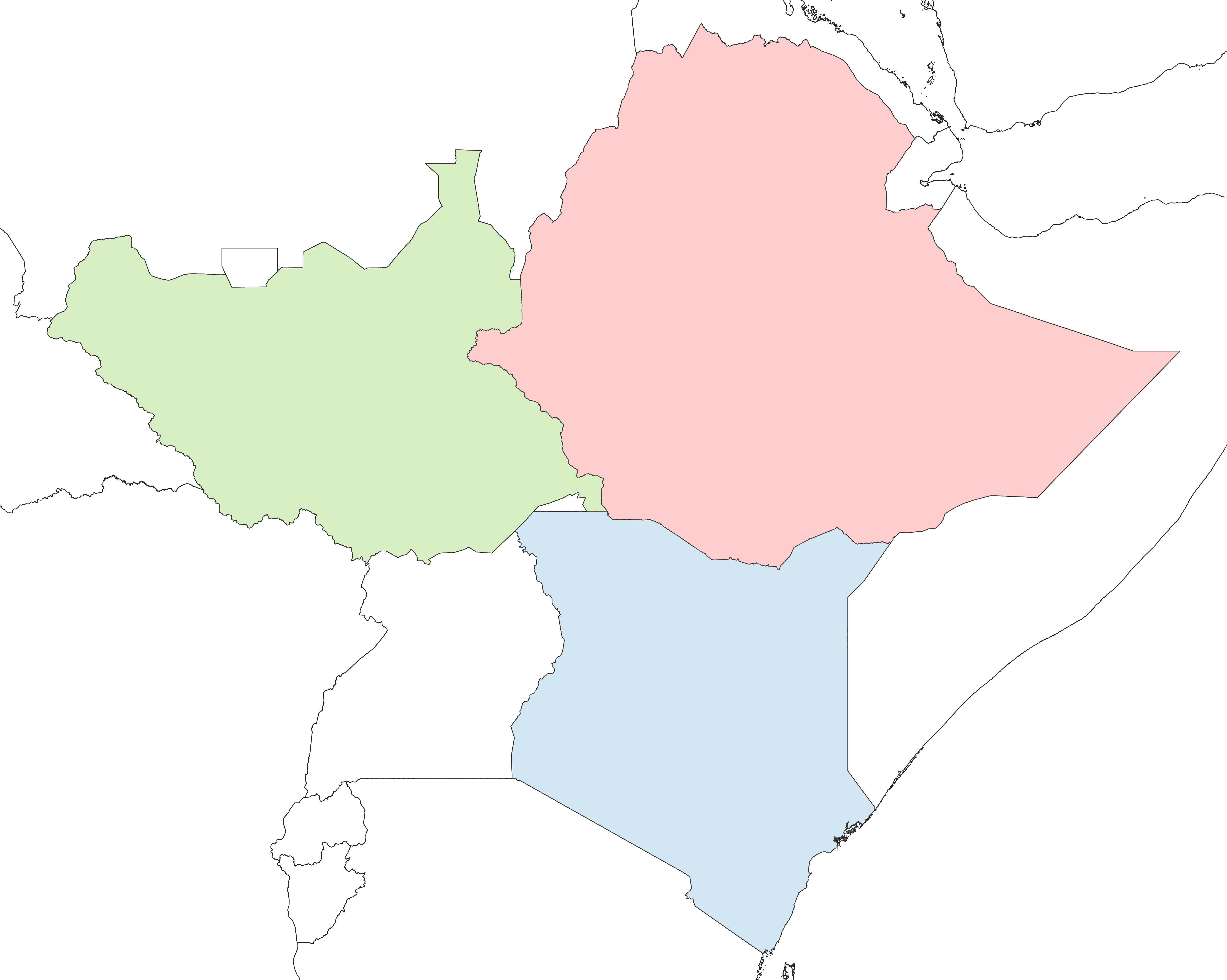
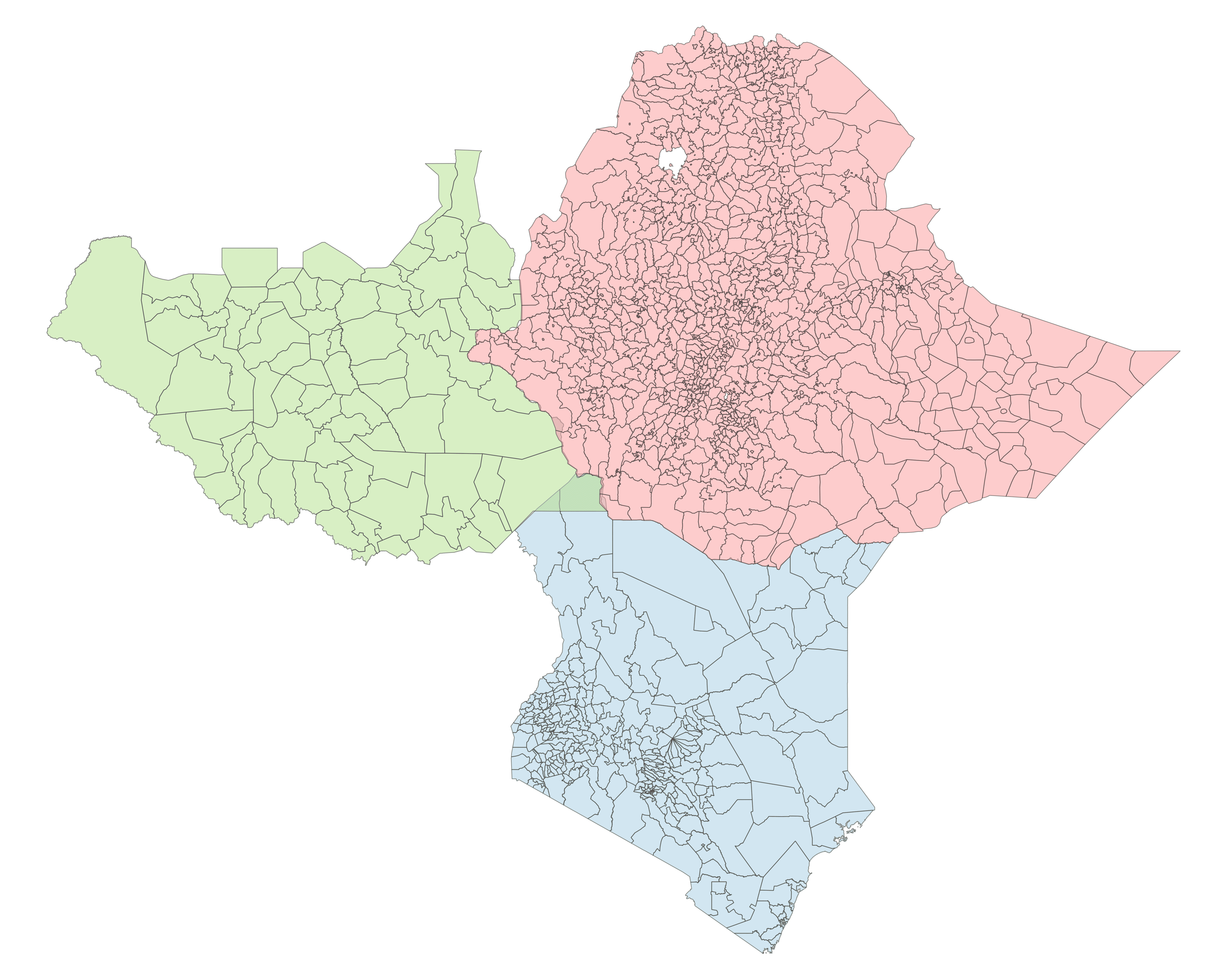
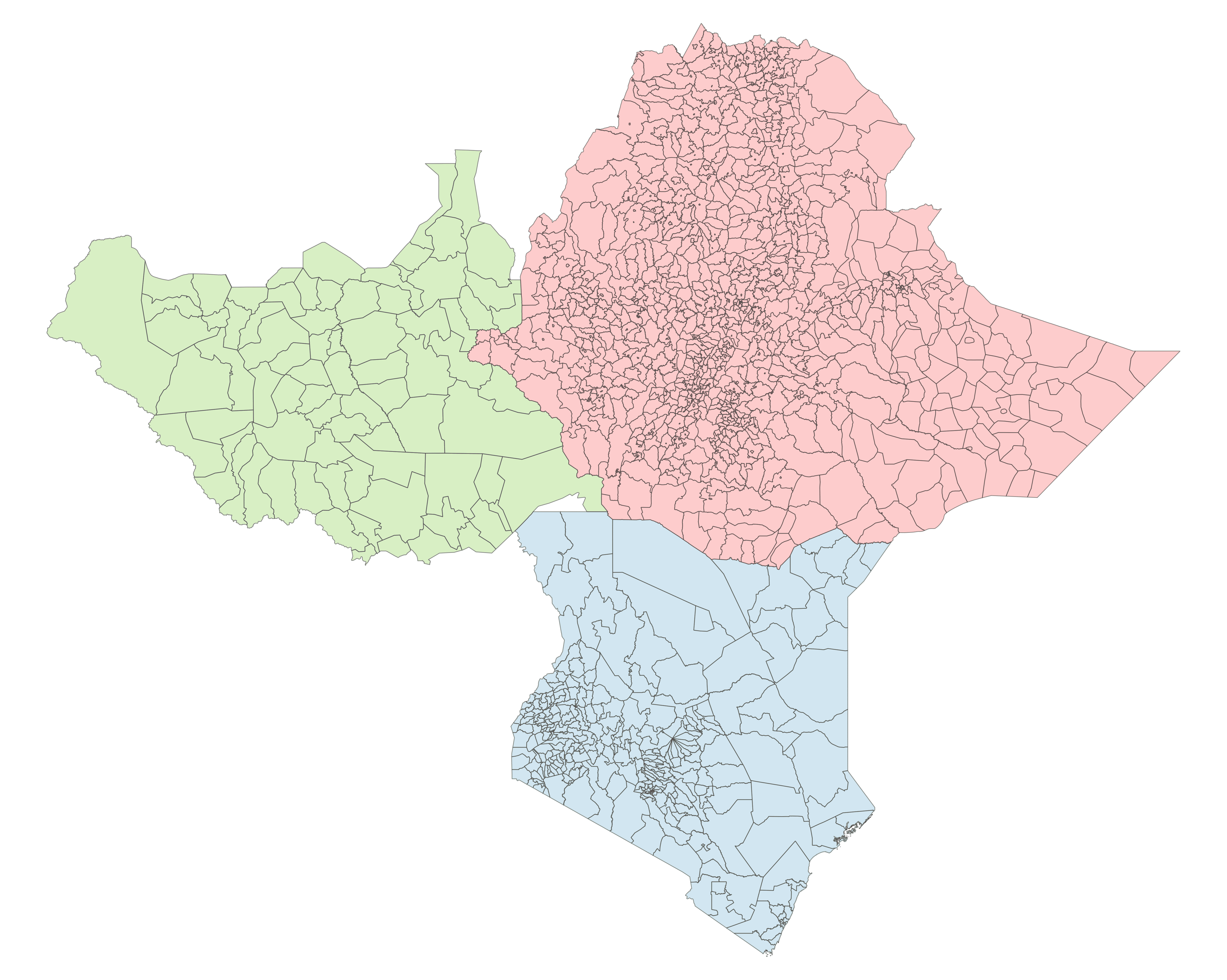
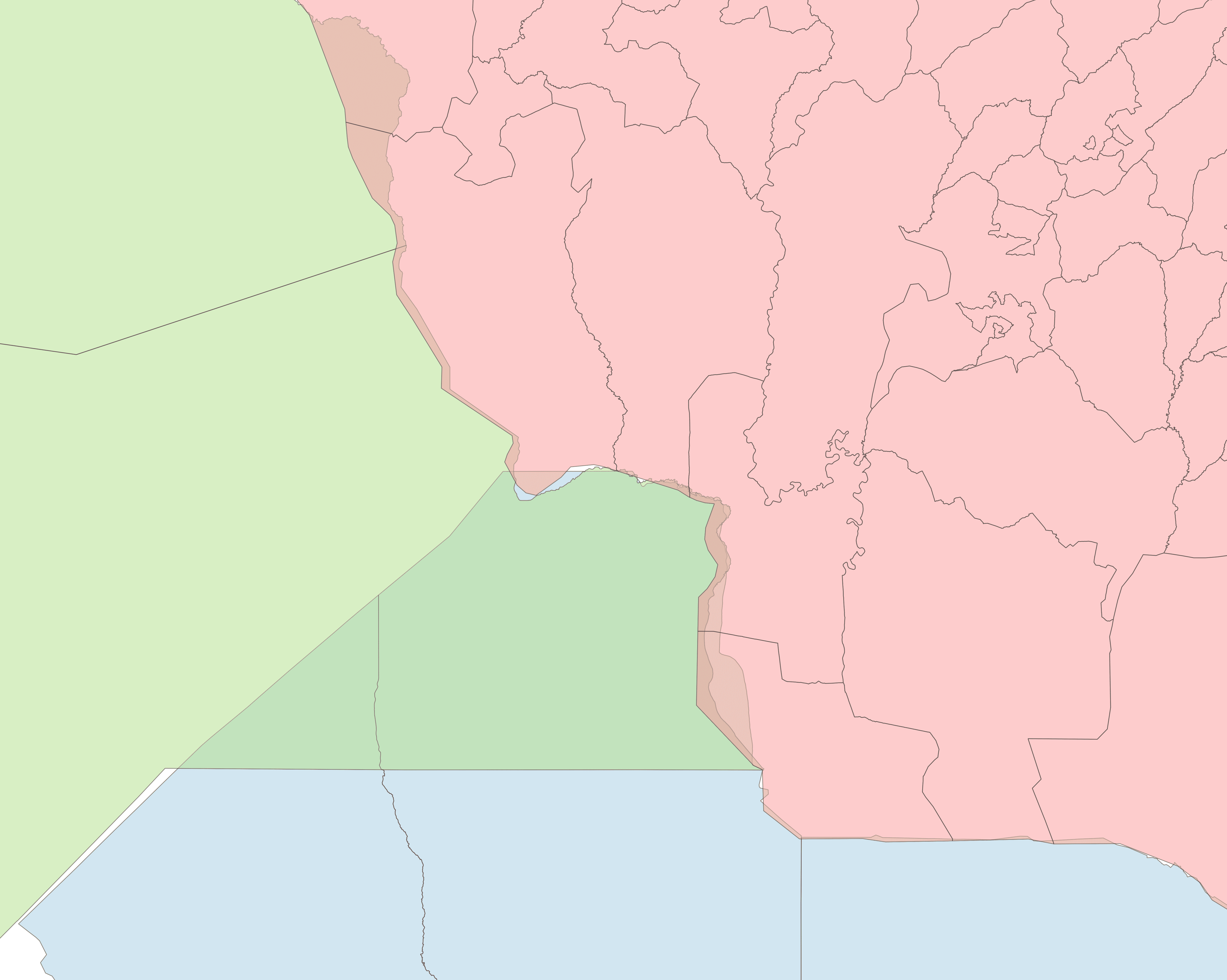
The other original use case envisioned for this tool is resolving edges between boundaries where there are significant gaps or overlaps. Where this occurs, a separate topologically clean layer is required to set boundary lines, after which the process is similar to the above.
| Topologically clean ADM0 with areas of interest |
|---|
 |
| Original boundaries | Clipped voronoi boundaries |
|---|---|
 |
 |
| Original boundaries (tri-point) | Clipped voronoi boundaries (tri-point) |
|---|---|
 |
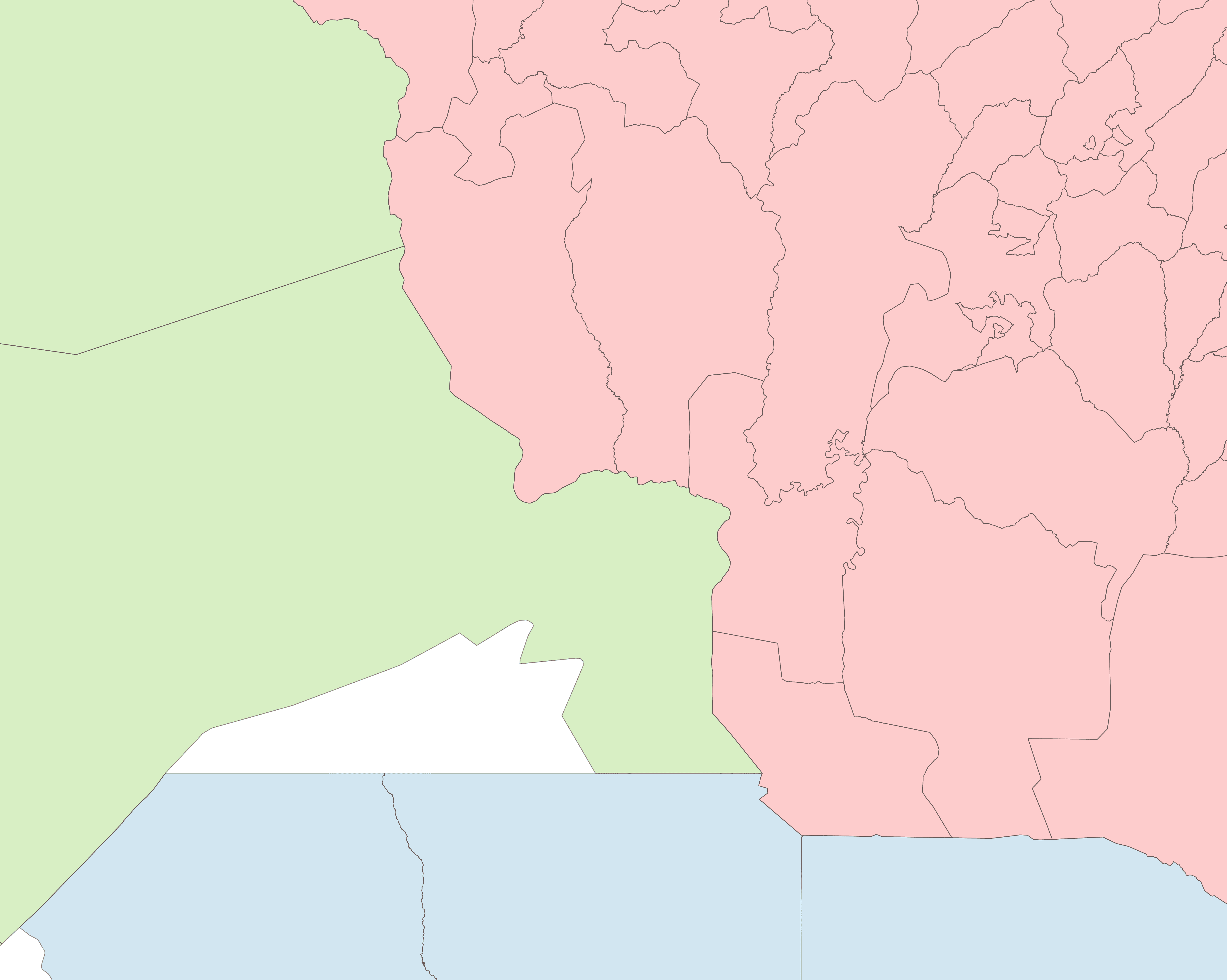 |
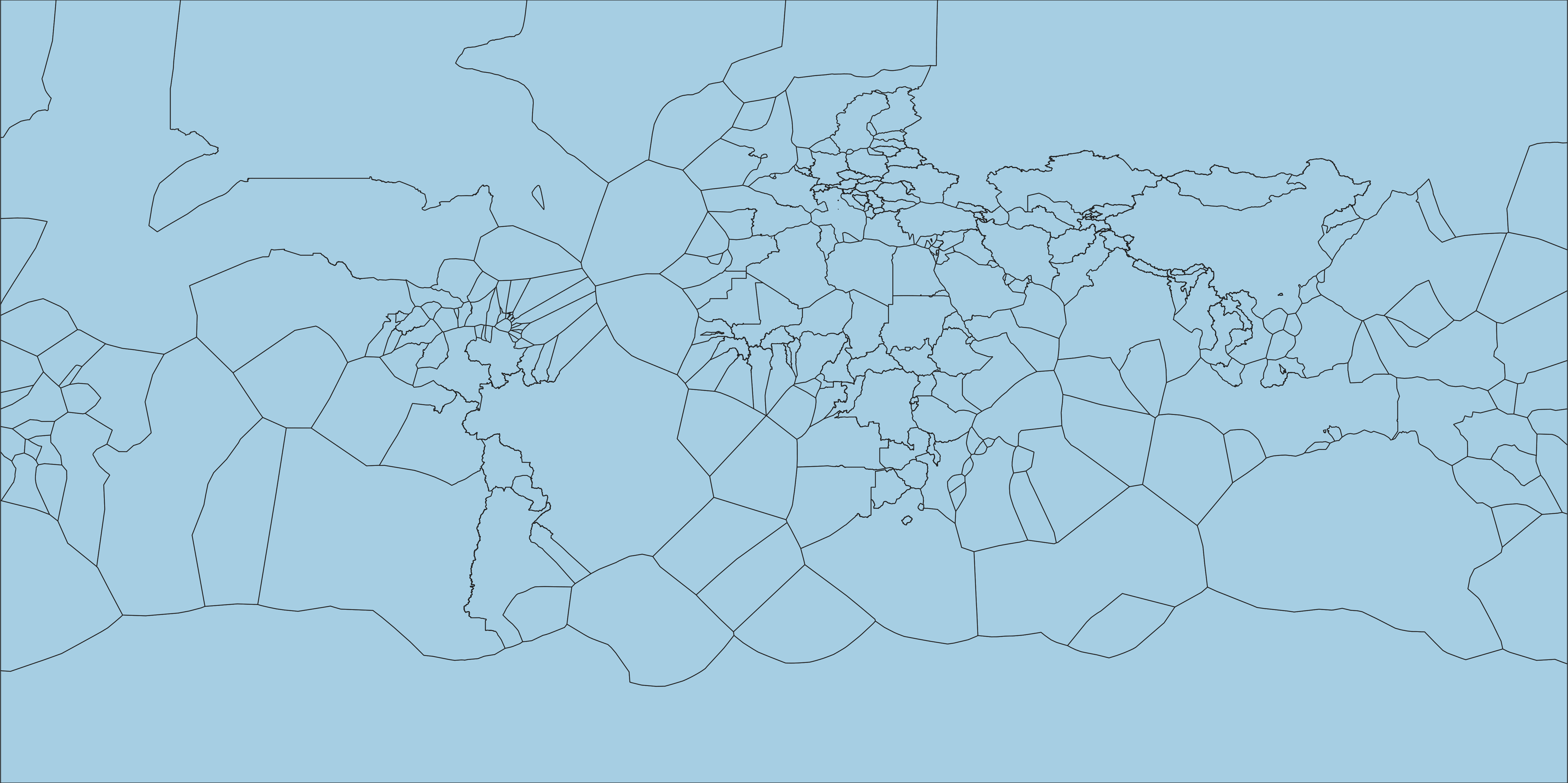
The use case above demonstrates how useful it is to have a topologically clean global ADM0 layer. Few portray disputed areas properly, and for those that do have accurate internal boundaries, coastlines may lack in detail compared to other sources. OpenStreetMap has very detailed coastline data available as Shapefiles, and this can be integrated with ADM0 datasets in the same way as above.
| World ADM0 with Voronoi | Voronoi Only |
|---|---|
|
 |
| Original ADM0 | Coastline replaced with OSM |
|---|---|
 |
 |