Algorithm Visualizer is a tool that will help you see the visual representation of the C++ code and be able to help both student and coders to debug their code.
- Mina Goranovic, goranovic37, minagoranovic2, Project lead
- Elena Mrdja, elena-mrdja, elenamrdja, Github master, GUI team lead
- Milena Nedeljkovic, milenanedeljkovic, milenanedeljkovic4, AST team lead
- Ekaterina Borisova, ekaterina-borisova, ekaterina97024145 , parser team lead
- Matea Gjika, mattea777, mateagjika1, Trello master
- Virgile Martin, VirgileMartinBX23, virgilemartin1, parser team
- Elsa Bismuth, elsa-bismuth, elsa_bis, parser team
- Stefan Vayln, StefanVaylBX2023, stefanvayl, parser team
- Darya Todoskova, zorkotdasha, daryatodoskova, AST team
- Evdokia Guenievna, Evdokia0, evdokia_gneusheva, AST team
- John Levy, The11Doctor, johnnyboy34, GUI team
This team will be working on the tokenization and the lexical analysis of the code. They will after construct the AST needed for the interpreter team.
- Ekaterina Borisova
- Stefan Vayln
- Virgile Martin
- Elsa Bismuth
This team will be working on AST classes, but mostly on the way we will interpret the code. They will make two interfaces: one will use for drawing toe flowchart and on the other that we will use for tracking the variables.
- Milena Nedeljković
- Matea Gjika
- Darya Todoskova
- Evdokia Guenievna
This is the frontend team that will code the interface part of the project which the user will directly interact with.
- Elena Mrdja
- John Levy
- Mina Goranović
Our project is using the ANTLR4. The folder with the path Algorithm-visualizer/AST in the brach "Workspace" contains all of the files needed to run the code. In order to install ANTLR and be able to compile the project, please follow the following steps:
- Download all the files.
- Download Java (you might use this link for that: https://www.oracle.com/java/technologies/downloads/#java11-windows).
- Creat an empty folder called (ex. build) (inside the AST folder).
- In the Terminal direct yourself into build folder.
- Call: cmake ../ (you might need to download and install cmake). If you have the Cmake, then make sure you configure and generate the project:
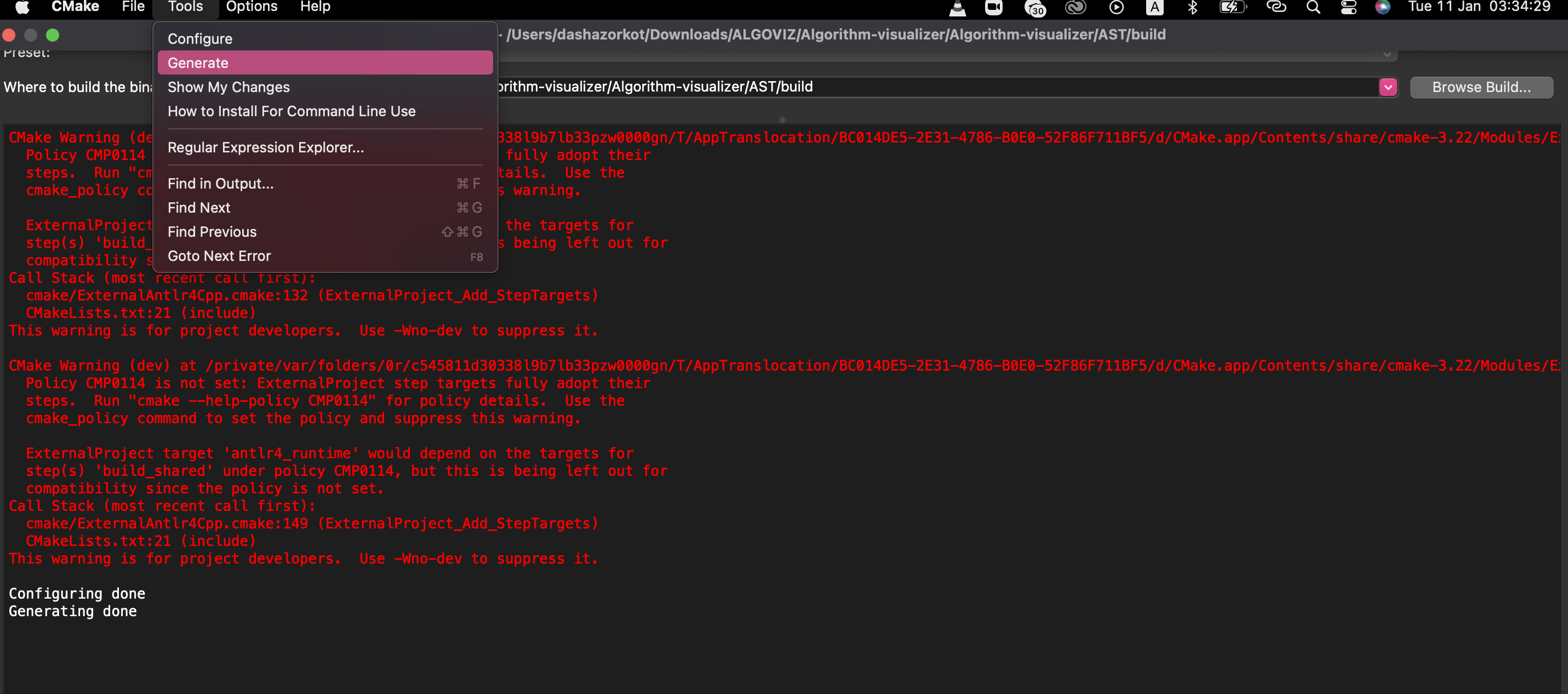
- Call: make
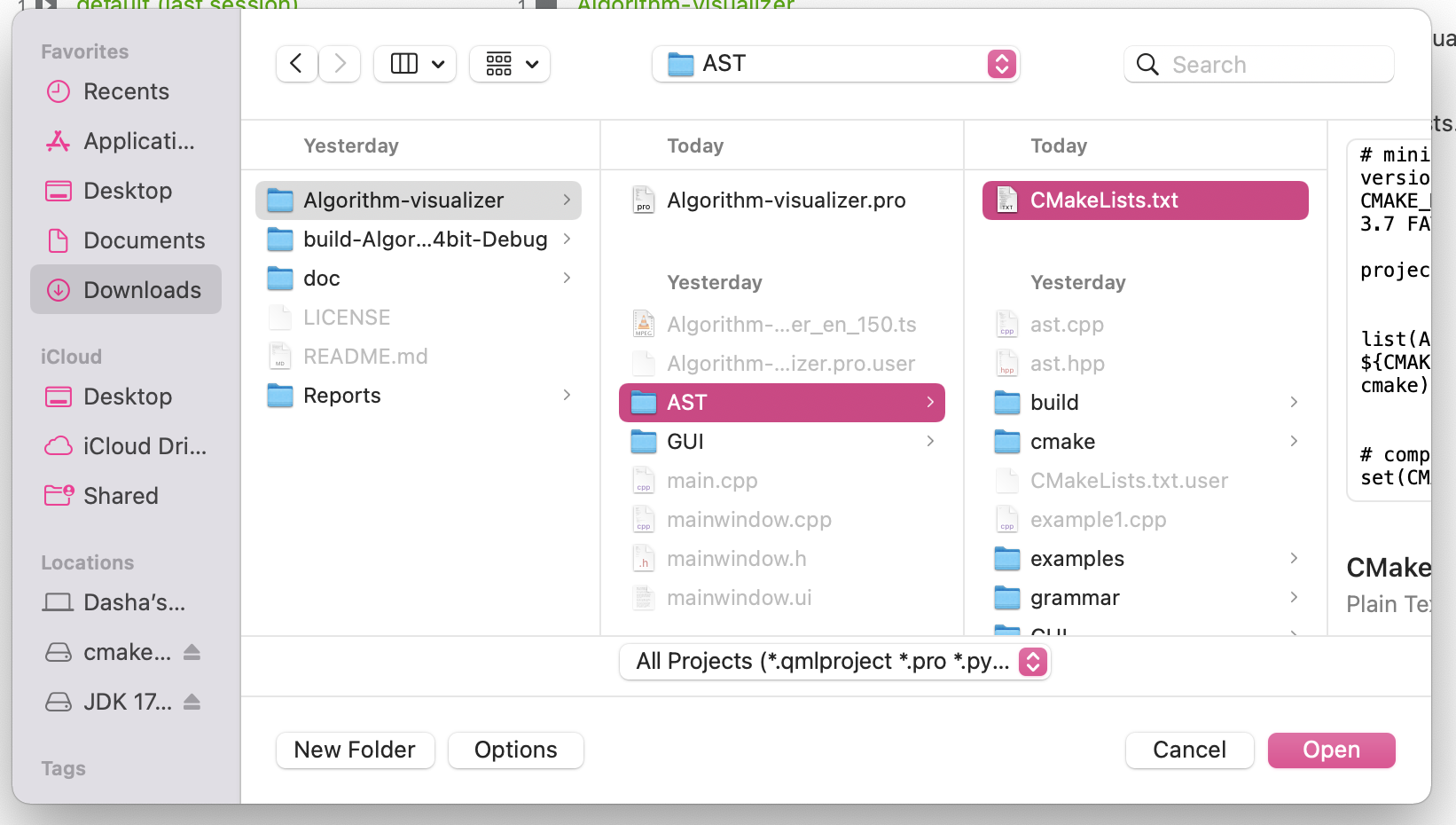
- Now your project is configurated and you can open it in QT (use CMakeLists.txt file to configurate QT project)
- Our program work only with the function main.
- It works only with the grammar we defined, which can be found in the doc/project_design.md file.

- When declaring a variable, user has to assing to it its inital value .
- When using Unop, the user is asked to write the Unop after the variable (i.e please write i++ instead of ++i).
- User is asked to not write more than 100 statements (where one statement is basically one line of code excluding the lines containing only brackets or declaration of while loop/if/else).
- The user is expected to write a code that can be compiled.
- The user is asked to not write inifite loops.
Write the code in the CodeCell and click the “Done” button. Our program will read your code you allow you two simultaneous actions on click of the corresponding buttons (click on the picture for a video demonstration):
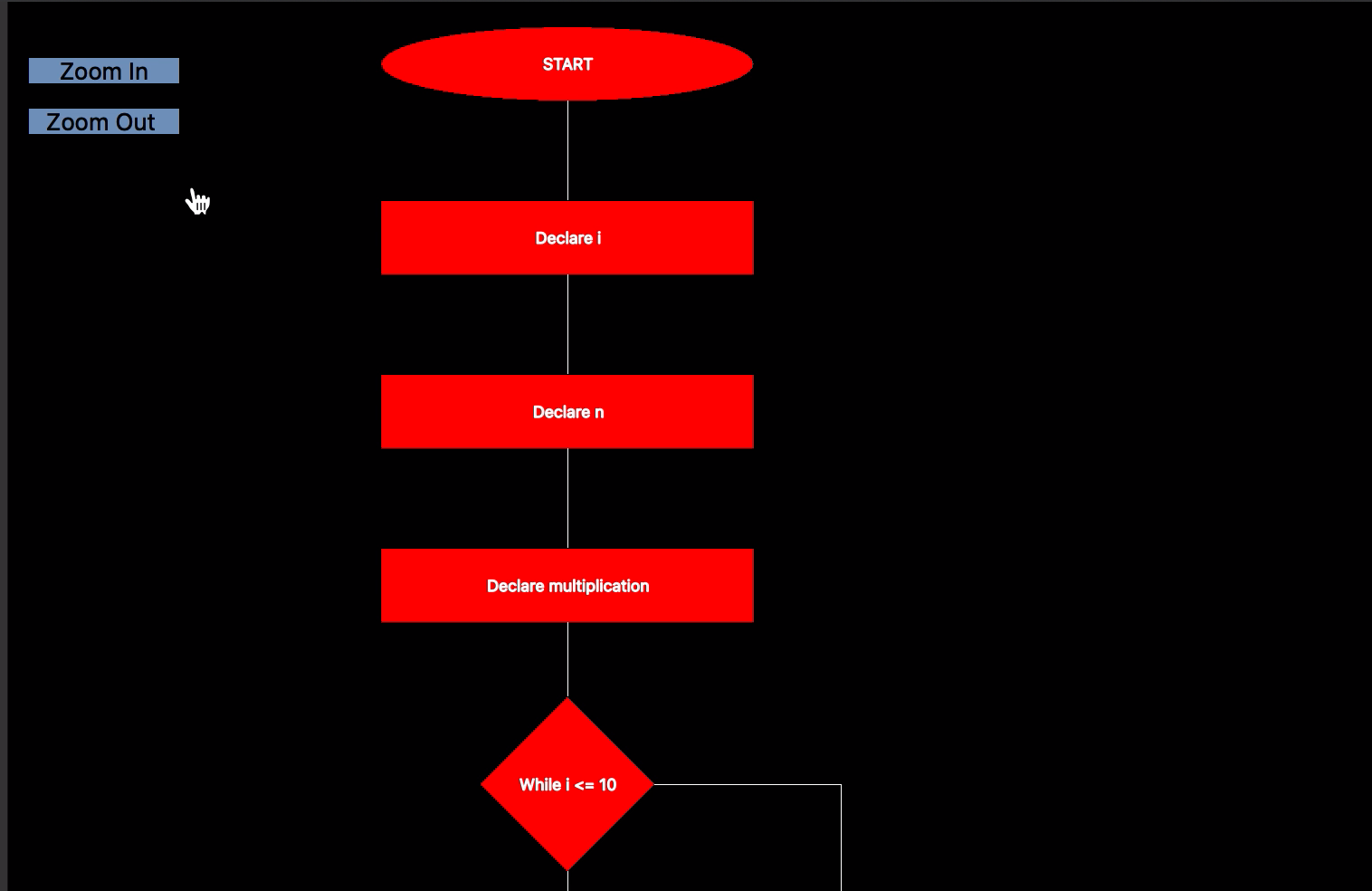
- Visualization of the structure of your code in the shape of a flowchart. Click on the “Visualize” button and the corresponding flowchart will appear in the ViewCell.
- Our program allows you to zoom in and out so that you can have a better overview for long codes and large, nested loops.
- The variabls tracking for each line of the code. Click on the “Show me variables state” button to see the state of variable in the first line. Every following click will update the state of all declared variables at the following line.
- When it comes to loops, our VariableTrack cell displays all of the variables states during the execution of the loop at a single click.
- We are working on the expansion of the grammar the user can use. Currently, there are some structures, such as array type, that are defined in the AST, but still need their implementation in the Interpreter part of the backend and the GUI.
- We have a half done function that uploads a .cpp file from the user’s computer.
- We have backend potential to connect the View cell and the VarTrack cell so that user can clearly see which part of the code are actually being executed.
- In the future, we would like to be able to visualize also the python code.