Fast Neovim Configuration.
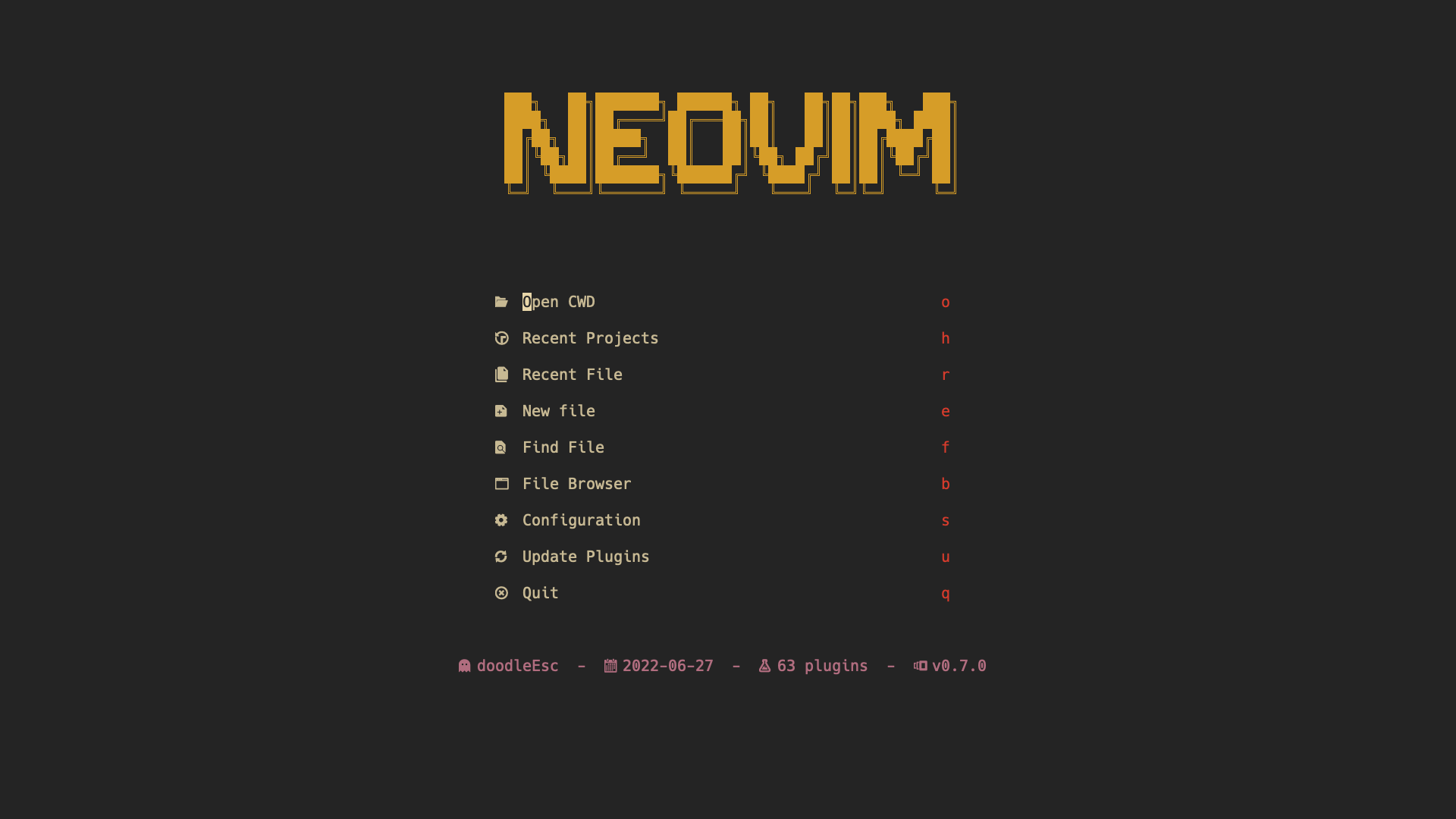
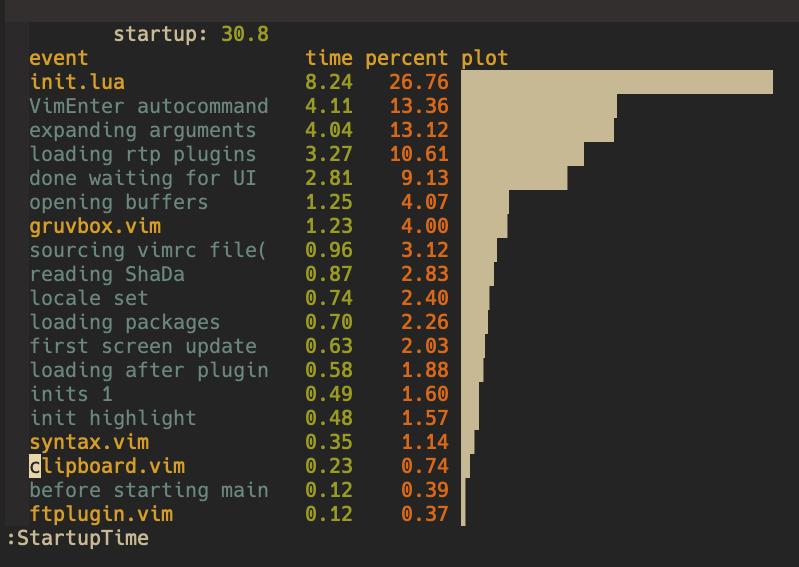
-
clone the repo
git clone https://github.com/doodleEsc/doodleVim.git ~/.config/nvim -
run
nvimand all the plugins will be installed automatically. -
Interact With System Clipboard
Neovimneeds aclipboard providerto handle copy and paste, see:help provider-clipboarddoodleEsc provides a script to handle copying and pasting, Which works with
system clipboard,tmuxandsshmv ~/.config/nvim/clipboard-provider /usr/local/bin/
Note:
-
configuration in tmux
set -s set-clipboard external bind Escape copy-mode bind -T copy-mode-vi v send-keys -X begin-selection bind -T copy-mode-vi y send-keys -X copy-pipe-and-cancel 'clipboard-provider copy' bind p run "tmux set-buffer \"$(clipboard-provider paste)\"; tmux paste-buffer -p" -
xclipandX11-forwardingneeded in remote ssh -
your terminal need to support OSC52
Terminal OSC52 support Alacritty yes foot yes GNOME Terminal (and other VTE-based terminals) not yet hterm (Chromebook) yes iTerm2 yes kitty yes Konsole not yet screen yes st yes (but needs to be enabled, see here) Terminal.app no, but see workaround tmux yes Windows Terminal yes rxvt yes (to be confirmed) urxvt yes (with a script, see here) xterm.js (Hyper terminal) not yet wezterm yes