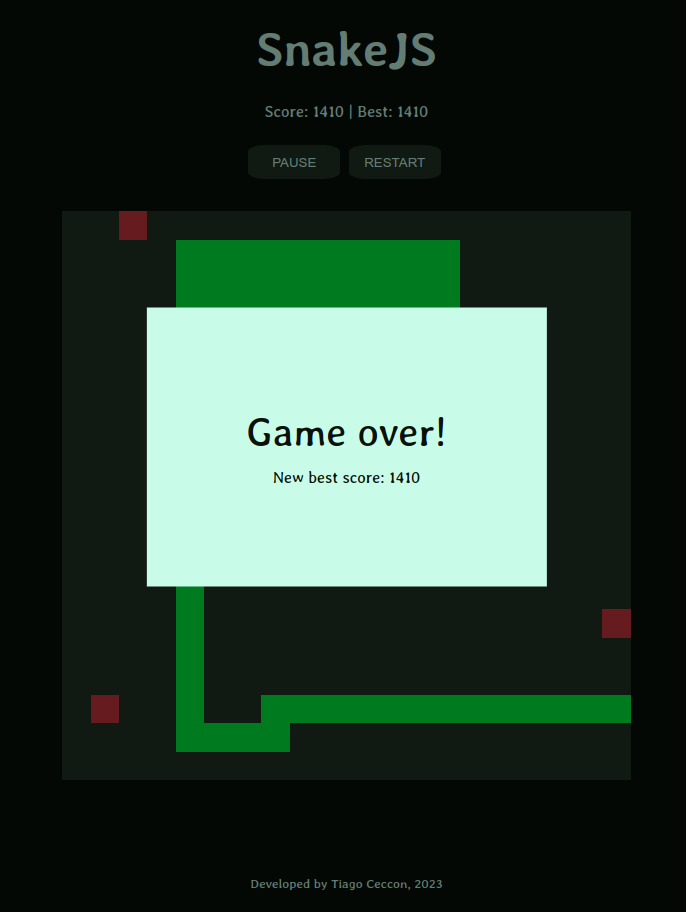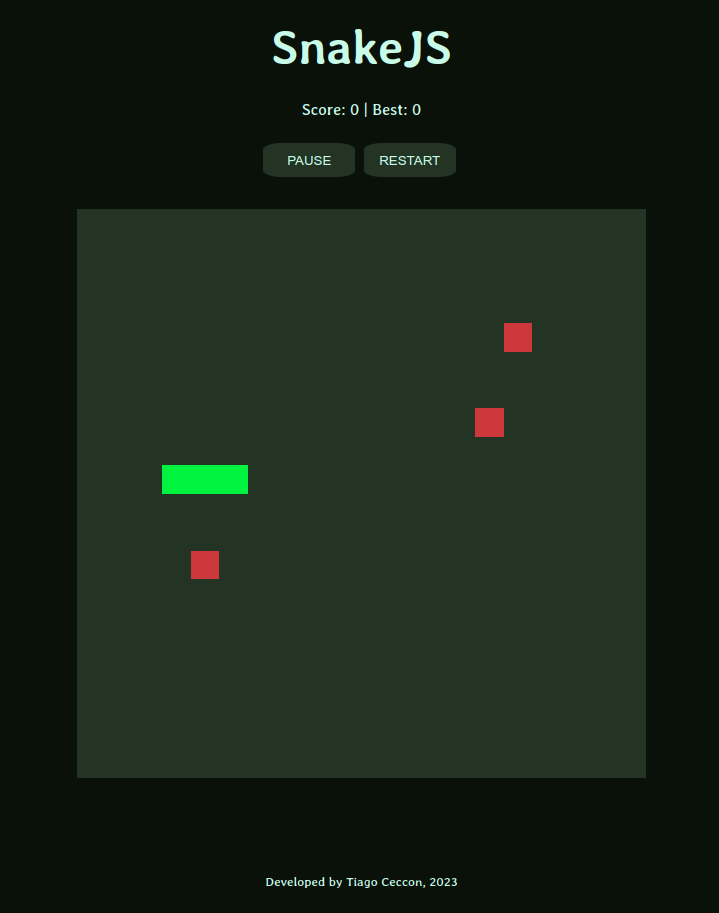
A webapp implementation of the classic game Snake.
Players control a snake that moves inside a 20x20 grid. Every time the snake eats some piece of food, it grows in size and the player score increases. The goal of the player is to achieve the highest score possible by eating as much food as possible. The game ends when the snake hits either the walls of the grid or a part of its own body. The game keeps track of the best score the player achieved in the current session.
The User Stories for the initial development were created with ChatGPT, followed by some minor post-editing for consistency and clarity. The prompts used to generate the stories can be found in the transcript of the conversation.
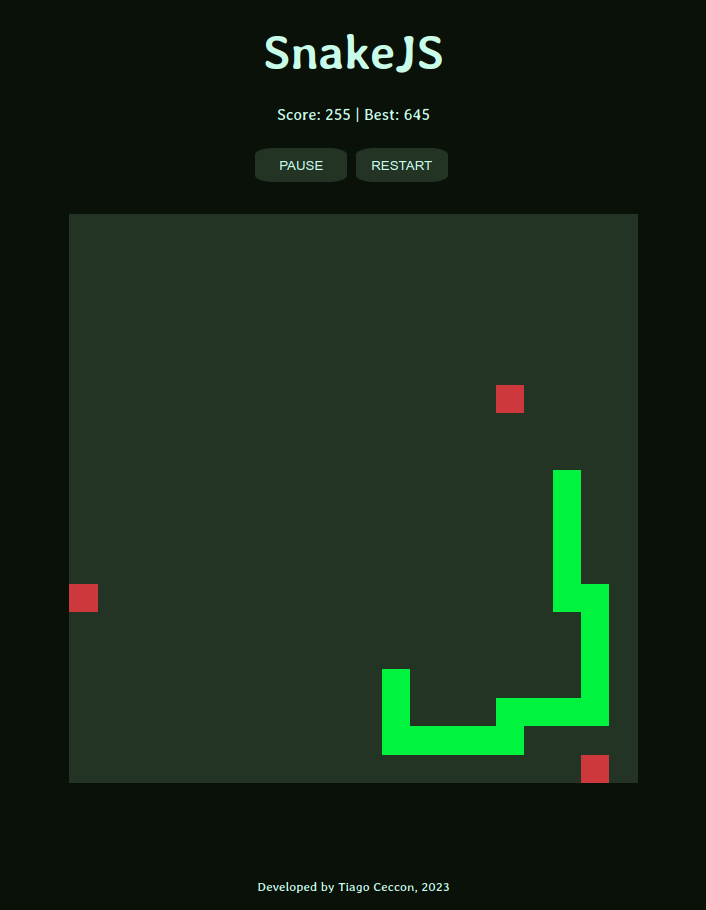
The snake moves continuously at all times, with the player using the controls to change the direction of this movement.
When accessing the application in a desktop environment, players can use either the traditional WASD key scheme or the arrow keys to control the snake. The changes in direction are as follows:
W or up arrow key: Change to up.
A or left arrow key: Change to left.
S or down arrow key: Change to down.
D or right arrow key: Change to right.
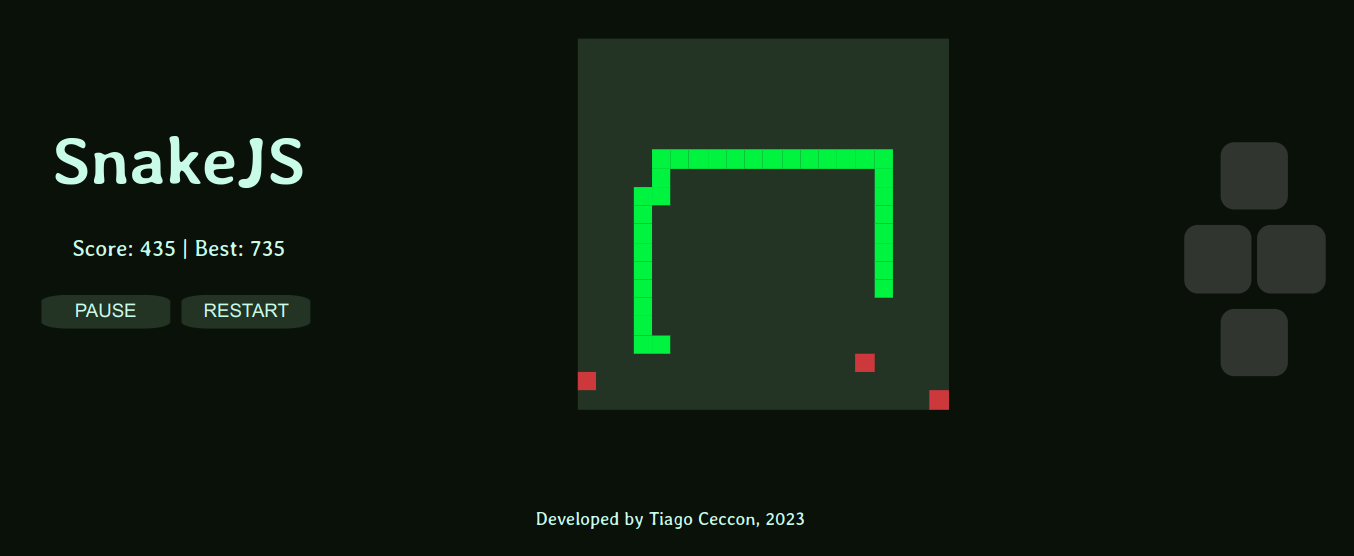
When accessing the application with a mobile device, players see on the screen a control pad that can be used to change the direction by clicking on its buttons.
The most recent version of the game can always be played at https://snakejs-247n.onrender.com/.
This alternative does not require cloning/downloading the source files in this repository.
First, make sure you have Docker installed.
From your terminal, run docker run -p <PORT>:80 ceccont/snakejs . The app will then be accessible by visiting localhost:PORT with a browser while the container is running. For instance, running docker run -p 8080:80 ceccont/snakejs will make the app accessible at localhost:8080.
Make sure you have Docker and docker-compose installed.
Clone this repository or download the source files and store them in any folder of your drive. Then, navigate to this folder with a terminal and run docker-compose up to start serving the application, which will be accessible at localhost:8080.
Make sure you have npm installed.
As an initial one-time step, clone the repository to a folder in your computer, navigate to this folder with the terminal and run npm install. This will install all the dependencies the project uses.
Afterwards, just run npm start on a terminal while in the project's main folder. The application will be accessible by opening your browser and navigating to http://localhost:8080/.
Alternatively, you can just start any web server of your choosing while using the snakejs folder of this repository as the root and the application will be available by navigating to the server's configured host and port. Since the code uses only vanilla HTML, CSS and JavaScript, no build step is required.
First make sure you have installed the dependencies (check section "How to run locally -> With npm" above).
Then at any time run npm test on a terminal while in the project's main folder.
The results will be displayed in the standard output.
To get a short intro to how the code is organized, you can check architecture.md.