
 Catppuccin for Joplin


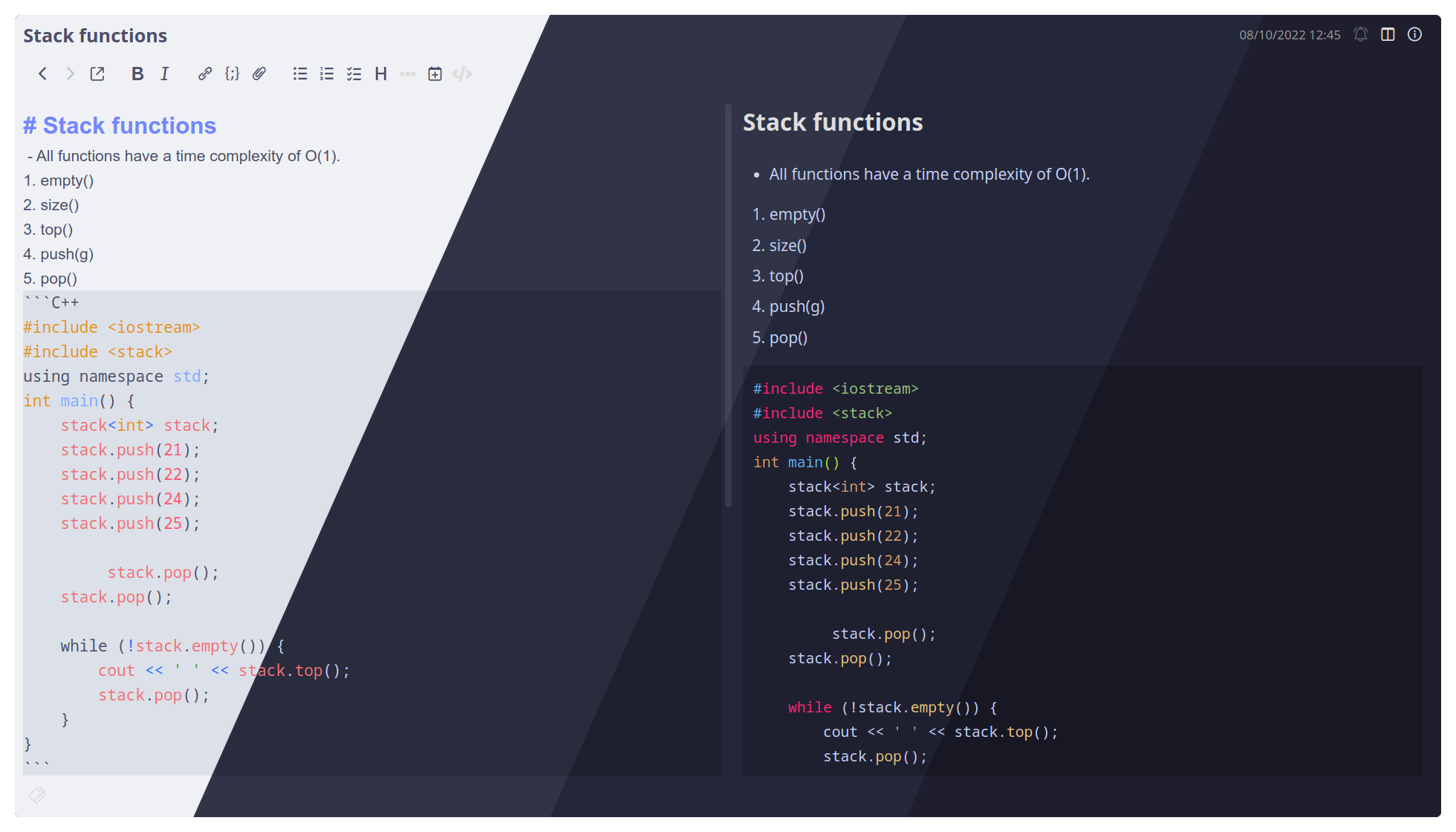
- Download the files
userchrome.cssanduserstyle.cssfrom your preferred flavour from thesrc/directory. - Move these files to the Joplin configuration directory:
Linux/macOS:~/.config/joplin-desktop/
Windows:C:\Users\%USERNAME%\.config\joplin-desktop\ - You need the Rich Markdown Plugin and need to enable extra CSS options by going into
Options -> Rich Markdown -> Add additional CSS classes for enhanced customization. - Enable the dark theme from Appearance to use the theme.
- Q: "My font looks bad"
A: The theme uses Noto Sans and Roboto Mono fonts along with Font Awesome 5 for icons. You need to install those fonts for the font to render correctly. - Q: "How to change the colours/fonts?"
A: The colours/fonts are defined inside the two.cssfiles. Change the colours and fonts from these files to suit your needs.

Copyright © 2021-present Catppuccin Org

