

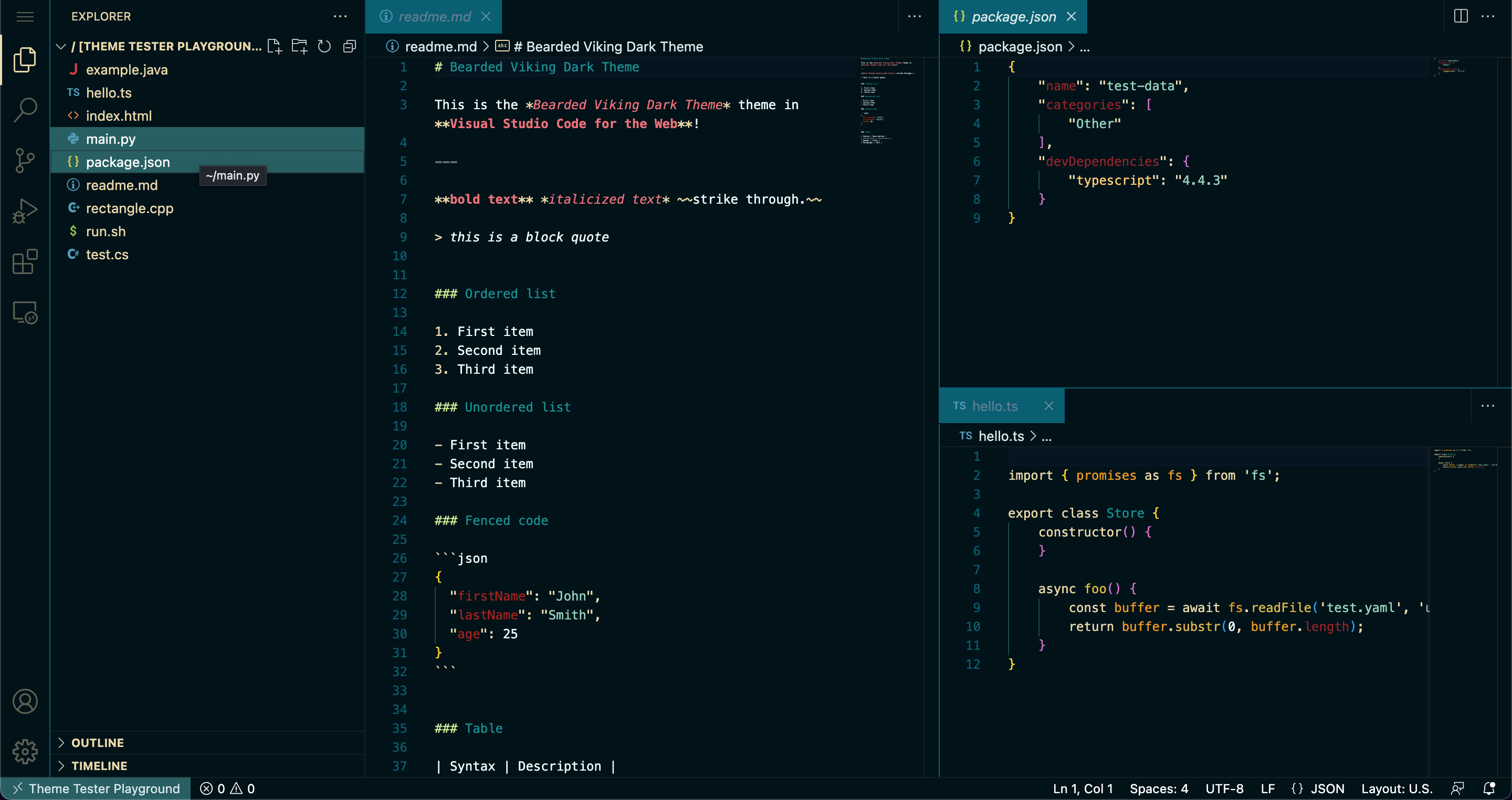
screenshot taken from vscode.dev
- Install and launchVisual Studio Code
- Choose Extensions from menu
- Search for
bearded viking - Click Install to install it
- Activate from the popup
Tested with cascadia code font
| Name | Name | Last commit date | ||
|---|---|---|---|---|
screenshot taken from vscode.dev
bearded vikingTested with cascadia code font