


|
WordServe is a minimalistic and high performance Autocompletion plugin.
It suggests top ranking words when typing and exapnsions on abbreviations! simple.
You can insert them by pressing So many desktop tools and apps I use on daily basis do not offer any form of word completion, AI/NLP driven or otherwise, there are times when I need to quickly find a word or phrase that I know exists in my vocabulary, but I don't feel like typing for that long. Think of this as a basic nvim-cmp or vscode Intellisense daemon. Suggestions menu appear when typing any words + Expansions on text via abbreviations, defined and customisable by you.
|
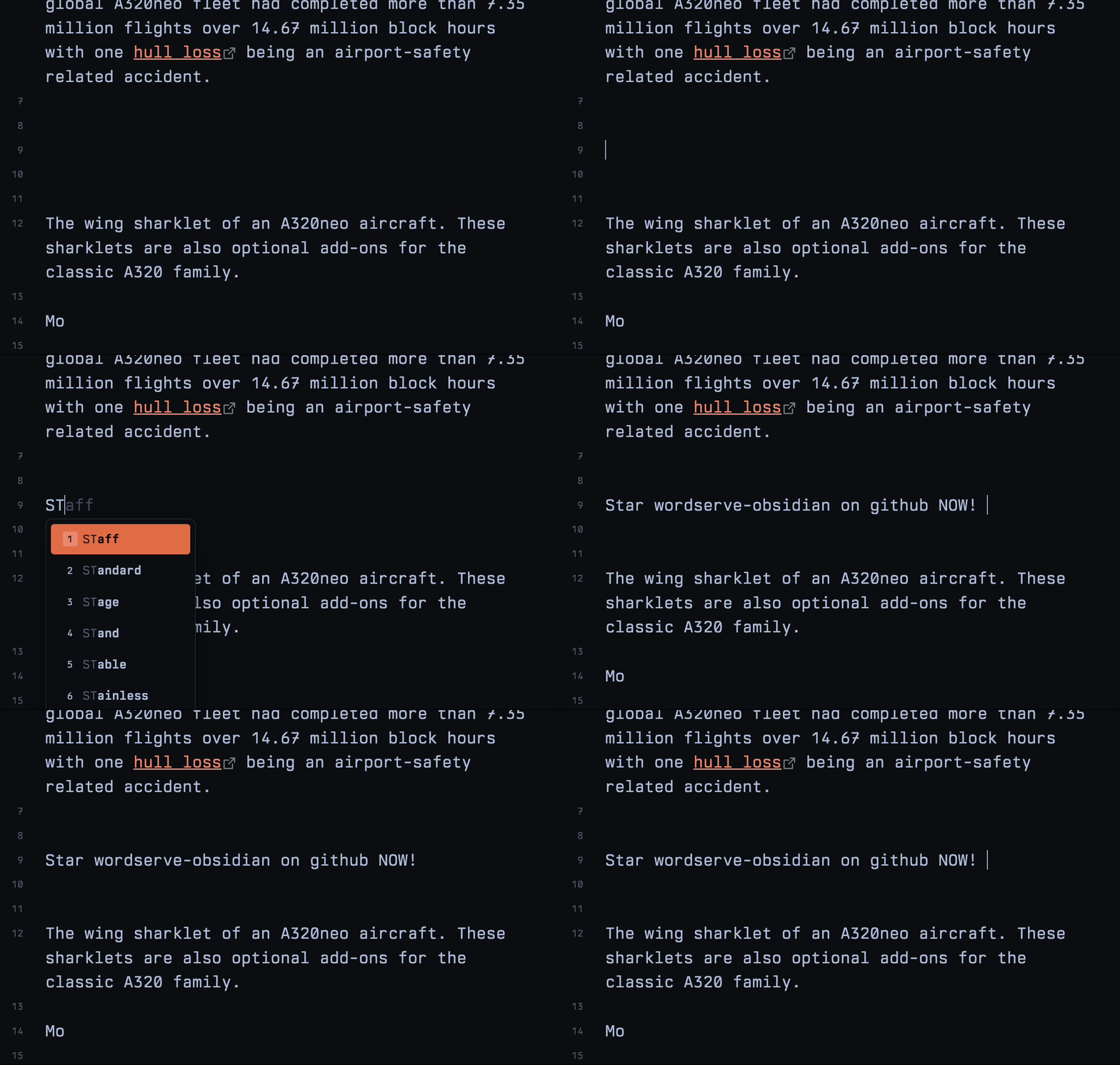
Easily find the relevant words and phrases as you type, suggestions are shown in a simple menu

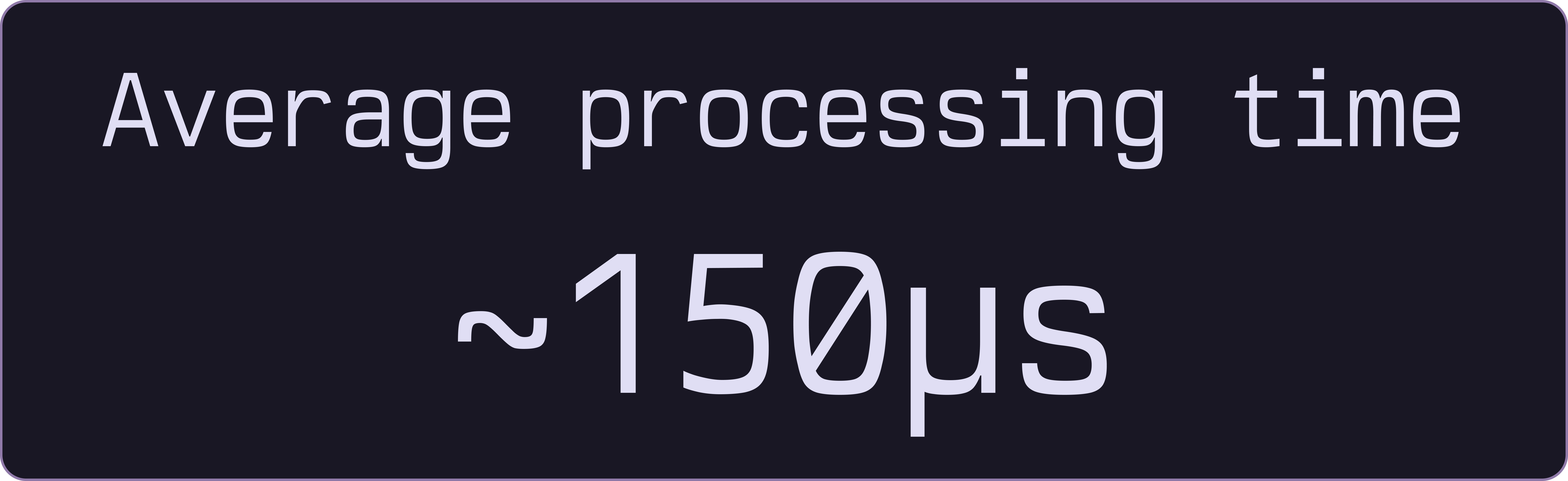
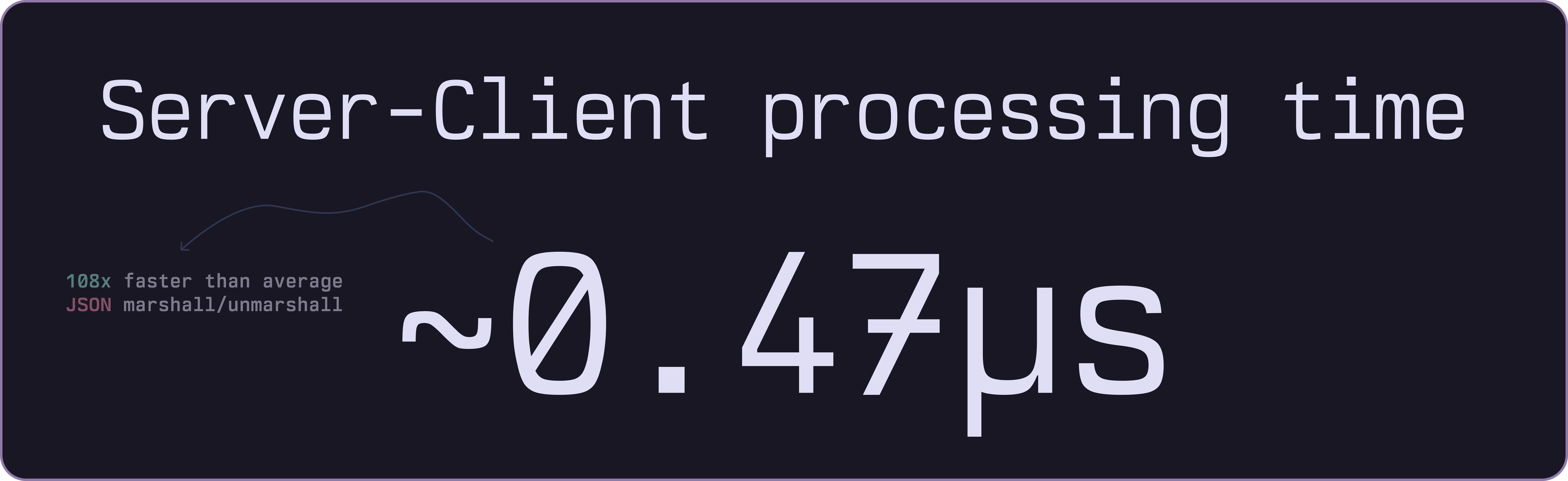
- Super fast and efficient, even with large dictionaries (65,000+ words)
Automatically expands abbreviations as you type,
for example typing btw will expand to by the way
- Easily add and manage your own abbreviations in the settings tab

Use digits on the keyboard to quickly insert a suggestion from the list!

Cross-platform and quick to use, built on top of a Radix trie binary dictionary. Read more about how all this works in our Go library's docs
Many beautiful colorschemes to choose from, including dark and light modes out of the box

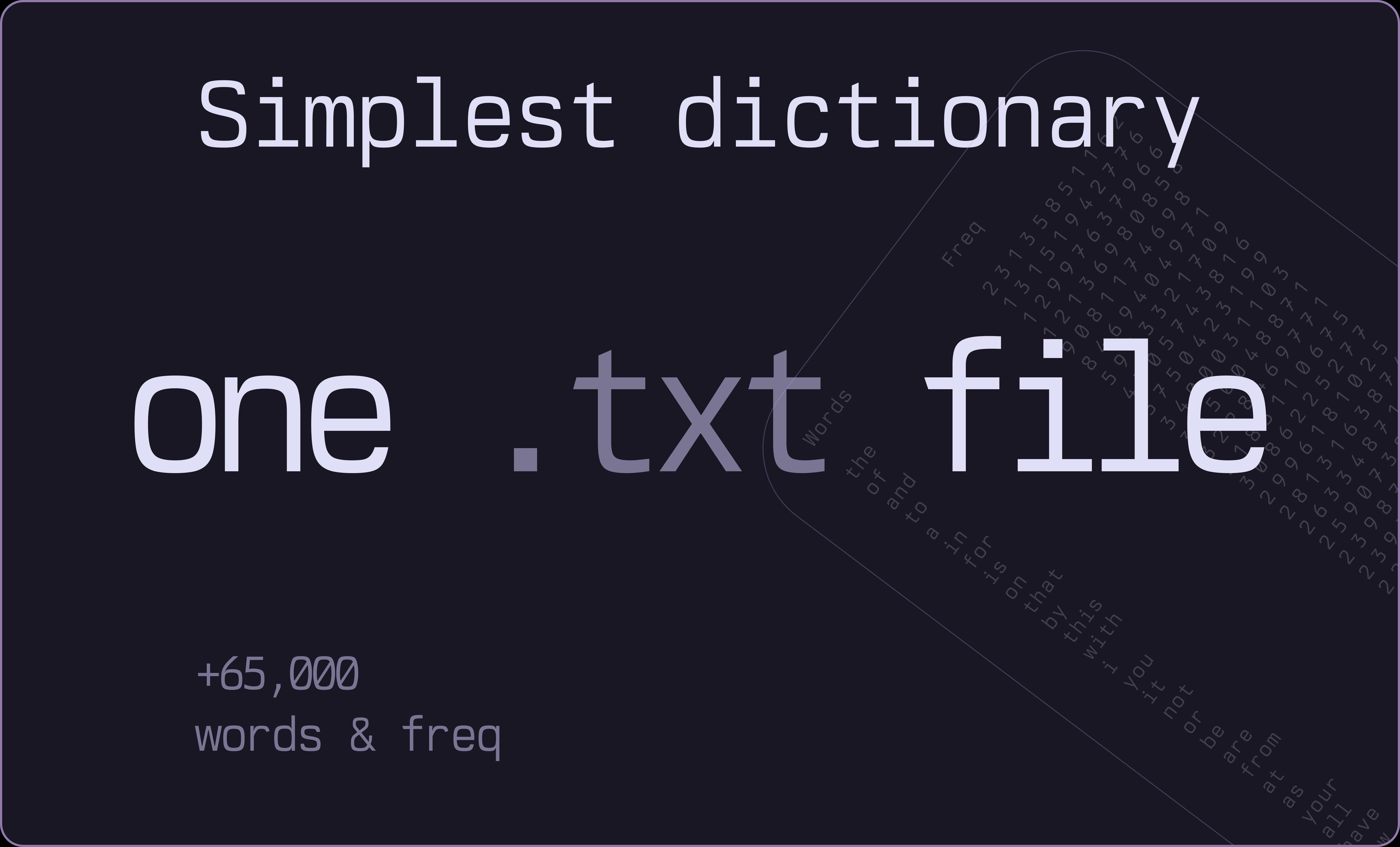
Start with a simple words.txt file containing 65,000+ entries.

- Install from the Chrome Web Store
Supports all Chromium based browsers.

Get the add-on from the Firefox Add-on Store
- same for Zen browser users, use the link above.
Follow the Chrome installation instructions above.
Edge add-ones pending review.
Opera add-ons pending review.
git clone https://github.com/bastiangx/wordserve-extension.git
cd wordserve-extension- install dependencies
bun installThis extension is built on top of WXT
- Run the prep script to fetch the latest dictionary
.bindata files
bun run prepSee scripts/README.md for details about dictionary assets and SHA256 checks.
-
Make your changes
-
run the development watch
bun run dev
# or simply
bun dev
# for Firefox
bun run dev:firefox- build for chromium based browsers
bun run build
# for Firefox
bun run build:firefox
WXT will output the build files to .output/ folder.
.output
├── chrome-mv3       // Manifest V3 for Chromium
├── chrome-mv3-dev   // with devtools enabled
└── firefox-mv2 // Manifest V2 for Firefox- Enable the Developer mode in your browser and load the extension manifest (Unpacked)
| name | |
|---|---|
tabs |
Access basic tab context when needed (e.g., settings interactions). |
activeTab |
Allow actions on the current page when user interacts with the extension. |
storage |
Store user options, theme, and abbreviations. |
downloads |
Export settings and backups from the settings page. |
Note
No user data is collected or transmitted. All processing is done locally.
No external servers or APIs are used.
See the open issues for a list of proposed features (and known issues).
Any PRs are welcome! Refer to the guidelines
WordServe is licensed under the MIT license. Feel free to edit and distribute as you like.
See LICENSE
-
Inspired heavily by fluent-typer extension made by Bartosz Tomczyk.
- Its a great extension to use on browsers, but I wanted something that can be used basically in any electron/local webapps with plugin clients, but also make it wayyy faster and more efficient since the depeendencies used there are way too bloated (C++ ...) and had too many bindings for my liking, and also more imporatantly, make this a good practice for me to learn how radix tries work for prefixes.
-
The Beautiful Rosepine theme used for graphics and screenshots throughout the readme.
-
The Incredible mono font, Berkeley Mono by U.S. Graphics used in screenshots, graphics, gifs and more.
