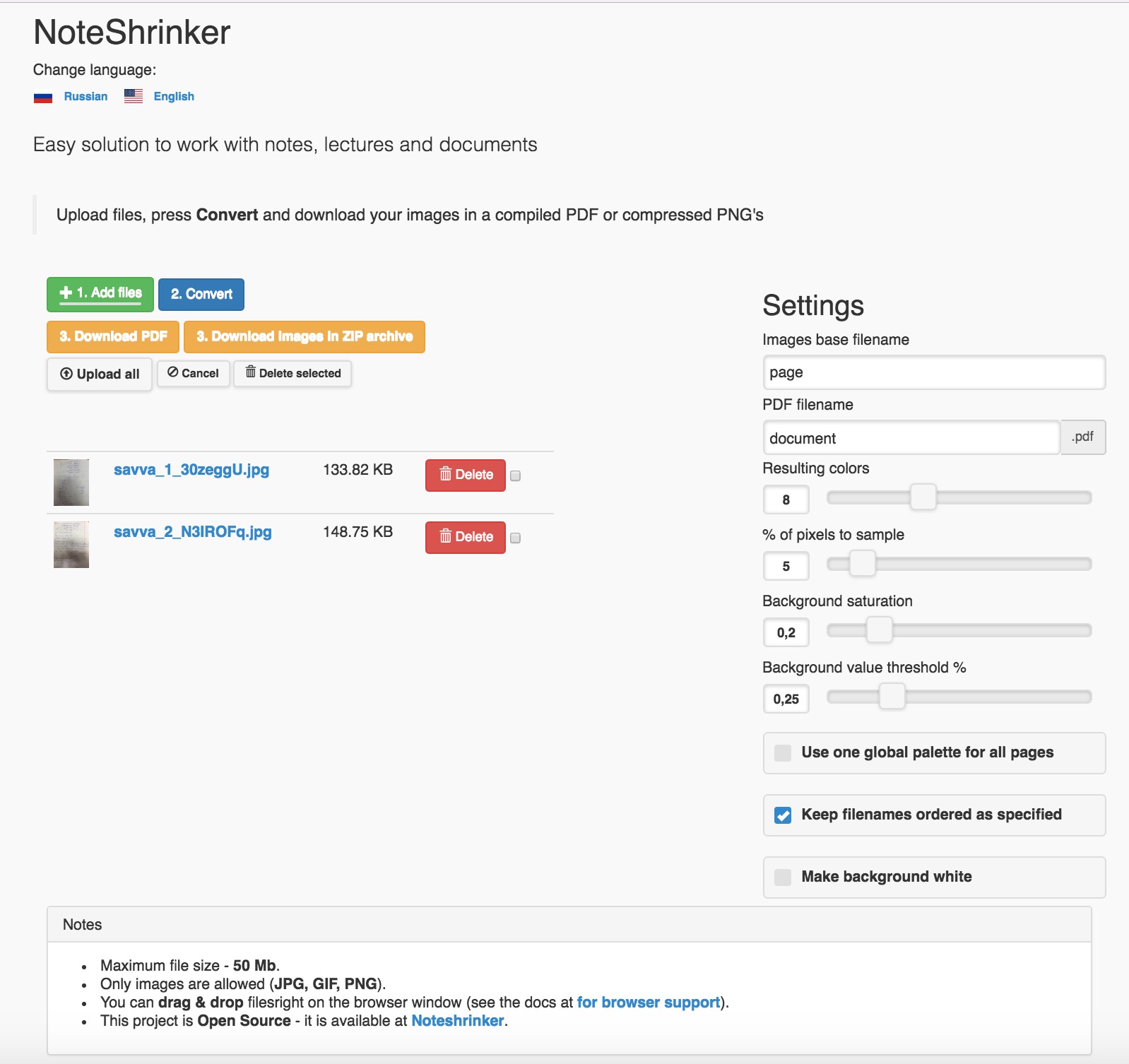
This a webservice, which is designed to help people keep their notes clean and store them in pretty PDF's.
It shrinks & prettifies the images uploaded, which makes them much easier to work with.
Look at the image provided:
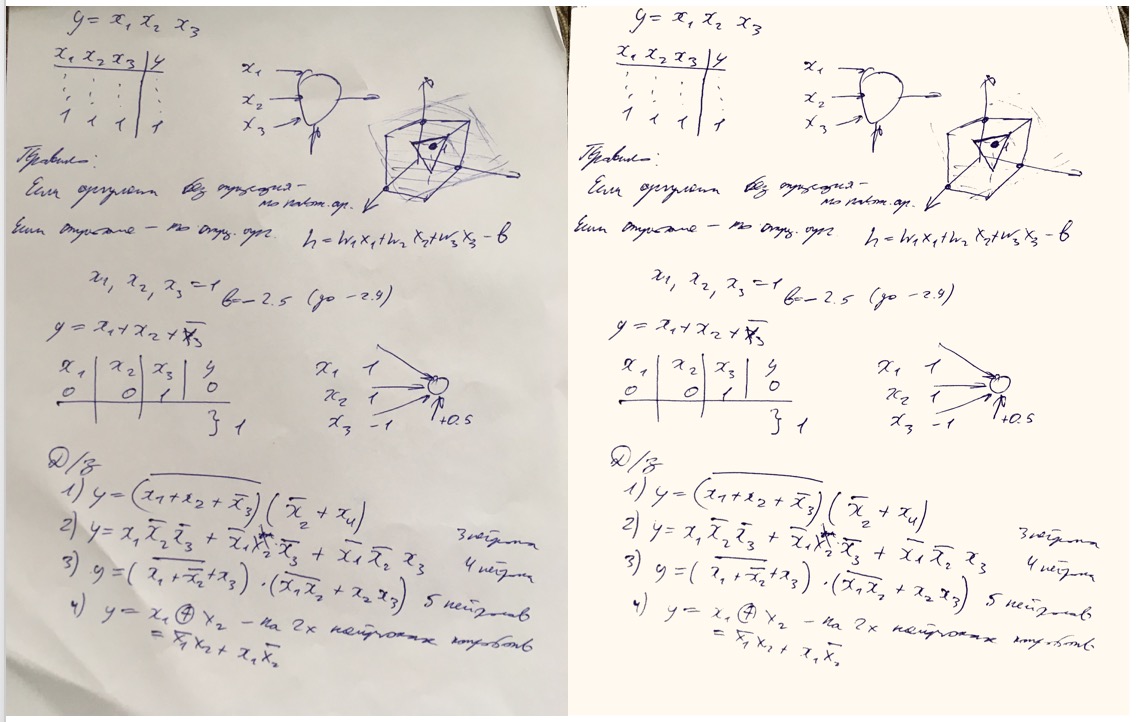 Better resolution is available in the "example" folder of this repo. It is not perfect example, it is the one done with the defaults,
yet it can be made better by tweaking settings.
Better resolution is available in the "example" folder of this repo. It is not perfect example, it is the one done with the defaults,
yet it can be made better by tweaking settings.
First of all, get Python 3.10.
- Python 3
- Pip
- Then, clone this repo (attention! it will be cloned to the current directory, so make sure you do it in some kinda documents or special one)
git clone https://github.com/delneg/noteshrinker-django/ - Then,
cd noteshrinker_django - Optionally, create and activate virtualenv:
virtualenv venv && source venv/bin/activate - Install dependencies:
pip3 install -r requirements.txt - Tweak the settings in the bottom of the settings.py file.
- Finally, from the root directory of the project:
python3 manage.py migrateandpython3 manage.py runserver - Navigate to http://localhost:8000 in your browser!
- Install uv
- Clone this repo:
git clone https://github.com/delneg/noteshrinker-django/ - Then,
cd noteshrinker_django - Initialize a uv project:
uv init - Install dependencies from requirements:
uv add -r requirements.txt - Tweak the settings in the bottom of the settings.py file.
- Run migrations:
uv run python manage.py migrate - Start server:
uv run python manage.py runserver - Navigate to http://localhost:8000 in your browser!
Make sure you have Docker installed.
- Clone this repository:
git clone https://github.com/delneg/noteshrinker-django/ - cd into the newly created directory:
cd noteshrinker-django - Build the Docker container:
docker build -t noteshrinker . - Run the container:
docker run -p 8000:8000 --rm noteshrinker
The container will listen on port 8000 (bound to internal port 8000) and will be removed after use (--rm). The server should be up-and-running immediately but it won't tell you. Just go to the next step. - Navigate to http://localhost:8000 in your browser!
MIT
Feel free to contribute, I will review all responses.
Currently the app has Russian,English, Portugese (by https://github.com/Qu4tro), Chinese (by https://github.com/gaoyaoxin) languages availiable. Feel free to add your locale - I'll appreciate it!
To add a locale:
Add a locale to LANGUAGES in settings.py file
Do django-admin makemessages, edit the django.po file in locale/{local_code}/LC_MESSAGES/
Then run django-admin compilemessages