Using random walk and binary space partitioning to create a 2D procedural dungeon in Unity
- Clone the repository
- Open Unity
- Go to assets -> import package -> custom package
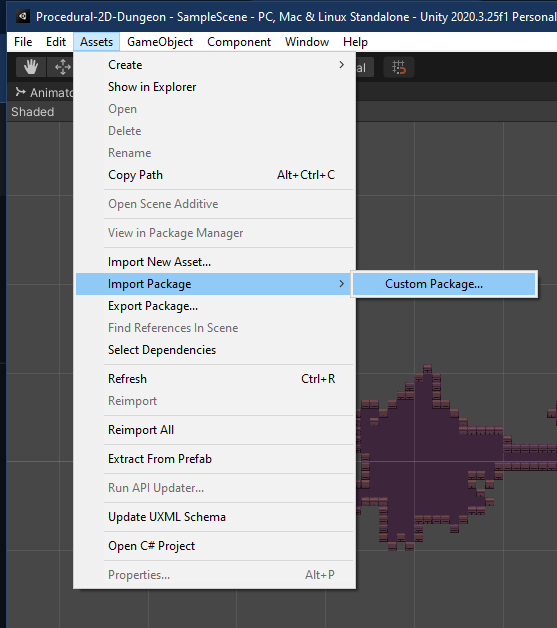
- Import the 00_StarterProjectAssets.unitypackage
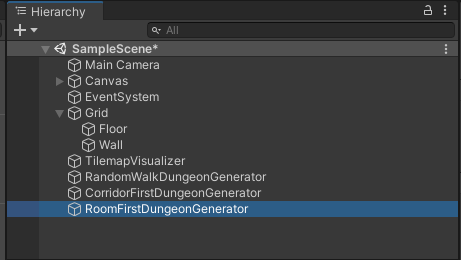
- Select the generator
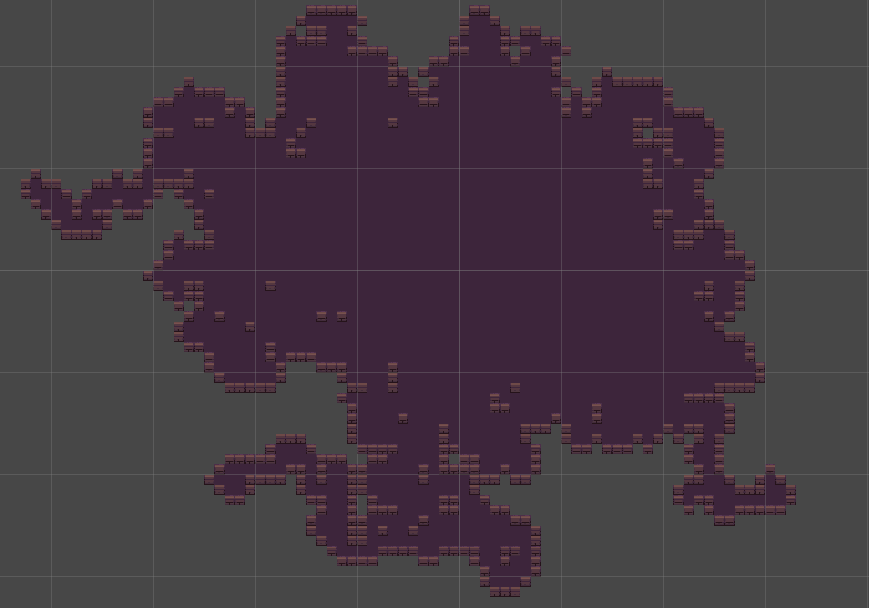
- RandomWalkDungeonGenerator -> Generate only random room without corridor
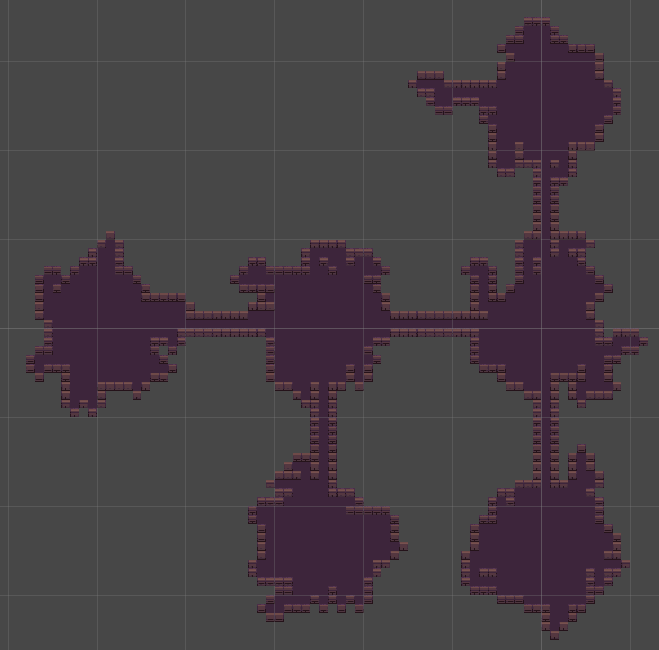
- CorridorFirstDungeonGenerator -> Generate random room and corridor
- RoomFirstDungeonGenerator -> Generate random room (random walk) and corridor using binary space partition
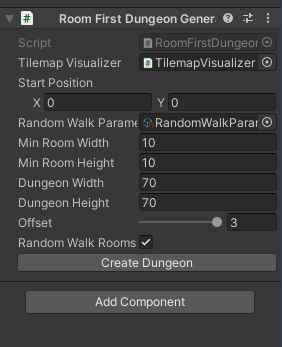
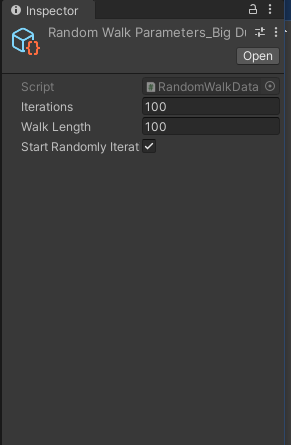
- Edit the generator parameter (ex. RoomFirstDungeonGenerator)
- Right click Project in Data Folders -> Create -> PCG -> RandomWalkData
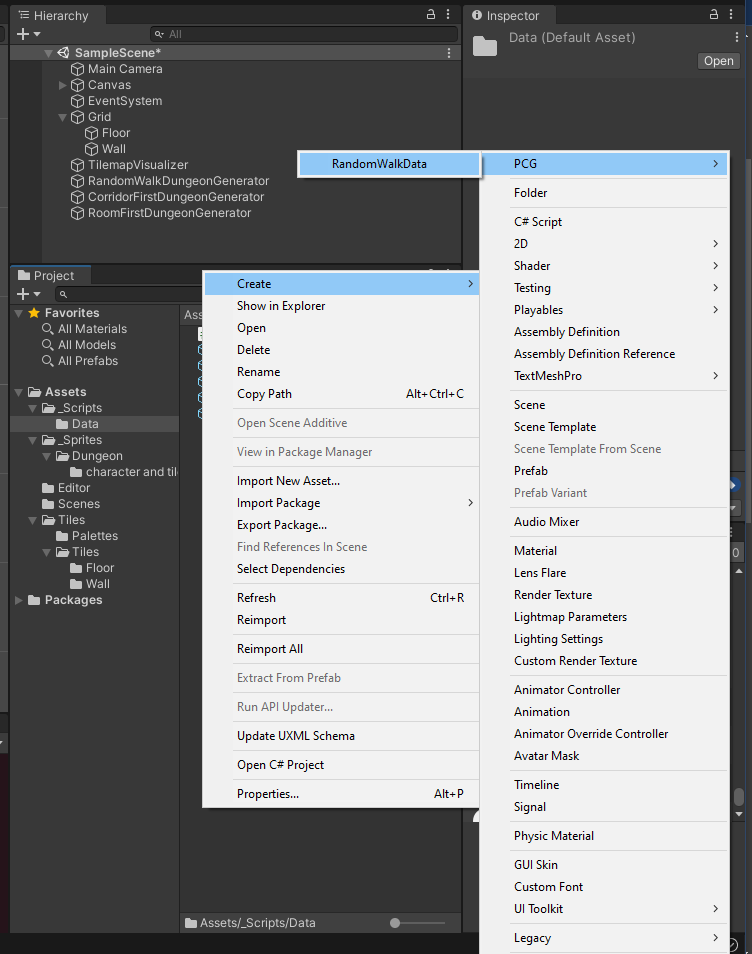
- After the file created, you can change the file name
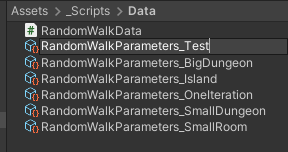
- Finally, edit the parameters and select randomly each iteration to make a different start position
- Unity 2020.3.25f1 Personal License
- Visual Studio or Visual Studio Code
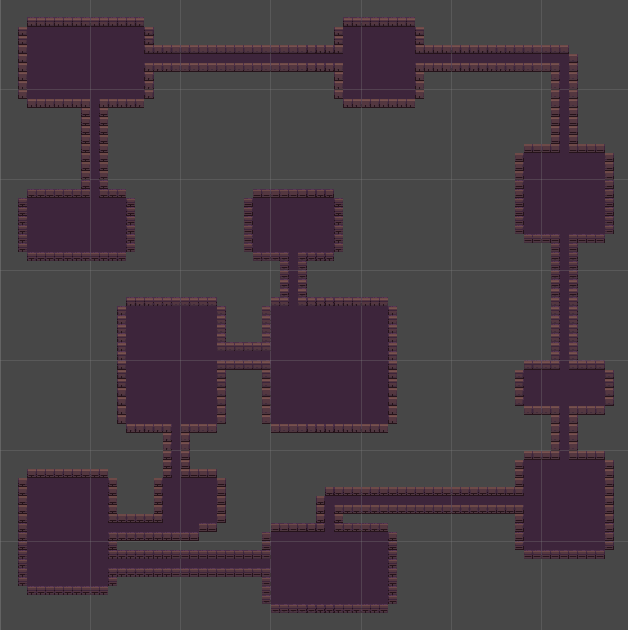
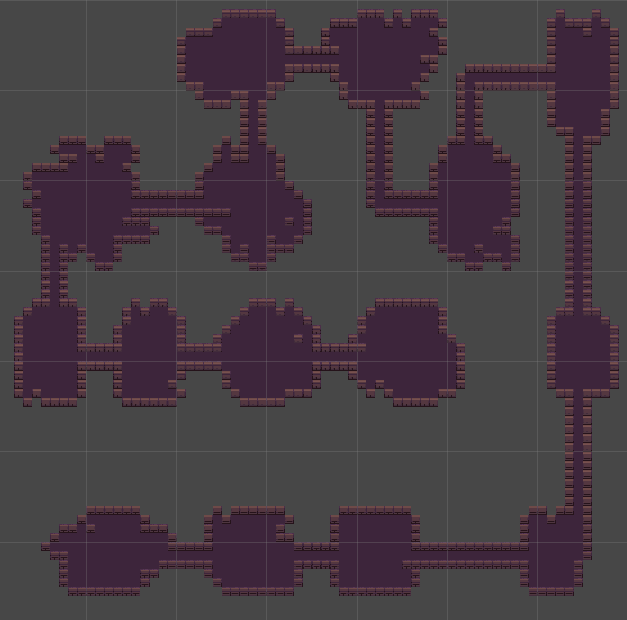
Thanks to Sunny Valley Studio