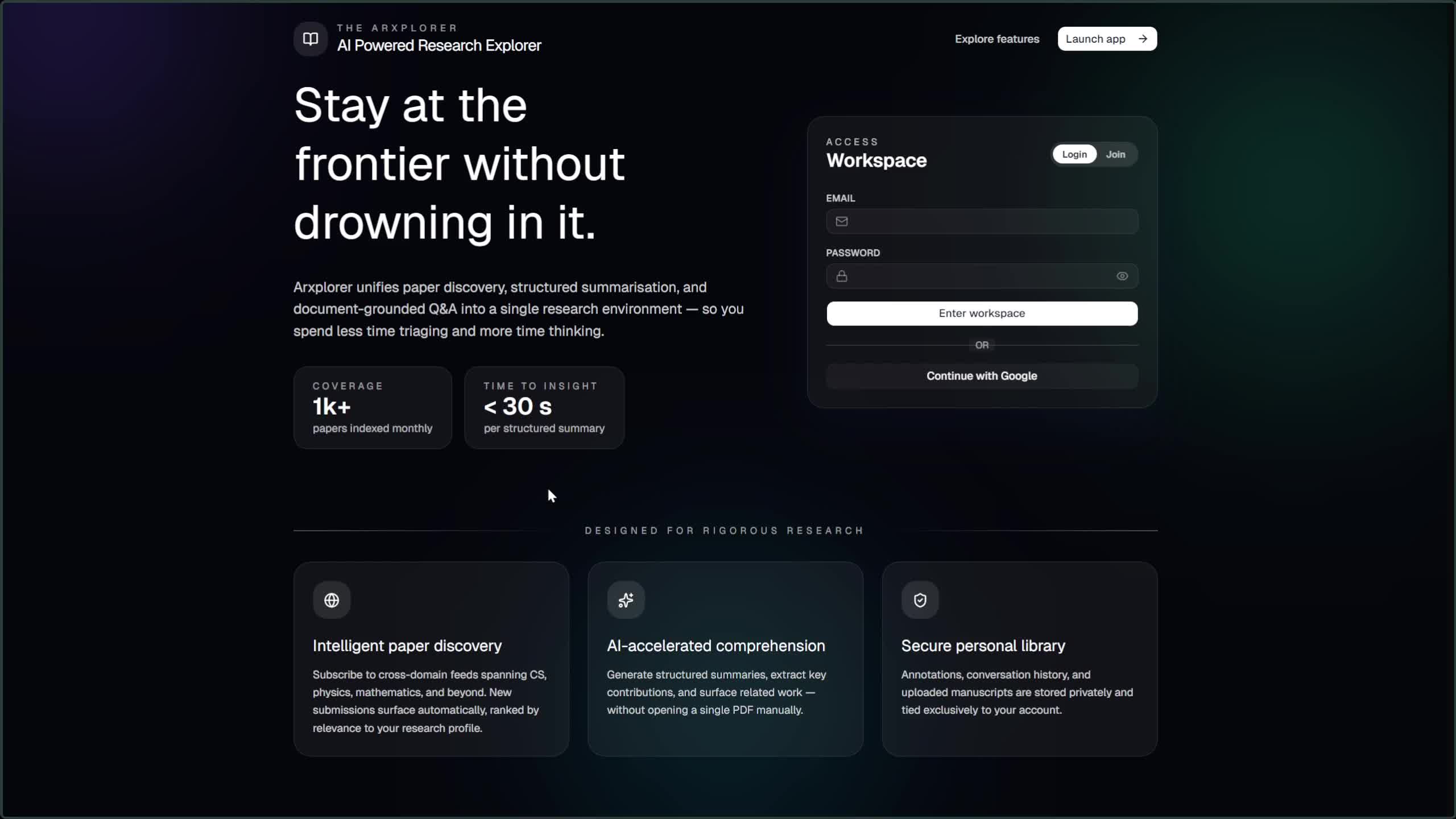
Your AI-powered research companion for exploring, saving, and understanding arXiv papers.
Arxiver helps researchers and engineers discover relevant papers, get instant AI-generated summaries, chat with papers using RAG, and receive personalized recommendations — all with actionable insights on how papers apply to your projects and company.
NOTE: Switch to
shadcn-ui-migratefor latest changes.
A personalized paper feed powered by vector similarity search. When you save papers, Arxiver learns your interests and uses your last saved papers as seed vectors for k-NN search across the arXiv catalog. Select topic categories to filter your feed. Falls back to a chronological catalog feed for new users.
Read papers directly in the app with an embedded PDF viewer. Papers are streamed through a proxy to avoid CORS issues. The detail view shows the abstract, extracted keywords, primary category, and links to the original arXiv page.
Build a personal library of saved papers. When you save a paper, Arxiver kicks off background processing — generating a thumbnail, extracting keywords using KeyBERT with a SciBERT model, and indexing the paper for future recommendations. Bulk delete and manage your library from a dedicated page.
Generate concise summaries of any saved paper. The summarization engine retrieves all ingested chunks of the paper, sorts them by page order, and produces a structured summary using an LLM. Summaries are cached per paper so they load instantly on repeat visits.
Have a conversation with any paper. Once a paper is ingested, its content is chunked, embedded with Cohere multilingual embeddings, and stored in a Qdrant vector collection. When you ask a question, the system retrieves relevant chunks, optionally reranks them, and streams a grounded answer with source citations. Each paper gets its own chat sessions with full message history.
Toggle web search in chat to let the AI pull in external context. Uses Tavily or LangSearch for web search and Firecrawl for deep page scraping, combining web results with paper chunks for more comprehensive answers.
Get a structured assessment of how a paper can be applied in practice. The usability engine analyzes each paper across 13 business domains (healthcare, finance, manufacturing, etc.), 2 reproducibility axes, 14 emerging technology areas, and produces an overall impact score — all returned as structured data and rendered as visual charts.
Every saved paper and catalog page shows related paper recommendations. The engine runs three parallel Qdrant queries:
- Semantic similarity — finds papers with similar title and abstract embeddings
- Topic-constrained similarity — same as above but filtered to the paper's primary arXiv category
- Author-based discovery — finds other papers by the same authors
Results are blended using a weighted re-ranking formula (60% similarity, 15% category affinity, 15% recency, 10% baseline) and deduplicated.
Automatic keyword extraction for every saved paper using KeyBERT with a quantized SciBERT ONNX model. Includes a curated seed list of 180+ CS/AI terms, technical keyword boosting, MMR diversity, and embedding-based deduplication. Keywords power discovery and are displayed on paper detail pages.
A daily-updated local mirror of arXiv metadata harvested via the OAI-PMH protocol. Papers are indexed into Qdrant with server-side embeddings, enabling semantic search across the catalog — search by meaning, not just keywords.
No server-side LLM keys required. Users provide their own API keys for Cohere, Groq, Gemini, OpenRouter, Tavily, and Firecrawl through the settings page. Keys are encrypted at rest using Fernet symmetric encryption. Supports multiple LLM providers (Gemini, Groq, Cohere, OpenRouter) with a provider/model format.
Set custom instructions that guide how the AI summarizes papers and responds in chat, tailoring outputs to your domain and use case.
Email/password registration with bcrypt hashing and Google OAuth2 sign-in. JWT-based sessions with access/refresh token pairs. Sessions are tracked server-side for immediate revocation.
| Layer | Technologies |
|---|---|
| Frontend | React 18, TypeScript, Vite, Tailwind CSS v4, shadcn/ui, TanStack Query |
| Backend | FastAPI, Python 3.13, SQLAlchemy 2.0 (async), Alembic |
| AI/ML | LangChain, LangGraph, Cohere Embeddings, KeyBERT, SciBERT ONNX |
| Vector DB | Qdrant Cloud |
| Database | PostgreSQL (Supabase) |
| Storage | Supabase S3 (thumbnails) |
| Observability | Logfire + OpenTelemetry |
- Python 3.13+ with uv package manager
- Bun runtime (for frontend)
- PostgreSQL database (e.g., Supabase)
- Qdrant Cloud instance
cd backend

# Install dependencies
uv sync

# Set up environment variables
# Create a .env file with the required variables (see Environment Variables below)

# Run database migrations
uv run alembic upgrade head

# Start the server (default port 8000)
uv run python run.pycd frontend
# Install dependencies
bun install
# Start dev server (default port 8080)
bun run devBackend — create backend/.env:
| Variable | Description |
|---|---|
DATABASE_URL |
PostgreSQL async connection string |
JWT_SECRET_KEY |
Secret for signing JWT tokens |
ENCRYPTION_KEY |
Fernet key for encrypting user API keys |
GOOGLE_CLIENT_ID |
Google OAuth client ID |
GOOGLE_CLIENT_SECRET |
Google OAuth client secret |
GOOGLE_REDIRECT_URI |
Google OAuth callback URL |
QDRANT_URI |
Qdrant Cloud cluster URL |
QDRANT_API_KEY |
Qdrant Cloud API key |
S3_ENDPOINT_URL |
Supabase S3 endpoint |
S3_ACCESS_KEY_ID |
Supabase S3 access key |
S3_SECRET_ACCESS_KEY |
Supabase S3 secret key |
S3_BUCKET_NAME |
S3 bucket for thumbnails |
LOGFIRE_TOKEN |
Logfire observability token |
Frontend — set in shell or .env:
| Variable | Description |
|---|---|
VITE_API_URL |
Backend API base URL (defaults to http://localhost:8000/api/v1) |
ArxiverApp/
├── backend/
│   ├── main.py                 # FastAPI app entry point
│   ├── run.py                  # Uvicorn launcher
│   ├── alembic/                # Database migrations
│   ├── src/
│   │   ├── router/             # API route handlers
│   │   ├── controller/         # Business logic
│   │   ├── model/              # SQLAlchemy ORM models
│   │   ├── schema/             # Pydantic request/response schemas
│   │   ├── core/               # AI engines (chat, summary, recommendations, keywords, catalog)
│   │   ├── lib/                # Auth, Qdrant client, middleware
│   │   ├── database/           # Async DB engine and sessions
│   │   └── config/             # LLM system prompts
│   └── pyproject.toml
├── frontend/
│   ├── src/
│   │   ├── pages/              # Page components
│   │   ├── components/         # Reusable UI components
│   │   ├── context/            # React contexts (Auth, UserData, Search, Theme)
│   │   ├── lib/                # API client, utilities
│   │   ├── hooks/              # Custom React hooks
│   │   └── types/              # TypeScript type definitions
│   └── package.json
├── start-fastapi.sh            # Backend launch script
└── start-webapp.sh             # Frontend launch script