Flutter Guard Management Application for Stationary Guard and Patrolling Guard.
Using Rest API, Google Maps, etc.
There's nothing for you to do!
- Using packages(Specified version)
dependencies:
  flutter:
    sdk: flutter
  naver_map_plugin:
    git: https://github.com/LBSTECH/naver_map_plugin.git
  http: ^0.13.3
  modal_bottom_sheet: ^2.0.0
  store_redirect: ^2.0.0
  location: ^4.3.0
  xml: ^5.3.1
flutter_easyloading: ^3.0.3- Dependencies (At android/app/src/main/AndroidManifest.xml above activity)
<manifest xmlns:android="http://schemas.android.com/apk/res/android"
    package="com.donghyuk.EVMap">
  <uses-permission android:name="android.permission.ACCESS_FINE_LOCATION"/>
  <uses-permission android:name="android.permission.INTERNET"/>
</manifest>- install (At terminal)
flutter pub get
or save file at your IDE. (It will automatically install it)
Here is the core folder structure which flutter provides.
flutter-app/
|- android
|- build
|- images
|- ios
|- lib
Here is the folder structure we have been using in this project
lib/
|- src
    |- components/
    |- models/
    |- screens/
    |- services/
|- generated_plugin_registrant.dart
|- main.dart/
Now, lets dive into the lib folder which has the main code for the application.
1- components - Directory for frequently used Widget, Dialogs, Fonts etc.
2- models - Model class for store data. (Guard, Route, Station etc)
3- screens - All of screens(UI) is in here.
4- services - Functions, services.
8- main.dart - This is the starting point of the application.
All the navigations and viewmodels are defined in this file .
This directory contains a frequently used Widget, Dialogs, Fonts etc.
components/
|- color_code.dart
|- dialogs.dart
|- material_themes.dart
All the business logic of application will go into this directory, it represents the data layer of application. Since each layer exists independently, that makes it easier to unit test.
models/
|- my_location.dart
|- paths.dart
|- station.dart
|- user.dart
This directory contains all the UI of application. Each screen is located in a separate folder making it easy to combine group of files related to that particular screen.
screens/
|- evm_help
   |- evm_help.dart
|- evm_map
   |- main_map.dart
   |- searching_bar.dart
   |- station_info.dart
|- evm_user
   |- user_page.dart
Contains the functions, services for REST API(Kakao navi, Tmap..)
services/
|- direction5.dart
|- fetch_path.dart
|- fetch_station.dart
|- invoke_navigation.dart
This is the starting point of the application. All the navigations and viewmodels are defined in this file.
import 'package:flutter/material.dart';
import 'package:electric_vehicle_mapper/src/components/material_themes.dart';
import 'package:electric_vehicle_mapper/src/screens/evm_map/main_map.dart';
import 'package:electric_vehicle_mapper/src/screens/evm_help/evm_help.dart';
import 'package:electric_vehicle_mapper/src/screens/evm_user/user_page.dart';
import 'package:flutter/scheduler.dart';
import 'package:flutter_easyloading/flutter_easyloading.dart';

String clientId = '0i7ovndb4a';
String clientSecret = 'VIYmIJ6cjEk7DqhHNLDOdOVS8hKSAQElCQDTFc3O';

void main() {
  runApp(ElectricVehicleMapper());
}

class ElectricVehicleMapper extends StatefulWidget {
  @override
  _ElectricVehicleMapperState createState() => _ElectricVehicleMapperState();
}

class _ElectricVehicleMapperState extends State<ElectricVehicleMapper> {
  @override
  Widget build(BuildContext context) {
    return MaterialApp(
      debugShowCheckedModeBanner: false,
      theme: materialThemes(),
      darkTheme: materialDarkTheme(),
      home: MainPage(),
      builder: EasyLoading.init(),
    );
  }
}

class MainPage extends StatefulWidget {
  @override
  _MainPageState createState() => _MainPageState();
}

class _MainPageState extends State<MainPage> {
  int _screenIndex = 0;
  final List<Widget> _screens = [EvmMap(), EvmHelp(), ProfilePage()];

  @override
  void initState() {
    super.initState();
    darkMode =
        SchedulerBinding.instance?.window.platformBrightness == Brightness.dark;
  }

  @override
  Widget build(BuildContext context) {
    return Scaffold(
      resizeToAvoidBottomInset: false,
      bottomNavigationBar: BottomNavigationBar(
        onTap: (int index) {
          setState(() {
            _screenIndex = index;
          });
        },
        currentIndex: _screenIndex,
        items: [
          BottomNavigationBarItem(
              icon: Icon(Icons.electric_car_outlined), label: '충전소 찾기'),
          BottomNavigationBarItem(
              icon: Icon(Icons.flash_on_outlined), label: '충전정보'),
          BottomNavigationBarItem(
              icon: Icon(Icons.person_outline_outlined), label: '내정보'),
        ],
      ),
      body: IndexedStack(
        index: _screenIndex,
        children: _screens,
      ),
    );
  }
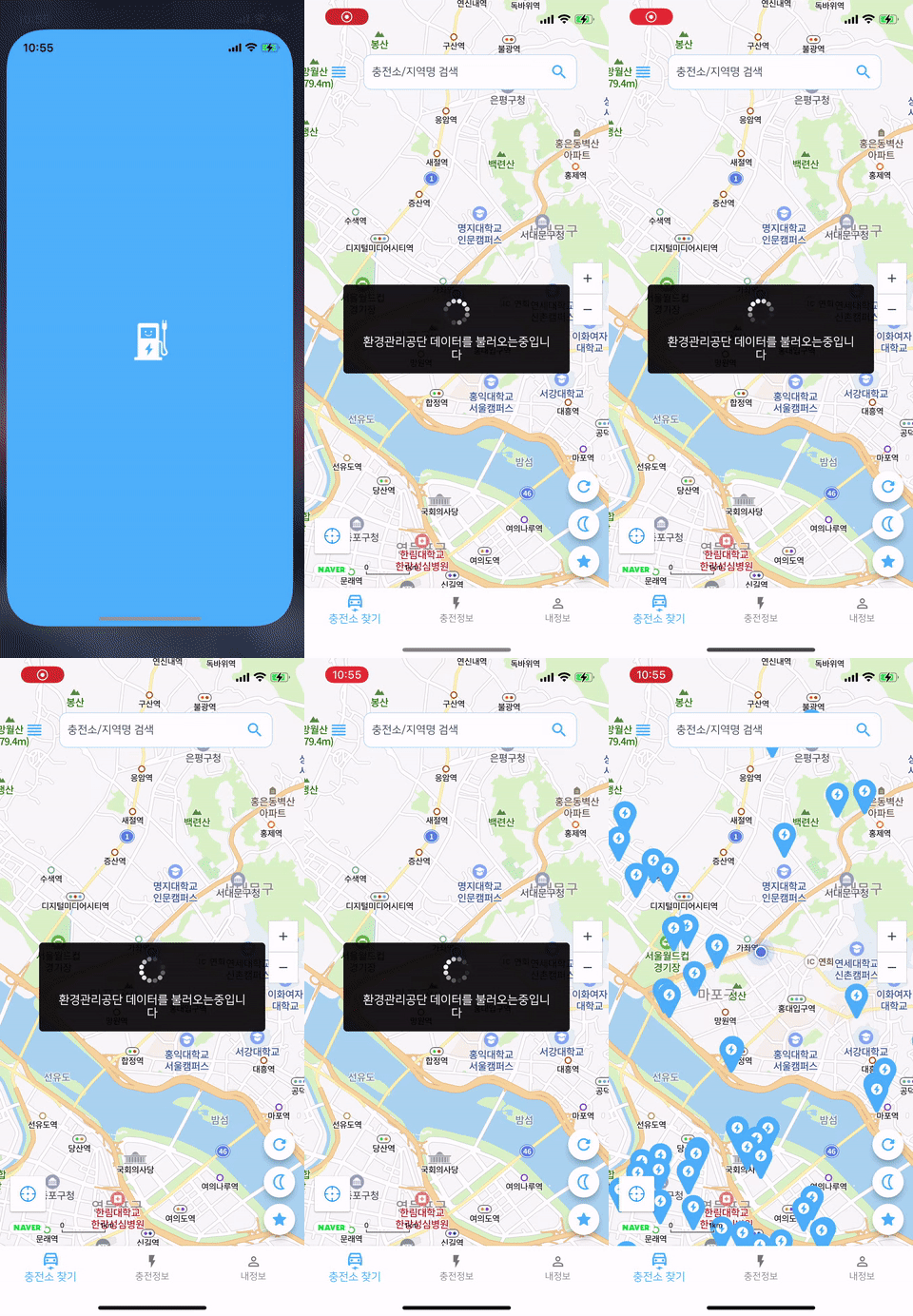
}
Checkout Sogang wiki for more information about this project