Add FUXA to your Home Assistant. It is an easy web-based Process Visualization (SCADA/HMI/Dashboard) software
This Addon is based on https://github.com/frangoteam/FUXA. All credits go to the team of frangoteam. Thanks for this awsome product. I instantly love it! Cheers Amon
FUXA is a web-based Process Visualization (SCADA/HMI/Dashboard) software. With FUXA you can create modern process visualizations with individual designs for your machines and real-time data display.
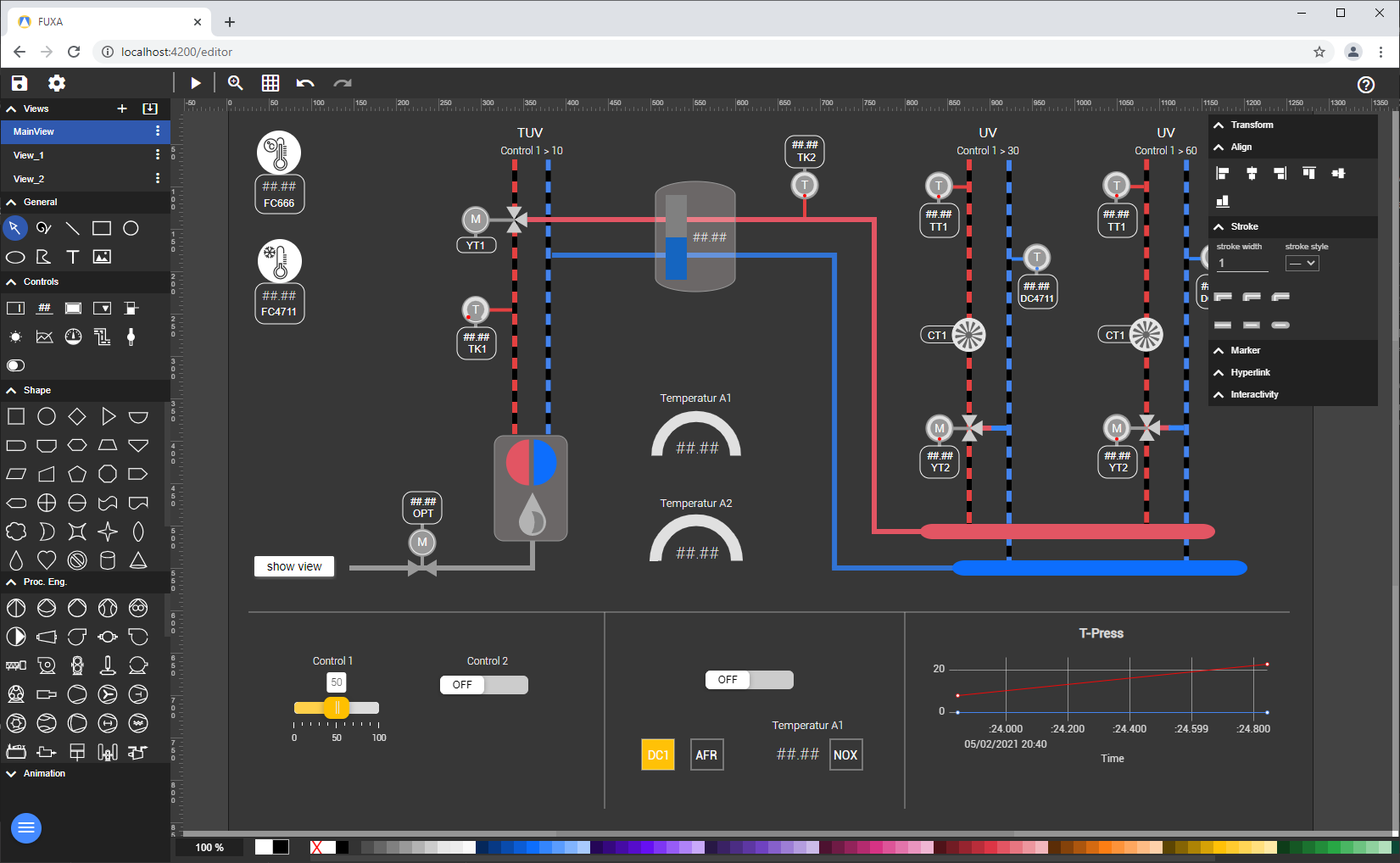
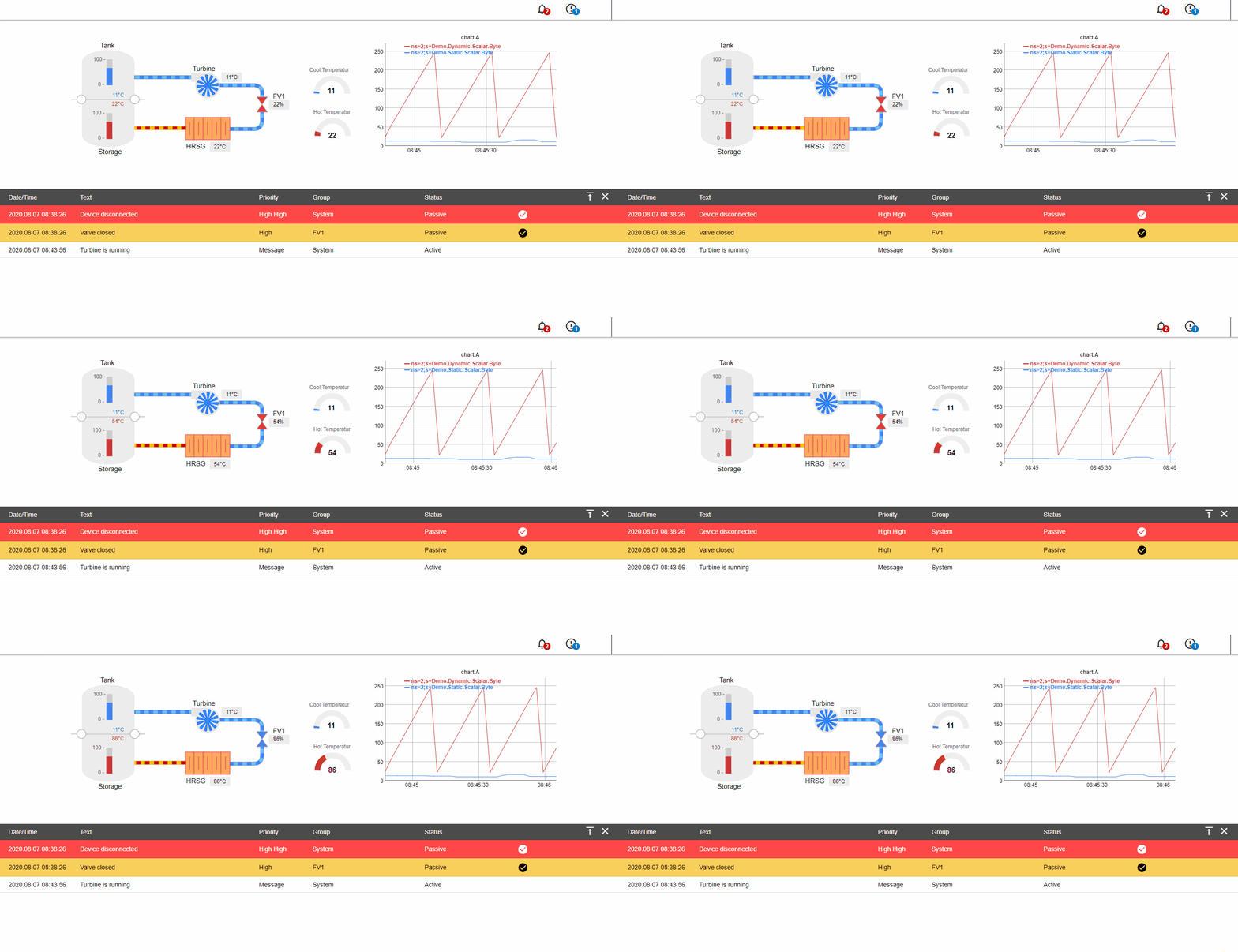
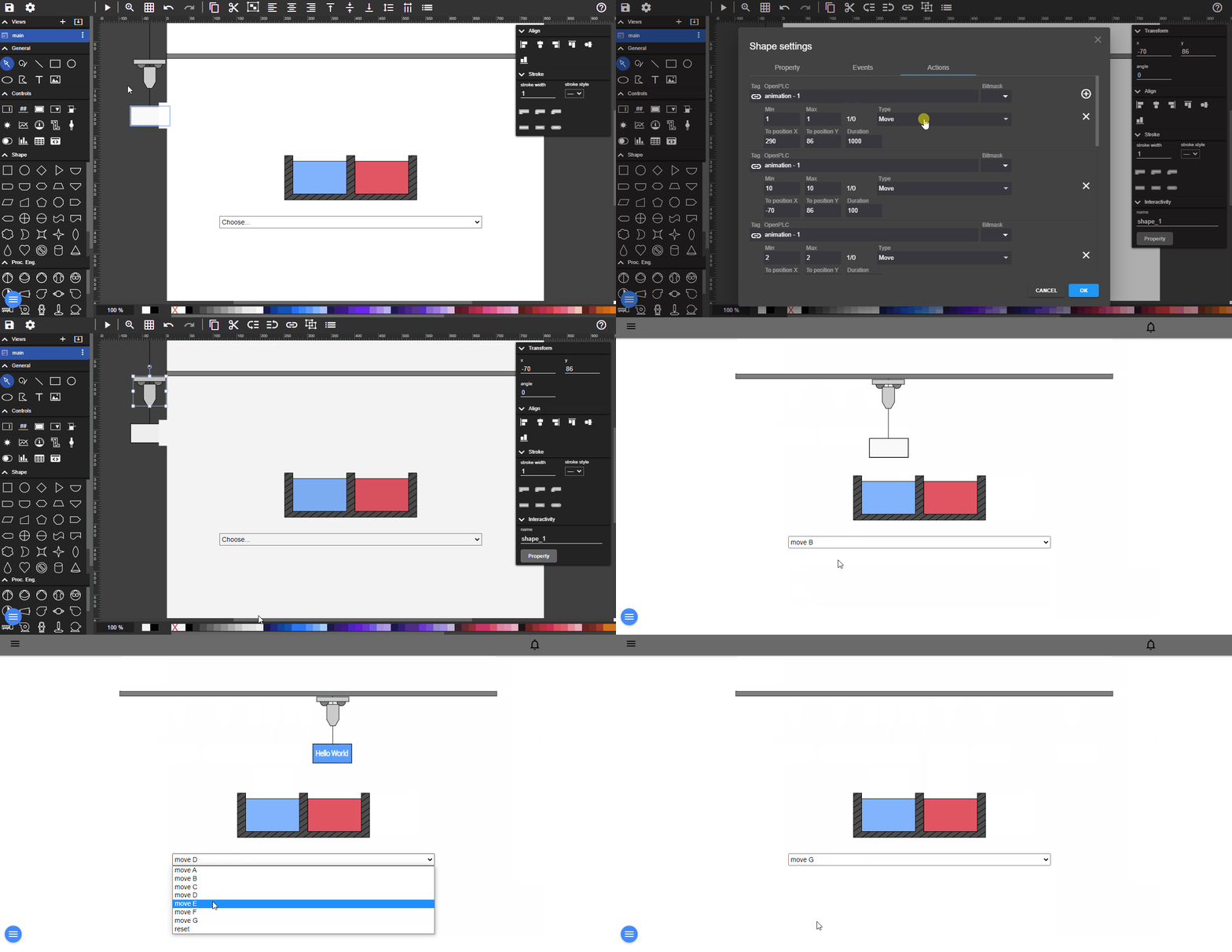
- Devices connectivity with Modbus RTU/TCP, Siemens S7 Protocol, OPC-UA, BACnet IP, MQTT, Ethernet/IP (Allen Bradley)
- SCADA/HMI Web-Editor - Engineering and Design completely web-based
- Cross-Platform Full-Stack - Backend with NodeJs and Frontend with Web technologies (HTML5, CSS, Javascript, Angular, SVG)
Here is a live demo example of FUXA editor.
Add this Repository https://github.com/SmartLiving-Rocks/FUXA/ manually or click here to add it via my Home Assistant:


- Go to Add-ons
- Click on ADD-ON-STORE in the lower right corner (Blue Button)
- Click on the three dots in the upper right corner
- Select
Repositories - Paste the url
https://github.com/SmartLiving-Rocks/FUXA/ - Hit Add and then close
- Refresh the page
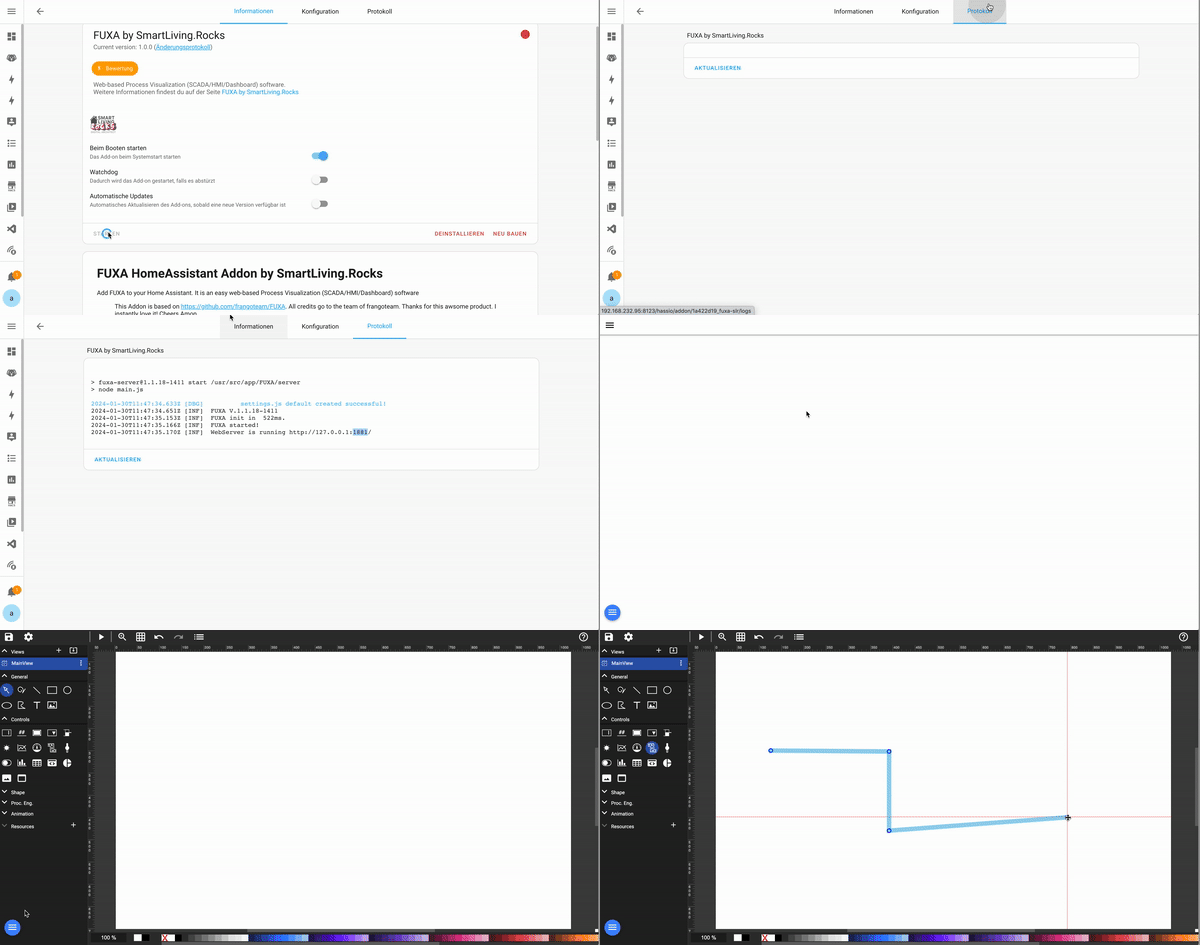
- The new Add-on
FUXA by SmartLiving.Rocksis now visible - Click on it
- Install the Add-on
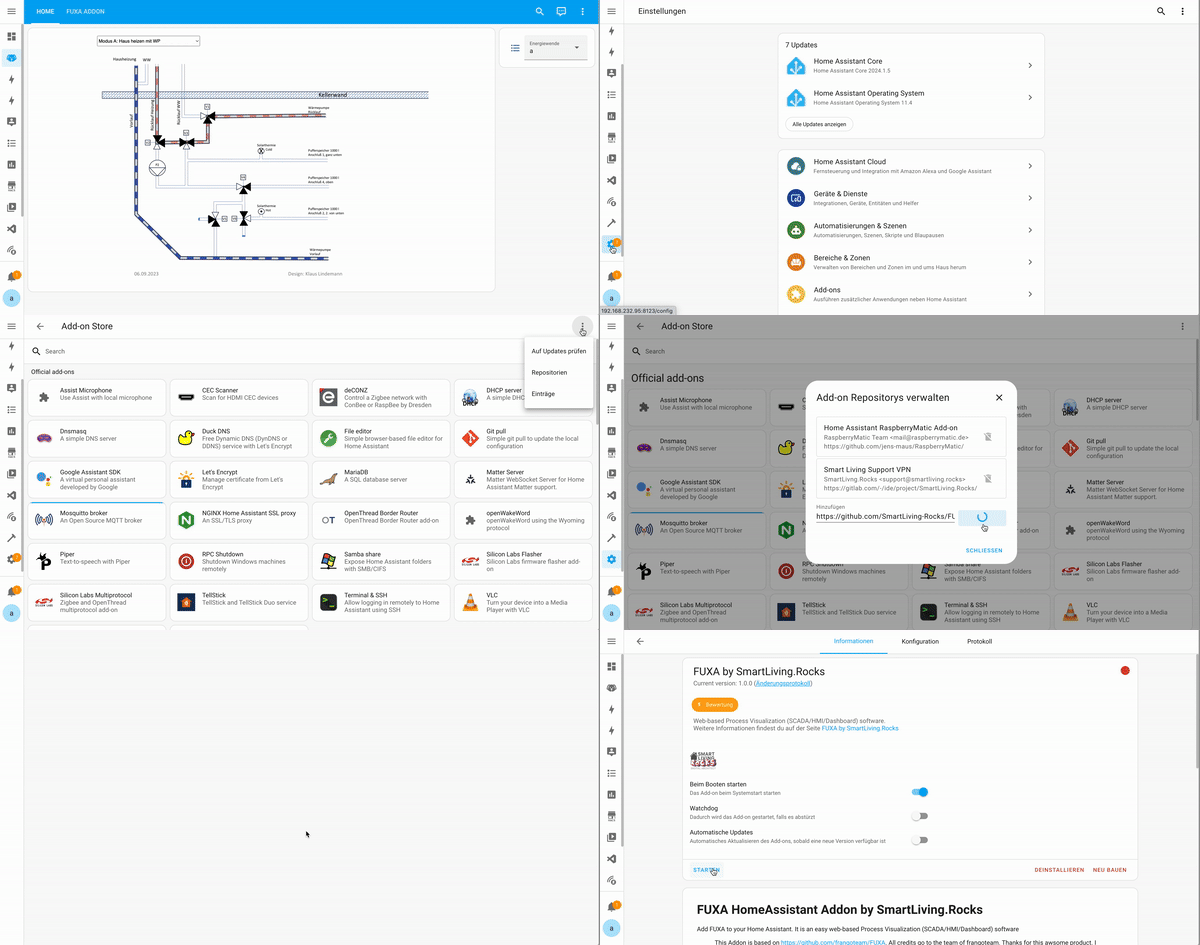
- Press
Start - Check the
Logs - Now FUXA is started and you can use it on port
1881 - You can use
homeasssitant.local:1881(just replace the:8123with:1881) - Have fun!
You can use the https://www.home-assistant.io/dashboards/iframe/ Lovelace card