
Screenshots • Key Features • How To Use • Tools Used

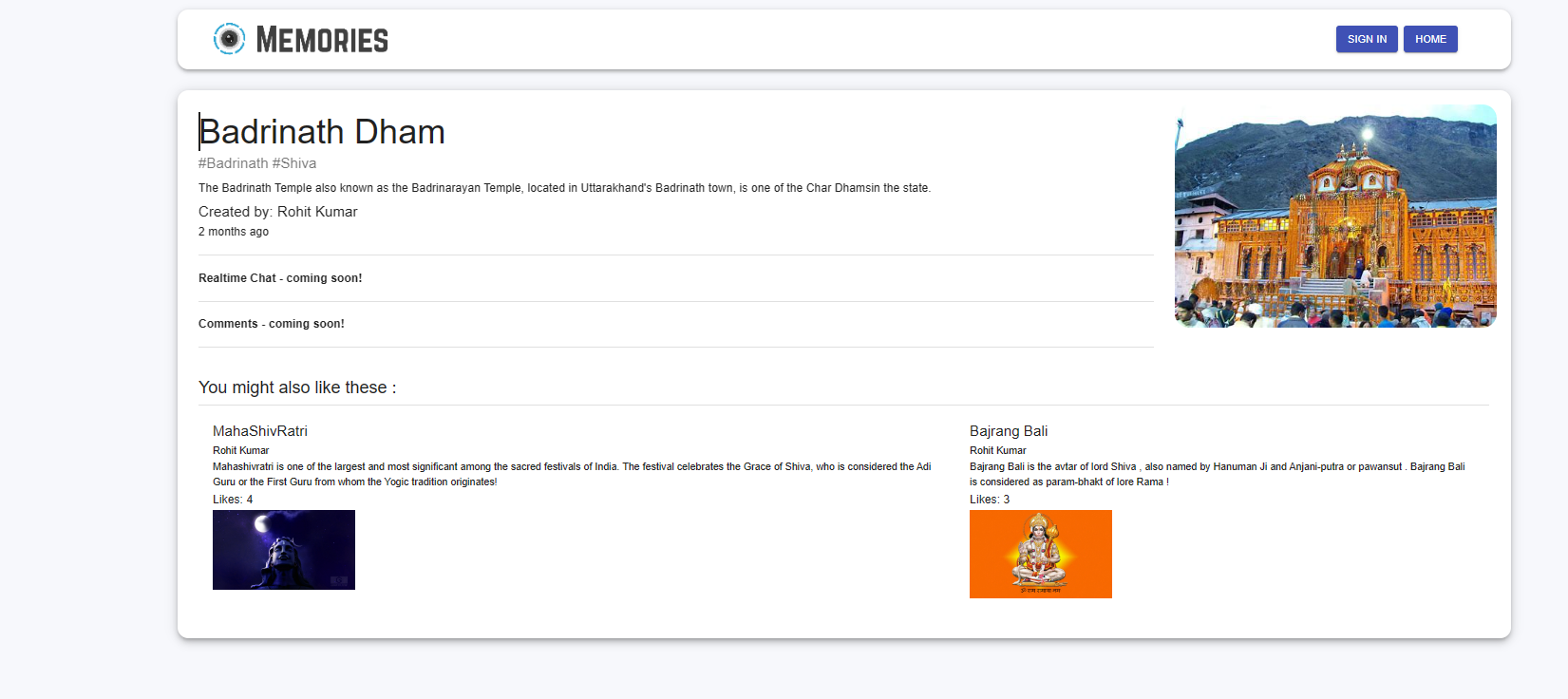
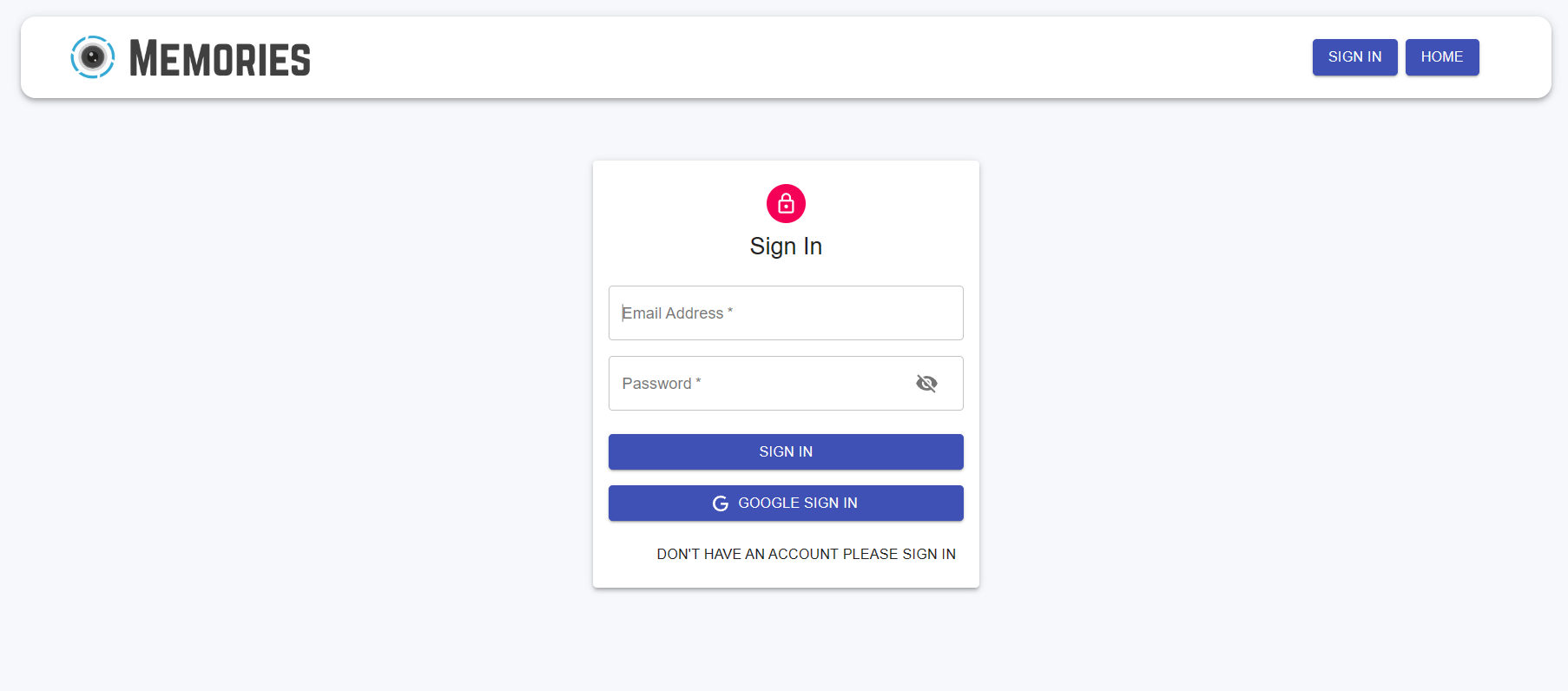
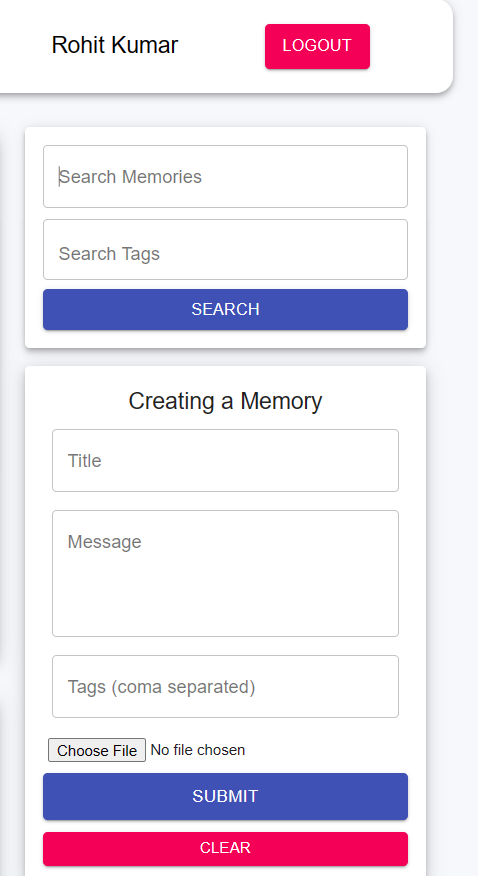
- Google Login
- Implemented Google OAuth 2.0 .
- JWT
- Used JWT for Authorization .
- User Friendly UI/UX
- Pagination
- used concept of pagination to fetch 8 posts per page for better user experience and fast render.
- Search
- implemented search by tags and also search by title.
- Like
- User can like any post .
To clone and run this application, you'll need Git, Node.js (which comes with npm) and MongoDB installed on your computer. From your command line:
# Clone this repository
$ git clone https://github.com/Rohit3501/Memories

# Go into the repository, Open terminal and split it
$ cd client on client side , cd server in server side

# Install dependencies for both the server & client sides
$ npm install

# Run the app on client side terminal
$ npm run start
#Run the server side
$ nodemon app.js