

Skip to content

Ricardo-Simoes/sleepnote

Folders and files

NameName
Last commit message
Last commit date

Latest commit


History

14 Commits


Repository files navigation

banner


a GRUB Theme for y'all Slipknot "maggots" out there

⚙️ Installation ( Manual )

1️⃣ Unpack theme

unzip sleepnote.zip

2️⃣ Copy the theme directory.

sudo cp -r sleepnote /boot/grub/themes/

3️⃣ Make changes to the GRUB config file.

sudo nano /etc/default/grub

Find the line GRUB_THEME= then change it to GRUB_THEME="/boot/grub/themes/sleepnote/theme.txt"

Then save the file.

4️⃣ Finally, update the grub.

sudo update-grub

Now the theme should be installed successfully, reboot & enjoy !!
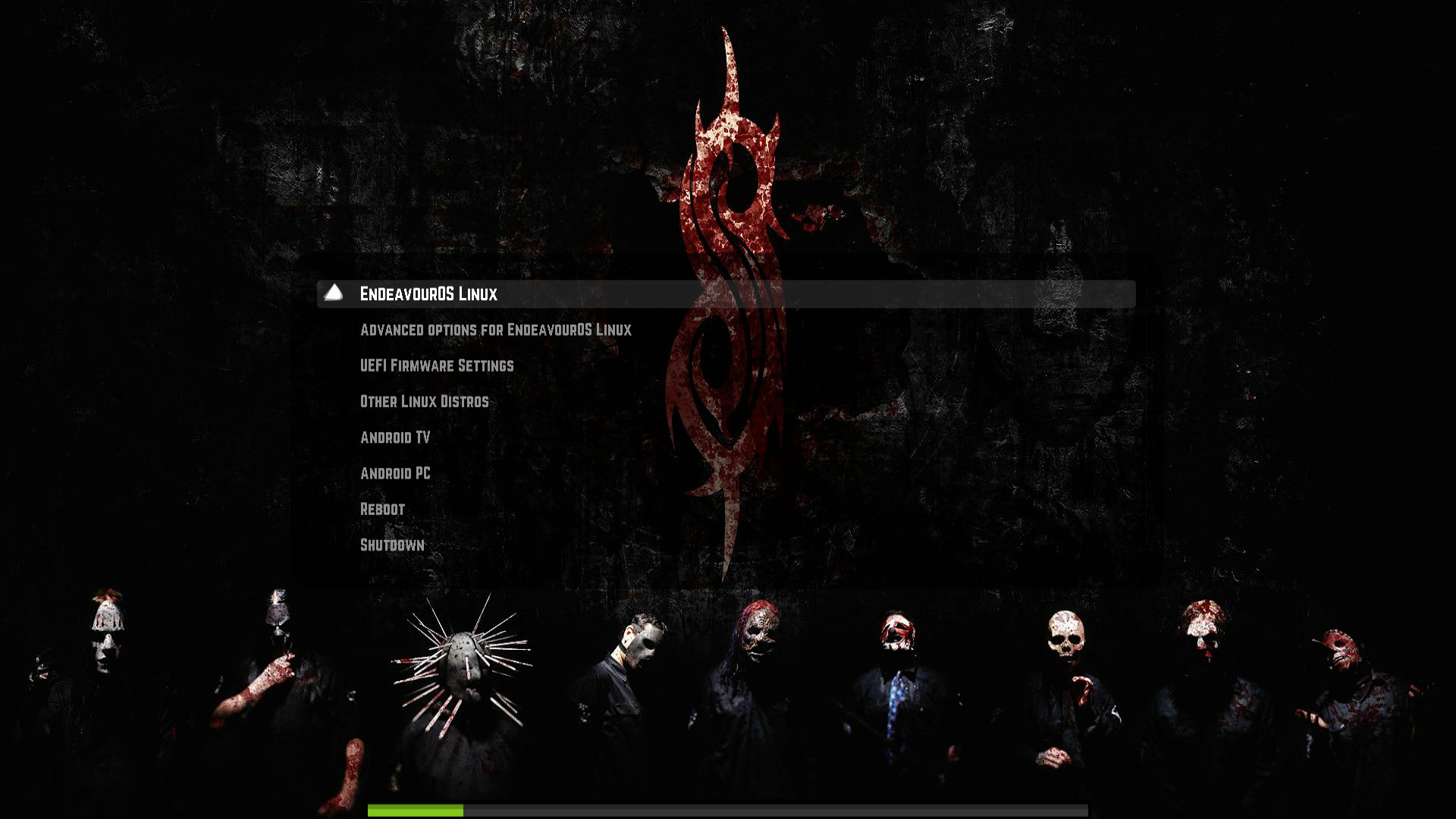
🖼️ Preview

preview

About

Sleepnote - a GRUB Theme for tha Slipknot "maggots"

Resources

License

Stars

Watchers

Forks

Releases

No releases published

Packages


Contributors