A dashboard for accessing all your selfhosted servers quickly.
| Dark Mode | Light mode |
|---|---|
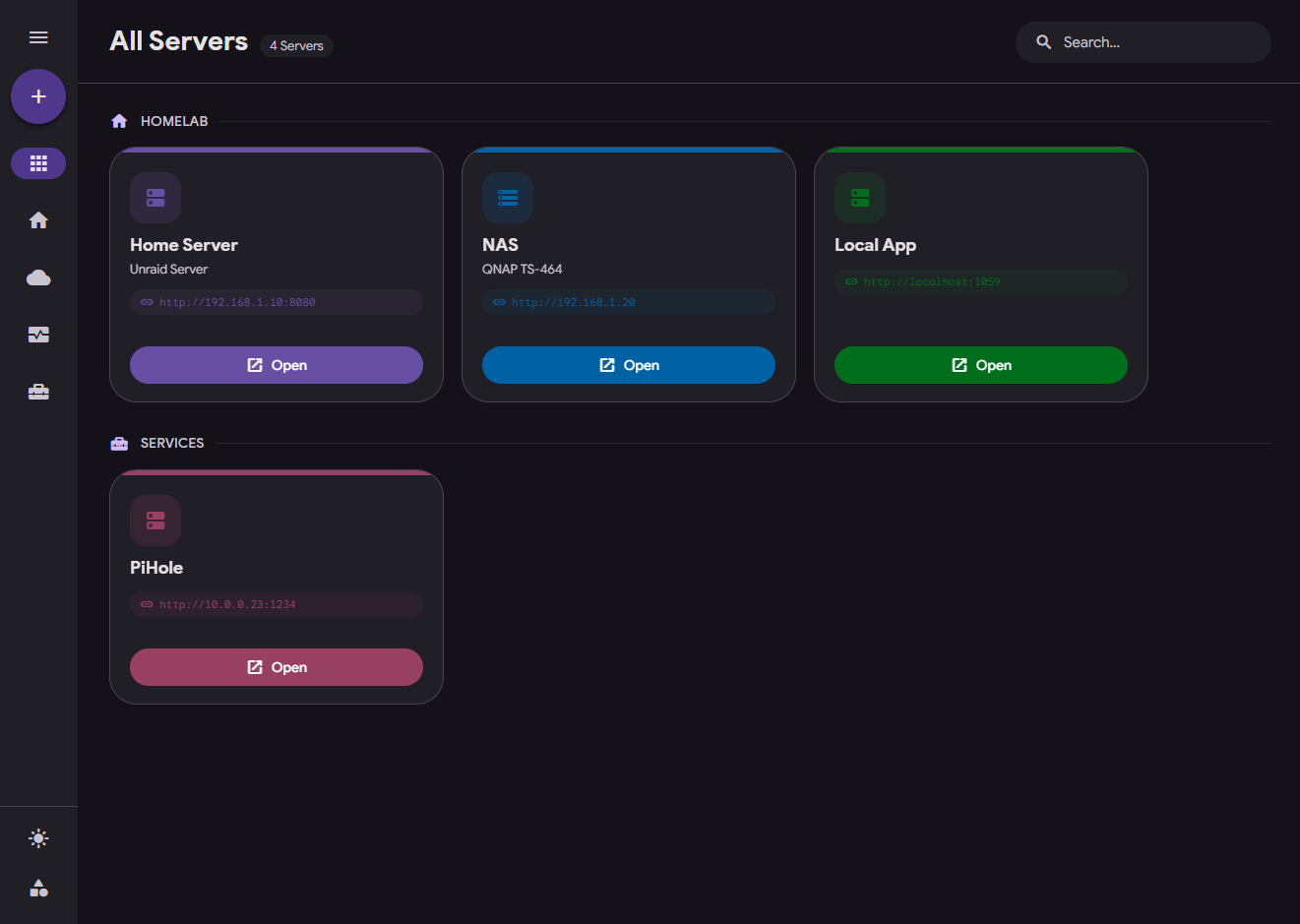 |
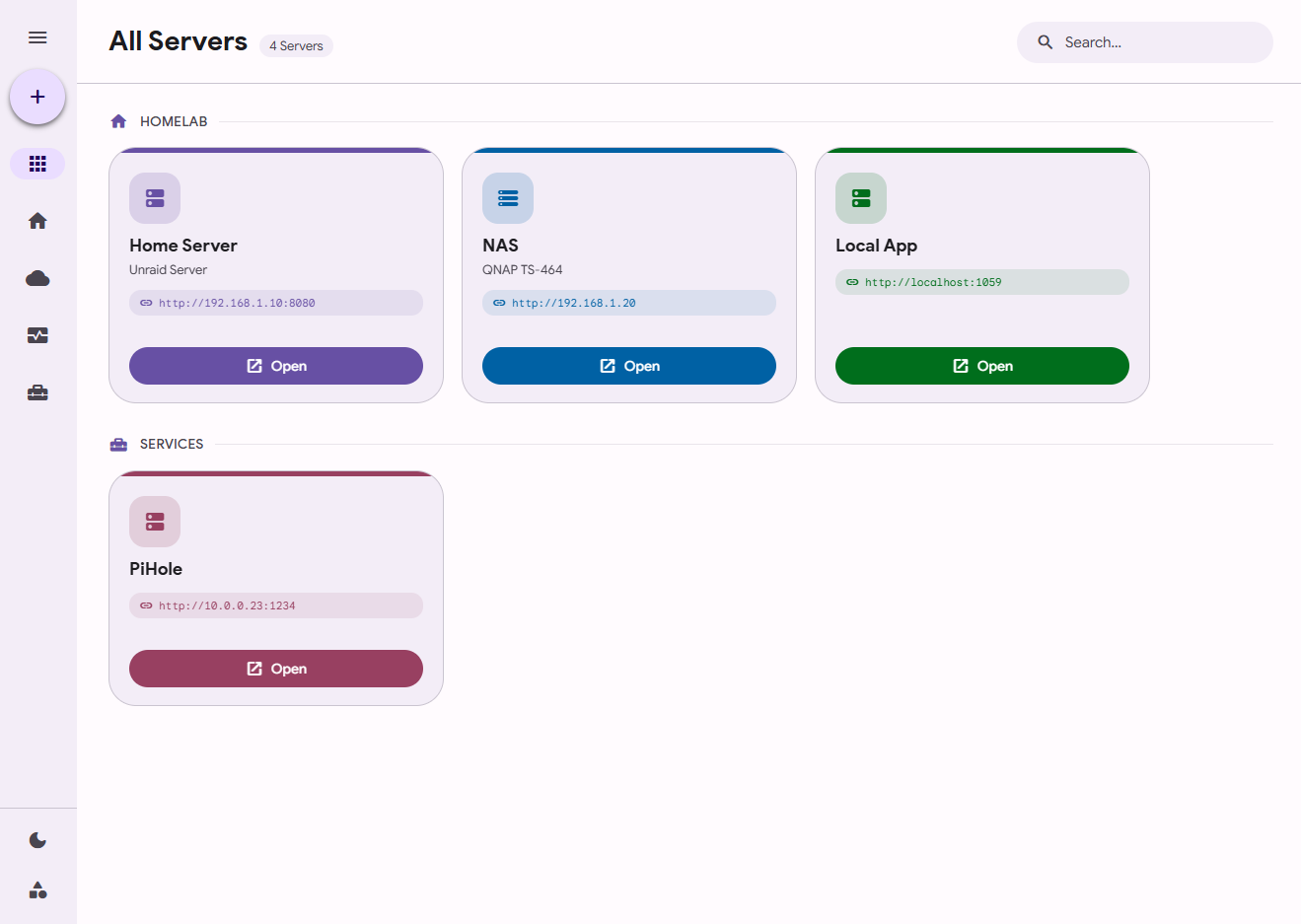 |
- Material Design 3 Expressive UI
- Custom Server Categories
- Dark/Light-Mode
- Easy Setup
- Fast deployment
All you need to do is run:
docker run -p 5000:5000 -v /your/host/path:/data ghcr.io/rhochr/serverhub:latestReplace /your/host/path with where you want to store the data. There are three channels to container releases:
- :edge The latest pre-release
- :latest The latest version (recommended)
- You can alway specify a specific release (e.g. :v0.2-alpha)
You can either download the source code and use the existing docker-compose.yml, which builds everything from scratch (make sure to set a volume for the data path!)
Or you can use this docker-compose file, it does not need the source code (also adjust the data path):
services:
  serverhub:
    image: ghcr.io/rhochr/serverhub:latest
    container_name: serverhub
    ports:
      - "5000:5000"
    volumes:
      - ./path/to/data/on/your/machine:/data
restart: unless-stoppedThe creation of this project was AI-Assisted. The very inital prototype (release v0.1) was mostly AI-Generated. UI and UX Decisions are Human-made.