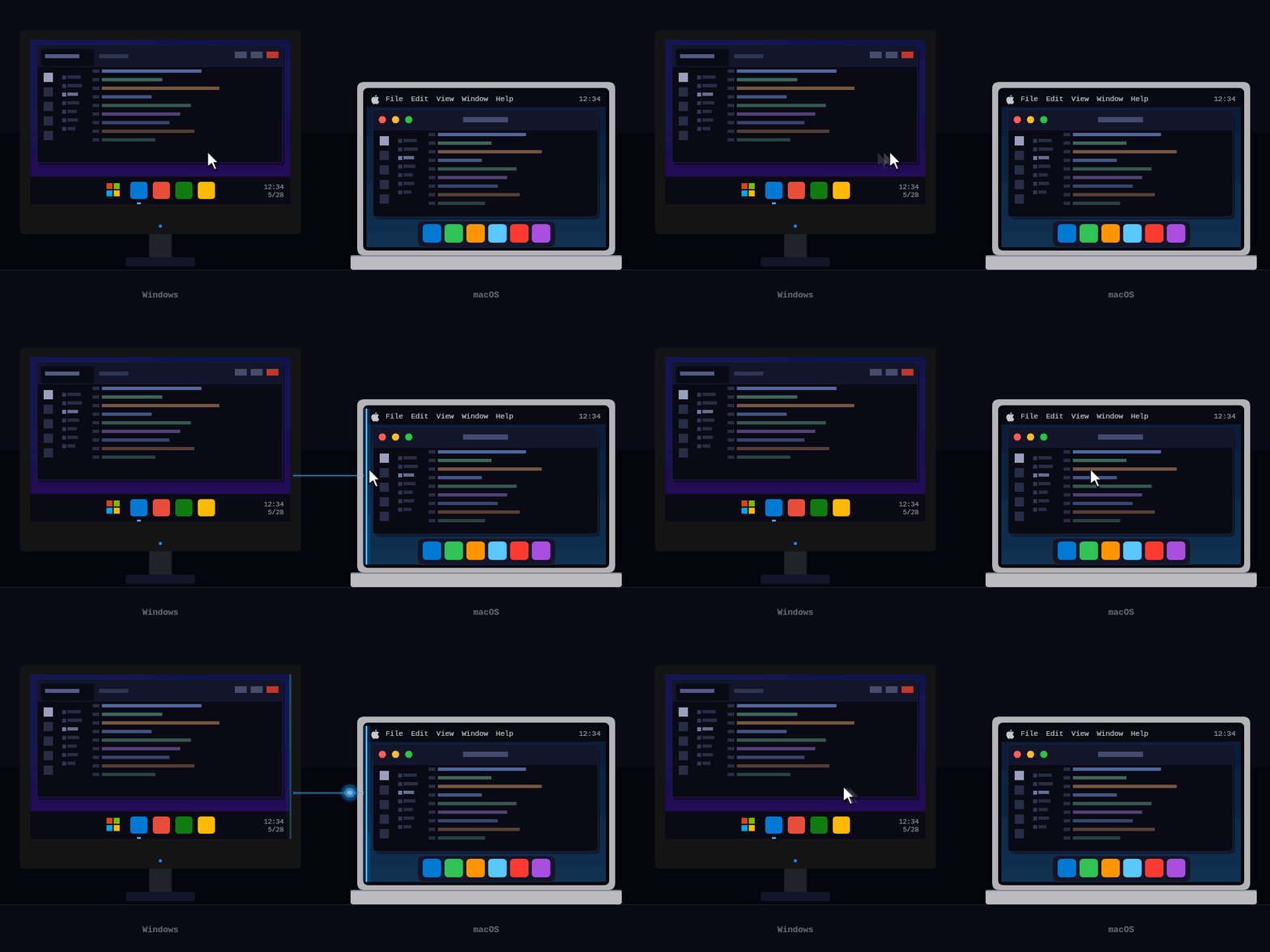
A modern, cross-platform software KVM — share one keyboard and mouse across Mac, Windows, and Linux by moving the cursor to the edge of the screen. A spiritual successor to Synergy and Barrier, with end to end encryption, support for online relays to bridge networks or VPN connections, and sending key input as pre-resolved Unicode characters to eliminate keyboard layout issues.




| Feature | Hydra | Synergy 3 | Deskflow | Input Leap | Barrier |
|---|---|---|---|---|---|
| Open source | ✅ GPLv2 | ❌ commercial ($29–39) | ✅ GPLv2 | ✅ GPLv2 | ✅ GPLv2 |
| macOS / Windows / Linux | ✅ | ✅ | ✅ | ✅ | ✅ |
| Works across networks / NAT (encrypted relay) | ✅ | ❌ LAN only | ❌ | ❌ | ❌ |
| Network-aware profile switching | ✅ | ❌ | ❌ | ❌ | ❌ |
| Cross-layout keyboard (types 'å' correctly on a US slave) | ✅ | ❌ | ❌ | ❌ | ❌ |
| Headless Linux / Raspberry Pi forwarder (no display server) | ✅ | ❌ | ❌ | ❌ | ❌ |
| Cross-machine file transfer | ✅ macOS + Windows | ✅ Windows + macOS | ❌ | ❌ | ❌ |
| Clipboard sync (text + images) | ✅ | ✅ | ✅ | partial | partial |
| Active development (2026) | ✅ | ✅ | ✅ | partial | ❌ |
The commuting laptop. Walk into the office, dock your laptop, and Hydra activates your Office profile automatically — cursor flows between screens, files copy across with one hotkey. Unplug at 5pm: the dock-detected profile drops. Get home and join the home WiFi: Hydra silently switches to your Home profile, where the same laptop now controls a mini-PC plugged into the TV. At a coffee shop with neither network: Hydra idles silently — there's nothing to connect to.
The Raspberry Pi as a wireless keyboard. A headless Pi tucked behind the TV runs Hydra in remote-only mode. Plug any USB keyboard and mouse into it, and they instantly control your Mac across the room — no display server, no Xorg, just evdev and a network cable.
Typing foreign characters across layouts. Norwegian master, US slave — type å on the master and å arrives correctly on the slave, even though the slave's keyboard has no key for it. Hydra resolves characters to Unicode on the master before transmission; dead-key composition (' + a → á) works the same way. No "force all machines to use the same layout" workarounds needed.
The VPN problem, solved. Your work laptop is on the corporate VPN; it can't see your personal machine sitting right next to it on the LAN. Drop a Styx container on a cheap VPS, paste the relay config into both machines' hydra.conf, and they connect through the relay as if they were on the same network — end-to-end encrypted, no port forwarding, no changes to the VPN.
Run the binary directly to try Hydra out, or use --install to set it up as a service / LaunchAgent that auto-starts on login and survives reboots.
macOS (Apple Silicon):
curl -L https://github.com/PacAnimal/hydra/releases/latest/download/hydra-osx-arm64.tar.gz | tar xz
./hydra             # run directly — good for testing, no install needed
./hydra --install   # installs as a login item, auto-starts on login
--install registers a LaunchAgent, clears the quarantine flag, and starts Hydra immediately. Grant Accessibility permission when prompted: System Settings → Privacy & Security → Accessibility → enable Hydra. To remove: ./hydra --uninstall.
Windows (x64):
Download hydra-win-x64.zip, extract, then run:
hydra.exe             # run directly — good for testing, no install needed
hydra.exe --install   # install as a Windows service (auto-start, survives logout)
A UAC prompt will appear for --install. Because Hydra installs as a LocalSystem service, it stays active on the Windows login and lock screens — mouse and keyboard control works even before you sign in. To remove: hydra.exe --uninstall.
Linux (x64):
curl -L https://github.com/PacAnimal/hydra/releases/latest/download/hydra-linux-x64.tar.gz | tar xz
chmod +x hydra
./hydra
Linux (arm64 / Raspberry Pi):
curl -L https://github.com/PacAnimal/hydra/releases/latest/download/hydra-linux-arm64.tar.gz | tar xz
chmod +x hydra
./hydra
All releases are self-contained — no .NET runtime installation required.
Linux with display: Requires X11 with XInput2. Wayland is not yet supported.
Linux headless (no display): See Remote-only / Raspberry Pi setup.
Create hydra.conf next to the binary on each machine.
Master (the machine with the physical keyboard and mouse):
{
  "name": "desktop",
  "profiles": [{
    "mode": "Master",
    "embeddedStyxServer": { "port": 5000, "password": "secret" },
    "hosts": [
      { "name": "desktop", "neighbours": [{ "direction": "right", "name": "laptop" }] },
      { "name": "laptop" }
    ]
  }]
}
Slave (the machine that receives input):
{
  "name": "laptop",
  "profiles": [{
    "mode": "Slave",
    "embeddedStyx": { "server": "http://192.168.1.10:5000", "password": "secret" }
  }]
}
Replace 192.168.1.10 with the master's IP address. Run ./hydra on both machines. Move the cursor past the right edge of the master's screen — it appears on the slave.
For cross-network setups (different LANs or over a VPN), see Networking with Styx.
The easiest way to set up multi-machine layouts, Styx relay configs, and network-aware profiles is the Hydra Config Editor — a web UI that lets you visually arrange screens and download a ready-to-use hydra.conf.
- Seamless cursor transitions in any direction (left, right, up, down)
- Multi-monitor support — multiple local and remote monitors, auto-detected at startup and on connect/disconnect
- Flexible layout: L-shaped, grids, or any topology
- Range-based neighbours — split edges to route to different hosts by cursor position
- Per-screen scale — control cursor speed on each remote screen
- Full keyboard forwarding including dead keys and special characters — resolved on the master using its keyboard layout
- Mouse button and scroll forwarding
- Clipboard sync — text and images synced automatically when switching machines (all platforms)
- File transfer — cross-machine copy/paste of files and folders via hotkey (macOS and Windows)
- Media key forwarding — volume, playback, brightness keys forwarded to the active machine
- Screensaver sync — activating the screensaver on the master locks all connected slaves
- Windows login screen support — installed as a system service, Hydra stays active on the lock and login screens
- End-to-end encrypted relay via Styx for machines on different networks
- Remote-only mode — use a headless Linux machine (e.g. Raspberry Pi) as a dedicated input forwarder with no local screen
- Configuration reference — all config fields, screen layout options, network-aware profiles, hotkeys, Styx setup, and building from source